ADVERTISING
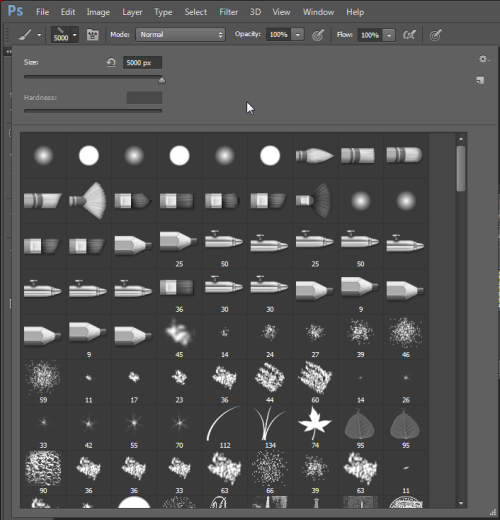
In this tutorial by Helen Bradley from Digital Photography School you are going to learn five important features of the brush tool in Photoshop such as setting the size, opacity and hardness from the keyboard, painting a straight line, saving a brush configuration settings, and more. Brushes are used a lot in photo editing from removing blemishes and smoothing skin to dodging and burning and painting on masks. Be sure to check this article!