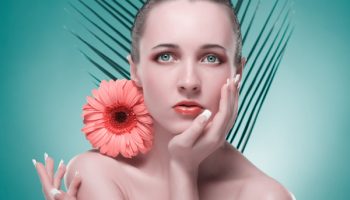
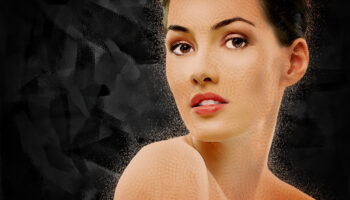
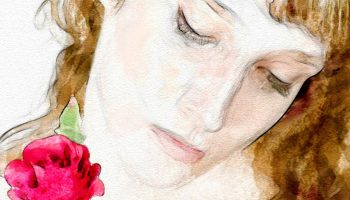
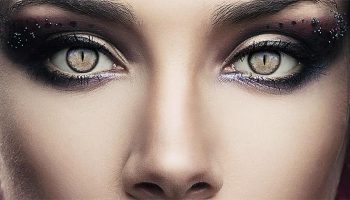
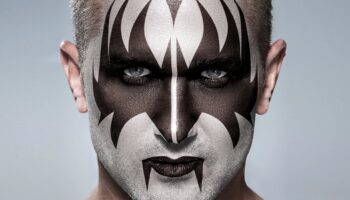
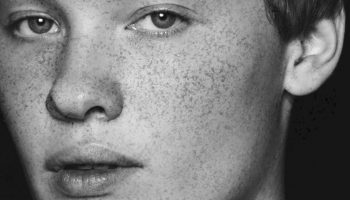
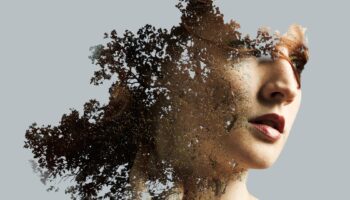
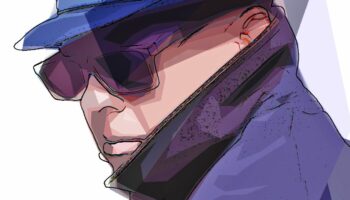
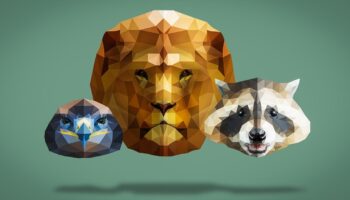
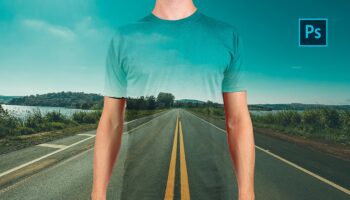
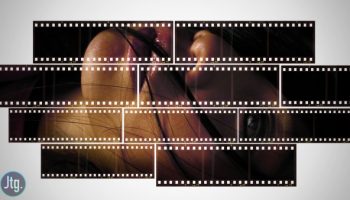
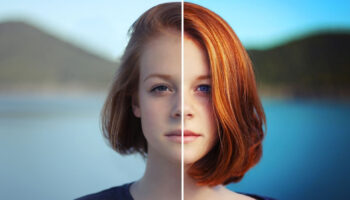
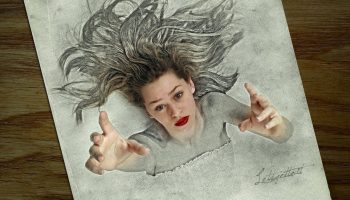
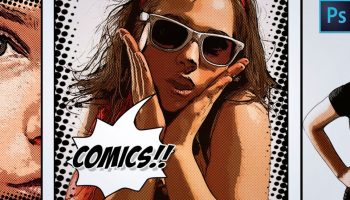
About a year ago I published a comprehensive list of more than 800 Photoshop tutorials and downloads that was a hit. That list gathered a group of highly categorized Photoshop resources lists. Having all lists gathered in one article is something like a meta bookmark of the most important Photoshop tutorials.

Well, it’s been over a year and I believe it is time to publish the second roundup of Photoshop resources lists.
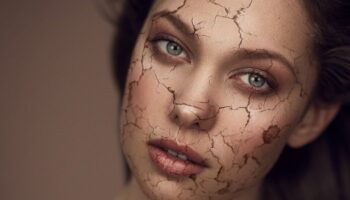
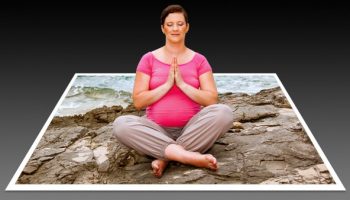
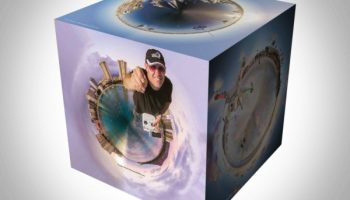
In this occasion, you will find some very specialized topics, such as gadget creation, water splashes effects, apocalyptic scenes, photorealistic text effects, and some Star Wars 3D models you can download for free. Remember that Photoshop is now a 3D application too!
|
About the AuthorEnrique Flouret is an Argentina based Architect and Web Designer with 10 years of web experience. He is the editor and owner of Photoshop Roadmap, Creative Closeup, Textures01 and Photoshop Latino, a Photoshop tutorials site in Spanish. |
If you want to become proficient at Photoshop fast, but
don’t want to spend hours and hours battling your way
through incredibly boring manuals, waste several days
watching colossal DVD courses, or attend incredibly
expensive special classes. Read More…
Photoshop is the gold standard for image-editing programs and is used by professional photographers, graphic designers, and Web designers as well as hobbyists. More than 300,000 copies of this comprehensive reference have been sold in previous editions; this edition is fully updated to cover Photoshop CS5’s newest features and includes a 16-page full-color insert. Read More…
For the first time, Scott Kelby has assembled all of his best Photoshop techniques for professionally retouching portraits and collected them here in this groundbreaking new volume. Beginning with the essentials, Scott starts with the eyes–in many portraits, the most important part of the picture. Scott shows how to brighten the eyes, create and enhance catchlights, and remove dark circles from under the eyes. He then moves on to such techniques as softening and smoothing skin, removing blemishes, touching up clothing and backgrounds, retouching the nose, removing wrinkles, removing stray hairs, and retouching and whitening teeth. All of these are truly professional techniques that Scott has simplified into an exact, step-by-step process in Photoshop CS5 that yields great results fast. Toward the end of the book, Scott takes the reader through his entire portrait retouching workflow from beginning to end. Read More…
Enrique Flouret is an Argentina based Architect and Web Designer with 10 years of web experience. He is the editor and owner of Photoshop Roadmap, Creative Closeup and Photoshop Latino, a Photoshop tutorials site in Spanish. Google+ profile
|
|