ADVERTISING
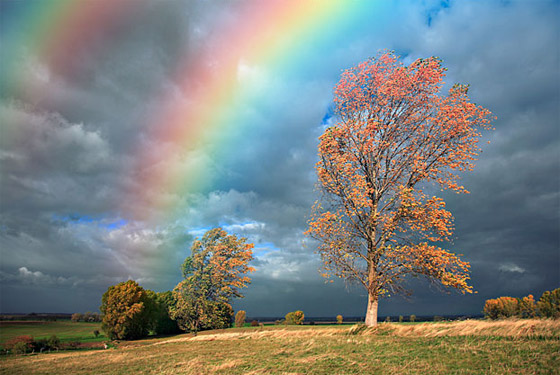
By Steve Patterson. In this Photoshop Effects tutorial, you will learn how to easily add a rainbow, and even a double rainbow, to a photo! Photoshop ships with a ready-made rainbow gradient for us to use. You’ll learn where to find it, how to load it in, and how to flip the order of the colors in a gradient, which you will need to do to create a more realistic double rainbow effect.
Final Image