Apply a Burning Flames Effect to a Photo in Photoshop

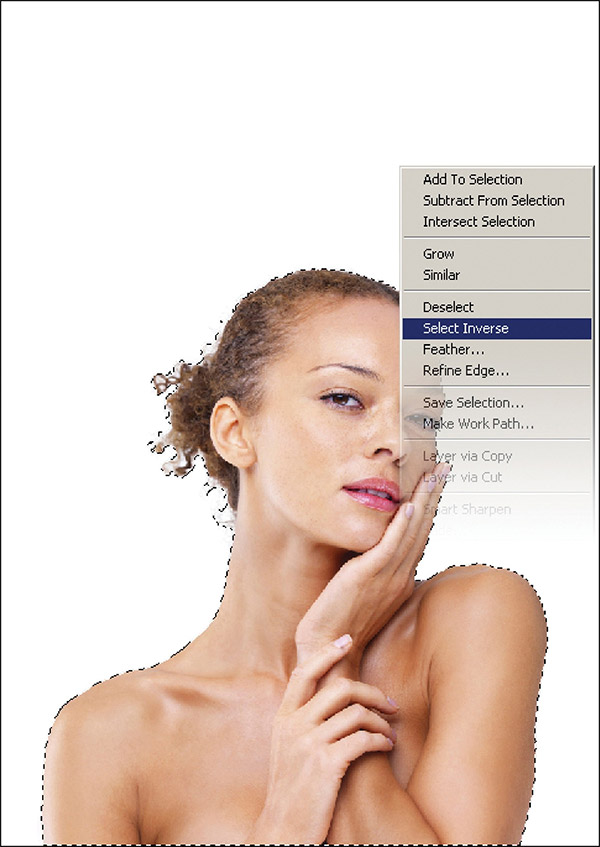
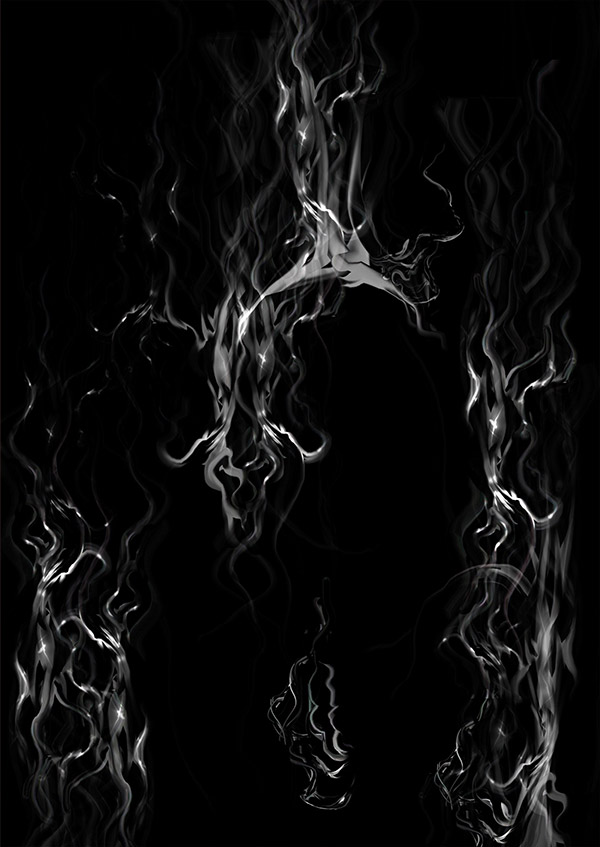
In this tutorial by Neville D’Souza, you are going to learn how to take a simple model shot and transform it into a spitting, crackling beacon of fire. Using some of the most common Photoshop tools the author shows how to create a complicated artwork without relying on third-party plug-ins.
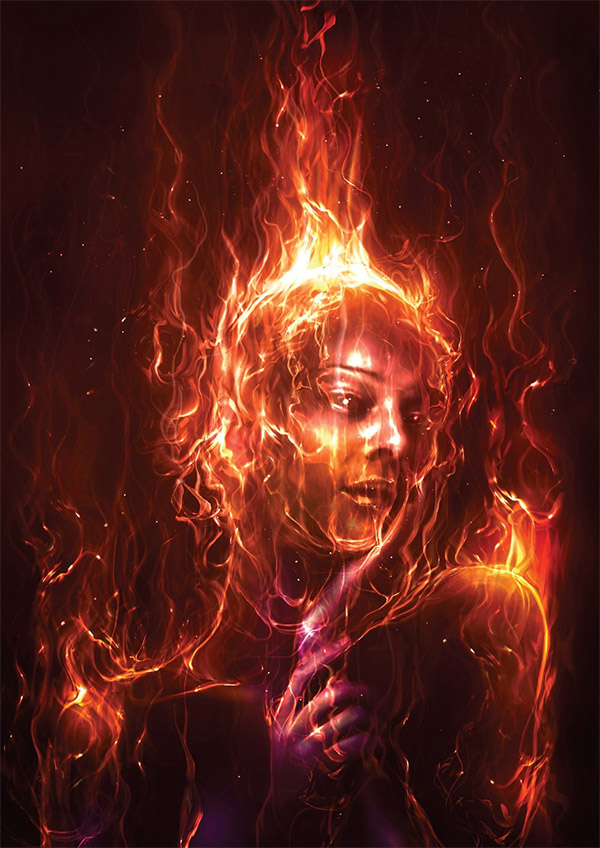
Final Image

Process Preview

Read this tutorial at Digital Arts Online

Related posts:

About the Author

Enrique Flouret is an Argentina based Architect and Web Designer with 10 years of web experience. He is the editor and owner of Photoshop Roadmap, Creative Closeup and Photoshop Latino, a Photoshop tutorials site in Spanish. Google+ profile


Adobe Creative Suite 6