ADVERTISING
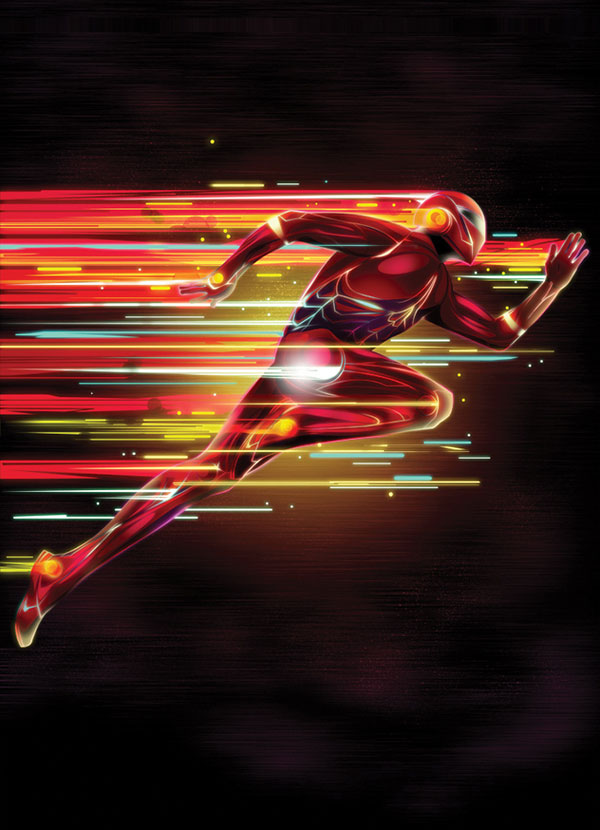
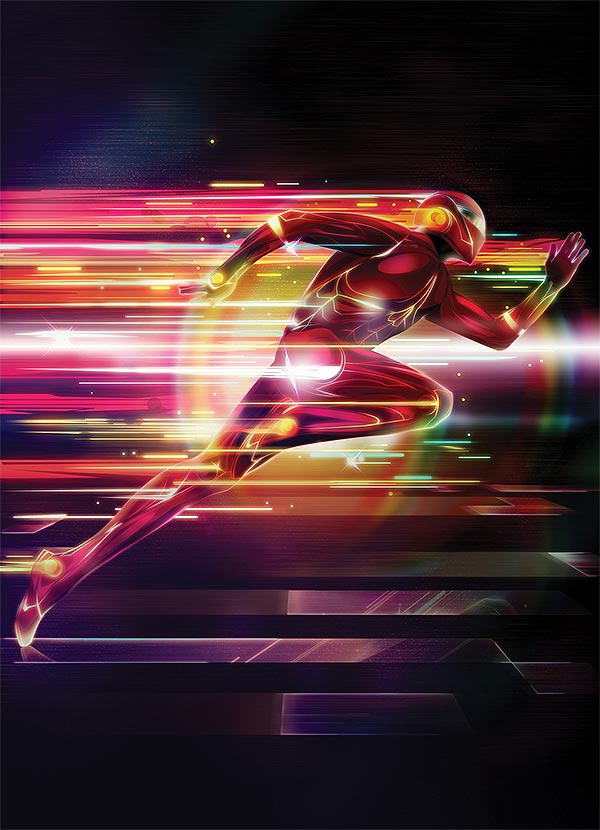
In this tutorial Kervin Brisseaux shows how he turned a basic illustration into a retro-futuristic artwork in Photoshop. You’ll use the Marquee and Pen tools to create various forms, and generate atmosphere with glow effects made using Adjustment layers and Layer Styles. You’ll also use motion blur for a dynamic feel.
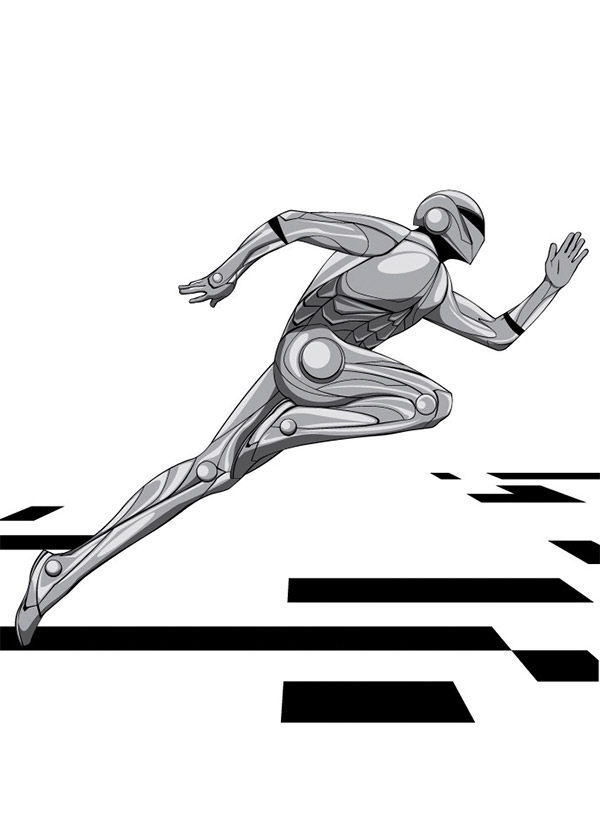
You will start with a pre made black and white illustration which is included in the article, plus the full layered PSD artwork.
Final Image
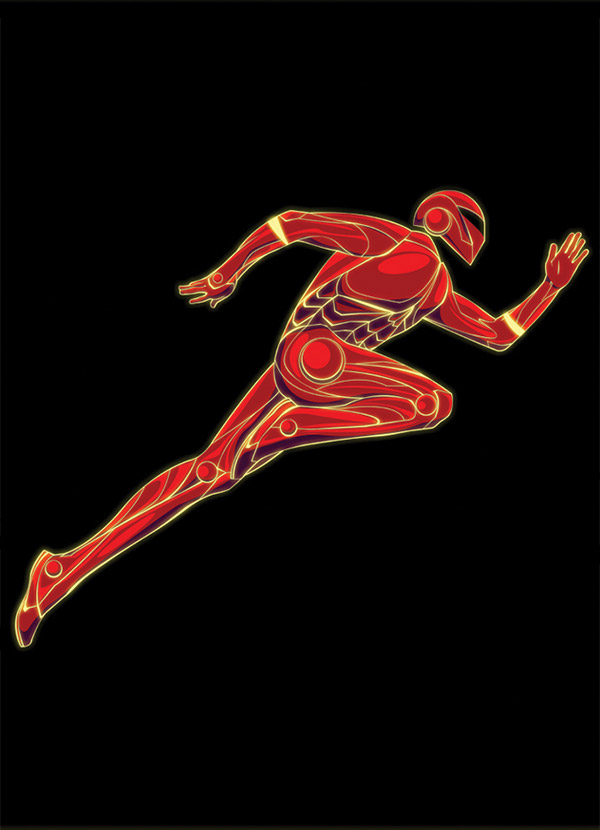
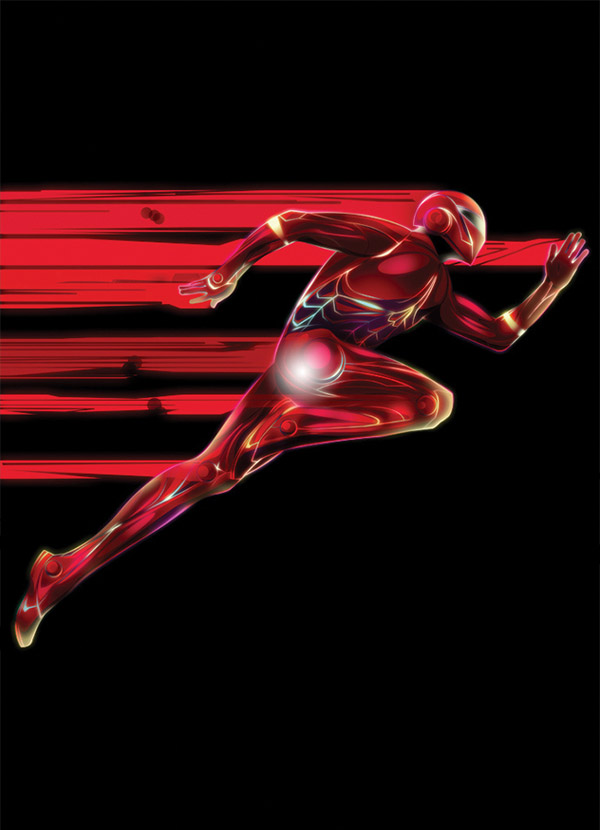
Process preview