ADVERTISING
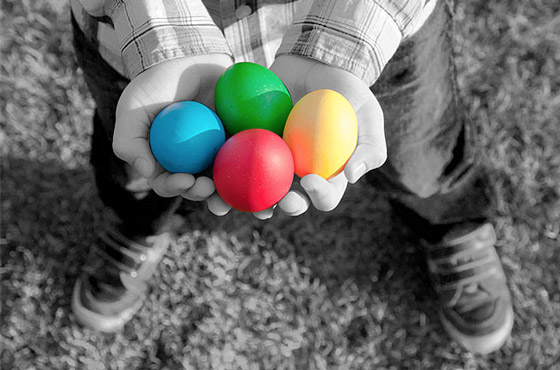
In this tutorial written by Steve Patterson, you are going to learn an easy way to create a selective coloring effect in Photoshop. This will be achieved by converting a photo to black and white, but leaving the main subject in full color. Although it may sound a complicated or time consuming task, it’s not. As you will see, the entire effect can be created in just a few short steps using nothing more than a selection tool, an adjustment layer and a layer mask!
Selective Coloring Final Image