Home Photoshop tutorials

Textures and backgrounds

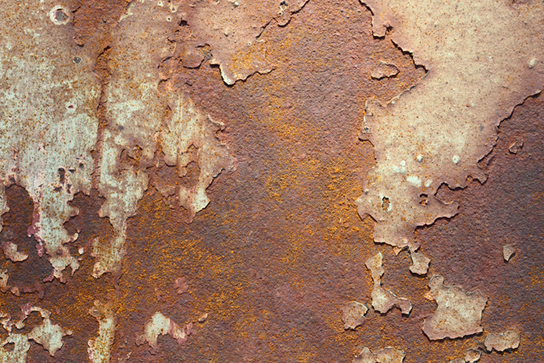
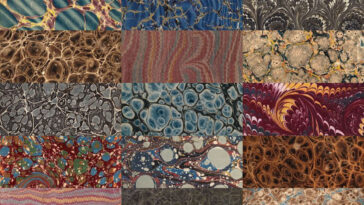
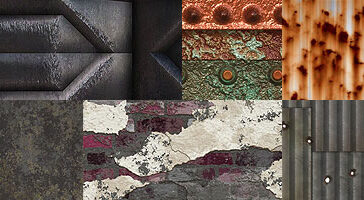
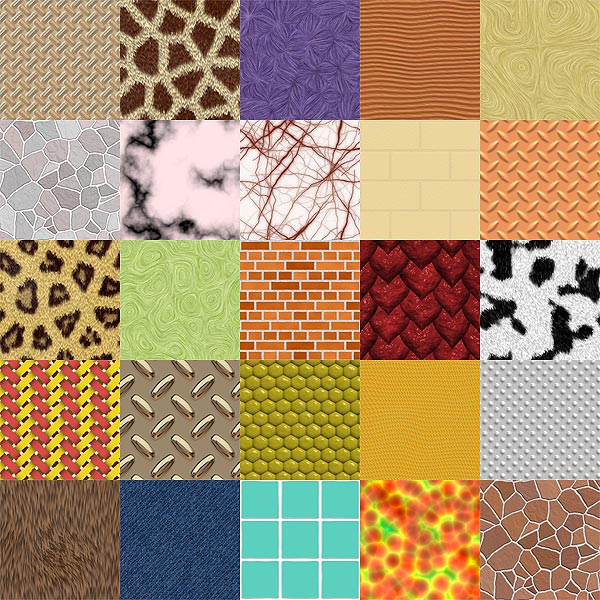
Bitmap textures are digital images representing a surface, a material or a pattern. Textures can be built as a large image, so as to fill the complete destination area without repeating the image with visible seams. Also bitmap textures can be created to be used as repetitive patterns to fill an infinite area. The borders of these patterns or small textures should be treated to give a seamless appearance when applied to an image, unless, of course, the seam is something to be shown. When designed for print, textures should be created in high-resolution in order to achieve good results in the final print. On the other side, if these textures are meant to be used in multimedia, 3d animation or web design, they should be created in a maximum resolution that equals the one of the final display (Tv, computer monitor, movie projector, etc.).

Most Popular Textures and backgrounds Photoshop Tutorials

Sort this listing by: Date | Popularity | Alphabetically

Photoshop tutorials categories

Photoshop background for the web

Photoshop background for the web

How do they make those great backgrounds? We'll show you how using Adobe Photoshop. This easy, step-by-step tutorial will help you create a background for your own web page or just for fun.

Author: Leading Object | Visits: 17185

Simple background

Simple background

Make a simple background for your signtatures/art using this effective tutorial.

Author: Project Angel | Visits: 14818

Brushed Metal

Brushed Metal

Brushed metal effects are, without a shadow of a doubt, extremely popular amongst all Photoshop users. The reasons behind this are simple - no other single effect is as useful, or as simple to create.

Author: Biorust | Visits: 14105

Gold Texture

Gold Texture

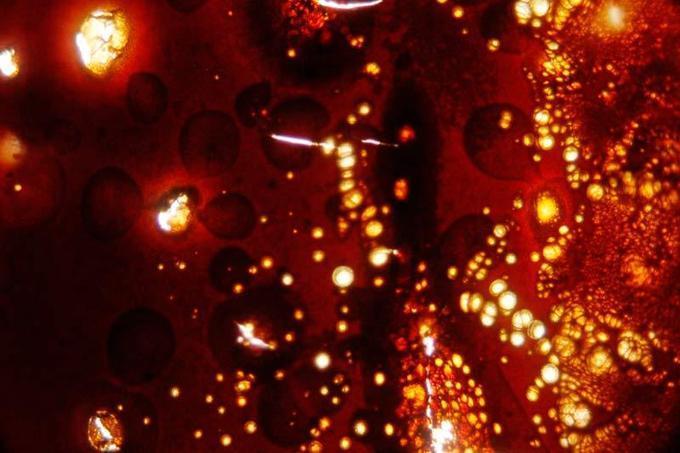
This tutorial shows you how to create texture that looks like gold.

Author: TutorialWiz | Visits: 11889

Techno Dots

Techno Dots

Fashionable techno dots.

Author: Epragt | Visits: 11755

Abstract Background

Abstract Background

Here is a simple way to create beautiful backgrounds without using any brushes, or, thank goodness, the pen tools.
Image and tutorial by ARRAICH

Author: Jay Arraich | Visits: 10429

Plaid Patterns

Plaid Patterns

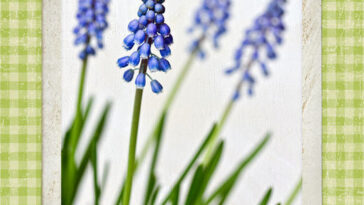
Tartans made easy
Image and tutorial by ESCRAPPERS

Author: Escrappers | Visits: 10410

How To Create Brushed Aluminum

How To Create Brushed Aluminum

Quickly reproduce the texture of an Apple Powerbook in 4 easy steps.

Author: Photoshop Support | Visits: 9927

Smoke Texture

Smoke Texture

Learn how to create a smoke texture! Part of the Historical Tutorial series: Webdesignstudien.de is going to be relunched in a few days.

Author: Web Design Studien | Visits: 9922

Parchment Paper

Parchment Paper

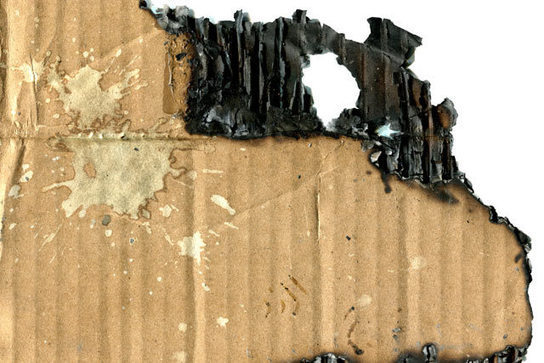
In this tutorial I will walk you step by step in creating realistic Parchment that looks Aged and Burnt. It is real simple and makes good use of some uncommon features to People new to Photoshop.

Author: Pure Photoshop | Visits: 8211

Search this site

Web
Photoshop Roadmap

Receive The Photoshop Roadmap RSS Feeds
by email

Enter your email address:

Delivered by FeedBurner

Recommended Photoshop Tutorials Sites

Photoshop Support

Photoshop Essentials

PSDTuts

Photoshop Tutorials