


The world of free stock photography has changed a lot over the last decade. It used to be ruled by a few big platforms filled with low-resolution, overly polished commercial shots. Today, the real problem isn’t finding images—it’s cutting through the noise.
For Photoshop users, AI-generated content adds another layer of frustration. Many large libraries are now packed with synthetic images. They might work for quick social posts, but they often fail the “Photoshop test.” When you zoom in to mask a subject or adjust lighting, you’ll notice mushy textures, strange depth of field, and optical artifacts that make serious compositing difficult.
To create believable edits, you need files with real detail, natural lens behavior, and authentic light.
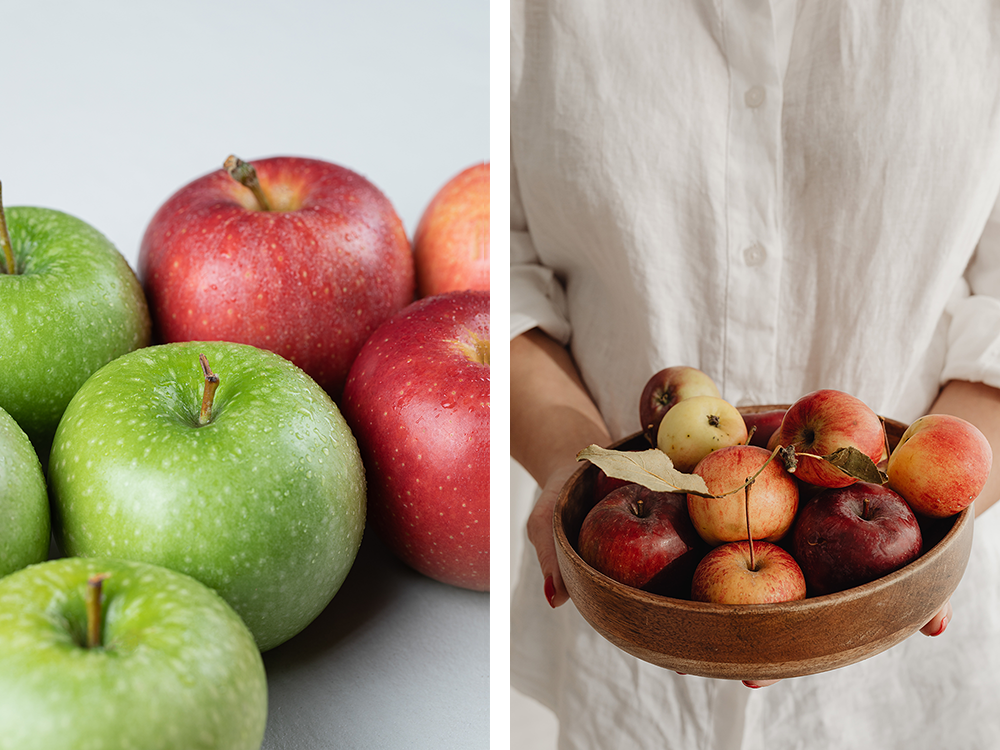
The good news? Free stock has also evolved into smaller, boutique platforms. These sites—often run by photographers or small creative teams—focus on editorial quality over quantity. The result is more natural imagery: candid moments, moody light, and real-world textures that once required expensive licenses.
I’ve curated the list below to help you find these higher-quality options, organized by strengths, with a Photoshop-focused tip for each.
The Boutique Collections
These sites are smaller than the giants, but they are curated by people with a specific eye for design. Use these when you want your project to look like it belongs in a high-end magazine rather than a corporate brochure.
Kaboompics
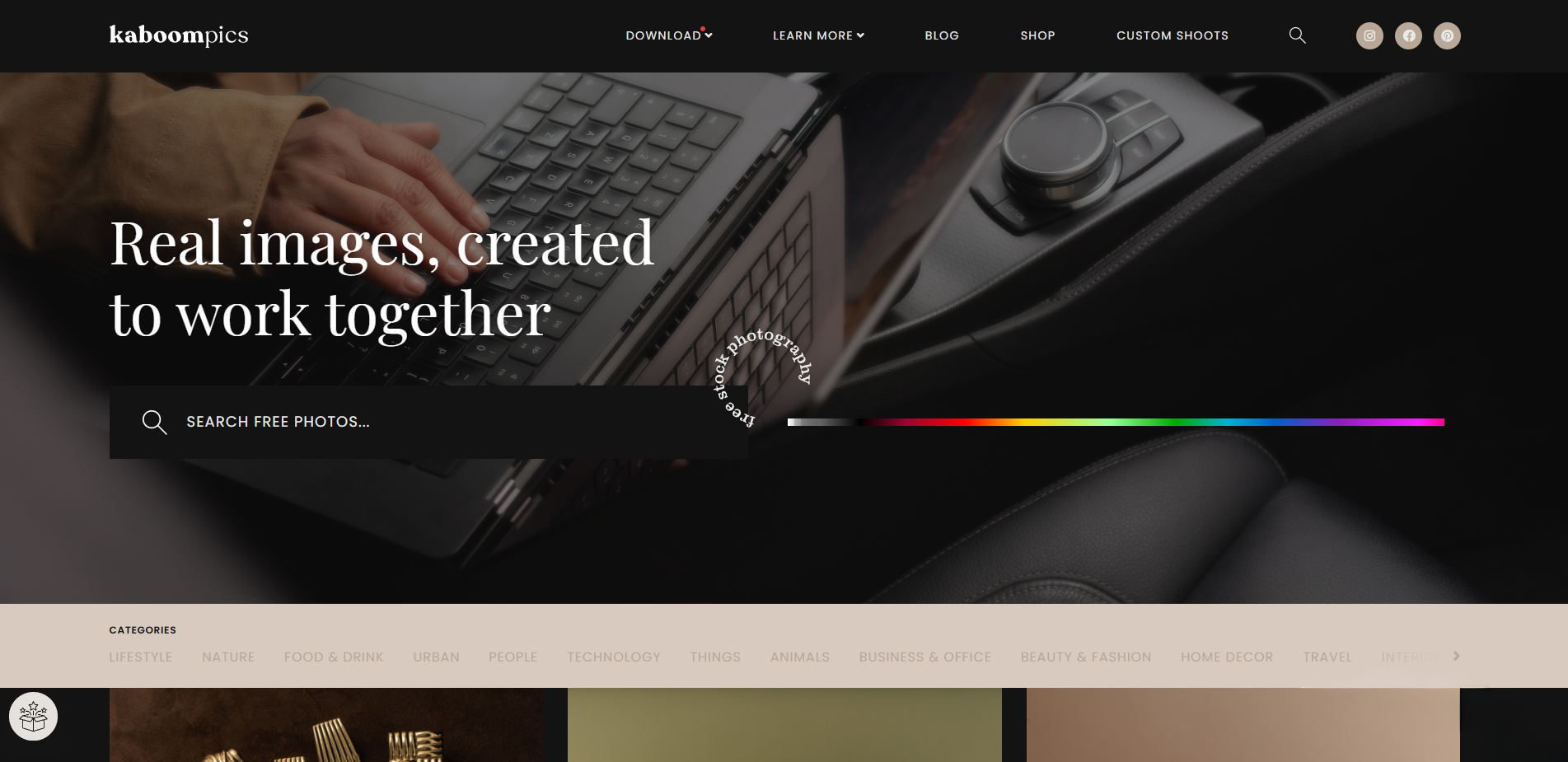
Best For: Consistent lifestyle photography and interior design.
Standout Feature: Unlike massive databases with mixed styles, this site is shot by a single photographer (Karolina). This guarantees a cohesive look across all images. Additionally, every photo page includes a complementary color palette with Hex codes.
Photoshop Tip: Use the provided Hex codes to create your color swatches in Photoshop before you start designing. This ensures your text and UI elements perfectly match the lighting of the photo without any guesswork.
Life of Pix
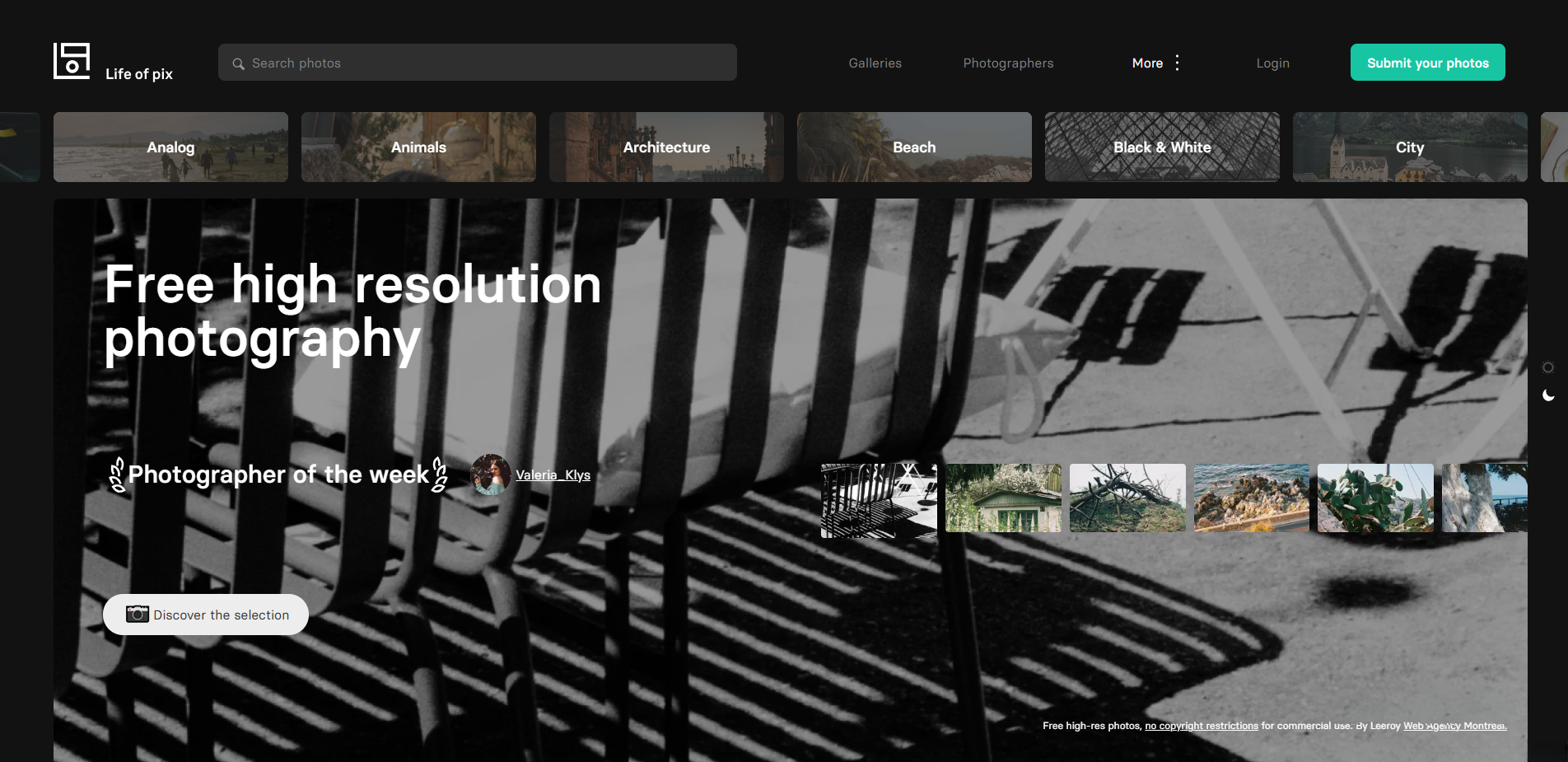
Best For: High-contrast street photography and architectural shots.
Standout Feature: Curated by the LEEROY creative agency, the selection prioritizes artistic merit over volume. The images feature strong shadows and dramatic lighting, avoiding the flat, over-lit look of standard commercial stock.
Photoshop Tip: These images are ideal for practicing Color Grading. Because the base lighting is already dramatic, you can push your Curves and Color Balance adjustment layers further than usual to create cinematic looks.
Gratisography
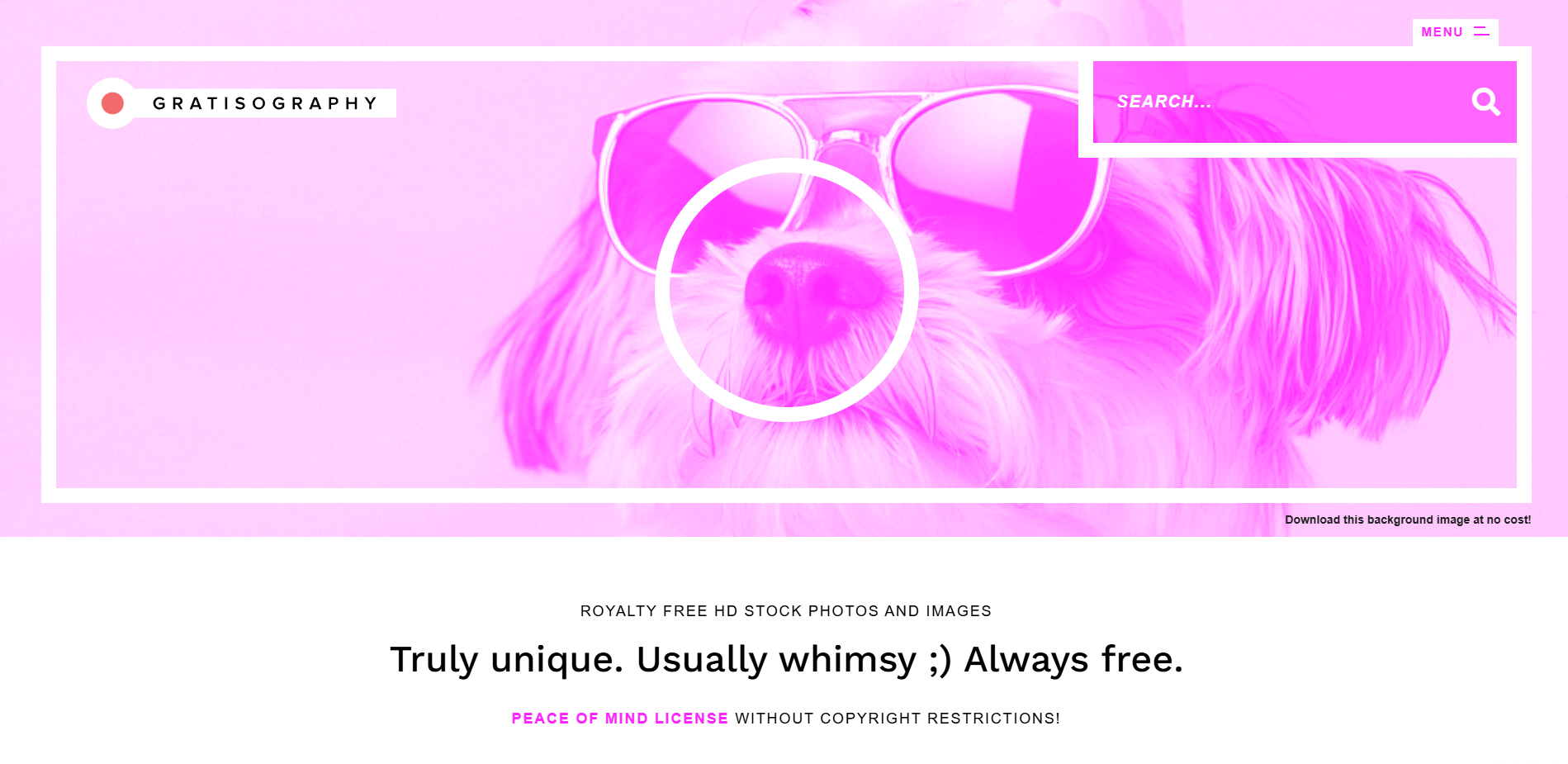
Best For: Surreal, humorous, and expressive character portraits.
Standout Feature: This library focuses entirely on "quirky" concepts—people making faces, wearing costumes, or acting out strange scenarios. It is the direct opposite of the "smiling corporate team" cliché.
Photoshop Tip: Use these subjects for Digital Collages. The exaggerated facial expressions and distinct props make them perfect focal points when you want to cut a subject out and place them into a fantasy scene.
Foodiesfeed
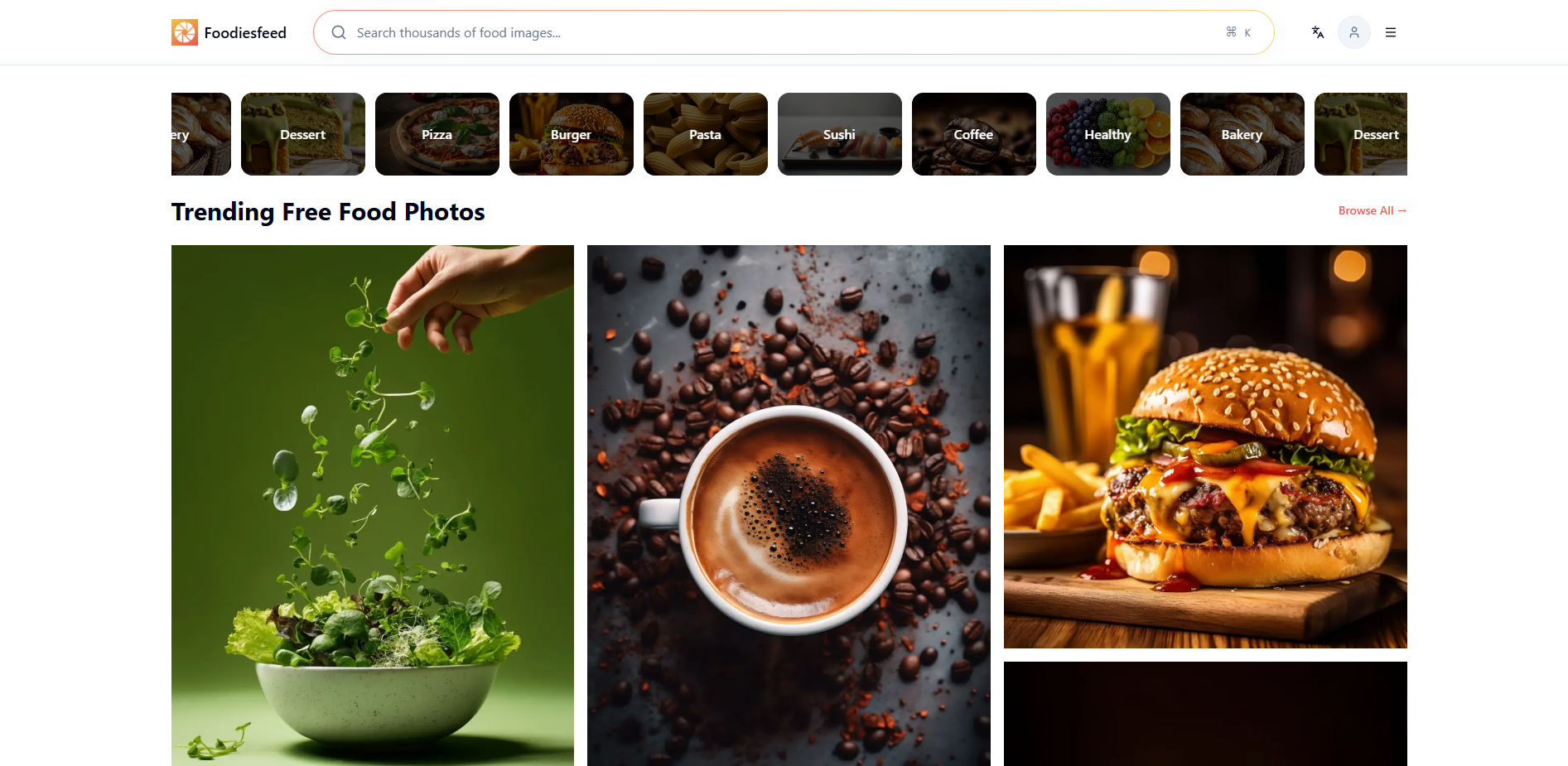
Best For: High-resolution food and ingredient photography.
Standout Feature: While AI generators struggle with realistic food textures (often making them look like wax), this site offers macro shots of real food. You can see the crumbs, the steam, and the natural imperfections that make food look appetizing.
Photoshop Tip: Use these images to harvest Textures. Crop out details like scattered flour, water droplets on fruit, or rustic wood surfaces to create your own overlay assets for other projects.
The Modern Toolkit
Stop wasting time searching for assets or masking out backgrounds. These sites are designed for speed, commerce, and specific modern workflows.
Adobe Stock (Free Collection)
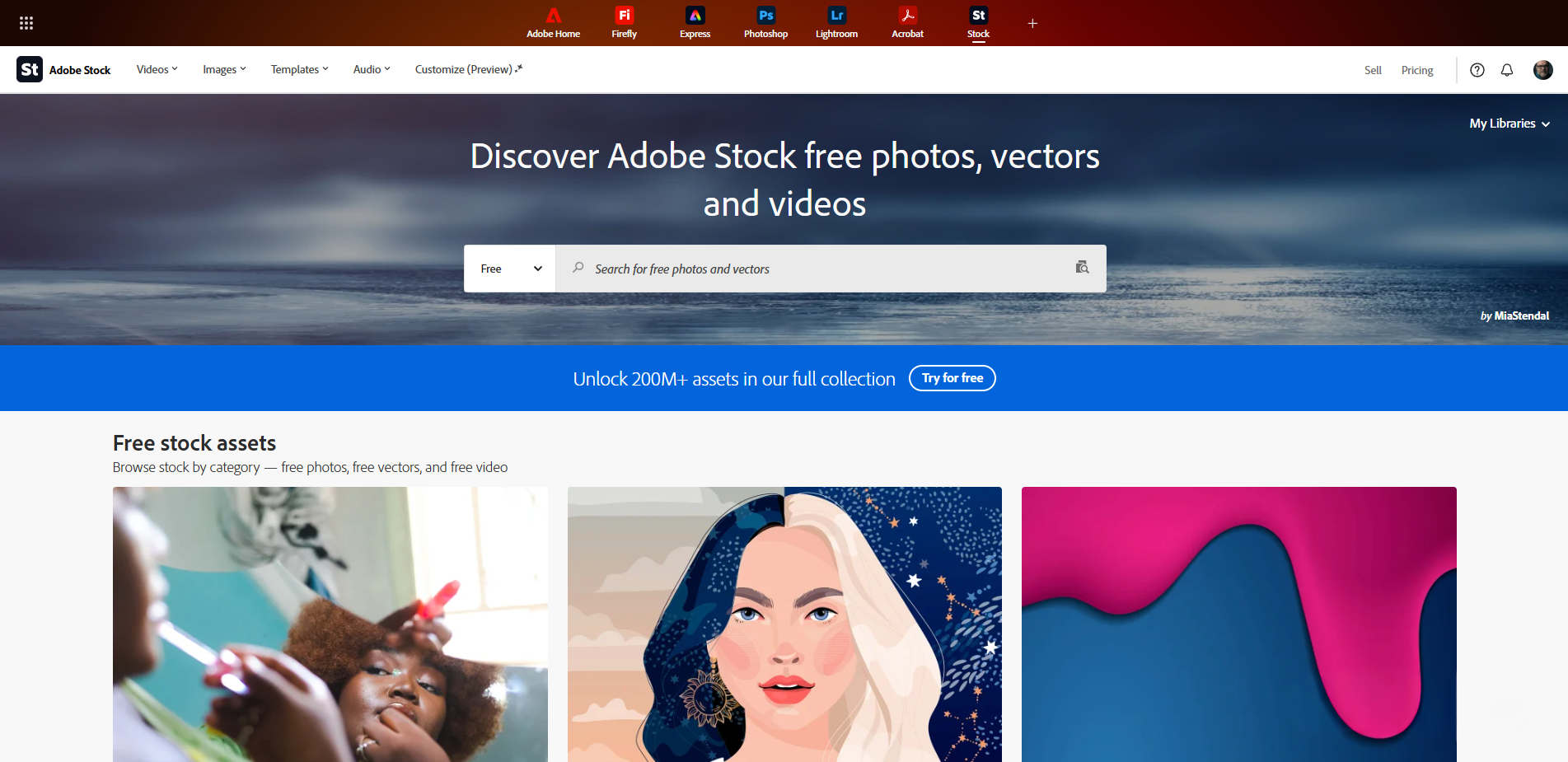
Best For: Professional commercial assets and high technical standards.
Standout Feature: Often overlooked, Adobe's free section adheres to the same strict quality control as their paid library. Images are checked for focus, exposure, and artifacting, ensuring professional-grade resolution.
Photoshop Tip: Use the Libraries Panel inside Photoshop to search and license these images instantly. You can drag a watermarked preview into your canvas, edit it, and then license the free version to automatically update the high-res file without losing your edits.
Burst (by Shopify)

Best For: E-commerce backgrounds and business concepts.
Standout Feature: Designed for online store owners, the photography is clean, modern, and often features "flat lay" compositions that are easy to overlay with text or products.
Photoshop Tip: Look for their "Business Ideas" collections. These provide sets of images with consistent lighting and models, which is perfect for creating Carousel Posts or multi-slide presentations that need a unified visual theme.
ISO Republic
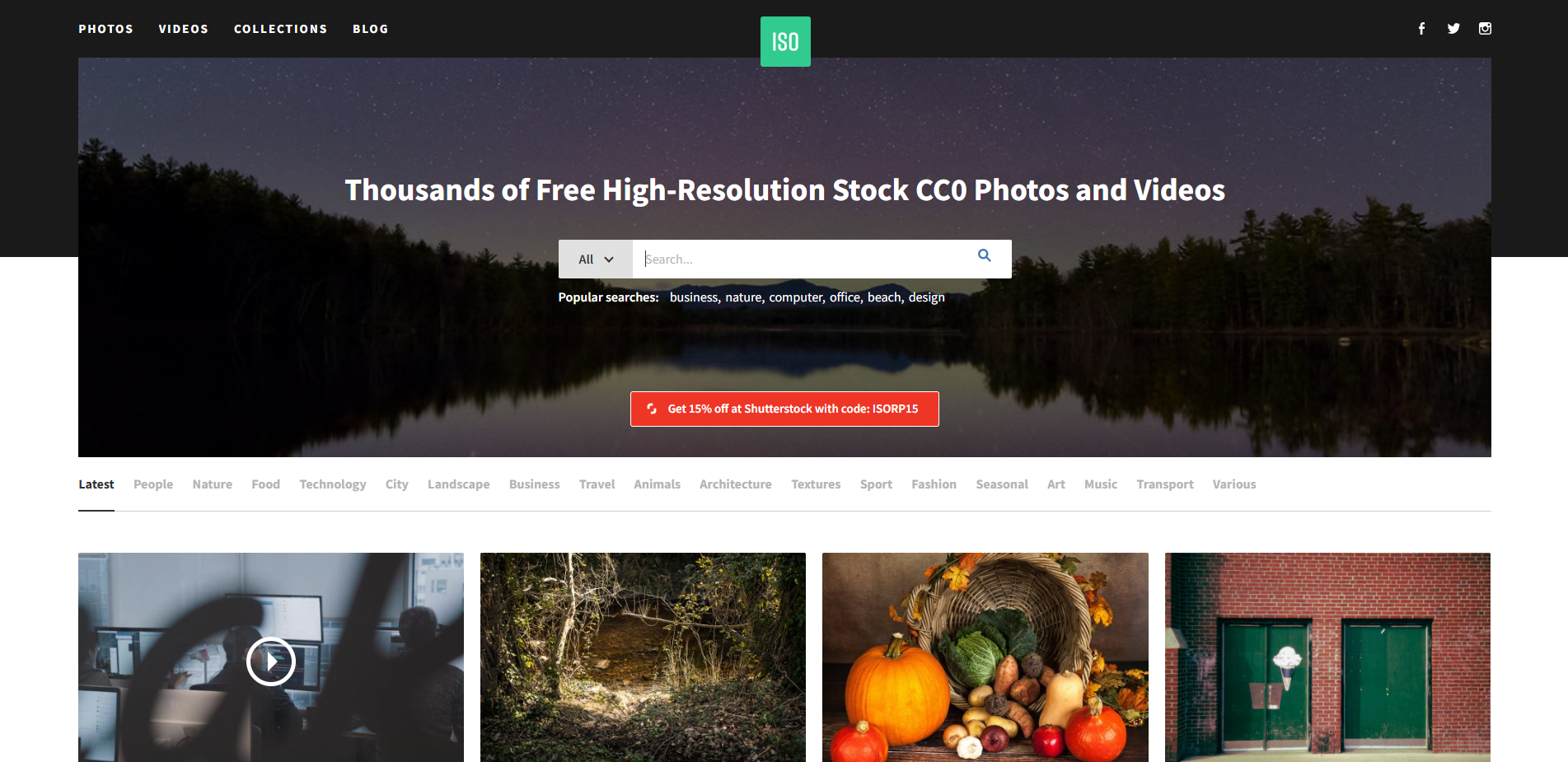
Best For: Urban textures, video clips, and gritty landscapes.
Standout Feature: This site excels in "texture-heavy" photography—brick walls, graffiti, concrete, and nature. The editing style is often darker and moodier than other free sites.
Photoshop Tip: Download the texture images to use with Blend Modes. A photo of cracked pavement or rust can be placed over a clean design and set to "Overlay" or "Soft Light" to instantly age or grunge up your artwork.
The Reliable Giants
You know these three. They are the biggest, but they are also the most dangerous. Because anyone can upload anything, they are full of cheesy photos and bad AI generations. Here is how to use them properly.
Unsplash
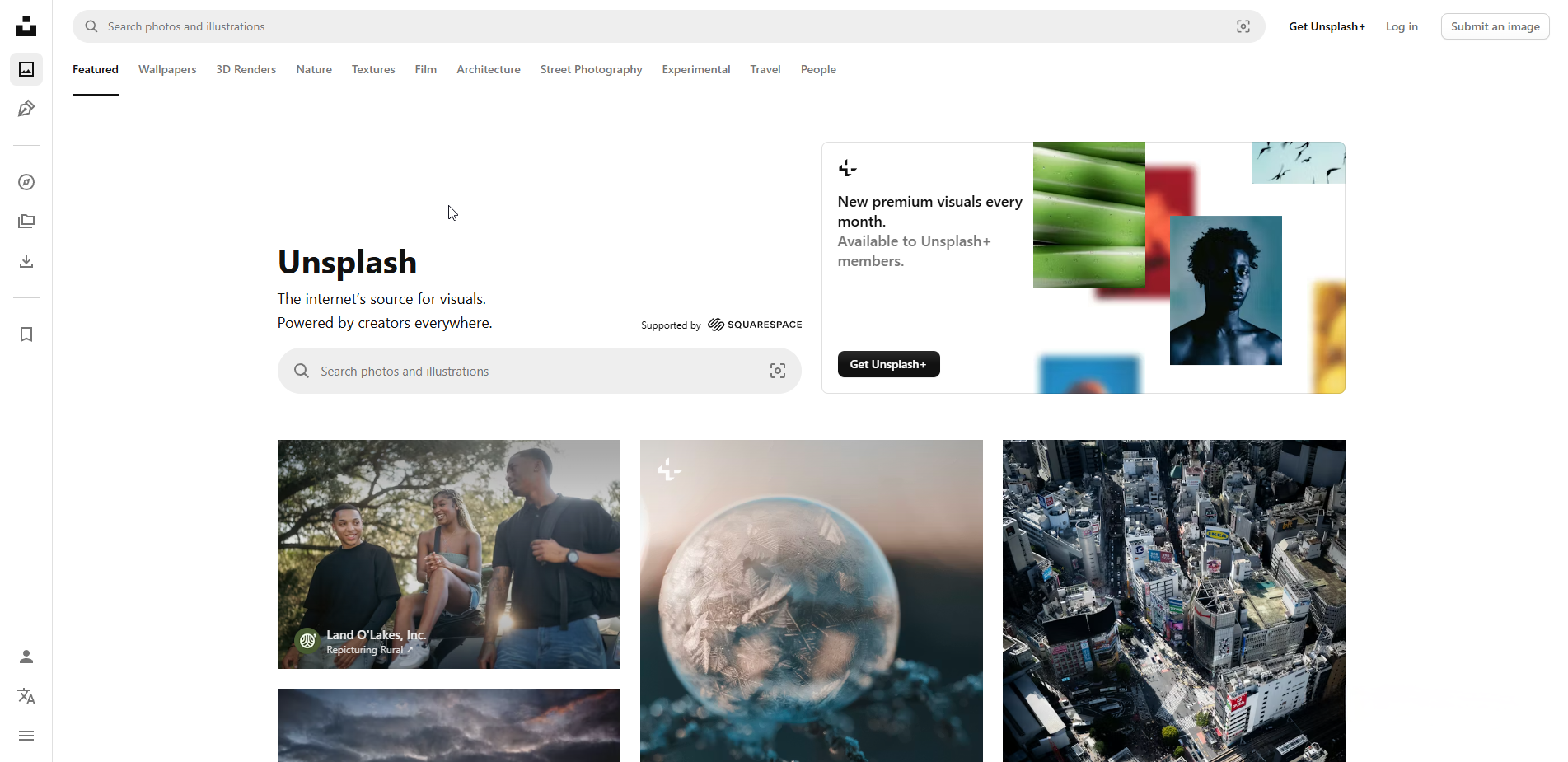
Best For: Cinematic, editorial-style photography.
Standout Feature: Unsplash pioneered the "moody" stock photo look. While the search results can be cluttered, the Collections feature allows you to find user-curated albums that maintain a specific mood or aesthetic (like "Cyberpunk" or "Minimalist Beige").
Photoshop Tip: Avoid the main search feed, which is often repetitive. Go straight to Collections to find images with consistent color grading, which makes compositing multiple photos together much easier since the "vibe" is already matched.
Pexels
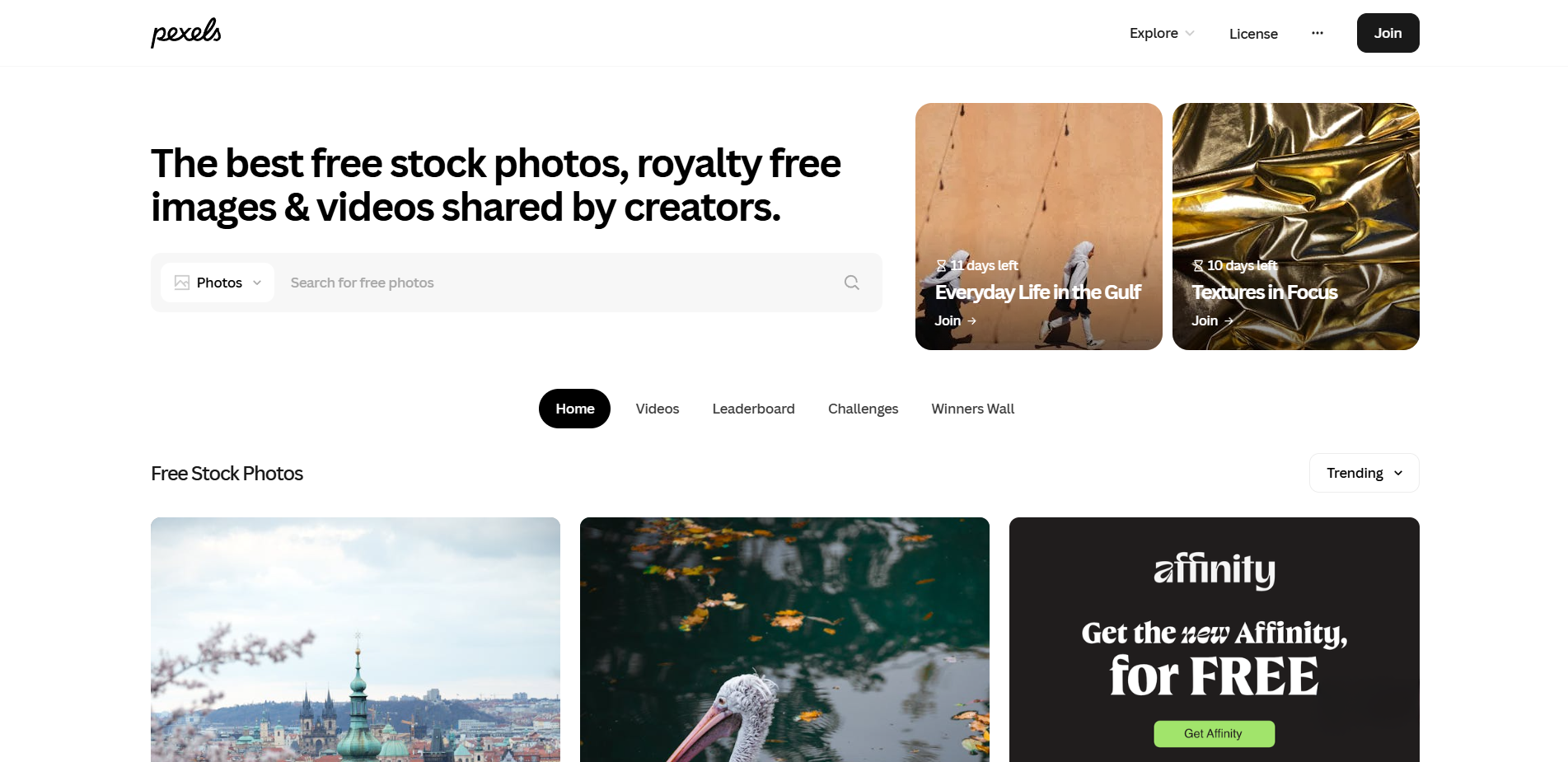
Best For: Modern social media content and vertical photography.
Standout Feature: Pexels focuses heavily on "creator" content, meaning they have a massive library of vertical images and videos. Their Search by Color tool is also the best in the industry.
Photoshop Tip: Use the Hex Code search to find images that naturally match your project's brand colors. Starting with a photo that already contains your primary color saves you from having to use heavy Hue/Saturation adjustment layers later.
Pixabay
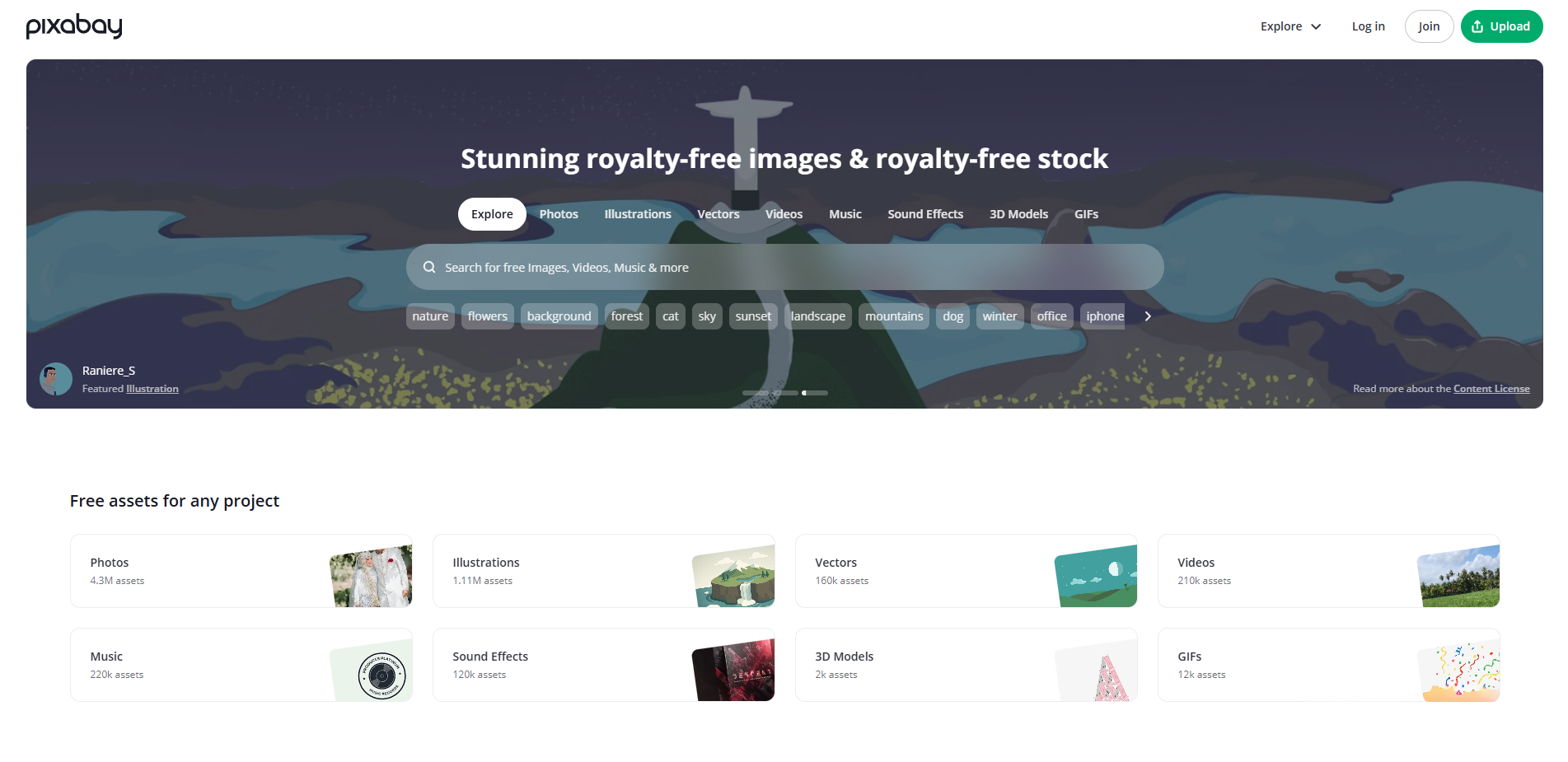
Best For: A mix of photos, vector graphics, and illustrations.
Standout Feature: Pixabay is the only major site that is as strong in Vectors as it is in photos. However, it is also the most crowded with AI images.
Photoshop Tip: To avoid the low-quality AI uploads that have flooded the site, always use the "Editor's Choice" filter or select "Photos" specifically (excluding "Illustrations") in the search bar. This filters out the plastic-looking generated content and leaves you with the high-quality photography.
Choosing the Right Asset for Your Project
High-quality photography is a utility, not just a decoration. While it is tempting to bookmark every site on this list, your choice should be dictated by your specific project goals. If you are practicing lighting and shadows, a moody shot from Life of Pix will serve you better than a flatly lit image from a larger database. If you are building a complex composite, starting with the high technical standards of Adobe Stock will save you from fixing pixel artifacts later.
The "free" landscape will continue to shift as AI-generated content becomes more prevalent. As a creator, your best defense against "cheap-looking" work is a critical eye. Before you hit download, look past the subject matter and check the technical details:
- Directional Lighting: Does the light source make sense for your composition?
- Edge Clarity: Are the edges sharp enough for clean masking?
- Authenticity: Does the texture feel real, or does it have that "synthesized" smoothness?
By being selective with your raw materials, you ensure that your time in Photoshop is spent on creative decisions rather than fixing low-quality assets.


