


Printed books are still popular for a simple reason: comfort.
While you still need a computer to use the software, the learning part can happen anywhere. Instead of slouching over a desk staring at a bright monitor, a real book lets you pick up new techniques on your own terms—whether that's at a coffee shop, on the go, or just winding down in bed.
Plus, flipping back and forth between physical pages is often much easier on the brain than pausing videos and clicking around a messy screen trying to find a hidden menu. If you want to expand your skills without being permanently tied to a monitor, here are 6 recent releases that look worth checking out.
Mastering Adobe Photoshop 2026: Design stunning visuals and optimize workflows with secret tips and advanced techniques
Focus: A comprehensive guide aimed at taking users from intermediate skills to advanced mastery, focusing heavily on modern efficiency, professional workflows, and hidden power features in the latest version.
Why this book: The emphasis on streamlining workflows and unlocking "secret tips" makes it highly appealing if you already know the basics but want to eliminate tedious steps and work much faster.
Adobe Photoshop Classroom in a Book (2026 Release)
Focus: The official, project-based training guide from Adobe Systems, offering structured, step-by-step lessons that cover foundational tools up to the newest features.
Why this book: As the official industry standard textbook, its lesson-based structure is incredibly reliable. It’s perfect if you want a clear, highly organized roadmap where each chapter builds a specific skill from the ground up.
Adobe Photoshop: Simple Step-by-Step Guide
Focus: A straightforward, no-nonsense manual designed to strip away the complexity of the software and get users up and running with essential editing tasks.
Why this book: If you often find dense technical jargon overwhelming, this book’s promise of simplicity looks refreshing. It’s a great option for a relaxed read away from the screen to grasp core concepts without getting bogged down.
Adobe Tools Bible: 4 in 1: Beginners Guide to Master Photoshop, Illustrator, Premiere Pro & InDesign with Time-Saving Techniques
Focus: An all-in-one resource that covers the core ecosystem of Adobe's creative suite, bridging the gap between photo editing, vector design, layout, and video.
Why this book: The value here is the broader perspective. It looks well worth checking out if you use Photoshop alongside other Adobe tools and want to learn how to make them work together seamlessly without constantly searching for cross-platform tutorials.
The Adobe Photoshop Lightroom Classic Book (Voices That Matter)
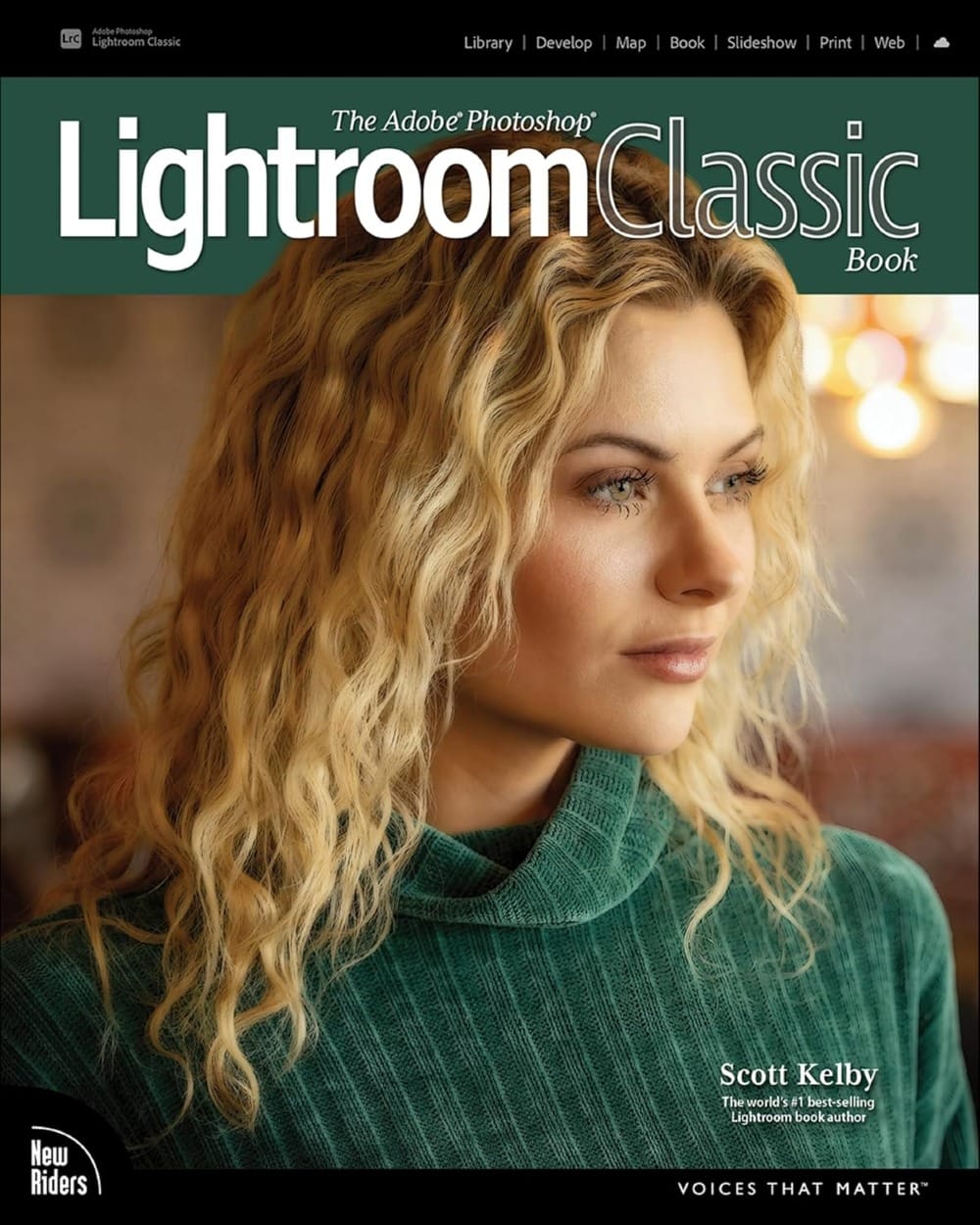
Focus: A dedicated guide by industry expert Scott Kelby, focusing on the complete digital photography workflow—from importing and organizing to advanced editing and printing.
Why this book: Scott Kelby’s books are famous for their clear, conversational, and humorous tone. It reads less like a dry manual and more like a trusted colleague showing you the exact settings to use, making it an excellent bedside choice.
Practical Guide to Using Generative AI in Photoshop
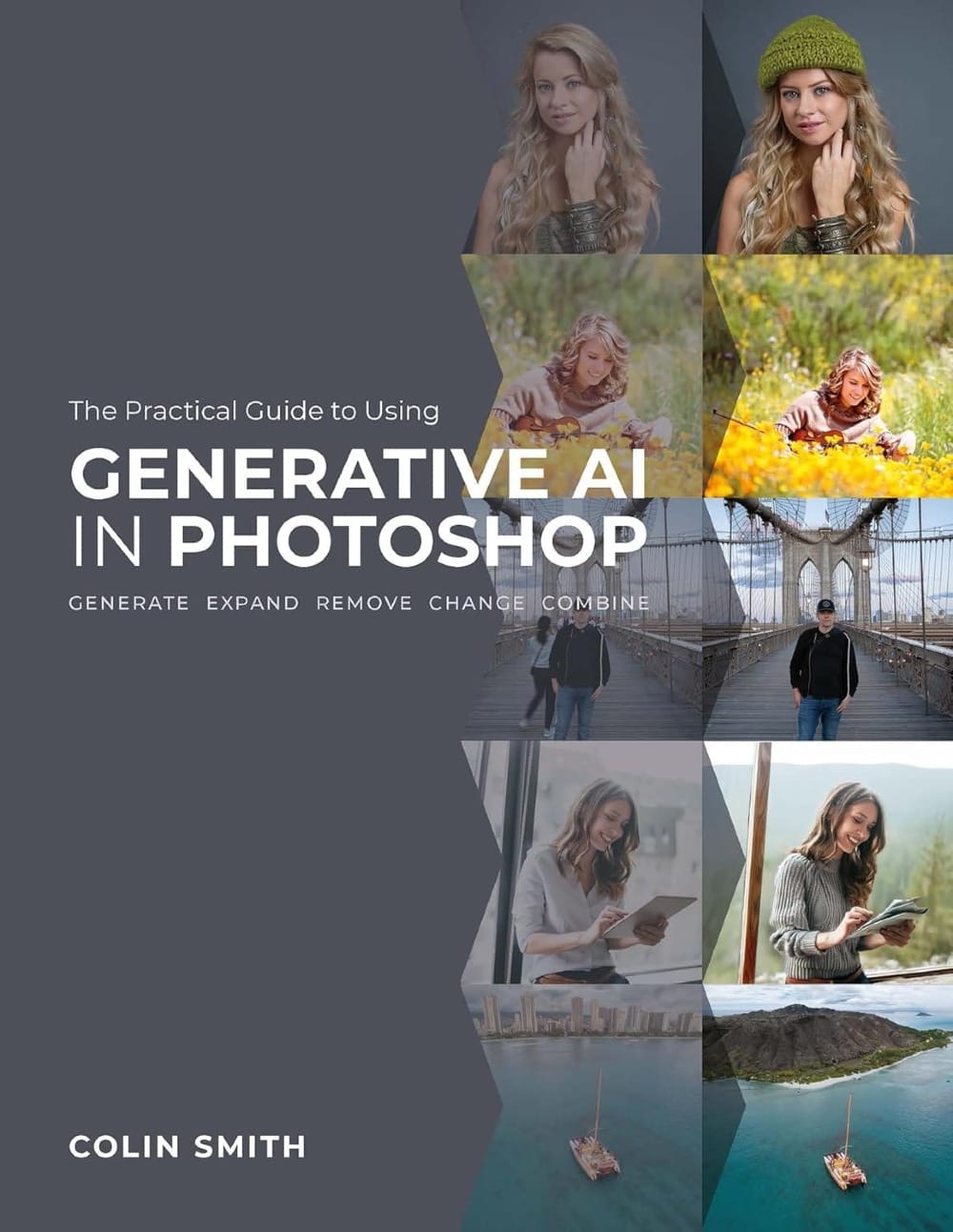
Focus: A specialized, laser-focused guide dedicated entirely to mastering Adobe Firefly, Generative Fill, and the expanding universe of AI-driven tools inside Photoshop.
Why this book: Since AI tools are changing the design landscape so rapidly, having a dedicated guide to understand the logic behind prompting, generating, and blending AI assets cleanly into traditional workflows is incredibly valuable right now.
Stepping away from the screen is a great way to refresh your creative process, no matter your skill level. Grabbing a physical book gives your eyes a break and lets you absorb new techniques at your own pace, completely on your own terms.
Hopefully, one of these recent releases helps you expand your Photoshop skills with a little more comfort. Happy reading!


