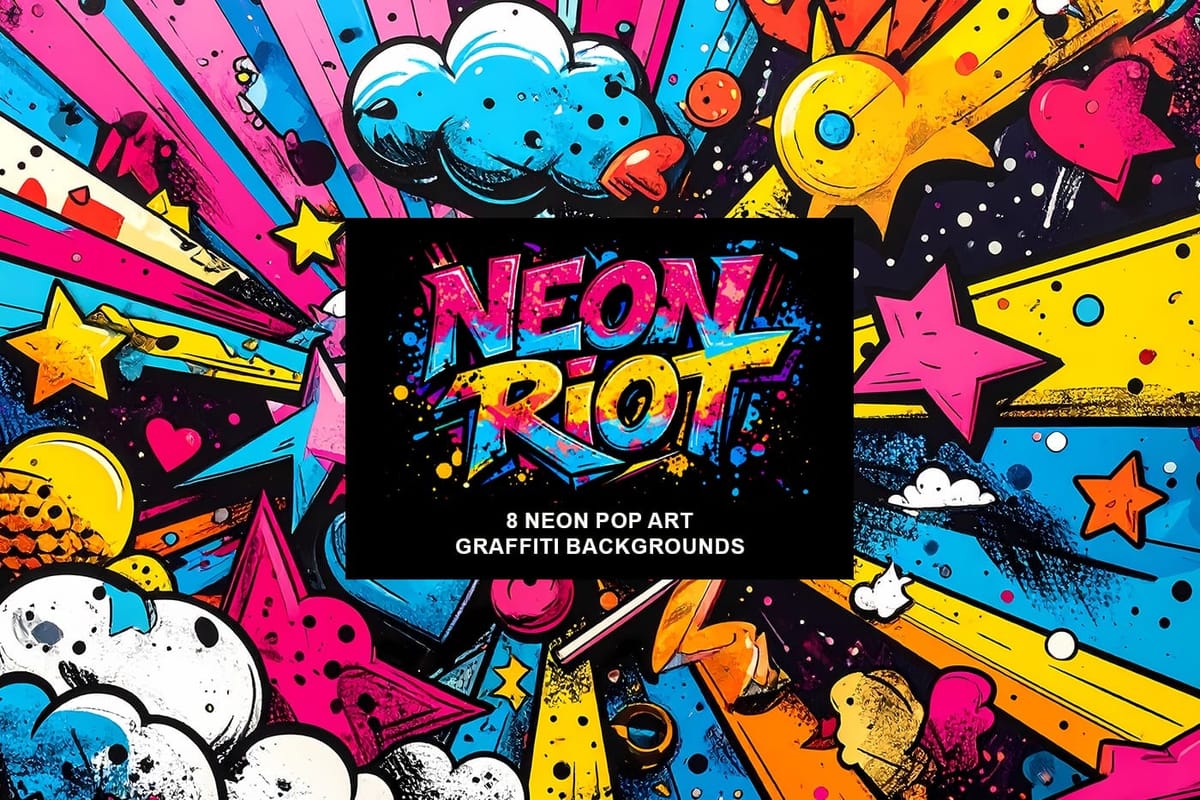
Photoshop actions are a simple way to speed up editing and give your photos a consistent look without spending hours on adjustments. From subtle color shifts to bold artistic transforms, actions can help you work faster and keep your style consistent across different projects.
They’re useful for anyone who wants reliable one-click effects for portraits, landscapes, and creative photography.
Why Creative Fabrica?
You’ll notice that all the actions in this roundup come from Creative Fabrica. There’s a reason for that. Their marketplace has one of the largest collections of design tools available today, including more than twenty million fonts, graphics, templates, and photo effects.
Most of the Photoshop actions showcased in this article are premium items, but Creative Fabrica offers several ways to access them: you can buy each action individually, start a free trial with up to ten downloads, or choose a yearly All Access plan that unlocks absolutely everything for a single low price.
Each action included here stands on its own as a solid photography tool. Creative Fabrica offers flexible ways to access them, from a free trial with limited downloads to low-cost individual purchases and ongoing storewide promotions that keep prices affordable.
If you plan to build a larger library of effects, the yearly All Access plan is often the most practical option, giving you full access to the entire catalog while keeping costs predictable.
Below are the categories used to organize the collection so you can jump straight to the types of effects that match your editing style.
Categories
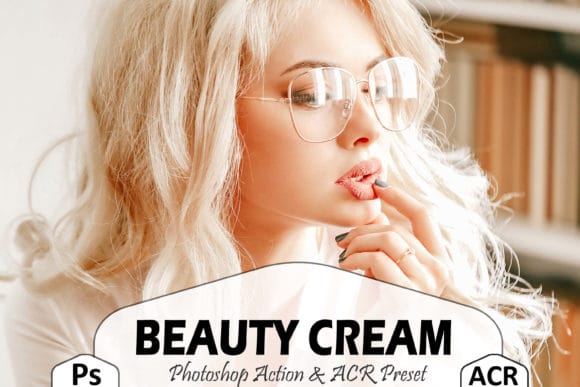
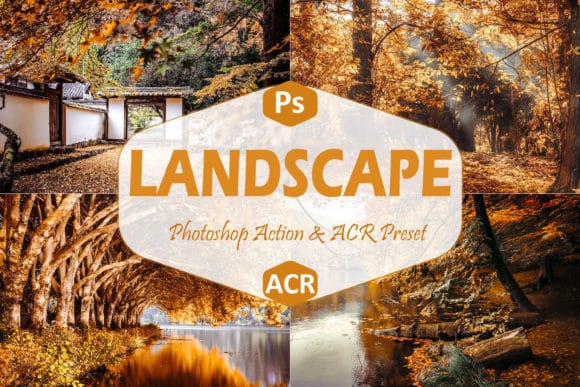
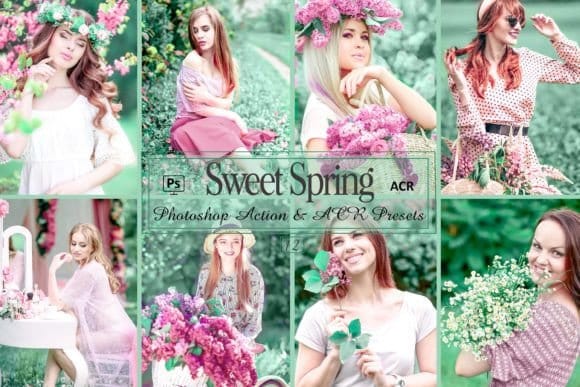
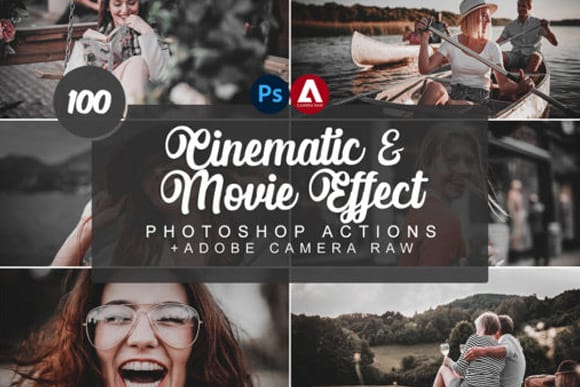
1. Color Grading
Actions that adjust color, contrast, and mood for natural, cinematic, and outdoor photography.
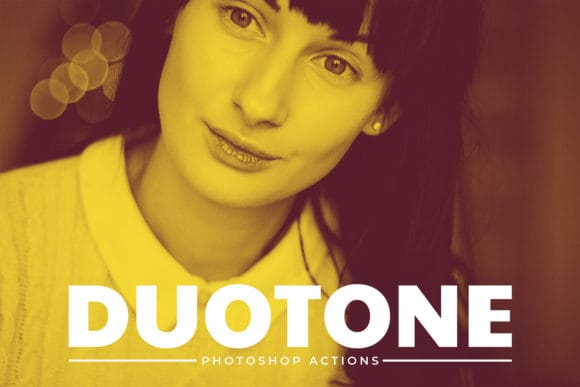
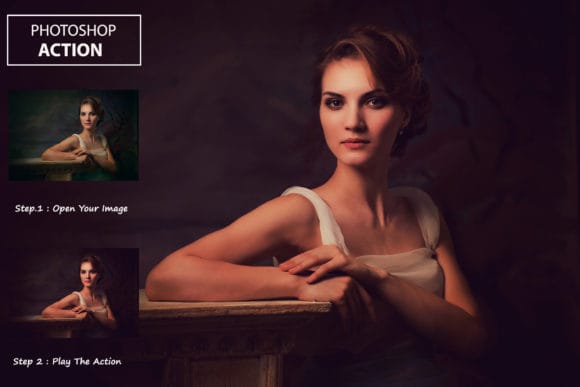
2. Vintage & Retro Effects
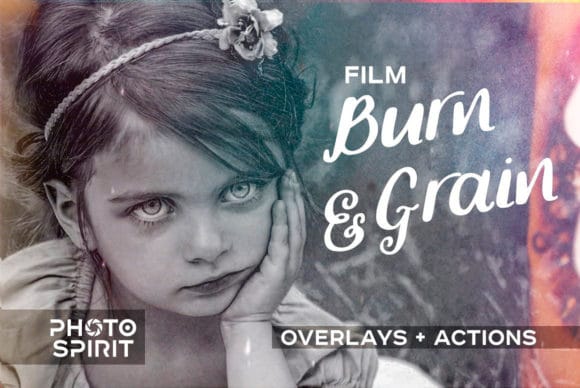
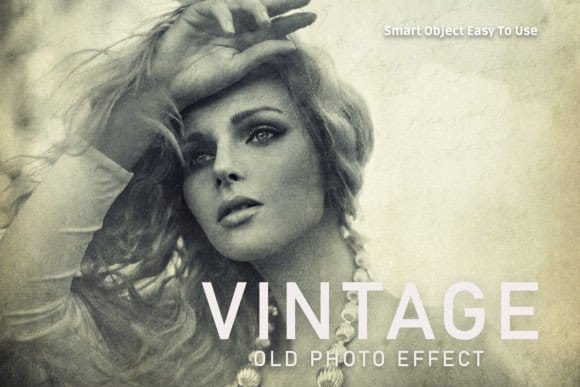
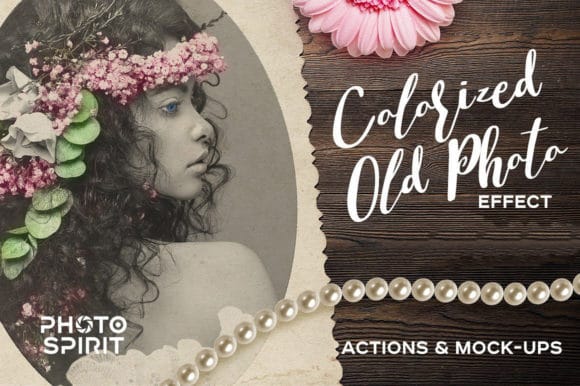
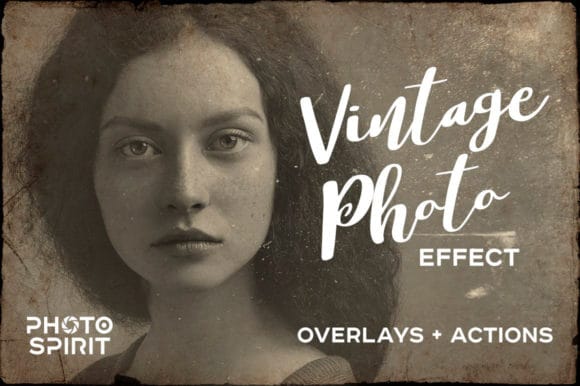
Film emulation, soft fades, grain, and old-camera color palettes. Great for nostalgic or documentary-style photography.
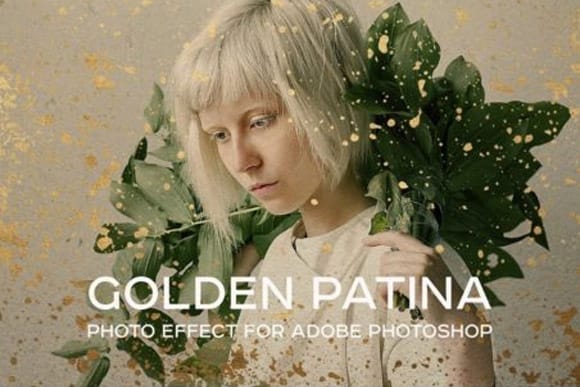
3. Black & White / Monochrome
Classic high-contrast black and white, fine-art monochrome, soft matte styles, and grain-rich documentary looks.
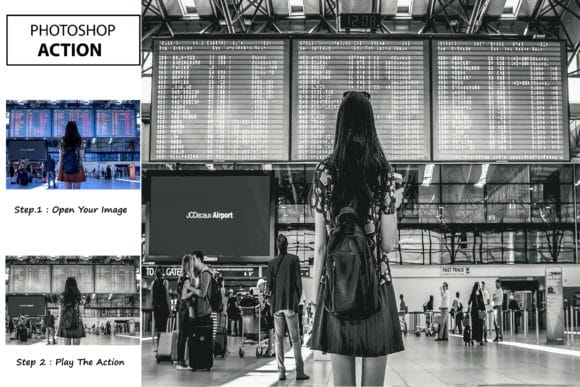
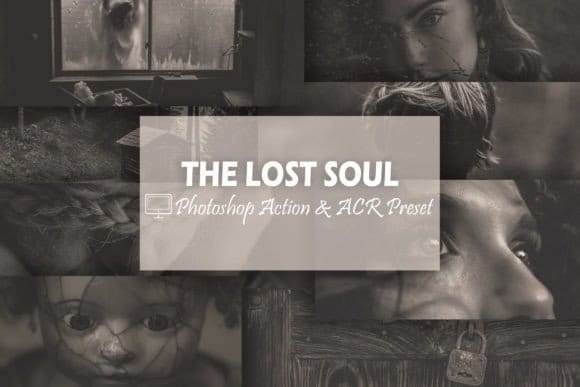

4. Special Effects
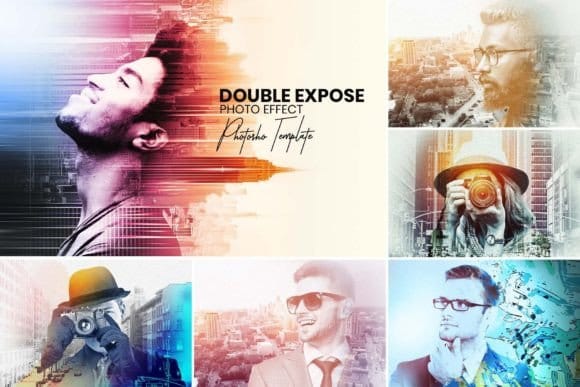
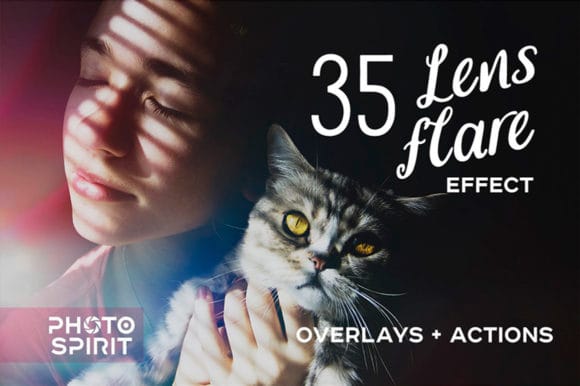
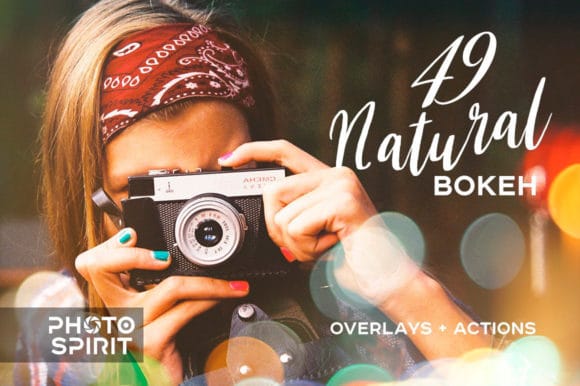
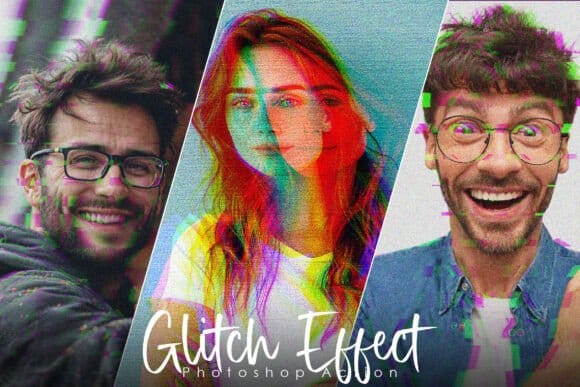
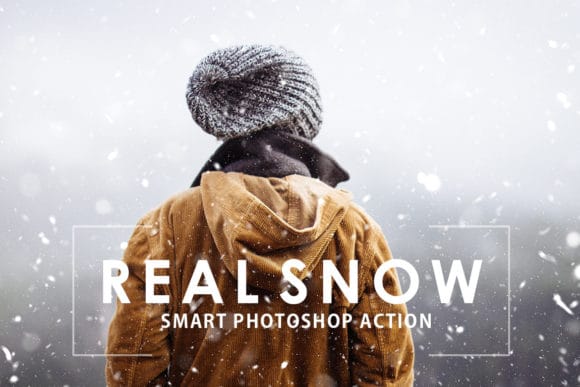
Creative effects like light leaks, bokeh, glow, rain, snow, double exposure, glitch, and other stylized looks that go beyond standard color correction.
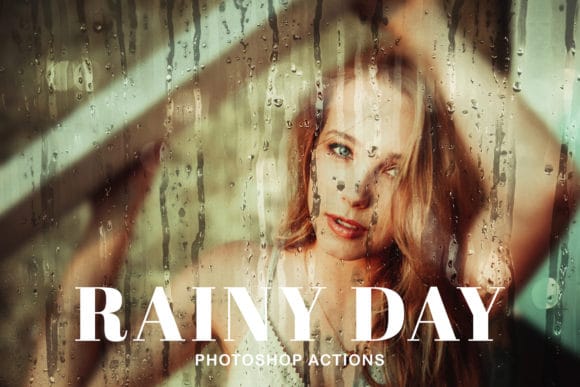
5. Painterly & Artistic Styles
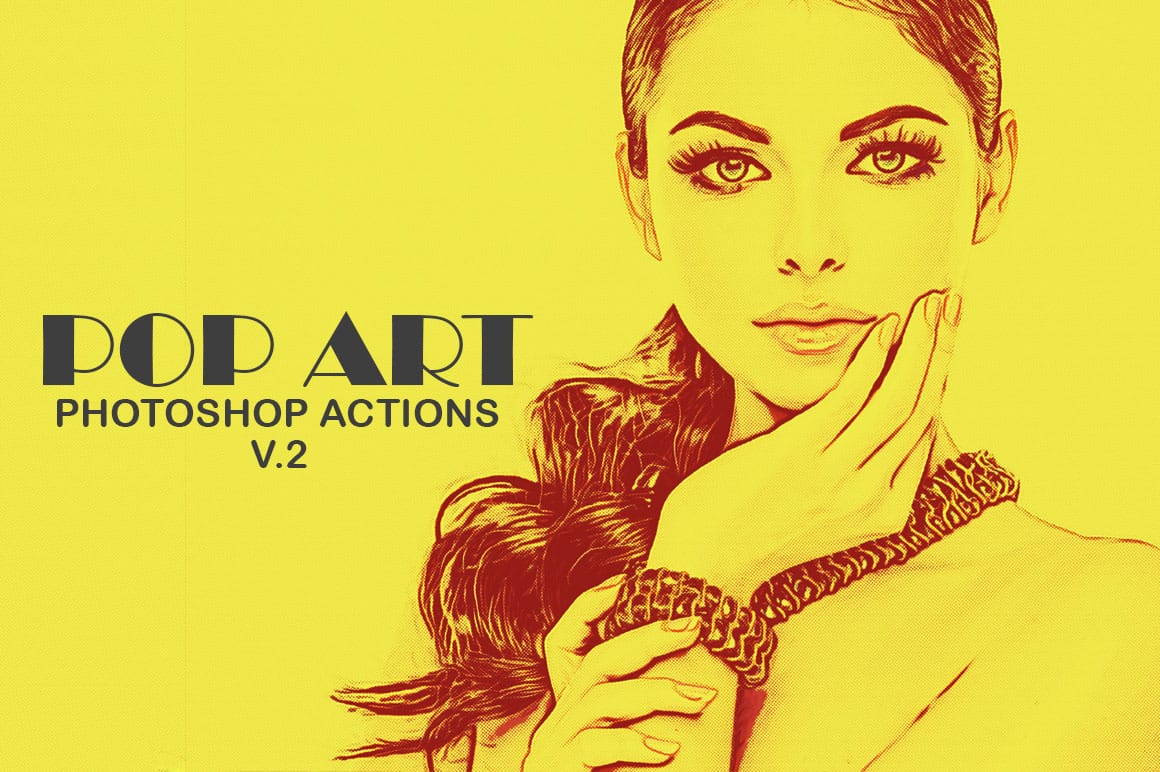
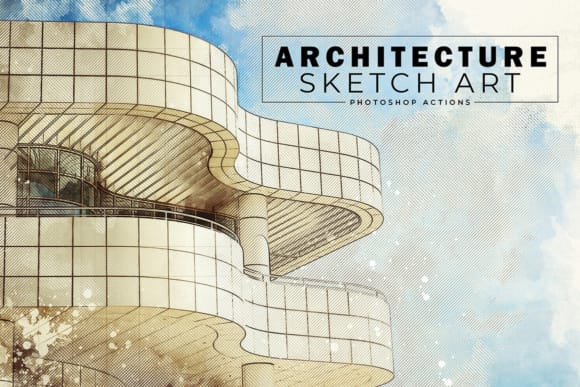
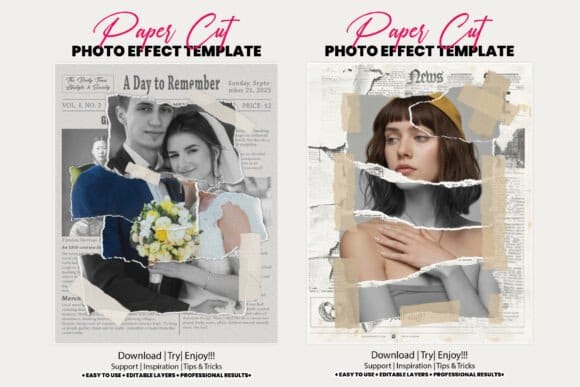
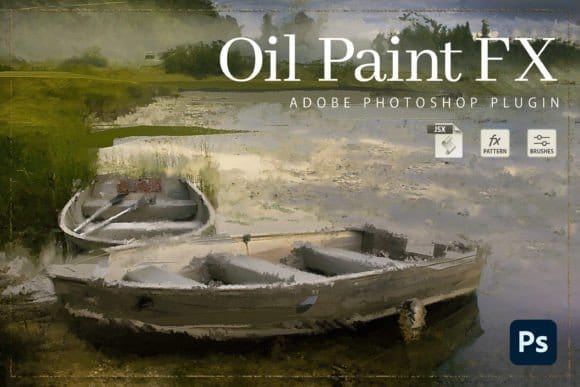
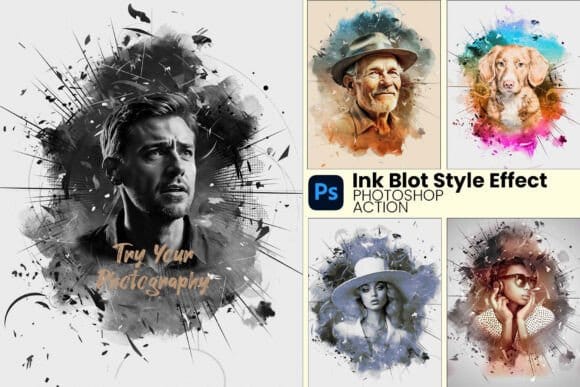
Watercolor, oil paint, sketch, ink, cartoon, collages, and illustration effects. These actions transform photos into artwork with a more expressive finish.

Final Thoughts & Next Steps
Using Photoshop actions is an easy way to speed up your editing workflow and improve your photography, from subtle retouching to moody color grading and bold artistic effects.
The actions collected here are meant to give you a broad, versatile toolkit, from cinematic tones and vintage film looks to painterly transformations and creative special effects.
All the resources in this article come from Creative Fabrica — a platform with a massive catalog of over 20 million creative assets, including fonts, graphics, templates, and photo effects. Creative Fabrica That means if you find one style you like, there are plenty more to explore.
You have a few ways to take advantage:
- Start with a free trial, grab a handful of actions and test what works.
- Buy individual actions if you prefer low-cost, one-off tools.
- Or, if you plan to experiment and use many assets, consider their All Access yearly plan for full unlimited access.
No matter how you download the items, the quality remains the same — each action stands on its own as a valuable tool for photography editing.
Ready to Get Started?
Jump over to Creative Fabrica, browse their photo-effects collection, and begin building your own set of Photoshop actions. With so many options at your fingertips — and flexible access plans — it’s easy to find the right effects for your style, test them, and start editing with confidence.
More Photoshop Downloads
 Enrique Flouret
 Enrique Flouret
 Creative Closeup
 Creative Closeup
 Creative Closeup
 Creative Closeup