Create Abstract Artwork with Tekniq Photoshop Action

Create Abstract Artwork with Tekniq Photoshop Action

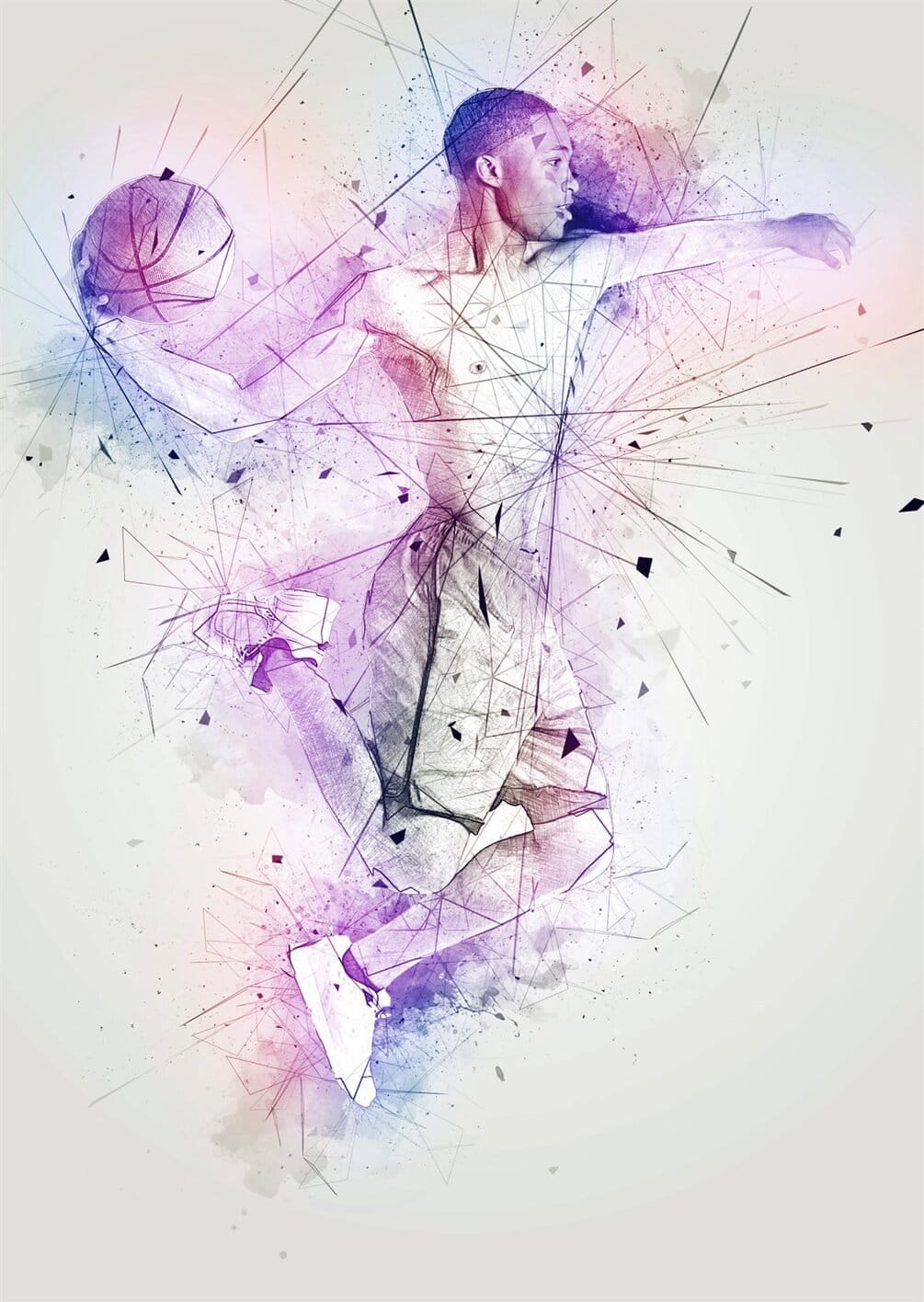
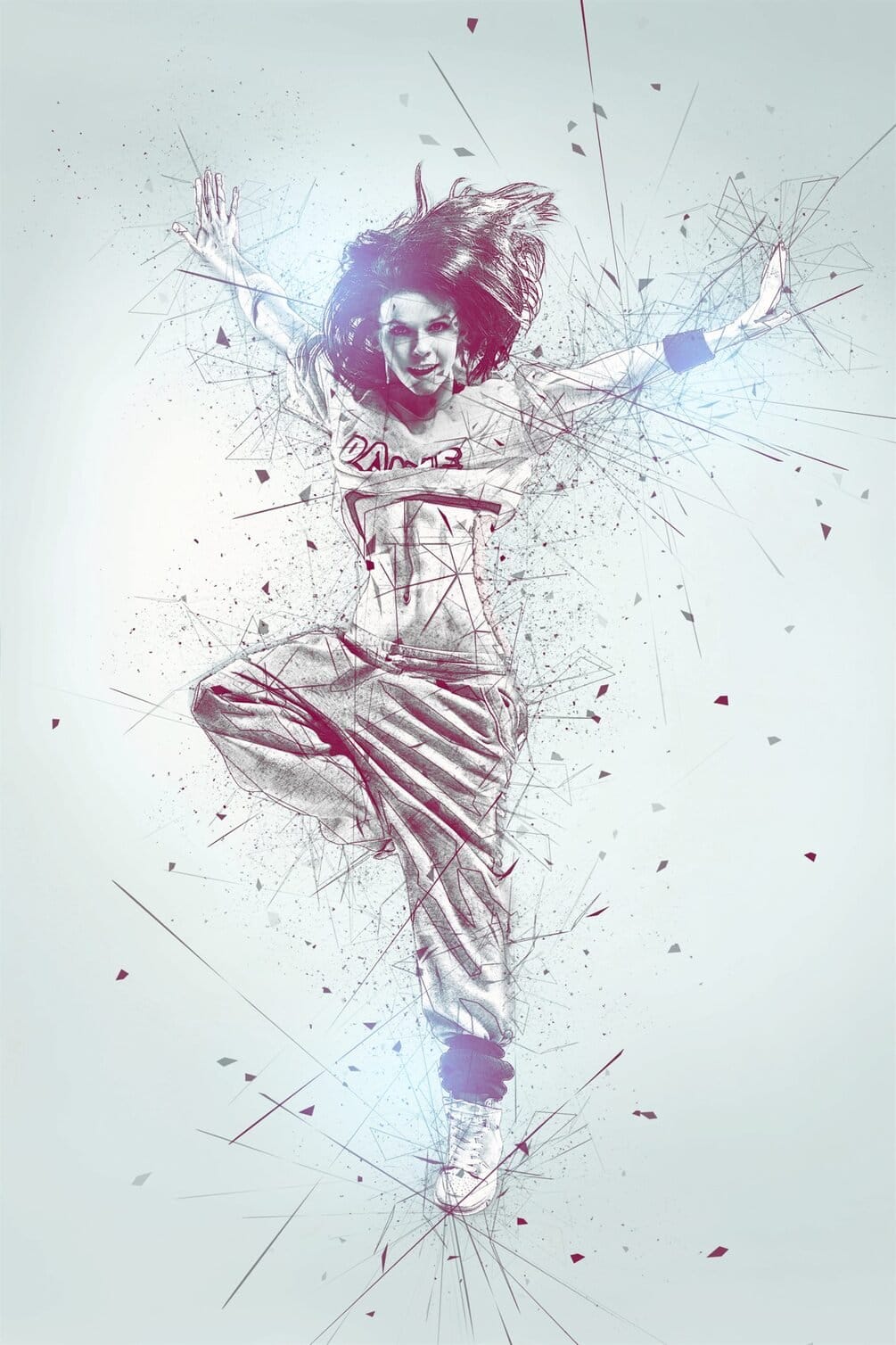
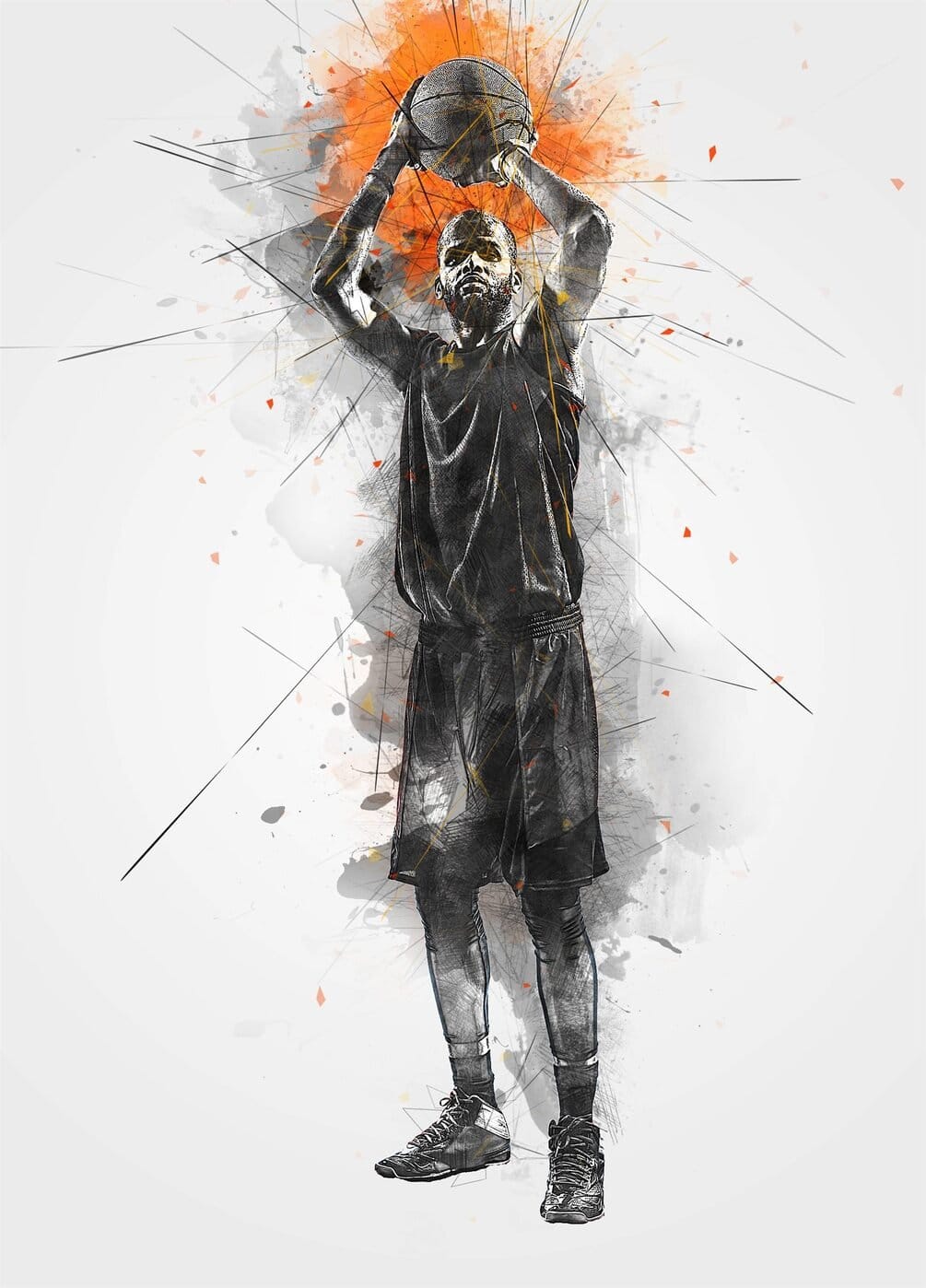
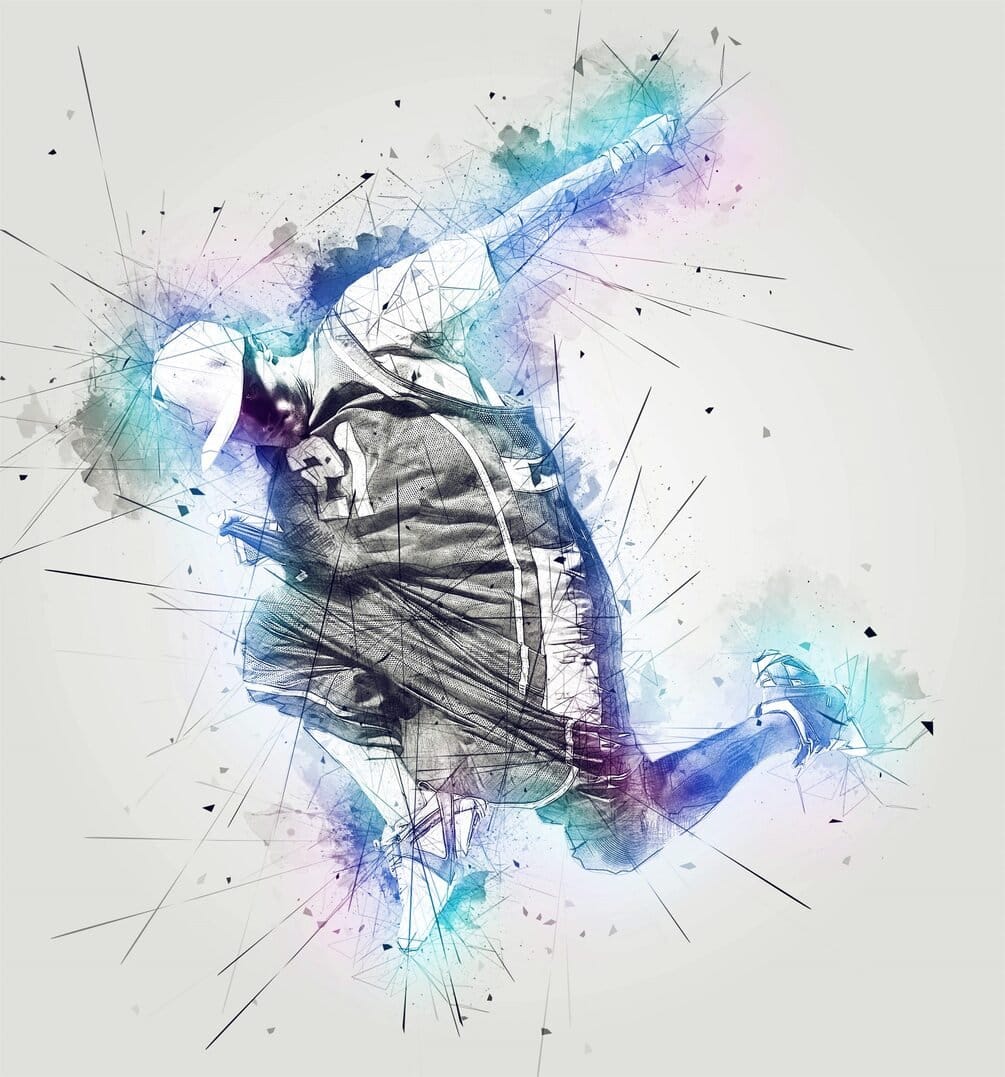
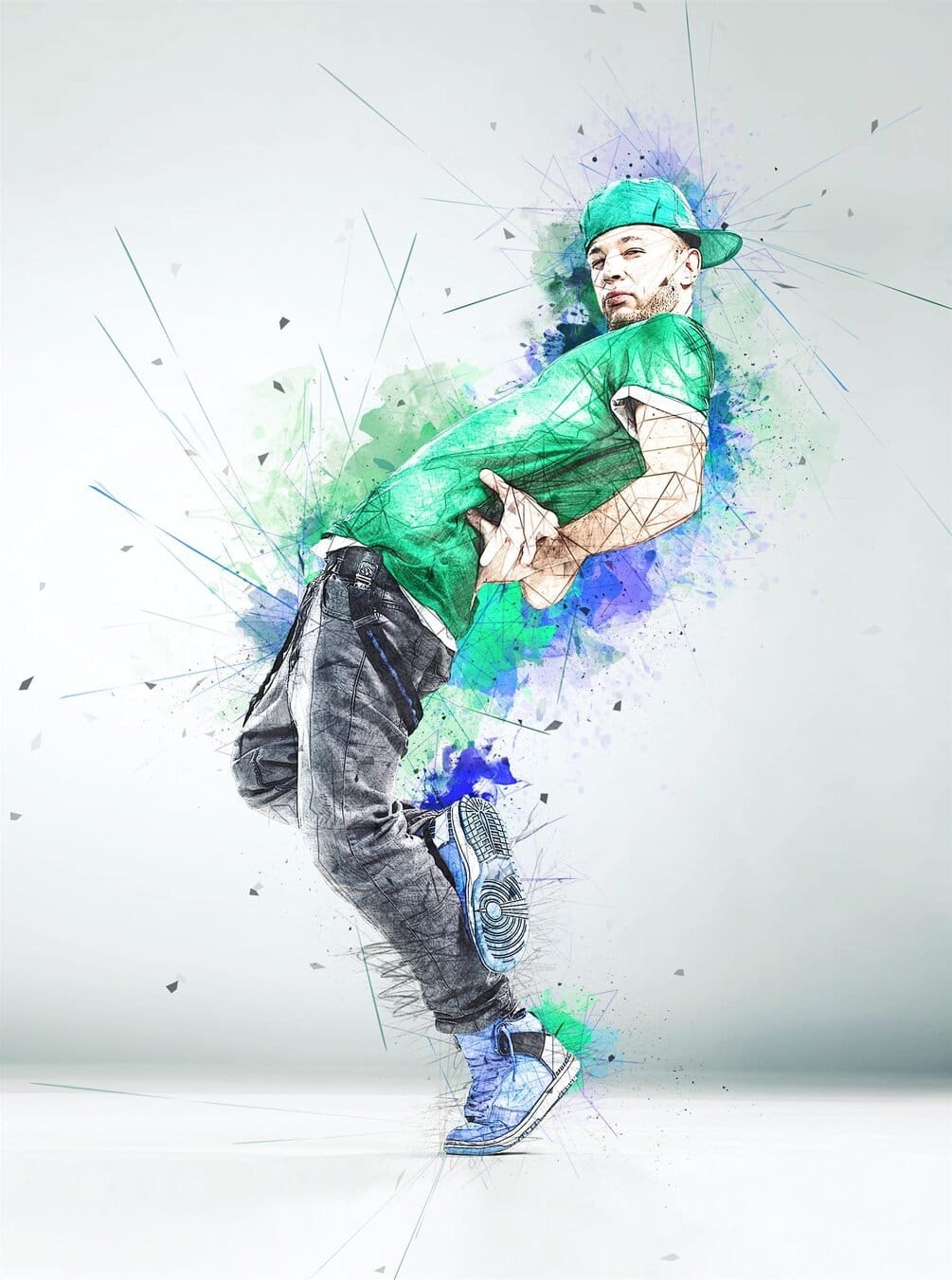
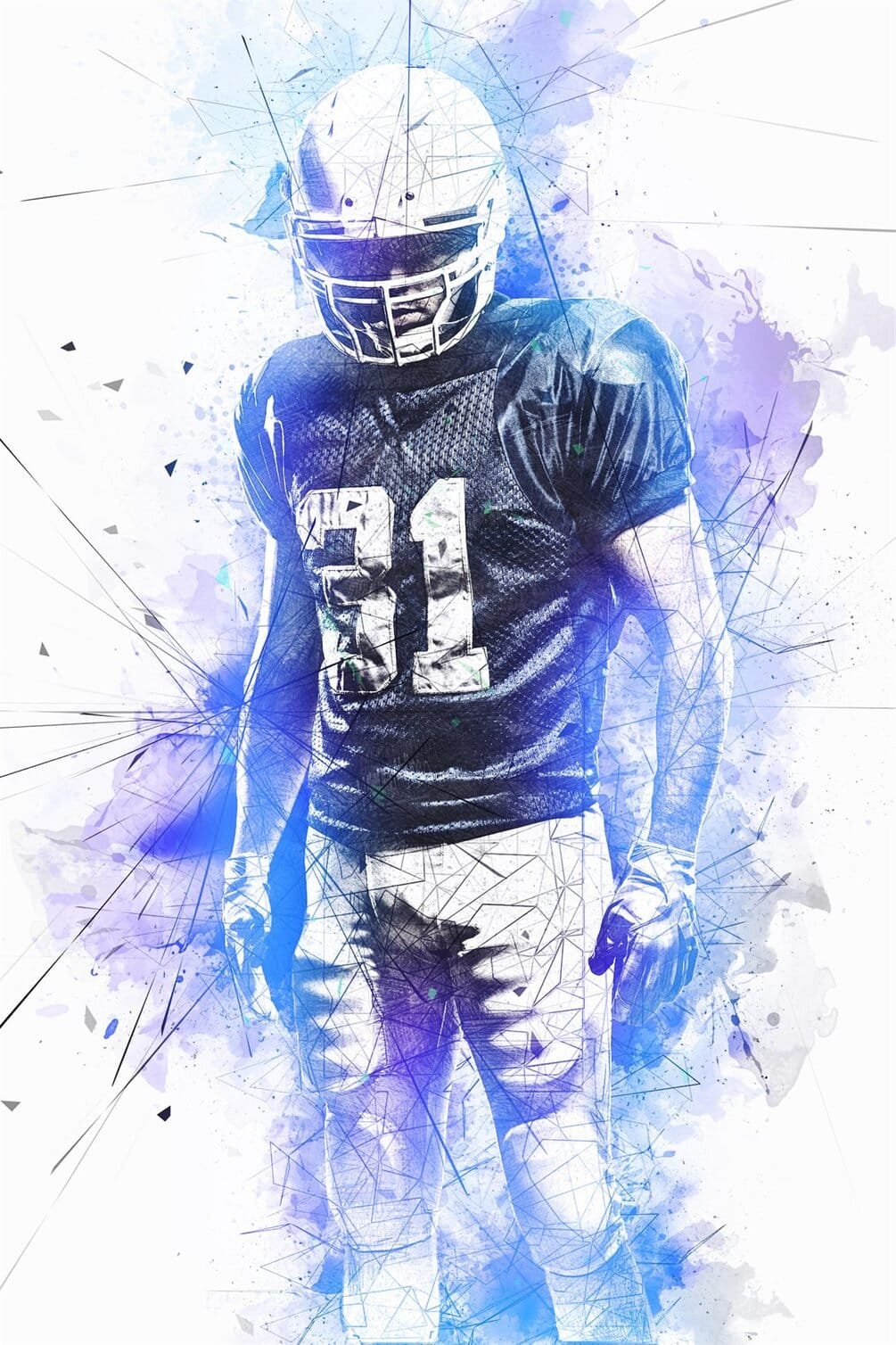
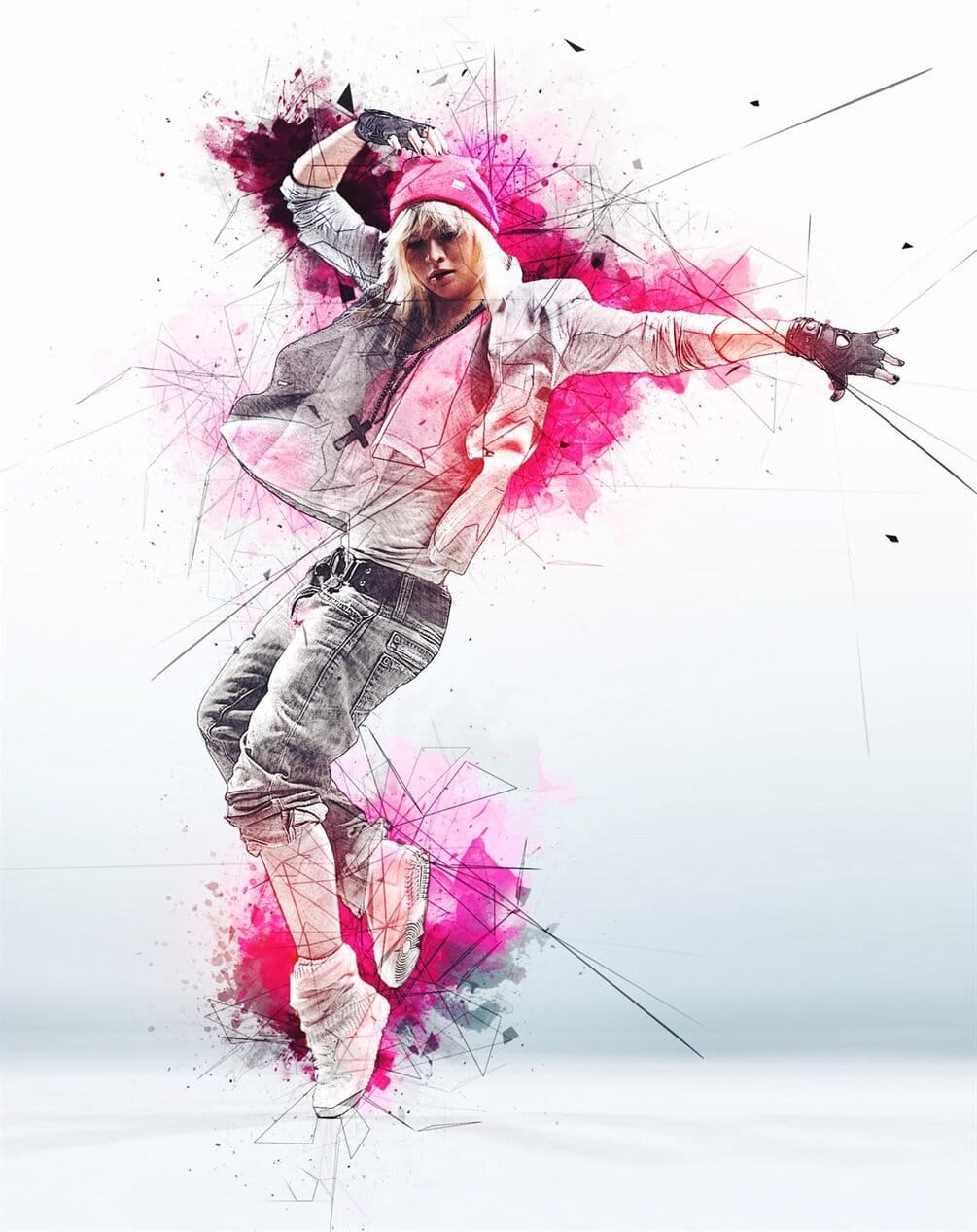
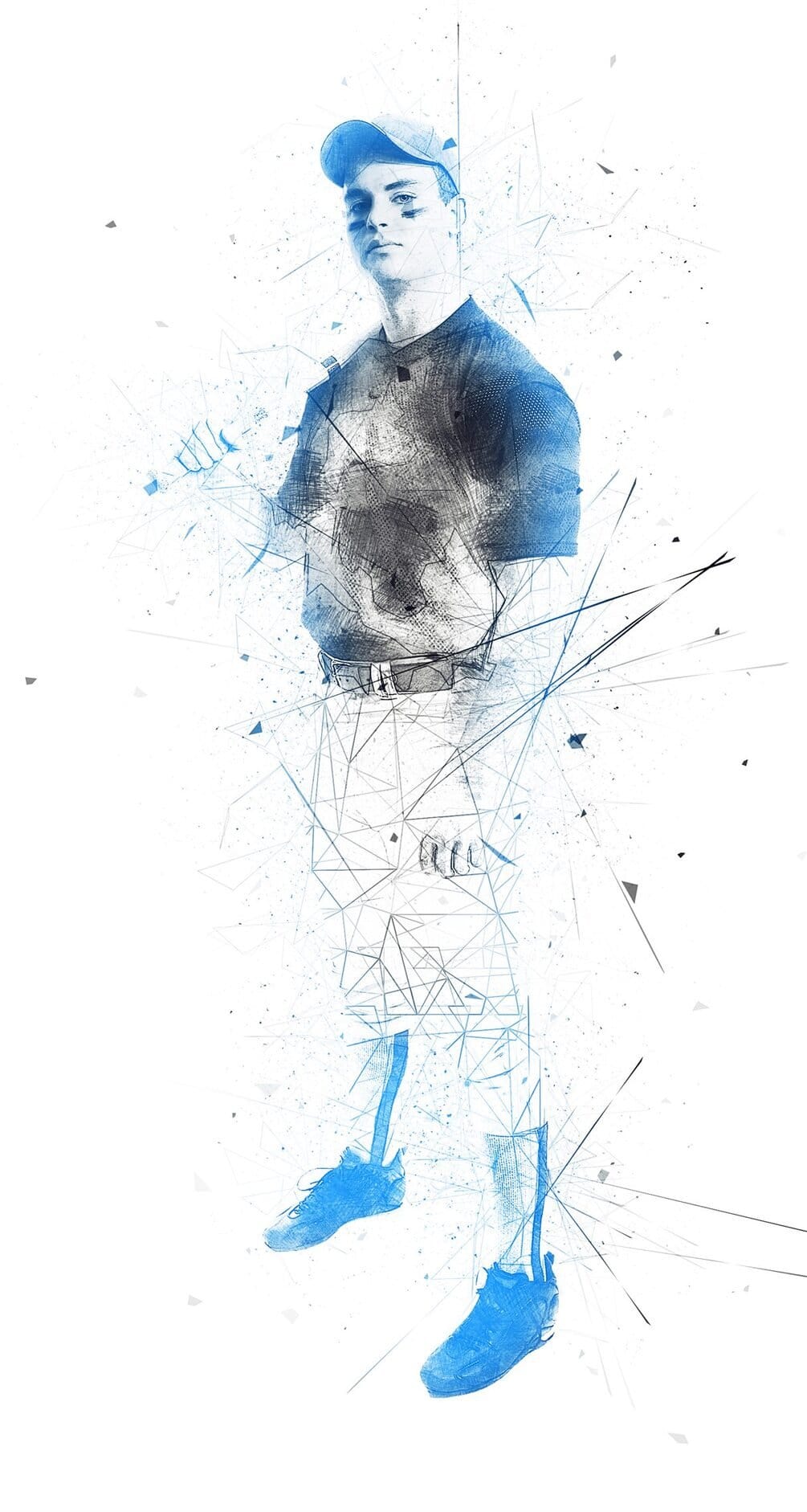
The Tekniq Photoshop Action simplifies the creation of abstract artwork from photographs. This tool allows users to transform images with minimal effort, requiring only a few clicks after loading the necessary files into Adobe Photoshop CS3 or newer. Users maintain full layer control post-application, enabling extensive customization and refinement of the generated abstract effects.

This action is suitable for a wide range of source images, converting standard photographs into unique abstract compositions. Its visual style results in dynamic and stylized art pieces, providing a distinctive aesthetic. The ability to work with layers after the action runs offers a high degree of creative freedom for fine-tuning colors, textures, and forms.
Creative Tips

  • For optimal results, prepare your source photos by scaling them into the 3500px – 4500px range on the long dimension. This ensures sufficient detail for the action to process effectively, leading to higher quality abstract outputs for client work.
  • After running the action, thoroughly explore the generated layers. This allows for precise adjustments to colors, textures, and blending modes, enabling you to fine-tune the abstract design to meet specific project requirements or client preferences.
  • Ensure your Photoshop installation is set to the English version before running the action. This helps prevent compatibility issues and ensures the action executes as intended, maintaining workflow efficiency in a professional environment.

Check It Out

Explore the unique creative possibilities this action offers for your next project or client work. Transform ordinary photos into extraordinary abstract compositions with ease.

Member discussion

Get tutorials & freebies delivered to you.

Subscribe to the Photoshop Roadmap newsletter, a weekly roundup of new tutorials, insights and quality downloads, trusted by 6500+ readers.

You might also like

Trees Photoshop Brushes

The Trees Photoshop Stamp Brushes set includes 30 high-resolution tree stamps designed to help you add natural elements to your artwork quickly. These brushes work well for building scenes, backgrounds, or decorative details without having to draw trees from scratch. Each tree is provided as a Photoshop stamp brush, making...

Lightning Photoshop Brushes

The Photoshop Lighting Brushes set includes 36 high-quality lightning brushes designed to help you add electric energy to digital artwork quickly and easily. These brushes are ideal for creating lightning bolts, sparks, flashes, and electric currents, whether your scene is realistic or more stylized. You can use these brushes to...

160 Eyes Photoshop Stamp Brushes

This 160 Photoshop Eyes Stamp Brushes set is a practical collection of eye stamps made to speed up character design, illustration, and concept work. Instead of drawing eyes from scratch every time, you can place a base eye shape instantly and adjust it to fit your style. The set includes...

Foliage, Grass and Moss Environment Photoshop Brushes

This professional brush collection is designed for creating realistic natural environments, offering a comprehensive set of tools for painting forests, trees, grass, and mosses. Developed by artist Eldar Zakirov, the Foliage & Grass set provides 60 high-quality presets specifically engineered to handle the complex textures of nature with ease. Versatile...

A Library of Thousands of Editable Text Effect Templates

This collection offers an expansive repository of thousands of professional text effect templates, providing an immediate visual upgrade for any design project. Hosted on Creative Fabrica, this library is filled with visually impressive, high-impact assets that are fully editable and ready for immediate use. A Massive Selection of High-Impact Styles...

Dynamic Fire FX: 67 Brushes for Realistic Fire Effects

The Dynamic Fire FX Brush Set includes 67 unique Photoshop brushes made for painting realistic fire effects with speed and control. Instead of flat stamp overlays, these brushes let you actually paint flames, sparks, and fiery shapes, making them ideal for sketches, illustrations, concept art, and matte painting. The set...

You’ve successfully subscribed to Photoshop Roadmap
Welcome back! You’ve successfully signed in.
Great! You’ve successfully signed up.
Success! Your email is updated.
Your link has expired
Success! Check your email for magic link to sign-in.