24 Creative Color Effects Photoshop Tutorials

24 Creative Color Effects Photoshop Tutorials

The introduction of digital cameras has revolutionized photography. Gone are the days when quality relied solely on film development services, which often meant dealing with color errors or issues like expired rolls or light leaks. Nowadays, these concerns are virtually eliminated, allowing photographers to focus on creativity rather than technical flaws.

However, even with digital technology, there are still ways to explore artistic expression through color. Mistakes can become opportunities for unique creations.

For those looking to enhance their photography skills, a variety of Photoshop tutorials can provide valuable insights. These resources will guide you through adding creative color effects, helping you transform ordinary images into stunning works of art. Whether you're a beginner or an experienced user, these tutorials can enrich your approach to photography.

Create an Elegant Technicolor Effect in Photoshop with Filter Forge – Photoshop Roadmap
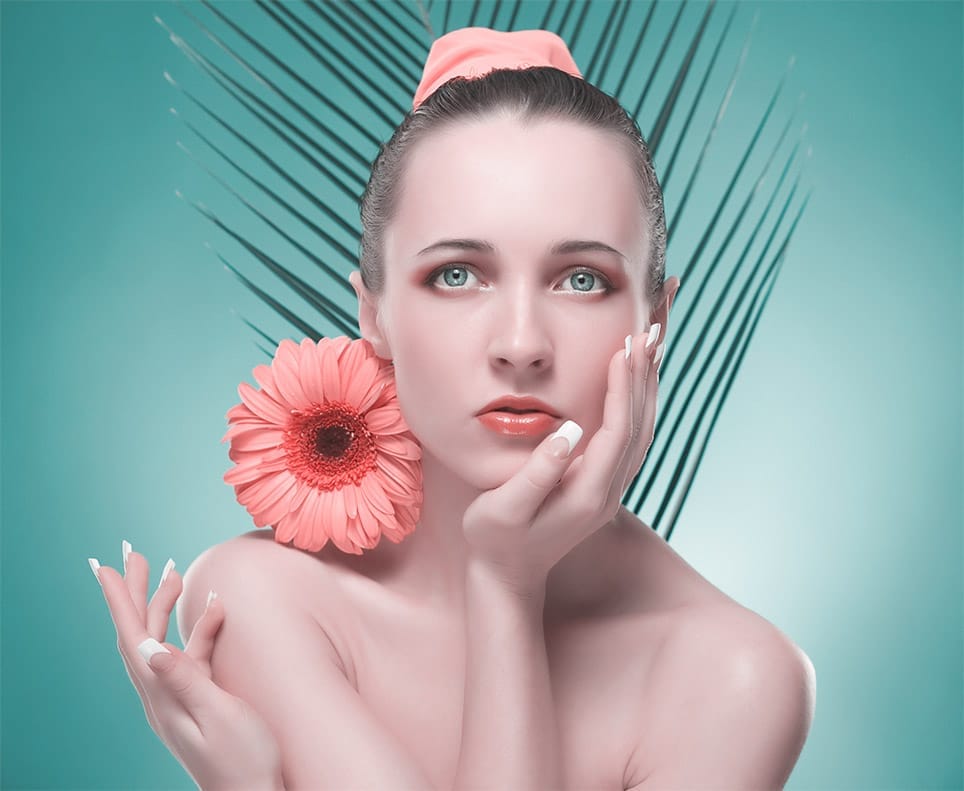
This tutorial will show you how to create a simple additive two color Technicolor filter for Photoshop using Filter Forge plugin. Filter Forge is a fantastic tool to create your own Photoshop filters without writing a single line of code or know how to program in any language.You don’t
Professional color effects with a gradient map
In this Photoshop tutorial by Kevin Roodhorst you will learn how to color grade with a gradient map adjustment layer. This works great if you just want to experiment and see what works best. Kevin will explain how to add beautiful color grading with a simple technique that will leave you wondering why you never […] More
Bleached Film Photo Effect in Photoshop
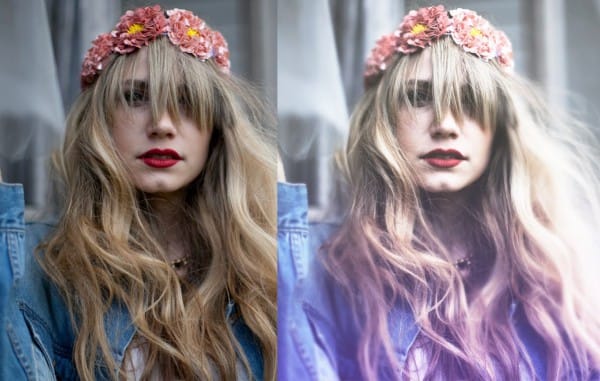
In this tutorial you will learn how to make a bleached film vintage photo effect in a few easy steps using Adobe Photoshop More
Skin Retouching and Soft Light Effect in Photoshop
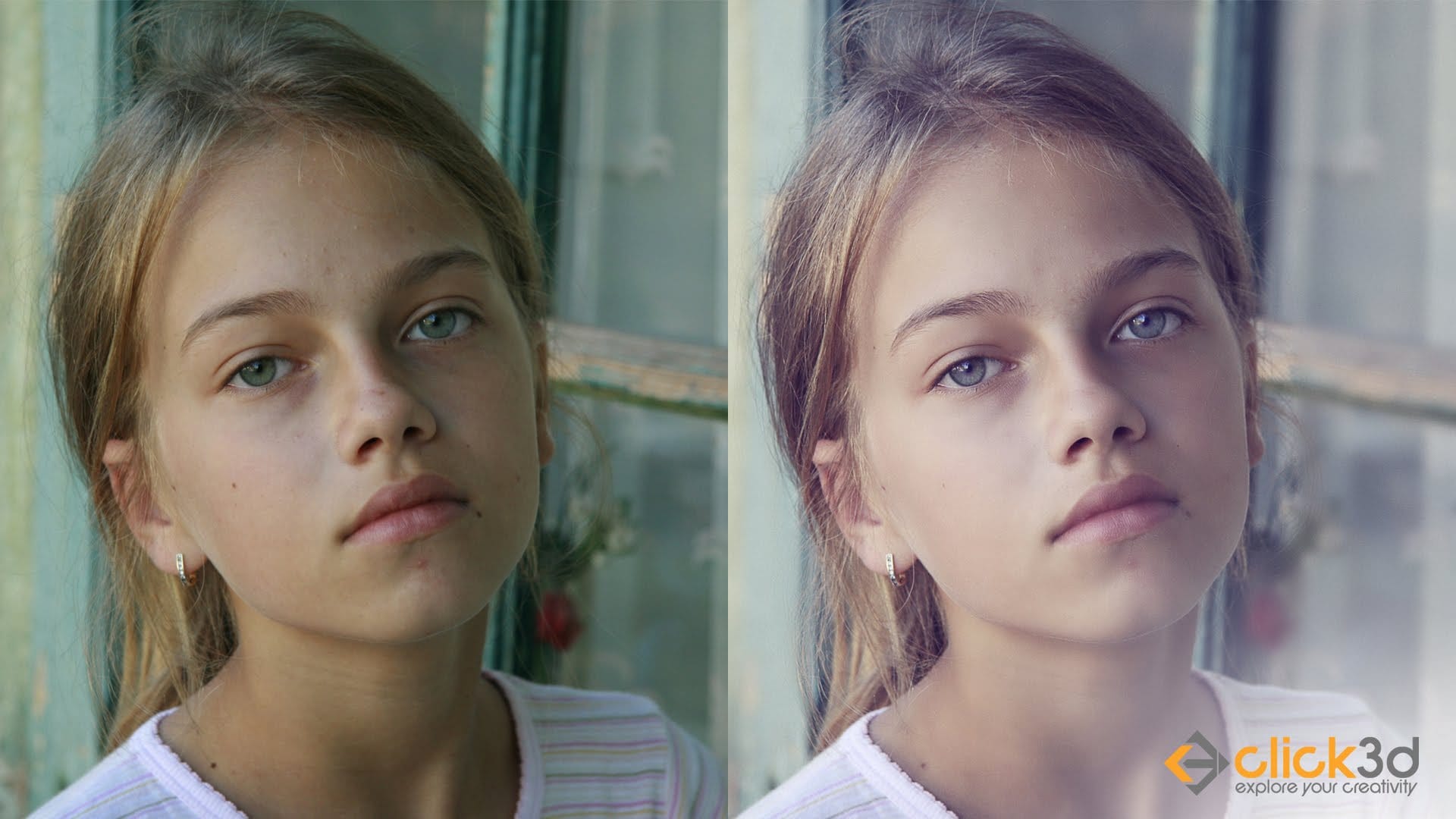
In this video you will learn how to do high end skin retouching using a method called “Frequency Separation” and soft light effect in Photoshop. More
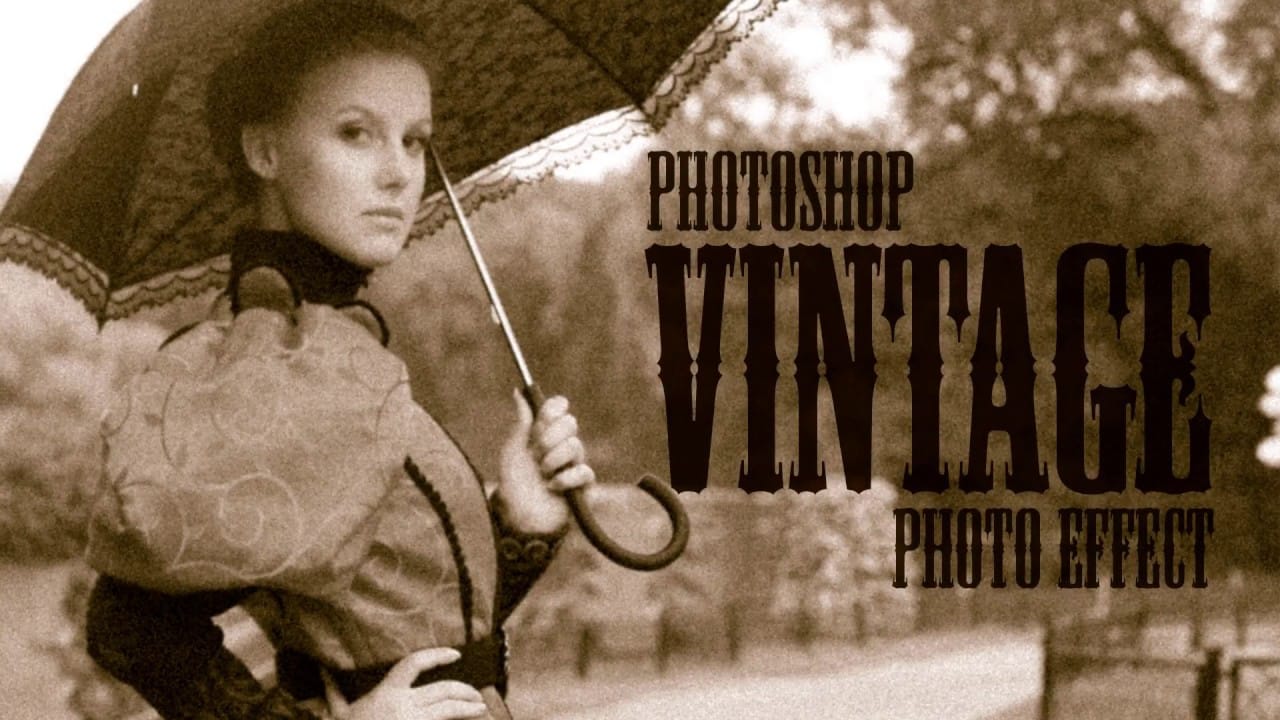
Create an Old Photo Effect in Photoshop
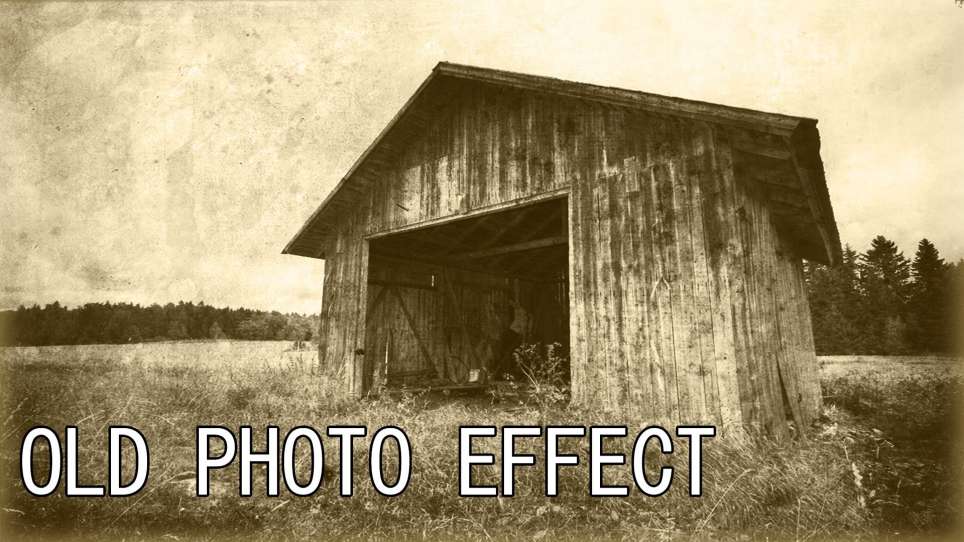
If you have ever liked the style of old photos and wondered what your modern photos would look like if you made them old well now you can, I’ll show you how to apply a old photo style with a torn and damaged brown vintage effect so you can really make your photos look like […] More
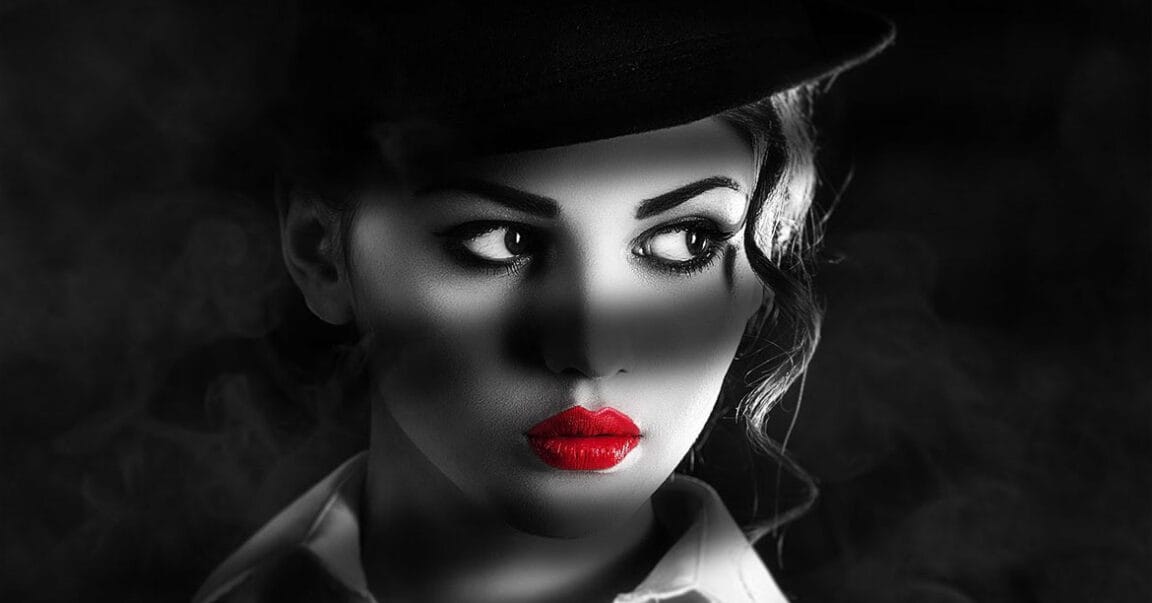
Create a stunning Film Noir photo effect in Photoshop
The Sin City movies are modern masterpieces that reimagine the film noir genre from the 40s and 50s. They use black and white imagery with low key lighting to creating striking pictures with high contrast between light and shadow. In this tutorial, talented Photoshop artist Chris Spooner, from Spoon Graphics,
How to create retro color light leaks in Photoshop
In this photoshop Tutorial, you will learn how to add light leaks to your photos using gradient fill layers. This effect is really simple and easy to adjust for your own photo to add some interesting lighting. If you want to try different kinds of light leaks effects, then take a look at this professional […] More
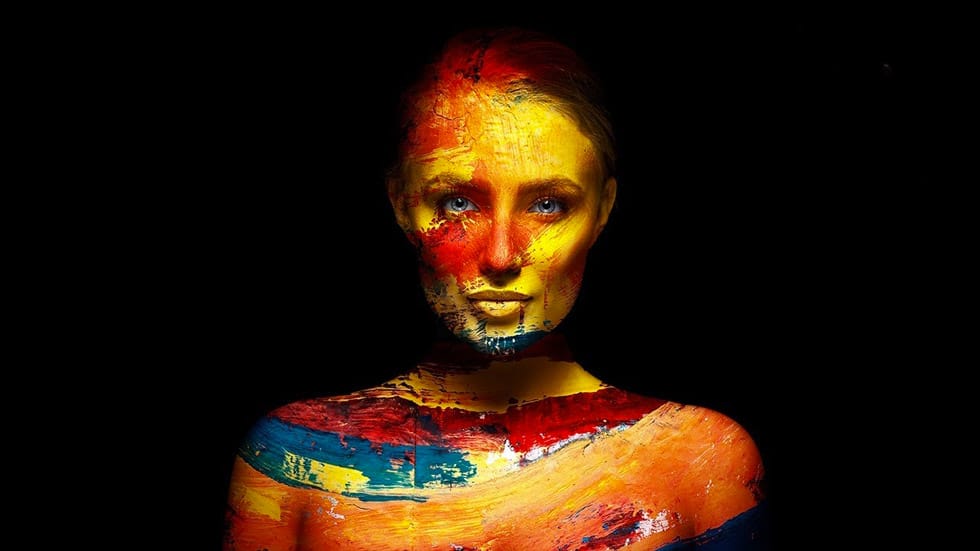
Add Creative Color and Texture to Portraits in Photoshop – Photoshop Roadmap
In this tutorial by PiXimperfect you will learn how to apply highly realistic paints and textures to portraits in Photoshop. Learn how to manually mold the texture according to the shape of the portrait and use advanced blend modes and blend-if to blend in the colors in the most natural
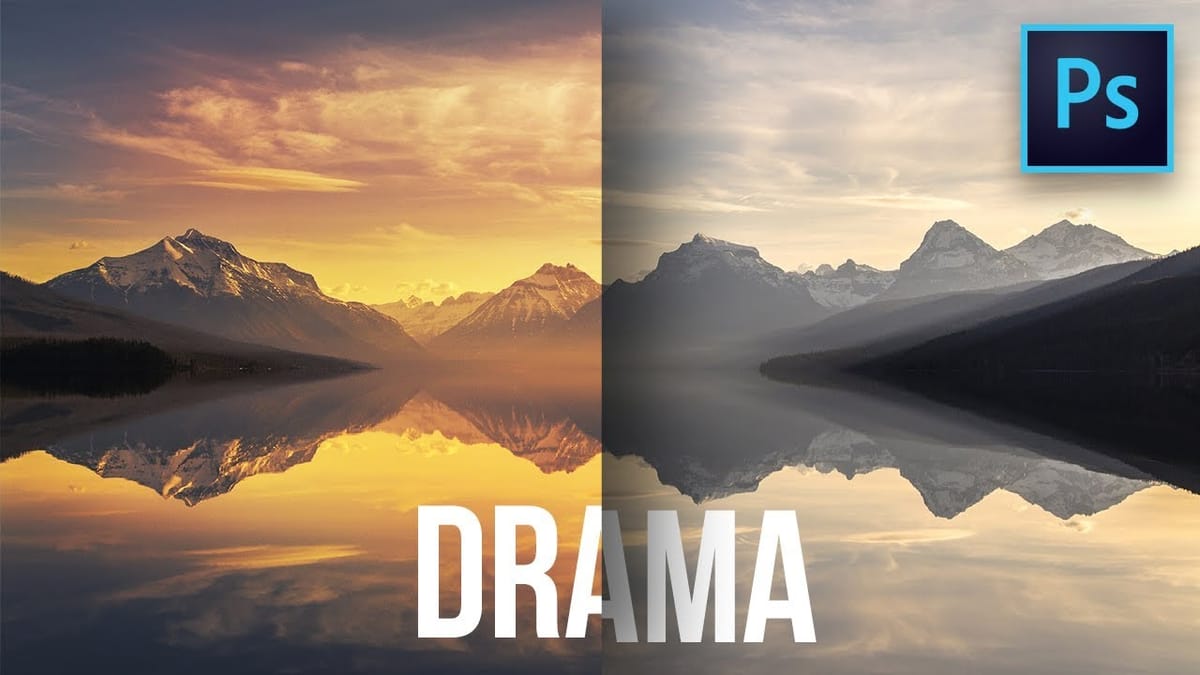
Create colorful dramatic skies with a simple blending trick in Photoshop – Photoshop Roadmap
In this Photoshop tutorial by Unmesh Dinda from PiXimperfect you will learn how to extract amazing details from the sky, bring out the clouds, and add brilliant colors just using the Blend If sliders in Photoshop. Learn how to add drama, mood, and details to your skies by utilizing the
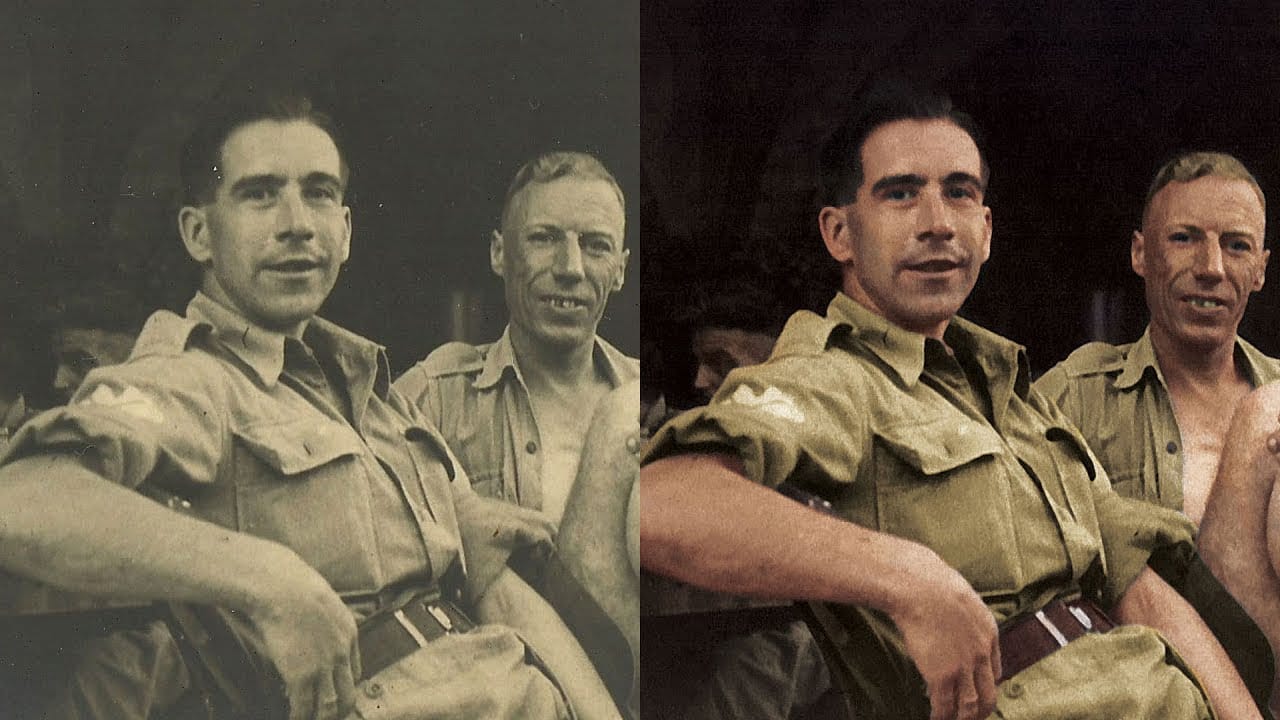
How To Colorize a Black and White Photo in Photoshop
I spent some time the other day experimenting with colorizing a black and white photograph. The image I worked on is a photo of my Grandad during WW2. The original has that washed out sepia look to it, as you would expect from a snapshot from the 1940s. But after scanning and processing it in […] More
Add mood to your photos with color and lookup tables in Photoshop
In this tutorial, Glyn Dewis will show you how you can add mood and atmosphere to your pictures, using colour and a little know feature, Photoshop Lookup tables. Basically Color Lookup Tables are just that, a table of predefined colors that can be applied to an image, replacing in a controlled way the colors of […] More
Create a realistic old vintage photo effect in Photoshop
Photographs are timeless. In fact, it’s often our old, weathered and faded photographs that we treasure the most. Snapshots from a bygone era fill our hearts with nostalgia and romantic notions of how much simpler life must have been. While today’s digital cameras continue to amaze us with their technology, there’s still something magical and […] More
How to make colors pop in Photoshop
In this tutorial by kelvin Pimont from Kelvin Designs, you will learn how to transform dull photographs that lack impact into more dramatic and colorful images. Kelvin will show you how to select areas and make local adjustments to colors and contrast to make the colors pop and make a more impactful photo. If you […] More
Add Creamy Tones to a Photo for a Vintage Look in Photoshop
In this photoshop tutorial by JustThisGood, you will learn how to add creamy tones to a photo for a vintage look. More
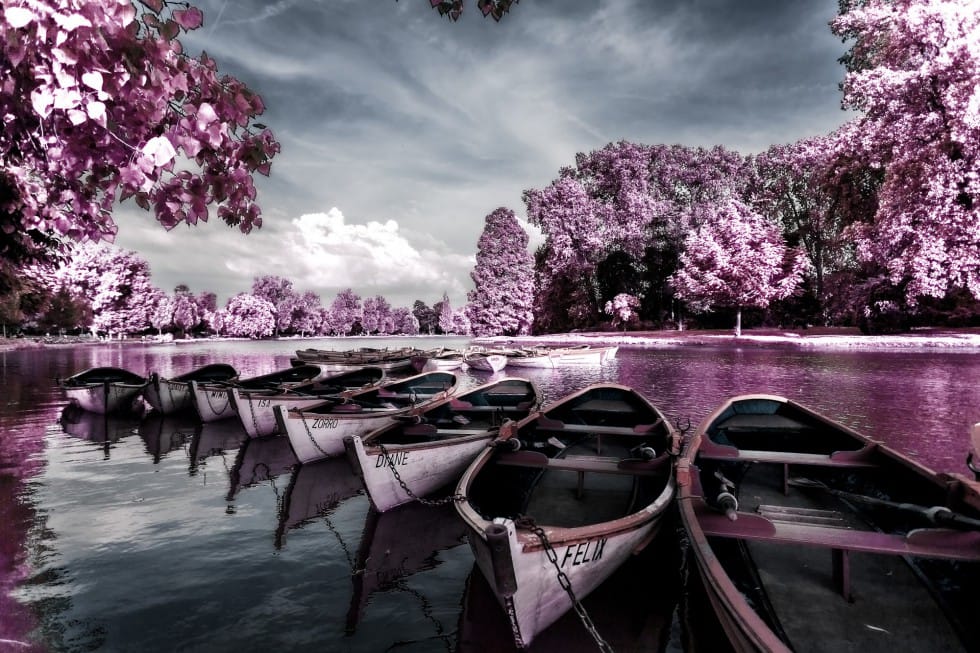
Create a Beautiful Infrared Effect in Photoshop – Photoshop Roadmap
In this tutorial Serge Ramelli explains how to achieve an infrared look for your photos using Photoshop. Serge explains the distinctive characteristics of infrared photography before detailing the steps to replicate this effect. Initially, you adjust the photo’s exposure in Lightroom to create a washed-out look, then open it in
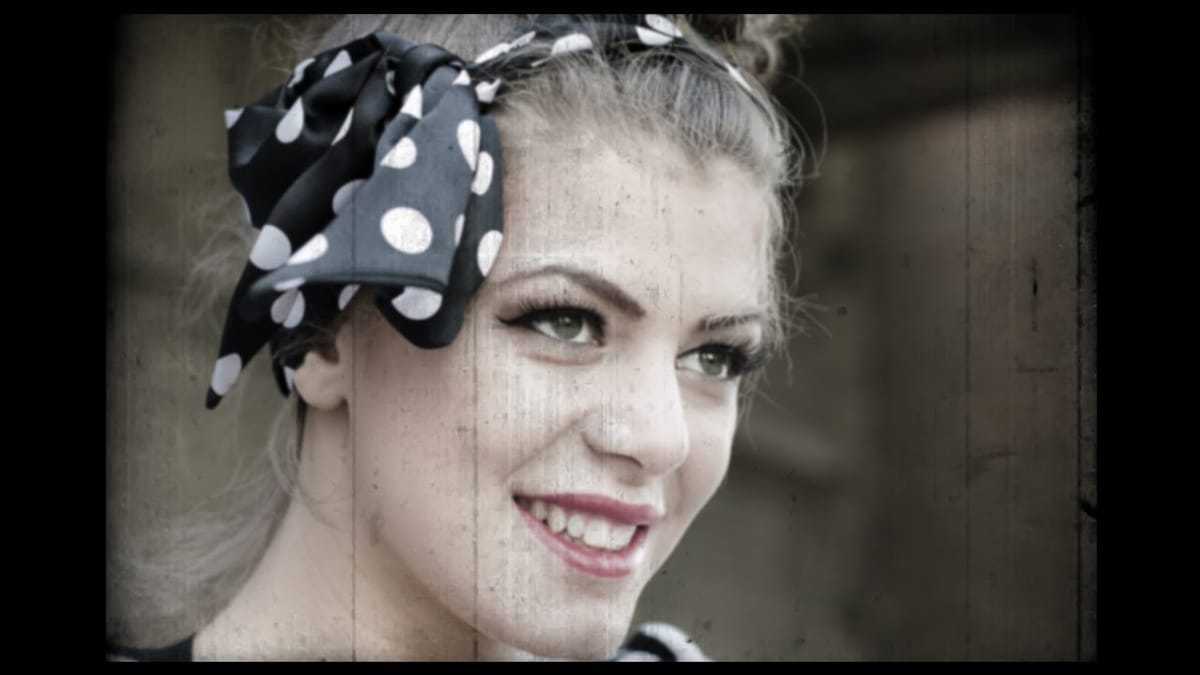
Create a vintage movie effect from a photo
Photoshop tutorial by BlueLightning TV showing how to quickly and easily create the look of old, vintage, 8mm movie film still frames from new, color photographs. Download Film scratches texture, Download Shutterstock image of woman’s portrait / Image ID: 203420179 More
Add creative lights and colors to your image in Photoshop
In this simple tutorial you will learn how to turn your image into image full of creative lights and colours. Use some of the gradients and brushes, to turn your image into impressive piece of work. More
Remove color cast from your photos in Photoshop – Photoshop Roadmap
In this tutorial, Michael Woloszynowicz demonstrates how to effectively remove color cast from photos in Photoshop, particularly addressing an overall orange tint common in portraits. Instead of the usual Color Balance method, Michael introduces a more nuanced technique involving the creation of a new group called Offset. Within this group,
Quick Tip: Create One-Click Photo Effects in Photoshop – Photoshop Roadmap
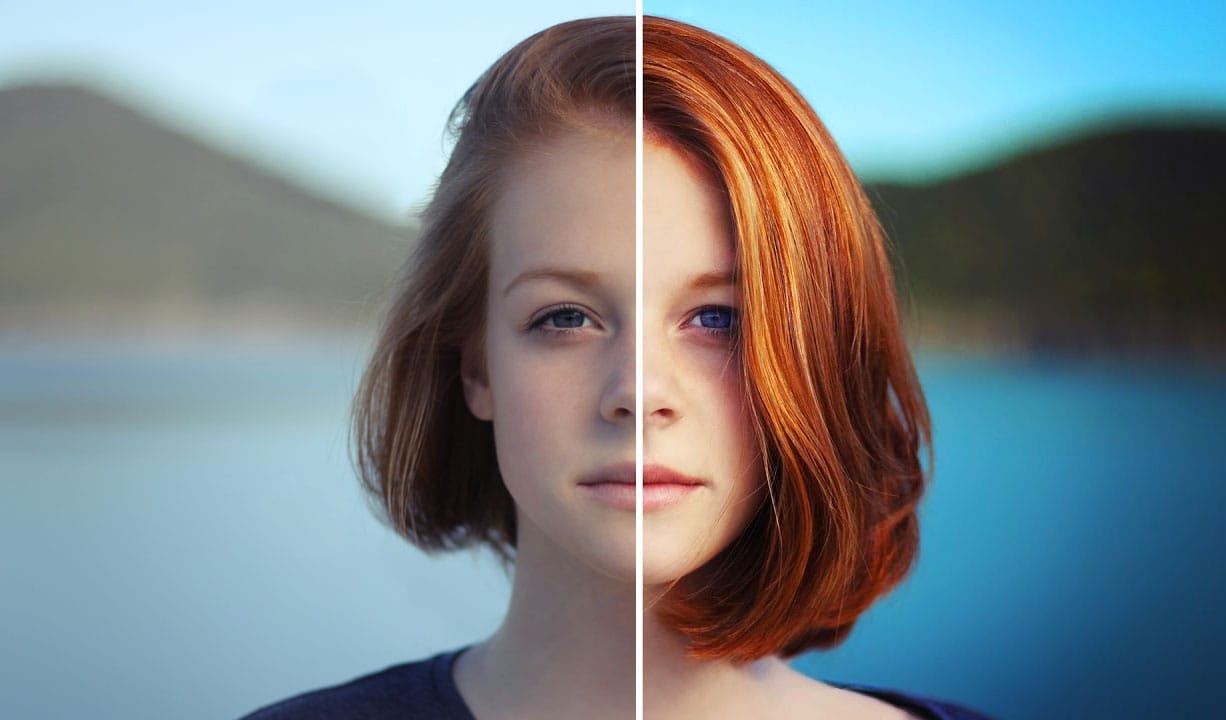
Did you know that you can apply one-click color effects to your photos? It is very easy to do using the Color Lookup Adjustment Layer. In fact, it’s so easy that even an absolute beginner can apply beautiful color effects just by following this short tutorial. Final image Without

Get tutorials & freebies delivered to you.

Subscribe to the Photoshop Roadmap newsletter, a weekly roundup of new tutorials, insights and quality downloads, trusted by 6500+ readers.

You might also like

Basic Photoshop techniques you really need to learn

Photoshop hasn’t changed as much as it looks. New features come and go, but the same core techniques keep showing up in real work. If you skip them, everything feels harder than it should. This post focuses on those basics, not as isolated tricks, but as skills you’ll...

How to Use Select Subject for Background Removal and Edge Refinement

Background removal becomes effortless when you know how to use the right tools. AI-powered selection can instantly isolate subjects from their backgrounds, but the real skill lies in refining those selections to create professional results. This guide covers the complete workflow from initial selection to edge refinement, plus creative techniques...

How to Wrap Text Around Any Shape in Photoshop

Creating text that flows naturally around irregular shapes transforms static layouts into dynamic, professional designs. This technique works particularly well for posters, magazine layouts, and editorial designs where text needs to integrate seamlessly with complex subjects rather than simply sitting in rigid rectangular boxes. The process combines selection tools, path...

How to Edit Text in Images Using Generative Fill

Changing text within existing images has traditionally required complex masking and reconstruction techniques. Modern AI-powered tools now make it possible to seamlessly replace words and phrases in photographs while maintaining realistic typography, lighting, and perspective that matches the original scene. This technique works particularly well for signs, storefronts, billboards, and...

How to Remove Dust and Sensor Spots Using Photoshop Tools

Dust spots and sensor particles are inevitable challenges in digital photography, appearing as dark specks that distract from otherwise clean images. Camera sensors collect dust over time, creating consistent spots that show up across multiple photos, particularly in bright sky areas or uniform backgrounds. Both Lightroom and Photoshop offer specialized...

Photoshop vs Affinity Photo: Feature Comparison and Professional Analysis

When choosing professional photo editing software, the decision often comes down to comparing features, performance, and value. This detailed comparison examines the core capabilities of both applications across noise reduction, smart selections, object removal, masking, and AI-powered tools. The analysis covers real-world scenarios that professionals encounter daily, from complex background...

You’ve successfully subscribed to Photoshop Roadmap
Welcome back! You’ve successfully signed in.
Great! You’ve successfully signed up.
Success! Your email is updated.
Your link has expired
Success! Check your email for magic link to sign-in.