Colorful and Snowy Christmas Photoshop Tutorials

Colorful and Snowy Christmas Photoshop Tutorials

As Christmas approaches, this collection of festive tutorials brings together a variety of snowy scenes, colorful decorations, and cheerful holiday illustrations. Each tutorial captures the spirit of the season, featuring elements such as white trees, Christmas ornaments, lights, and playful seasonal effects that can be used across many creative projects.

These Christmas design tutorials are ideal for creatives who enjoy working with holiday-themed graphics, illustrations, and digital effects. They provide practical ideas for creating Christmas artwork, seasonal visuals, and festive compositions that feel familiar and enjoyable year after year.

From decorative backgrounds to illustrated holiday details, this roundup offers a range of approaches that can inspire new projects or help refresh existing designs. Take some time to explore the tutorials and let them spark new ideas for your Christmas and holiday creations. Wishing you a Merry Christmas filled with creativity and joy!

Fantasy Glow Christmas Tree

Christmas scene in Photoshop

Christmas tree greeting card in Photoshop

Christmas greeting card in Photoshop

Christmas lights rope in Photoshop

Christmas social media post design in Photoshop

Snowman illustration in Photoshop

Christmas snow globe in Photoshop

Christmas glass ball text effect in Photoshop

Creative Assets for Christmas Design Projects

A small selection of downloads to help with your Christmas designs.

Create Elegant Christmas Lettering for Your Holiday Designs With Photoshop and Nano Banana
Most of us aren’t lettering artists, and creating ornamental text for holiday designs can be tough. The usual alternative is browsing through marketplaces, hoping to find the perfect style—only to discover it’s pricey, locked behind a subscription, or bundled with things we don’t need. Free decorative
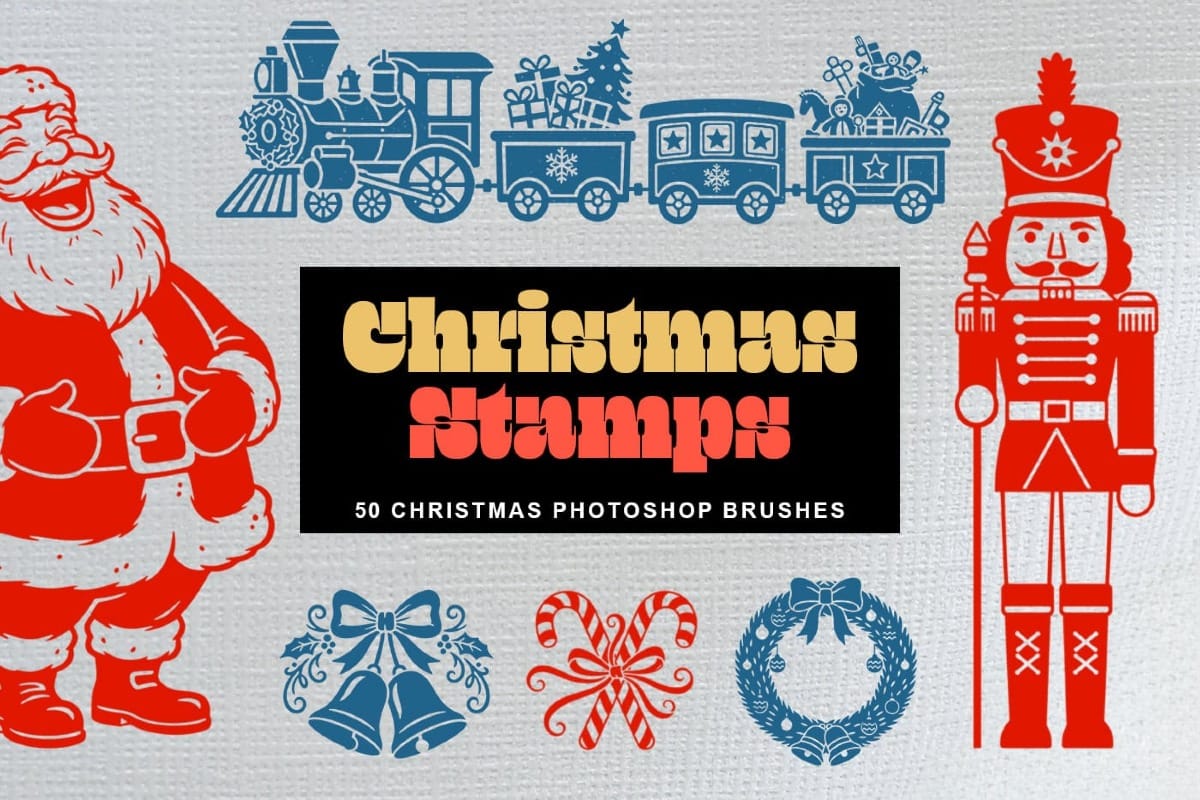
Christmas Stamps: 50 Free Classic Vintage Christmas Photoshop Brushes
Christmas Stamps – Free Holiday Photoshop Brushes gives you a fun set of festive stamp-style brushes designed to make your holiday projects quick and joyful to create. This free pack includes Christmas-themed brushes with classic designs like gingerbread cookies, mistletoe, candy canes, reindeer, and other seasonal details. Each brush works like
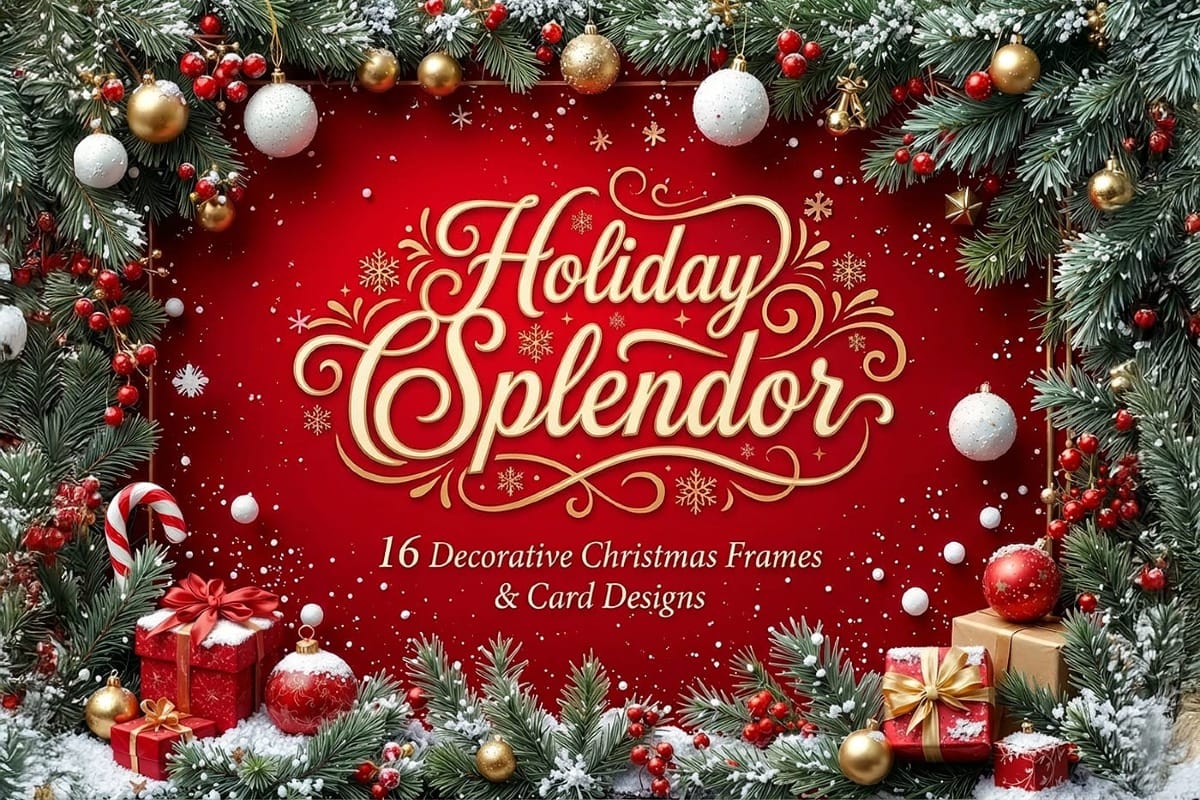
Holiday Splendor: 16 Decorative Christmas Frames and Card Designs
Holiday Splendor is a free collection of 16 beautifully crafted Christmas frames and card layouts, created with high-quality AI generation and refined for clarity and detail. This set brings together rich seasonal ornamentation, layered textures, and clean decorative borders in a polished 4:3 format. Each design features a clear
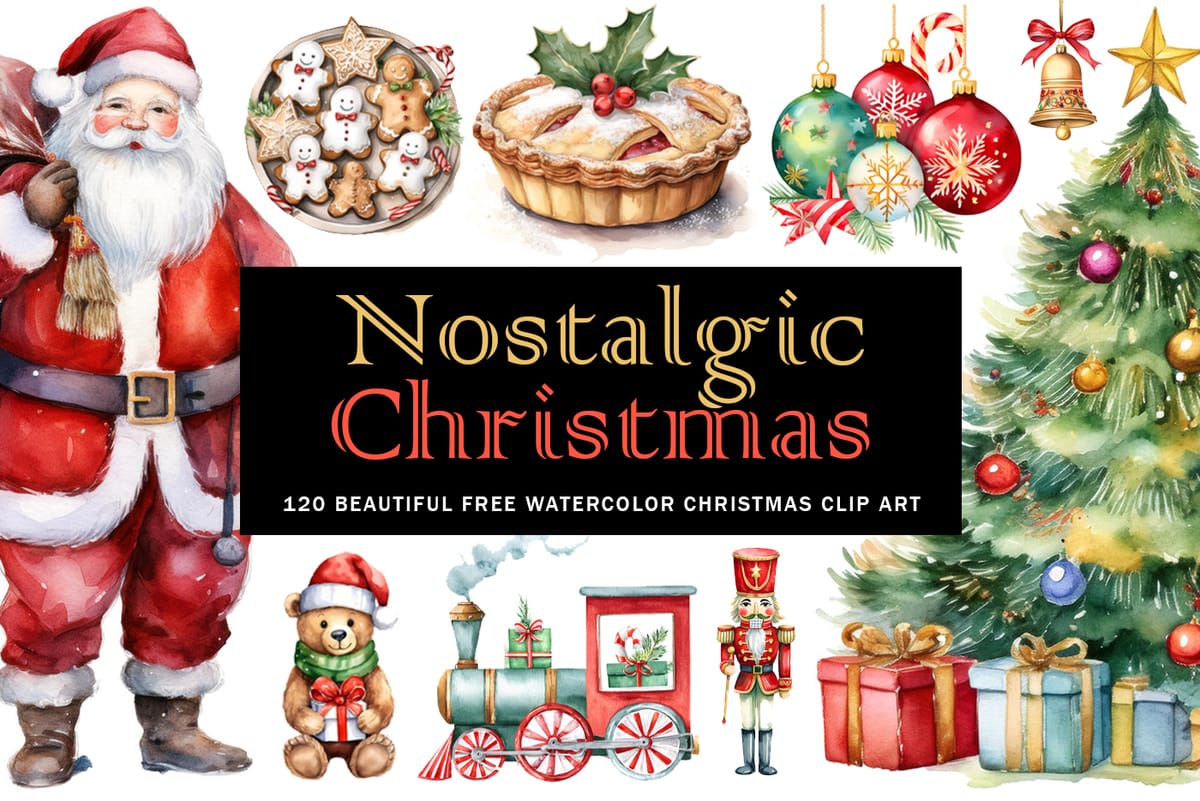
Nostalgic Christmas: 120 Beautiful Free Watercolor Christmas Clipart
The holiday season is upon us, and what better way to bring warmth and creativity to your projects than with a touch of vintage charm? We’re excited to introduce Nostalgic Christmas, a collection of 120 beautiful free watercolor Christmas clipart pieces, designed with the help of AI to add
Gingerbread Houses: 5 Free Christmas Gingerbread Houses Clipart
Gingerbread Houses – 5 Free Christmas Gingerbread Houses Clipart PNGs delivers a cozy, sweet holiday vibe to your creative projects. The free version gives you five beautifully detailed, front-view gingerbread house PNGs (2048 × 2048 px) with transparent backgrounds — perfect for slip-on use in any design app. Each illustration comes framed and

Get tutorials & freebies delivered to you.

Subscribe to the Photoshop Roadmap newsletter, a weekly roundup of new tutorials, insights and quality downloads, trusted by 6500+ readers.

You might also like

How to Change Object Colors in Photoshop Using Hue/Saturation

Changing the color of specific objects in your photos requires precision and the right technique. The key is creating an accurate selection and using a targeted adjustment layer that affects only your chosen subject while preserving the rest of the image. This method combines the Object Selection tool with Hue/...

Create a Distorted Wave Glitch Effect in Photoshop

Digital distortion effects transform ordinary portraits into striking visual art by warping reality through deliberate technical manipulation. This technique uses multiple wave filters layered together to create increasingly complex distortions, while selective masking preserves important facial features from becoming completely unrecognizable. Watch the Video Practical Tips Master the wave distortion...

How to Create Glow Motion Effects with Gradient Maps in Photoshop

Motion blur combined with colorful gradients creates striking visual effects that transform ordinary photos into dynamic, cinematic images. This technique uses gradient maps to automatically color light and dark values, producing flowing color transitions that follow the movement of your subject. The process involves subject isolation, strategic gradient placement, path...

How to Use Reference Images with Generative Fill in Photoshop

Reference images revolutionize how Generative Fill works, letting you guide AI with actual photos instead of text prompts. This feature enables precise clothing swaps, object replacements, and realistic additions by showing the AI exactly what you want rather than describing it. The technique works with everything from custom t-shirts and...

How to Remove Eye Bags Using Dodge and Burn in Photoshop

Eye bags can dramatically age a portrait, making subjects appear tired or unhealthy. Traditional removal methods often destroy skin texture or create unnatural results that look obviously retouched. This professional dodge and burn technique removes even severe eye bags while preserving every detail of natural skin texture. The method uses...

You’ve successfully subscribed to Photoshop Roadmap
Welcome back! You’ve successfully signed in.
Great! You’ve successfully signed up.
Success! Your email is updated.
Your link has expired
Success! Check your email for magic link to sign-in.