Create Abstract Artwork with Tekniq Photoshop Action

Create Abstract Artwork with Tekniq Photoshop Action

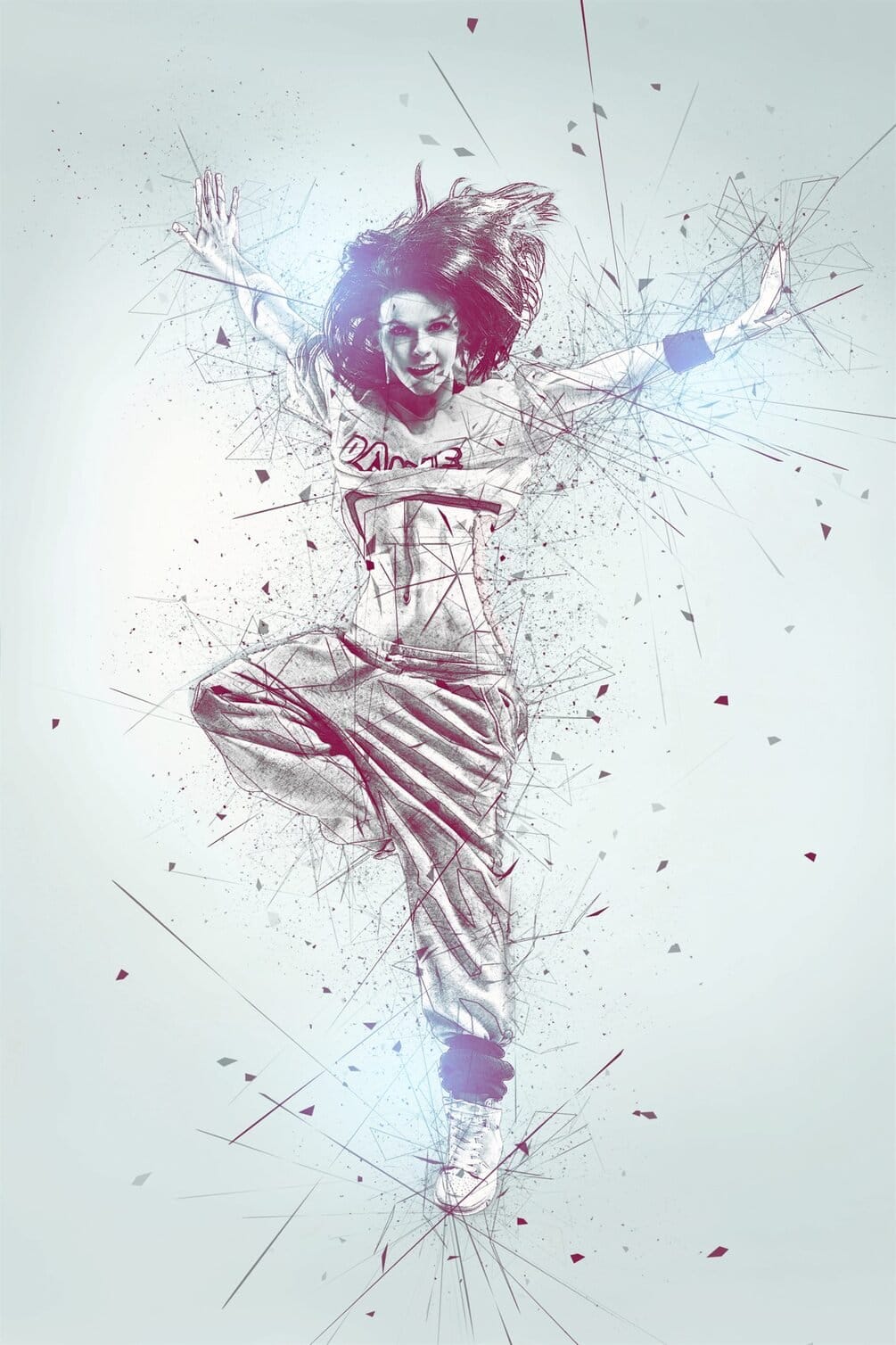
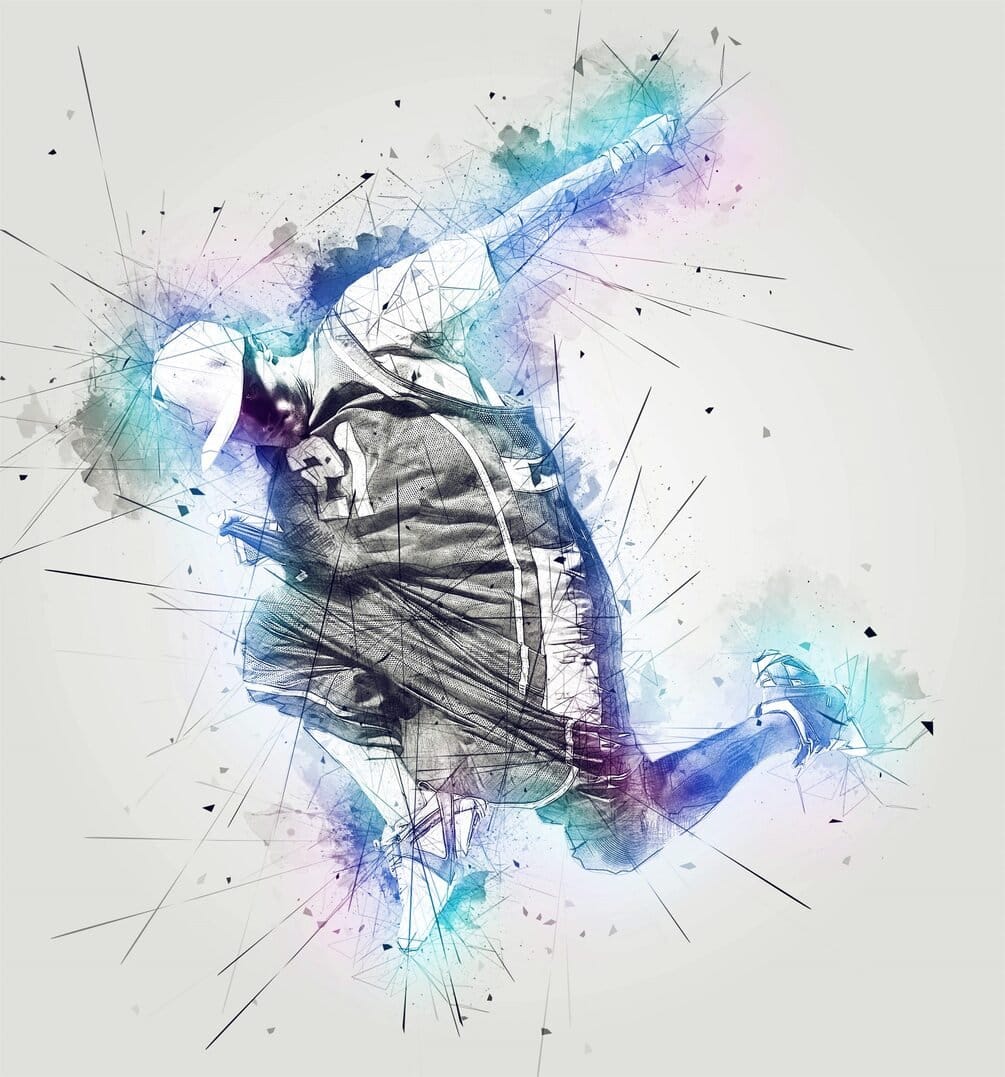
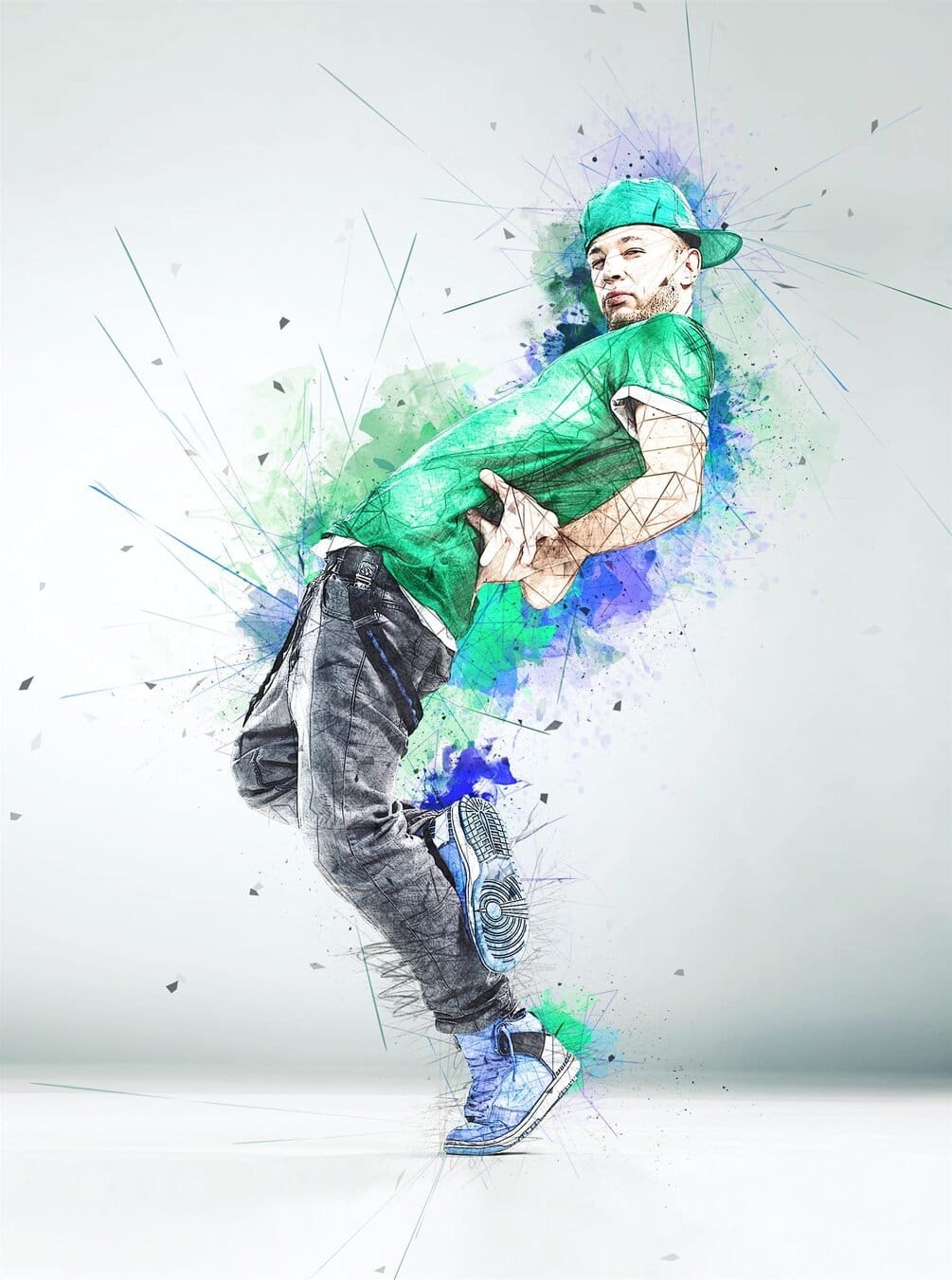
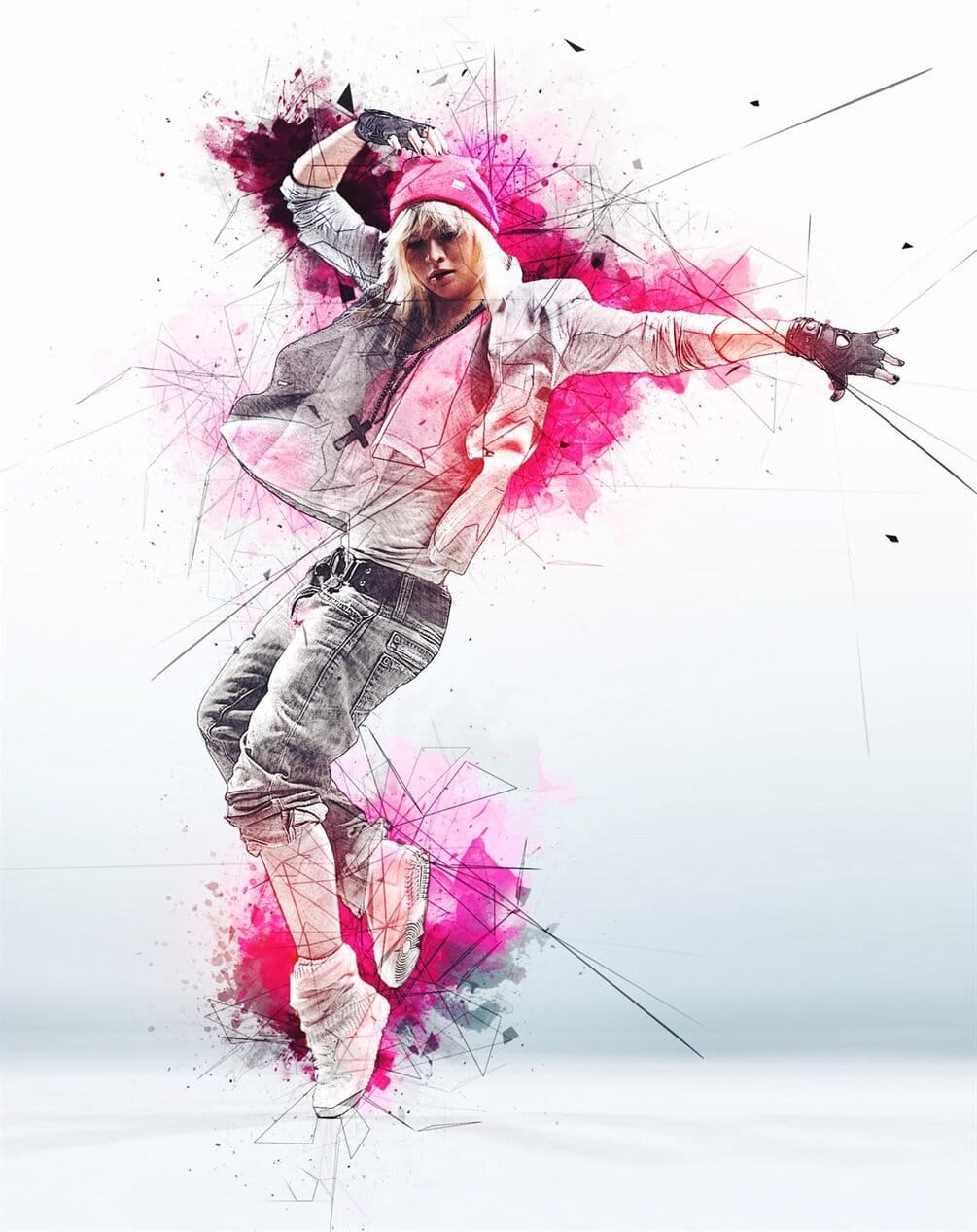
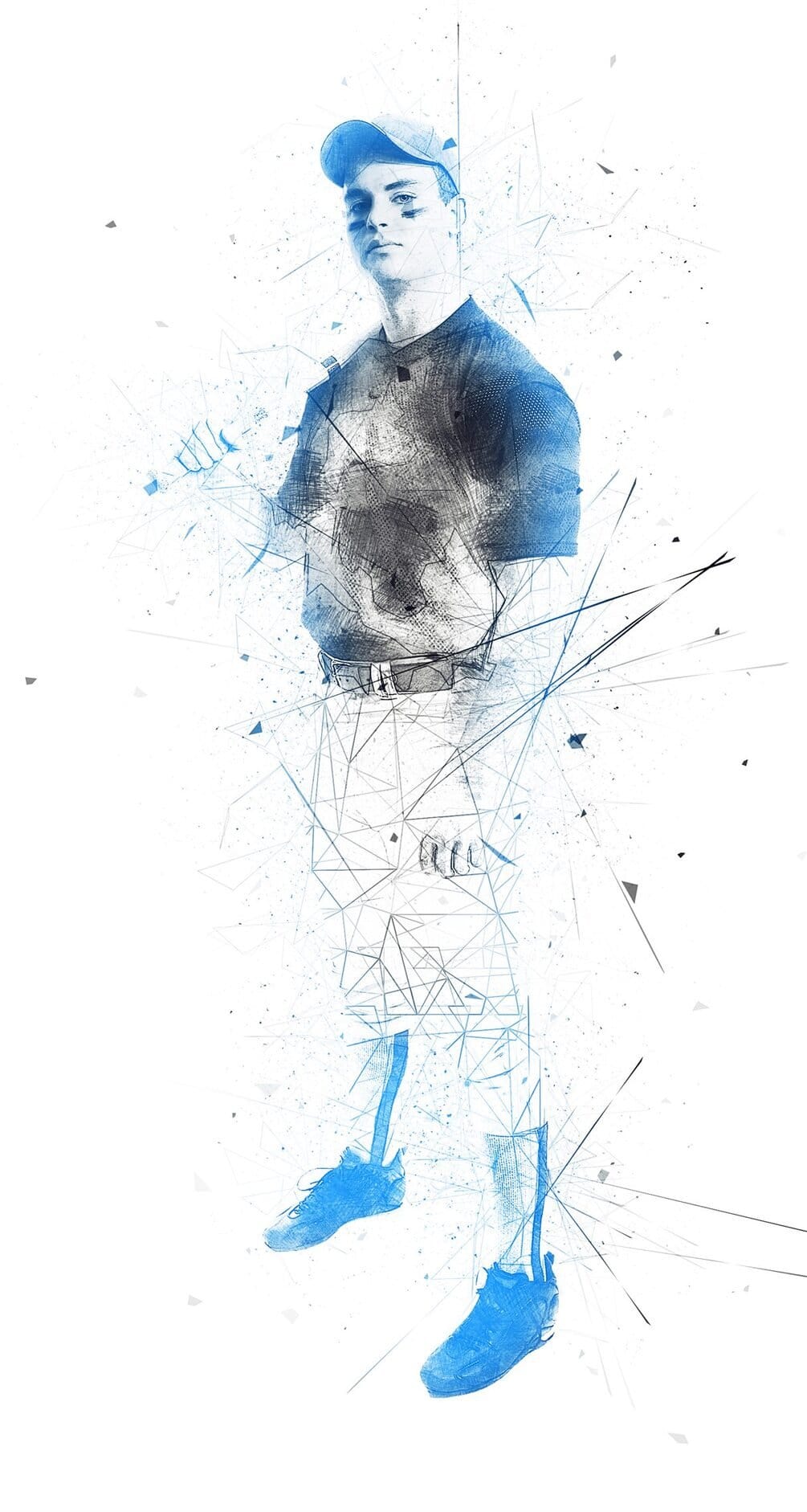
The Tekniq Photoshop Action simplifies the creation of abstract artwork from photographs. This tool allows users to transform images with minimal effort, requiring only a few clicks after loading the necessary files into Adobe Photoshop CS3 or newer. Users maintain full layer control post-application, enabling extensive customization and refinement of the generated abstract effects.

This action is suitable for a wide range of source images, converting standard photographs into unique abstract compositions. Its visual style results in dynamic and stylized art pieces, providing a distinctive aesthetic. The ability to work with layers after the action runs offers a high degree of creative freedom for fine-tuning colors, textures, and forms.
Creative Tips

  • For optimal results, prepare your source photos by scaling them into the 3500px – 4500px range on the long dimension. This ensures sufficient detail for the action to process effectively, leading to higher quality abstract outputs for client work.
  • After running the action, thoroughly explore the generated layers. This allows for precise adjustments to colors, textures, and blending modes, enabling you to fine-tune the abstract design to meet specific project requirements or client preferences.
  • Ensure your Photoshop installation is set to the English version before running the action. This helps prevent compatibility issues and ensures the action executes as intended, maintaining workflow efficiency in a professional environment.

Check It Out

Explore the unique creative possibilities this action offers for your next project or client work. Transform ordinary photos into extraordinary abstract compositions with ease.

Get tutorials & freebies delivered to you.

Subscribe to the Photoshop Roadmap newsletter, a weekly roundup of new tutorials, insights and quality downloads, trusted by 6500+ readers.

You might also like

6 New Photoshop Books Worth Checking Out to Learn Away from the Screen

Printed books are still popular for a simple reason: comfort. While you still need a computer to use the software, the learning part can happen anywhere. Instead of slouching over a desk staring at a bright monitor, a real book lets you pick up new techniques on your own terms—...

Hazy Blooms: Beautiful Dreamy Floral Backgrounds

Hazy Blooms: Dreamy Floral Backgrounds is a collection of 50 ai-generated soft-focus floral images filled with pastel gradients, glowing light, and delicate atmospheric blur. Each image was created with a dreamy, ethereal aesthetic inspired by fine art photography and romantic botanical studies. Perfect for branding, packaging, social media, moodboards, wallpapers,...

Retro Photo Toolkit Actions and Overlays

The Retro Photo Toolkit is a collection of actions and overlays made to give your images a classic, film-inspired look. It combines color presets with textures and light effects, so you can shape both the tone and the surface of your photos in one place. You’ll find options for...

Film Burn & Grain Overlay Effect

This collection includes 52 film burn and grain overlays designed to give your photos a more natural, analog feel. The overlays add light leaks, subtle grain, and soft imperfections that can bring warmth and mood to your images. They work well on both color and black and white photos, whether...

Glitch Studio Photo Effect Bundle

The Glitch Studio Photo Effect Bundle is a set of photo effects designed to give your images a subtle or more pronounced digital glitch look. It includes a mix of distortion styles, grain, and engraved textures that can add depth and a slightly raw, modern feel to your work. You...

Rainy Day Photoshop Action: Realistic Rain on Glass Effect

Rainy Day is a Photoshop action that adds a realistic rain-on-window effect to your photos in just one click. It gives your images a moody, cinematic feel, as if they were shot through wet glass on a stormy day. Perfect for portraits and creative edits, it brings more depth, movement,...

You’ve successfully subscribed to Photoshop Roadmap
Welcome back! You’ve successfully signed in.
Great! You’ve successfully signed up.
Success! Your email is updated.
Your link has expired
Success! Check your email for magic link to sign-in.