


Color fonts are the next big thing in graphic design. They represent a key evolution in digital typography. We are talking about font sets that include multiple colors, shades, textures and transparency in both vector and bitmap format.
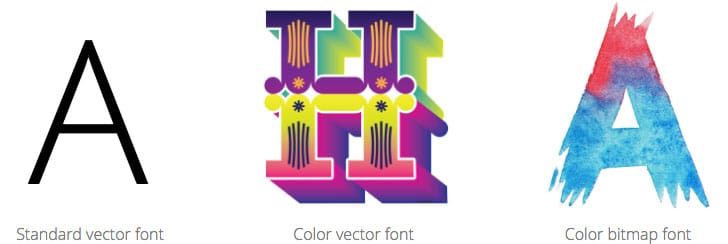
The standard vector fonts we all know, are just vector outlines that can be filled with any color using your favorite graphic design software. But the color and style is entirely your design decision. And filling them with gradients, multiple colors or textures require a lot of different skills.
But a Color Font file has additional embedded data to display more graphic properties such as gradients, textures, patterns or even bitmapped images. Just as an example, you could create an emoji font with your favorite emoticons designs.
What’s the catch?
As you can imagine, this new technology may take a while to be adopted. Currently there are different formats available and not every operating system, browser or software can display them. Fortunately Adobe Photoshop version 2017.1 can handle color fonts without any problems.
Weight is also a thing to consider. All vector fonts are somewhat lightweight, just because they include some shape outline data. But Color Fonts can include much more information, including several layers of color and shapes. Not to mention if you consider that a high resolution bitmapped Color Font is just like any photograph. Weights start to increase monumentally.
Another fact is scalability. There are no issues with vector Color Fonts. But when it comes to bitmapped Color Fonts, the font will scale properly until it reaches it’s highest bitmap size. After that, as with any other pixel based image, it will start to look pixelated or blurry.
Ok, that’s awesome, but where can I get them?
The popular graphics marketplace, CreativeMarket, has a nice collection of Color Fonts you can purchase right now. Don’t get confused, these are actual fonts, not clip art or graphics. The color is predefined, they were designed that way:
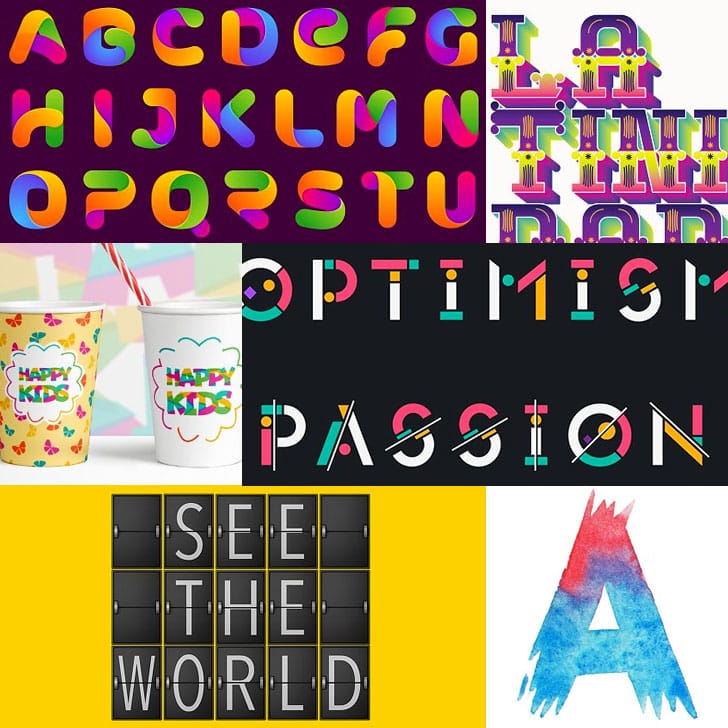
You can alternatively create them yourself efortlessly…
Enter Fontself, the Font creator plugin for Photoshop and Illustrator
Fontself Maker is an add-on for Photoshop & Illustrator CC that brings you font creation superpowers.
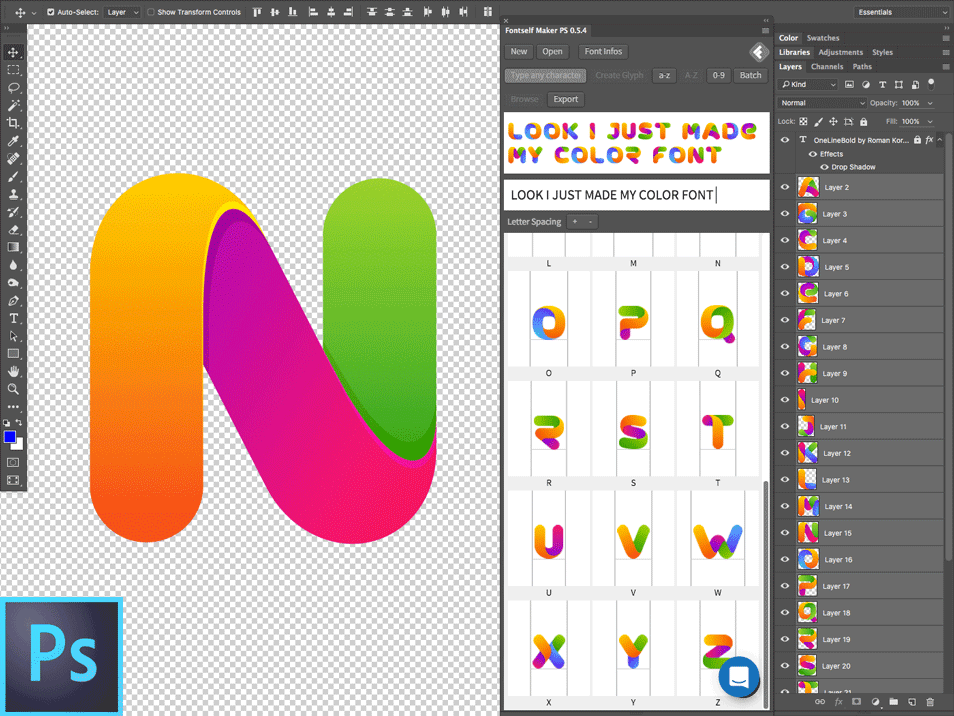
With Fontself you can create Color Fonts in seconds. You can also convert any shape into a character. And when you are done, you will be able to export OpenType font files that you can install in both Macs and Pcs.
With Fontself for Photoshop you will be able to:
- Turn any image or vector layer into actual fonts
- Drag & drop layers to create new characters
- Capture any color, shade or texture you want
- Export OpenType-SVG color fonts (these can be used in Photoshop CC 2017)
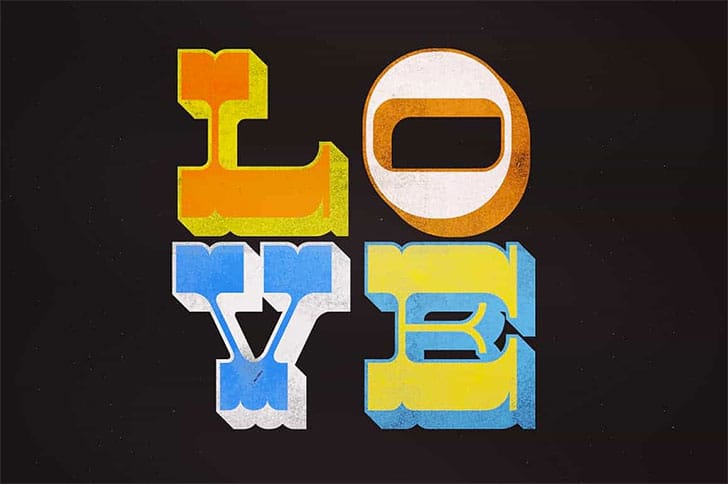
Basically you can create any type of font, efortlessly. Not only minimalist design fonts, but also complex vector and bitmapped fonts like these ones:
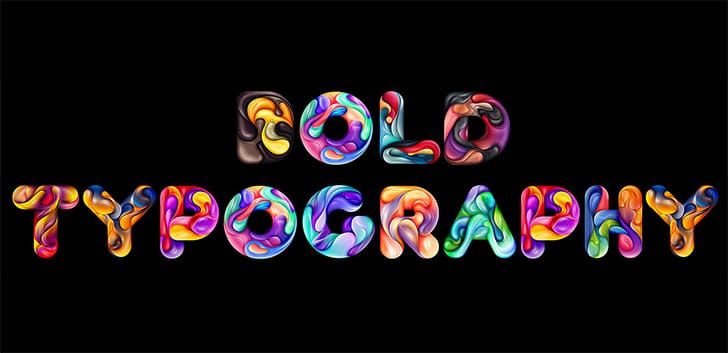
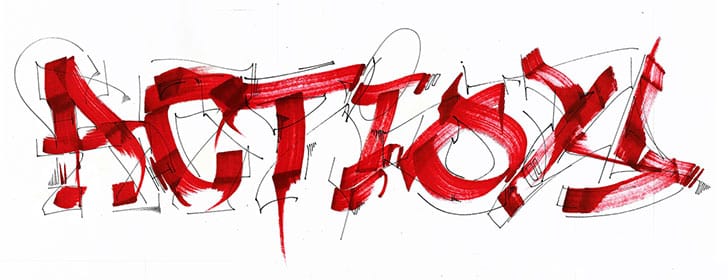
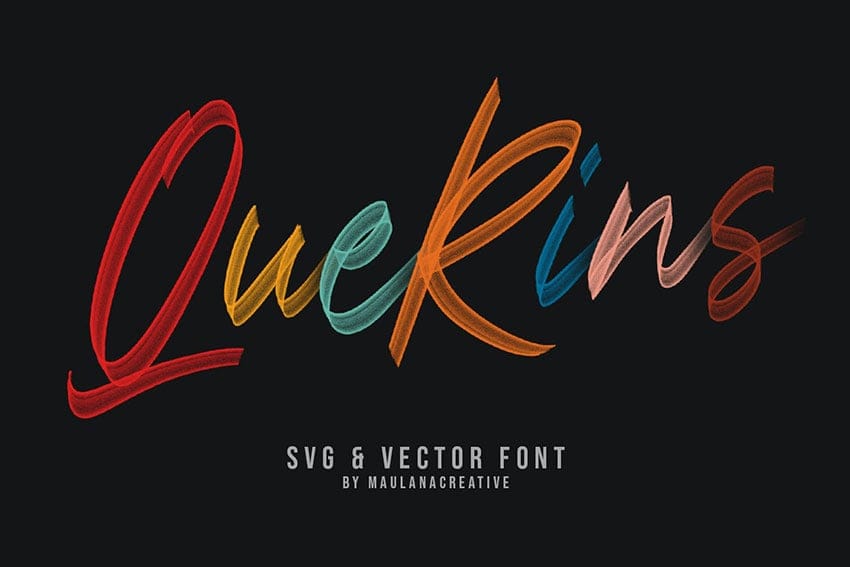
But this is just the tip of the iceberg. Creating fonts have never been so easy before. If you are ready to explore a new design area, just take a look at Fontself.


