Create Stunning Artwork with the Ultimate 2500+ Photoshop Brushes Bundle

Create Stunning Artwork with the Ultimate 2500+ Photoshop Brushes Bundle

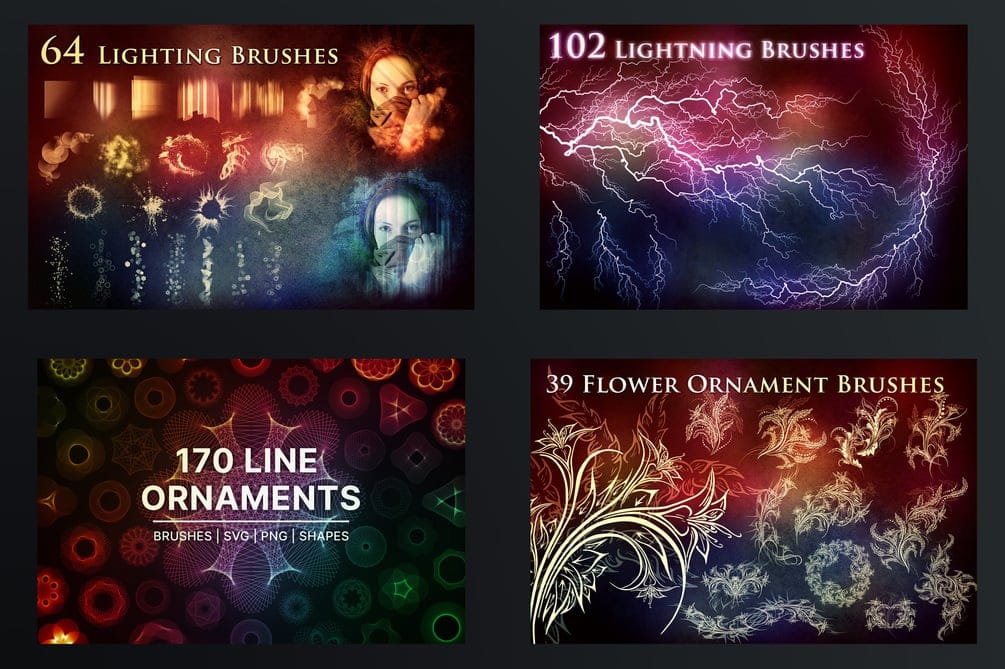
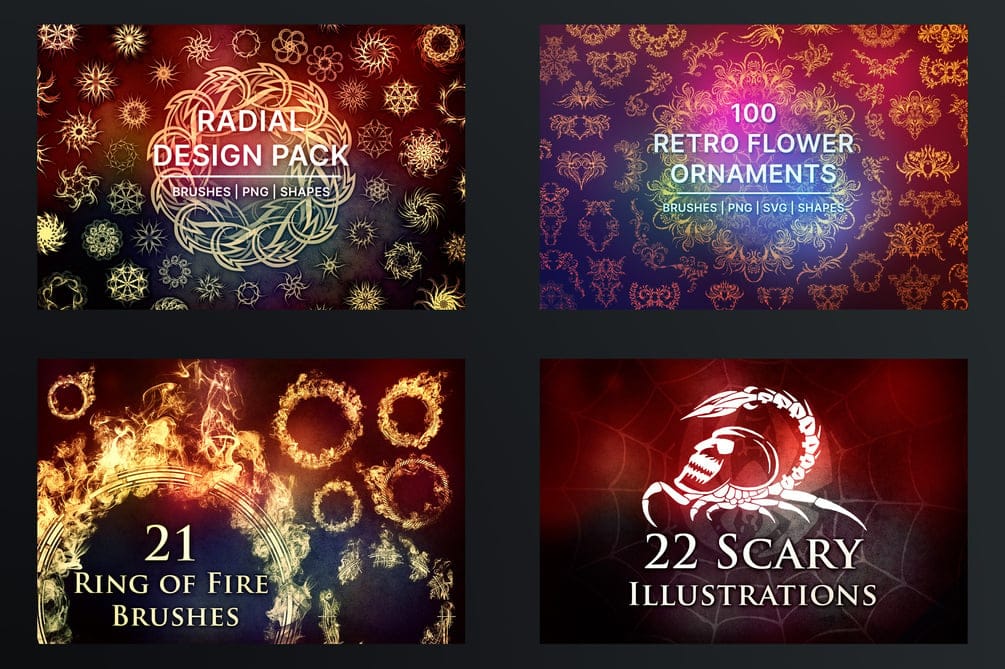
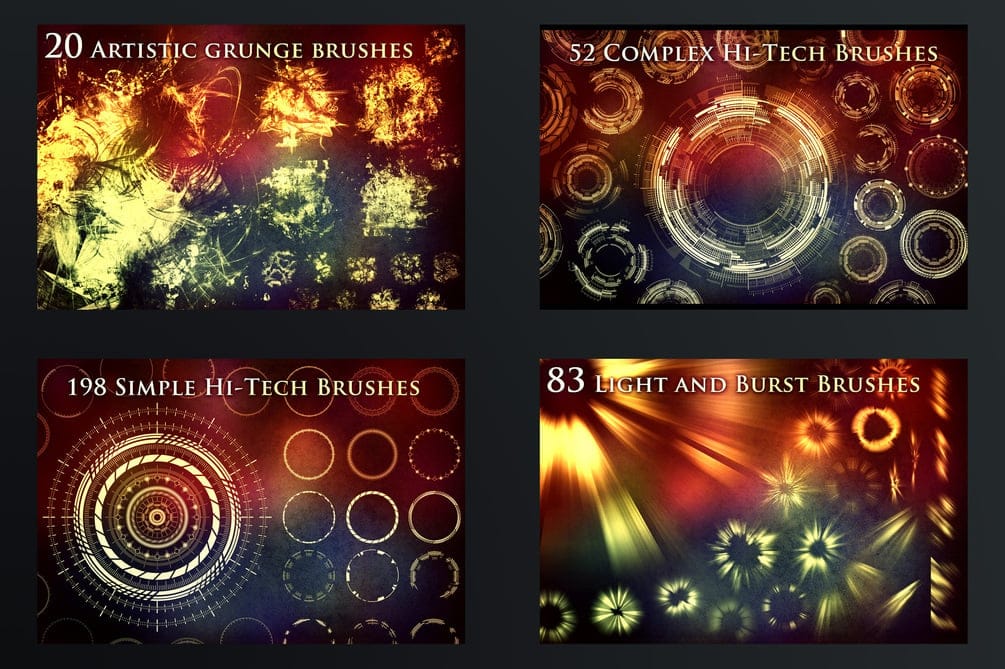
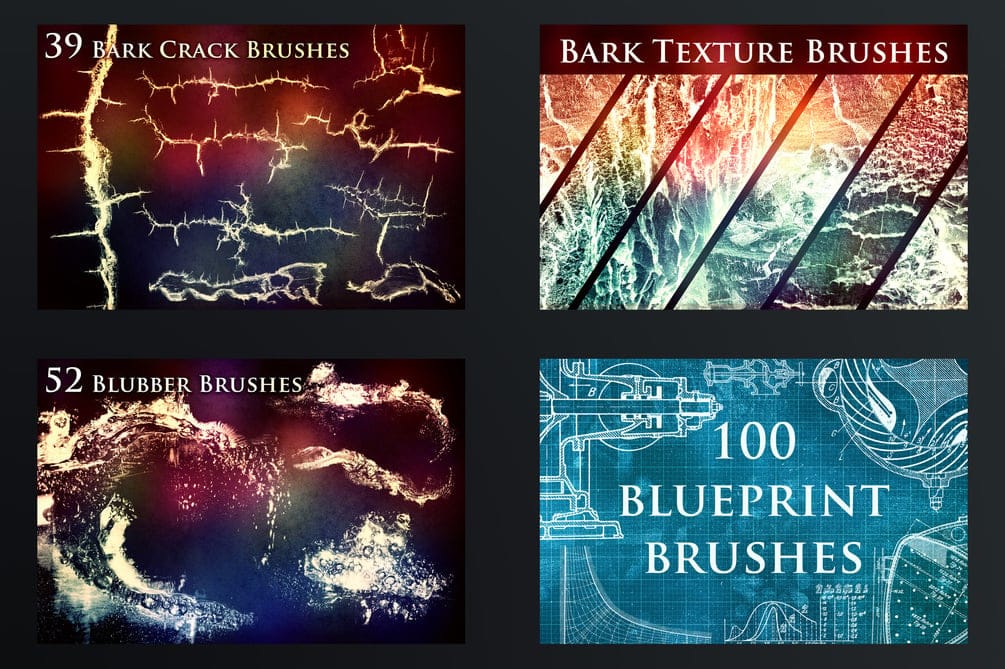
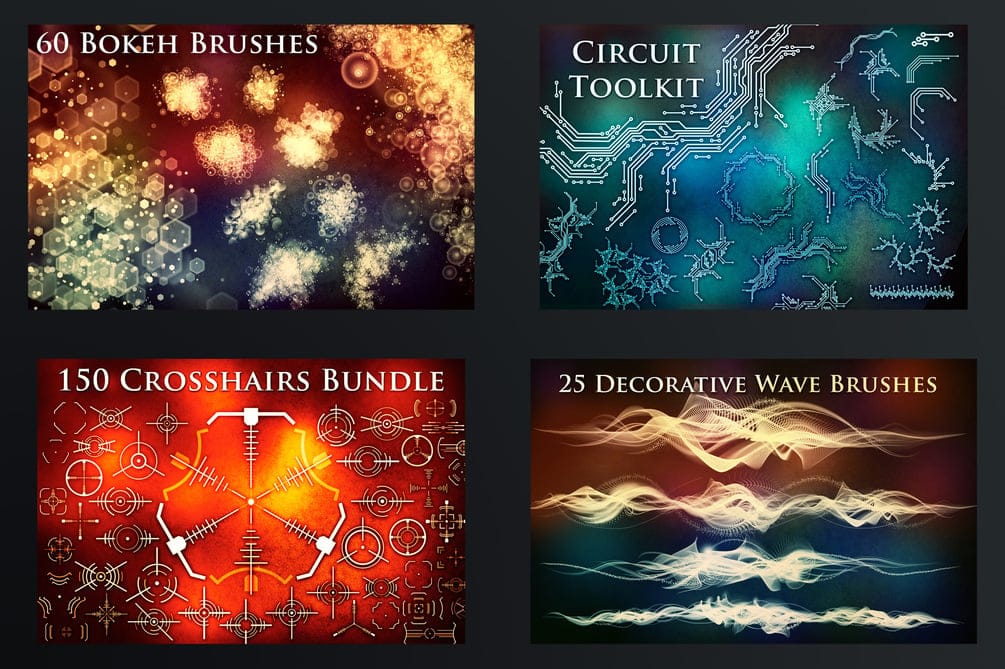
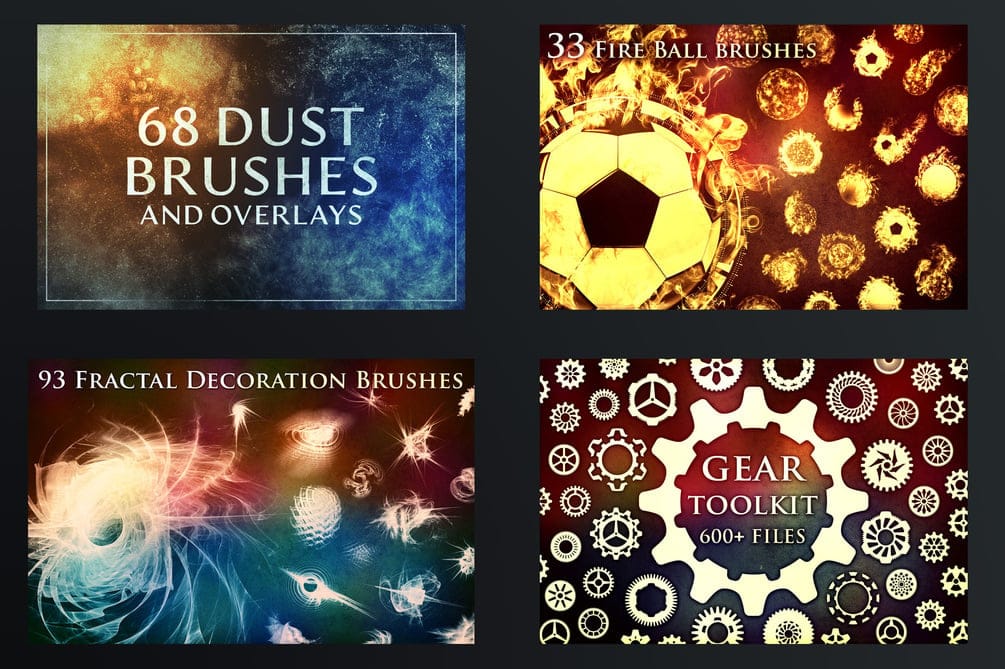
This extensive bundle has over 2500 high-resolution Photoshop brushes, making it an indispensable resource for designers and artists. Compatible with Photoshop CS6 and higher, these brushes, averaging 2400 x 2400px, ensure crisp details for various projects.

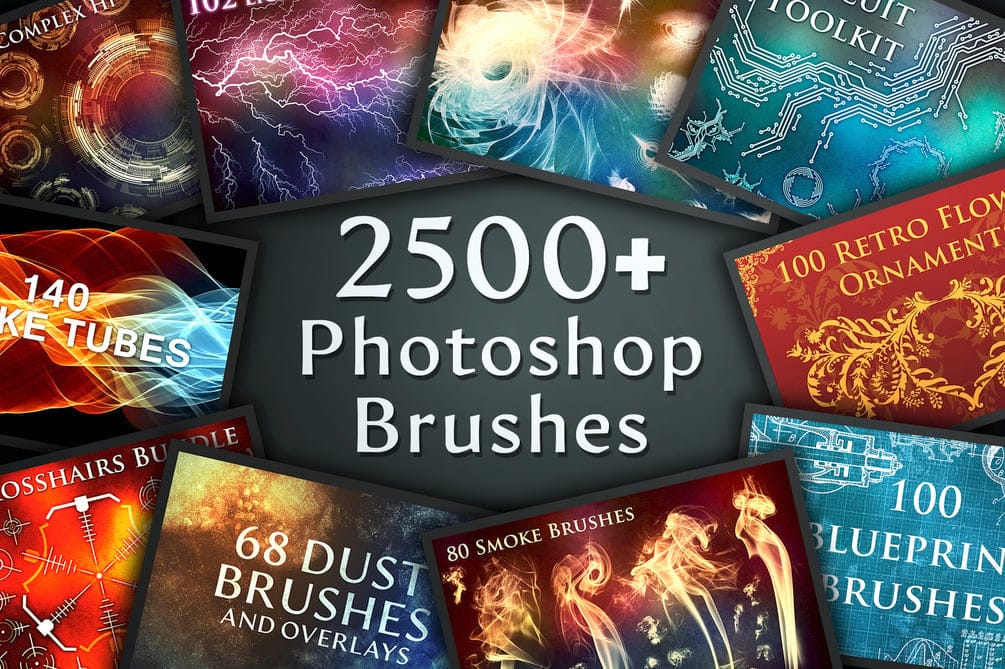
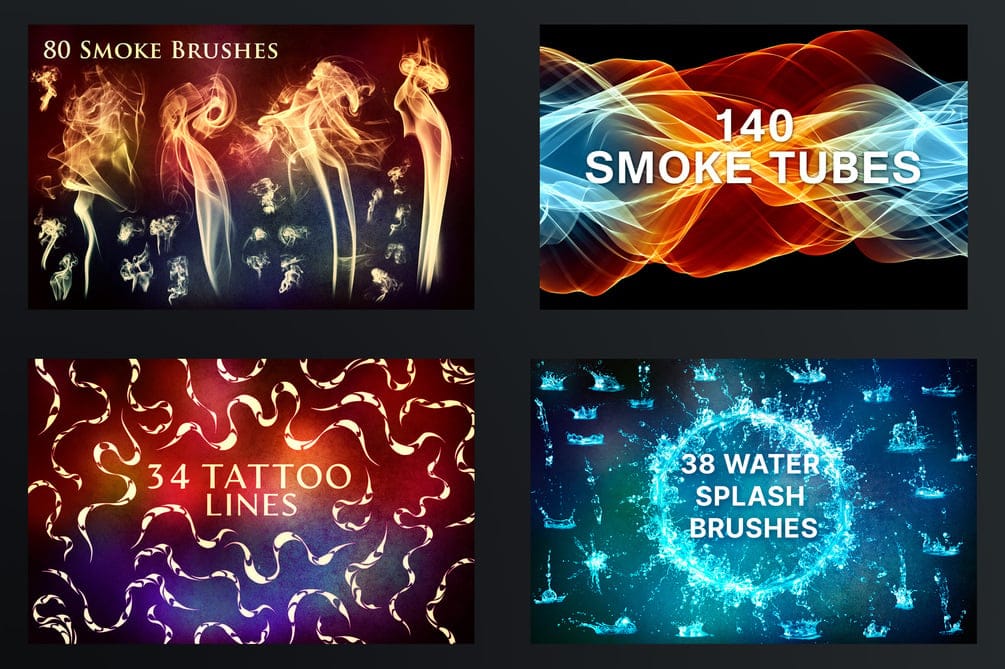
Explore diverse categories ranging from photo manipulation effects like dust and bokeh to intricate shapes and lines, fire and smoke elements, and natural textures such as bark and water splashes. Explore advanced brushes for technology-themed designs, including blueprints, wireframes, and circuits, alongside abstract and decorative patterns.
Sample Image
Sample Image
Sample Image
Sample Image
Sample Image
Sample Image
Sample Image
Sample Image

Creative Tips

  • Layer and Blend for Depth: Combine different brush categories, such as smoke with fire, or light bursts with abstract elements, using various blending modes and opacities to achieve rich, dynamic compositions and a sense of depth.
  • High-Resolution Detailing: Leverage the 2400x2400px resolution for large-format prints and high-definition digital work. This ensures your brushstrokes remain sharp and professional, even when zoomed in or scaled up.
  • Workflow Efficiency: Utilize the vast selection to streamline your creative process. Instead of creating elements from scratch, quickly apply pre-designed brushes for common effects like clouds, lightning, or grunge textures, significantly reducing production time while maintaining quality.

Try It Out

Ready to transform your artistic workflow and expand your creative toolkit? Explore the immense possibilities offered by this comprehensive brush collection.

Get tutorials & freebies delivered to you.

Subscribe to the Photoshop Roadmap newsletter, a weekly roundup of new tutorials, insights and quality downloads, trusted by 6500+ readers.

You might also like

Retro Photo Toolkit Actions and Overlays

The Retro Photo Toolkit is a collection of actions and overlays made to give your images a classic, film-inspired look. It combines color presets with textures and light effects, so you can shape both the tone and the surface of your photos in one place. You’ll find options for...

Film Burn & Grain Overlay Effect

This collection includes 52 film burn and grain overlays designed to give your photos a more natural, analog feel. The overlays add light leaks, subtle grain, and soft imperfections that can bring warmth and mood to your images. They work well on both color and black and white photos, whether...

Glitch Studio Photo Effect Bundle

The Glitch Studio Photo Effect Bundle is a set of photo effects designed to give your images a subtle or more pronounced digital glitch look. It includes a mix of distortion styles, grain, and engraved textures that can add depth and a slightly raw, modern feel to your work. You...

Rainy Day Photoshop Action: Realistic Rain on Glass Effect

Rainy Day is a Photoshop action that adds a realistic rain-on-window effect to your photos in just one click. It gives your images a moody, cinematic feel, as if they were shot through wet glass on a stormy day. Perfect for portraits and creative edits, it brings more depth, movement,...

10 Great Sites for Free Stock Photos (That Don't Look Like Stock)

The world of free stock photography has changed a lot over the last decade. It used to be ruled by a few big platforms filled with low-resolution, overly polished commercial shots. Today, the real problem isn’t finding images—it’s cutting through the noise. For Photoshop users, AI-generated content...

8 Free Spatter Brushes for Photoshop

Download this distinctive set of 8 high-resolution spatter brushes for Photoshop, crafted by the talented artist Eldar Zakirov. Compatible with Photoshop CS and later versions, these brushes offer a range of textured effects perfect for adding a dynamic touch to your artwork. You can use them in commercial projects, but...

You’ve successfully subscribed to Photoshop Roadmap
Welcome back! You’ve successfully signed in.
Great! You’ve successfully signed up.
Success! Your email is updated.
Your link has expired
Success! Check your email for magic link to sign-in.