


OnOne Photo RAW 2025 introduces an array of impressive features that streamline and elevate the photo editing experience. Let's explore the top five game-changers and how they empower photographers to achieve stunning results:
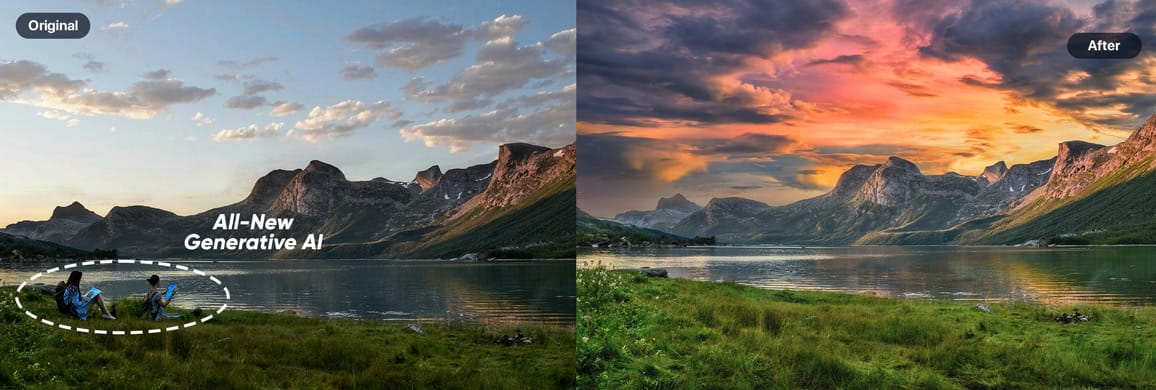
- Generative Eraser: Removing distracting elements from photos used to be a tedious task. Photo RAW 2025 tackles this challenge head-on with its Generative Eraser. By simply painting over unwanted objects, users can magically erase them and replace the area with a natural-looking background. This feature is a lifesaver for cleaning up cluttered scenes and achieving a polished look effortlessly.
- Generative AI Crop Tool: Expanding the canvas and recomposing images is now easier than ever with the AI-powered crop tool. By extending the crop boundaries, the software intelligently generates new image data that seamlessly blends with the original photo. This opens up creative possibilities for adjusting composition and incorporating missing elements, such as a subject's feet that were originally cut off.
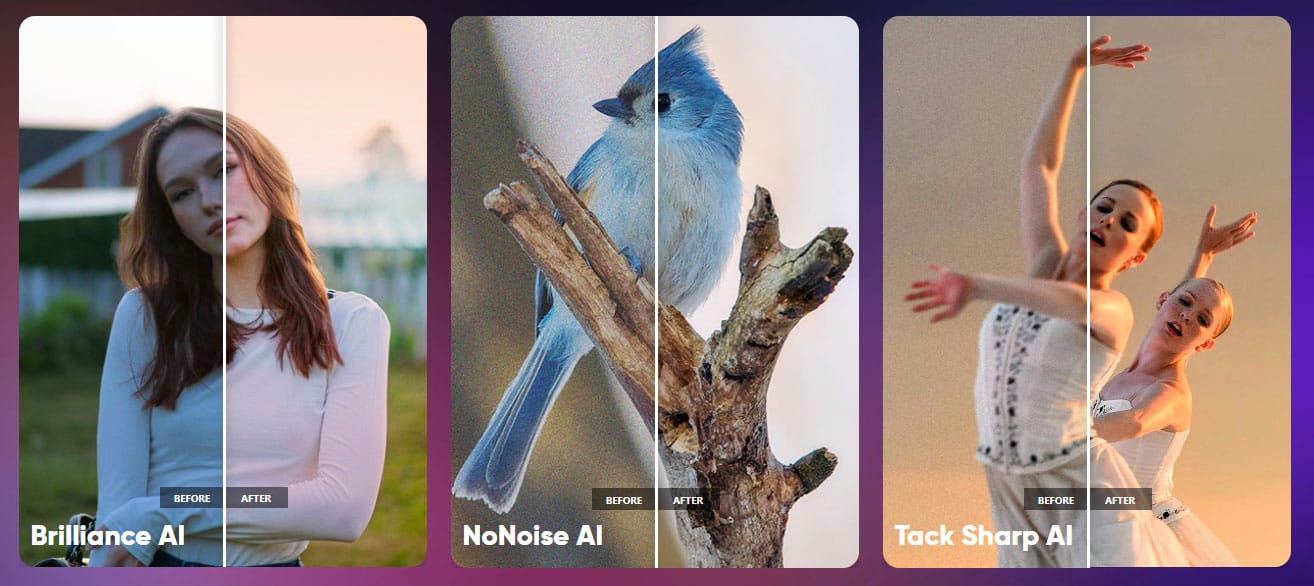
- Brilliance AI: Achieving the perfect tonal balance and vibrancy is often a multi-step process. Brilliance AI simplifies this by automatically enhancing contrast, color saturation, and overall image quality with a single click. Users can further fine-tune the effect using the amount slider for precise control over the desired level of enhancement.
- Edit Color Filter: Taking color correction to the next level, the Edit Color filter grants users granular control over specific hues within their images. By selecting a color with the dropper tool, photographers can isolate and adjust its properties, like hue, saturation, and luminance. This is incredibly useful for tasks like fine-tuning the orange tones of pumpkins to achieve a more vibrant and realistic look.
- Depth Mask: Creating selective adjustments based on depth of field used to require meticulous manual masking. The Depth Mask feature automates this process, intelligently identifying and separating foreground and background elements. This makes it a breeze to apply effects like darkening the background or brightening the foreground, adding a touch of professional depth and dimension to photos.
These top five features demonstrate OnOne Photo RAW 2025's commitment to innovation and user-friendliness. By leveraging AI and intuitive tools, the software empowers photographers to realize their creative vision with greater ease and efficiency.
In addition to these highlights, Photo RAW 2025 also boasts several other noteworthy features, including automatic dust and power line removal, a new canvas dialogue for precise document creation, and a Match Color filter for harmonizing color palettes between different photos. For a deeper dive into all the exciting updates, check out the OnOne website.


