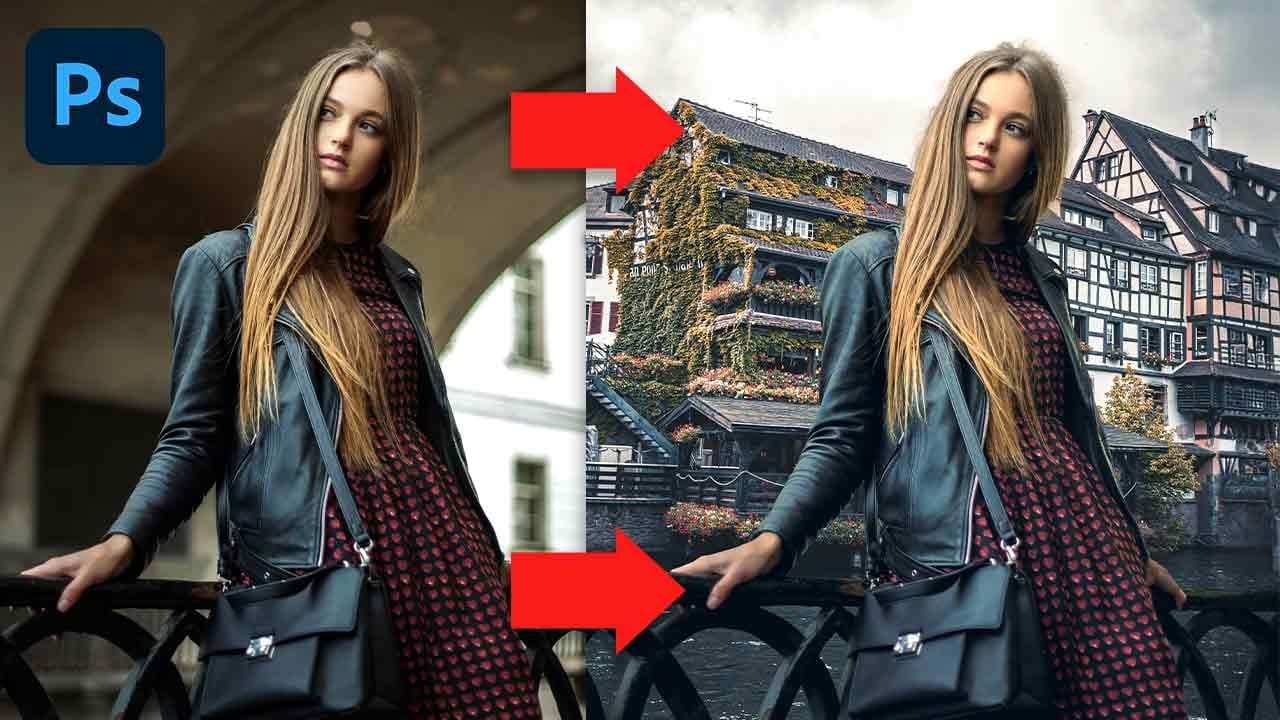
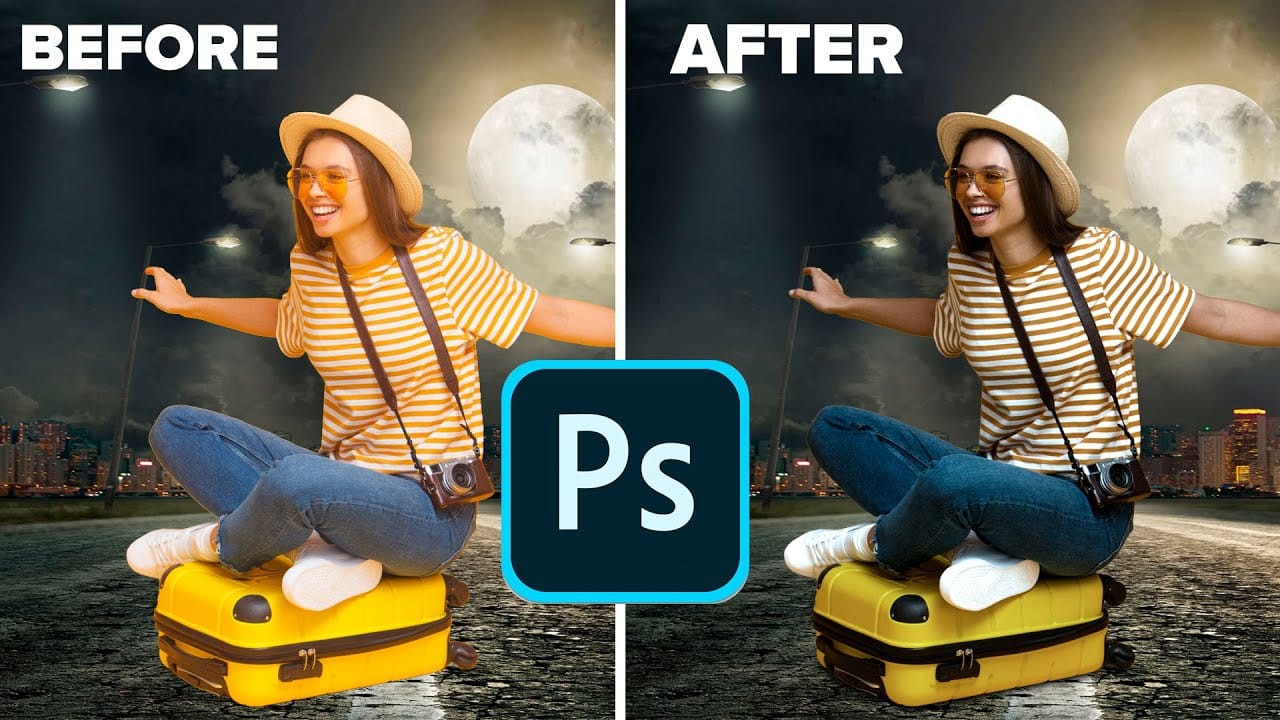
Creating seamless background replacements requires more than just cutting out your subject. The real challenge lies in making the new composition look natural through proper lighting, color matching, and depth of field consistency.
Modern Photoshop tools have simplified this process significantly, allowing you to achieve professional results with automated background removal and smart masking techniques that handle even complex details like hair.
Watch the Video
Video by PiXimperfect. Any links or downloads mentioned by the creator are available only on YouTube
Practical Tips
These essential techniques will help you create convincing background replacements that look naturally integrated.
- Use Remove Background instead of Select Subject to automatically create a mask and save time
- Match horizon lines by creating a guide line and positioning both images to align their perspective
- Create clipping masks when painting hair corrections to limit brush strokes only to the subject
- Apply tilt-shift blur with matching noise levels to simulate natural depth of field in backgrounds
- Check light direction consistency and flip layers horizontally if the lighting doesn't match
Related Articles and Tutorials
Explore more advanced techniques for color matching and background manipulation in these tutorials.
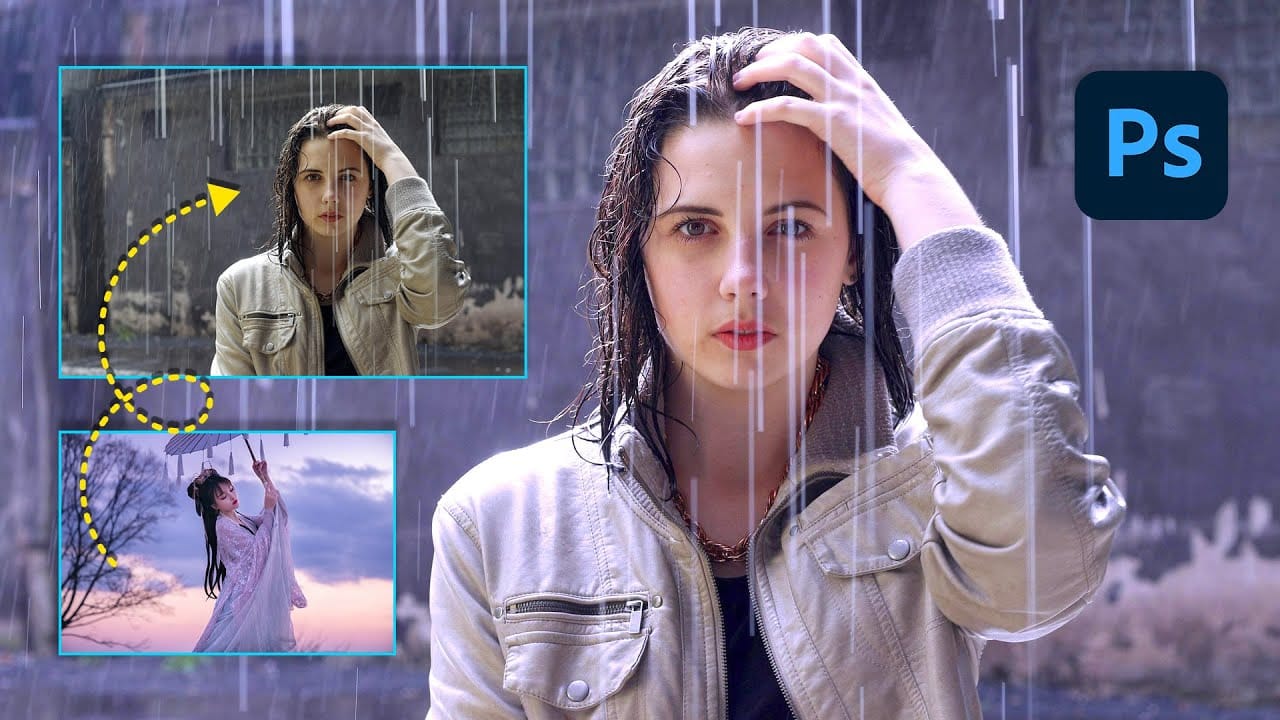

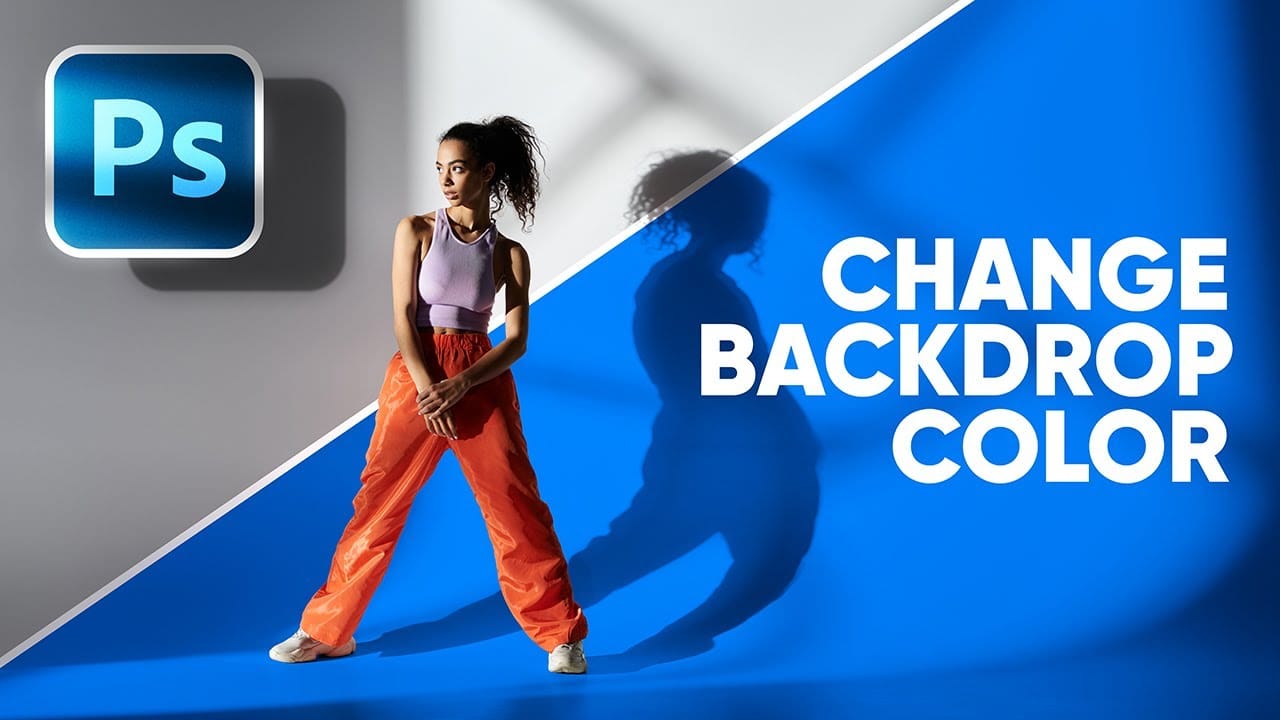
 Enrique Flouret