New This Week in Photoshop Roadmap — Jan 28, 2026

New This Week in Photoshop Roadmap — Jan 28, 2026

This week’s roundup brings together a new selection of Photoshop tutorials and creative assets recently featured on Photoshop Roadmap. From quick portrait effects to better control over how Photoshop behaves, the focus is on working faster and getting cleaner, more realistic results without adding extra steps.

You’ll find tutorials on creating colorful aura effects, blurring backgrounds with precision, customizing the Photoshop toolbar, building more believable shadows, fixing confusing default settings, and wrapping designs around complex objects using displacement maps.

On the creative side, this week also includes standout fonts, portrait actions, illustrations, brushes, and fire effects, along with AI-powered workflows for style transfer and surreal portrait creation using Generative Fill.

Editor’s Picks: Photoshop Tutorials
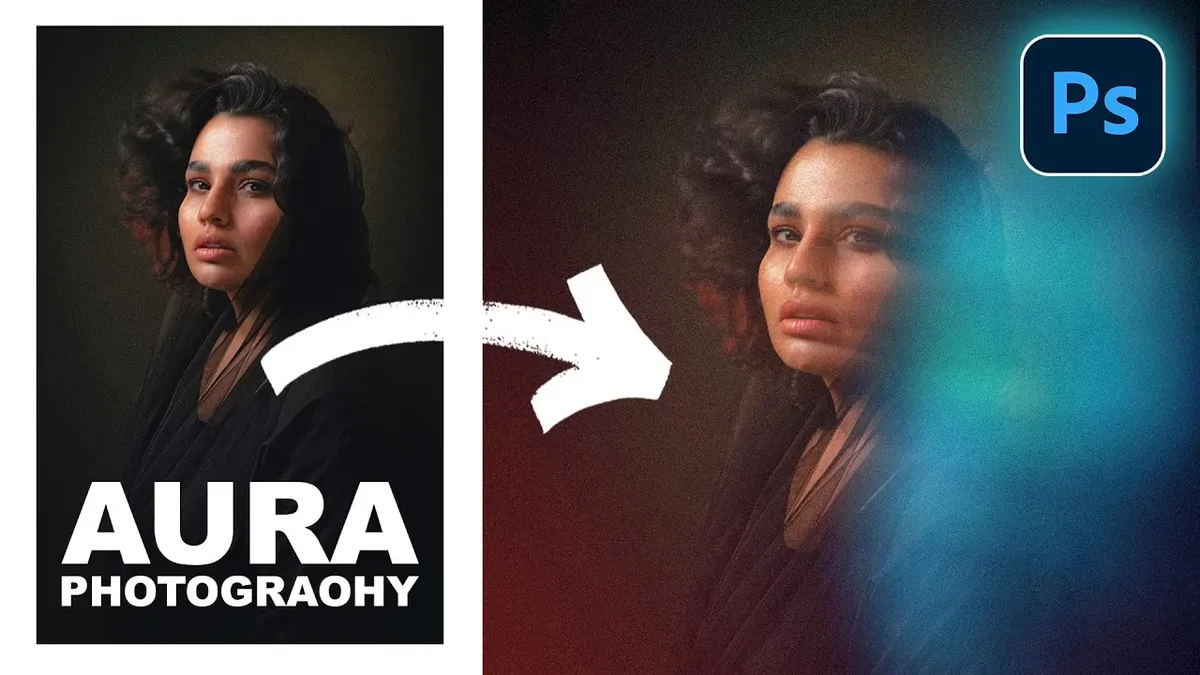
How to Create a Colorful Aura Effect for Portraits in Photoshop

Read Article

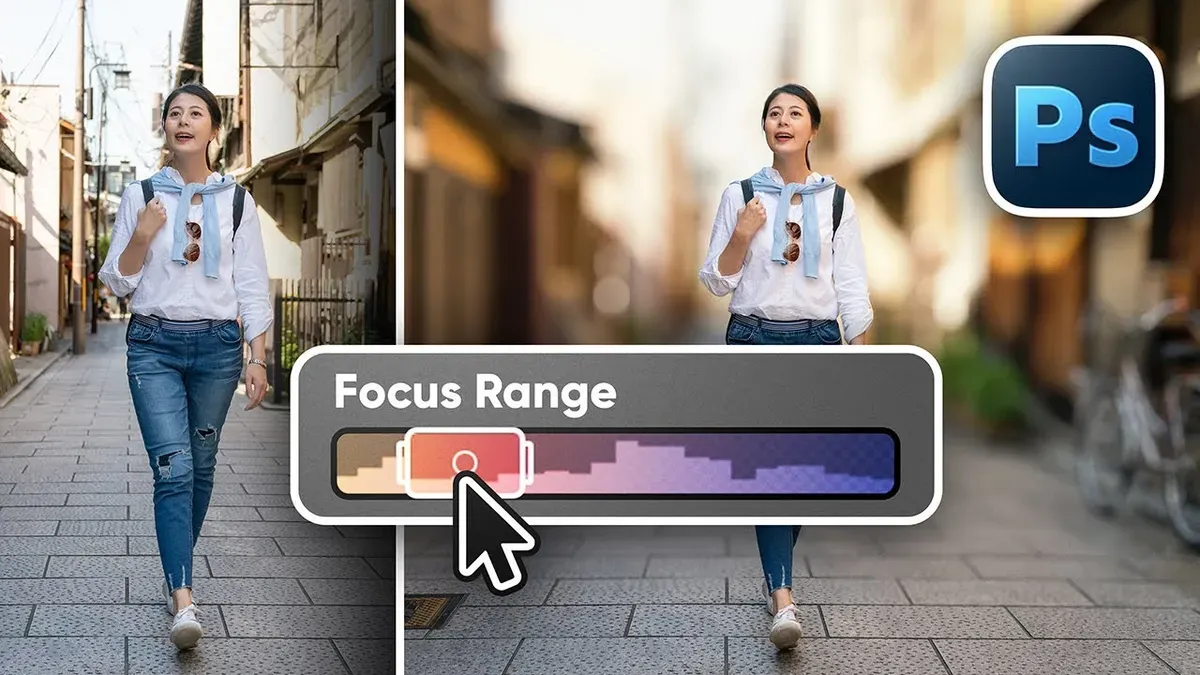
How to Blur Backgrounds in Photoshop with Precision and Speed

Read Article

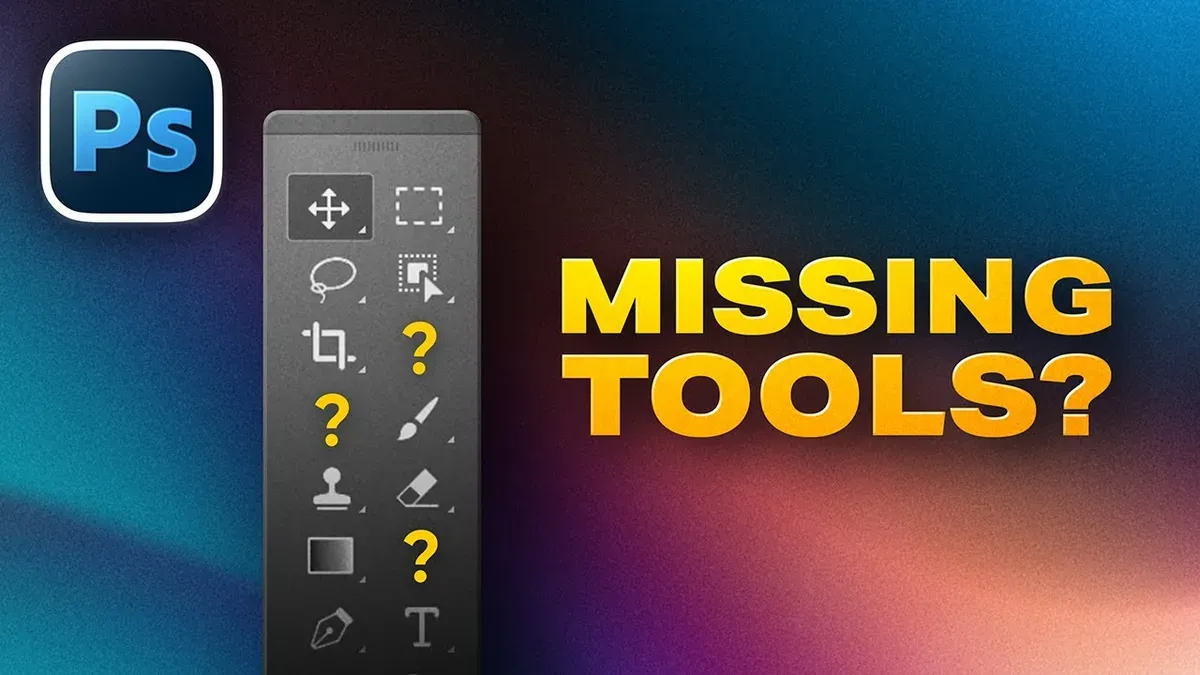
How to Customize Your Photoshop Toolbar and Find Hidden Tools

Read Article

Editor’s Picks: Creative Assets

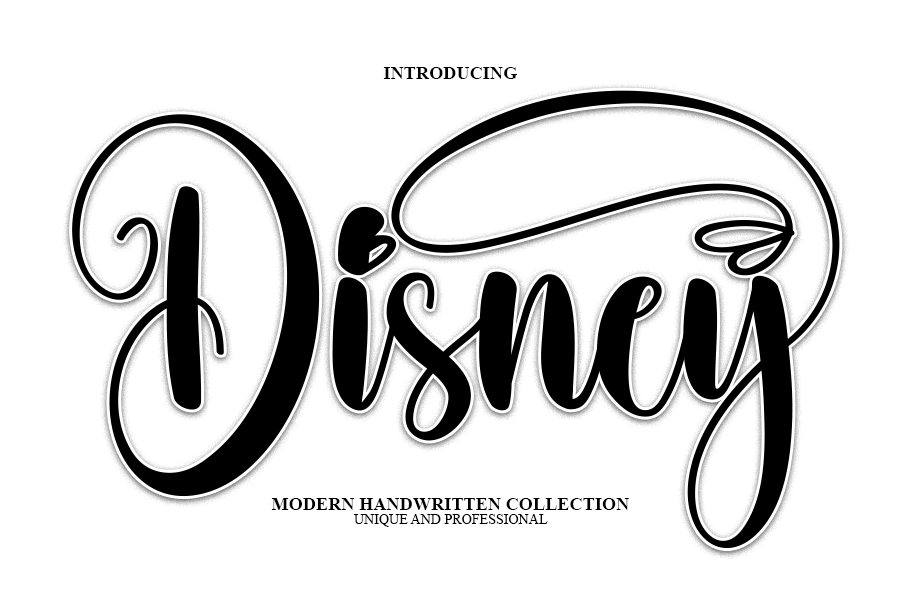
Disney Handwritten Font

Download with a free Creative Fabrica trial · access millions of assets

Download Here

Whimsical Woodland Fox Illustration PNG

Download with a free Creative Fabrica trial · access millions of assets
Download Here

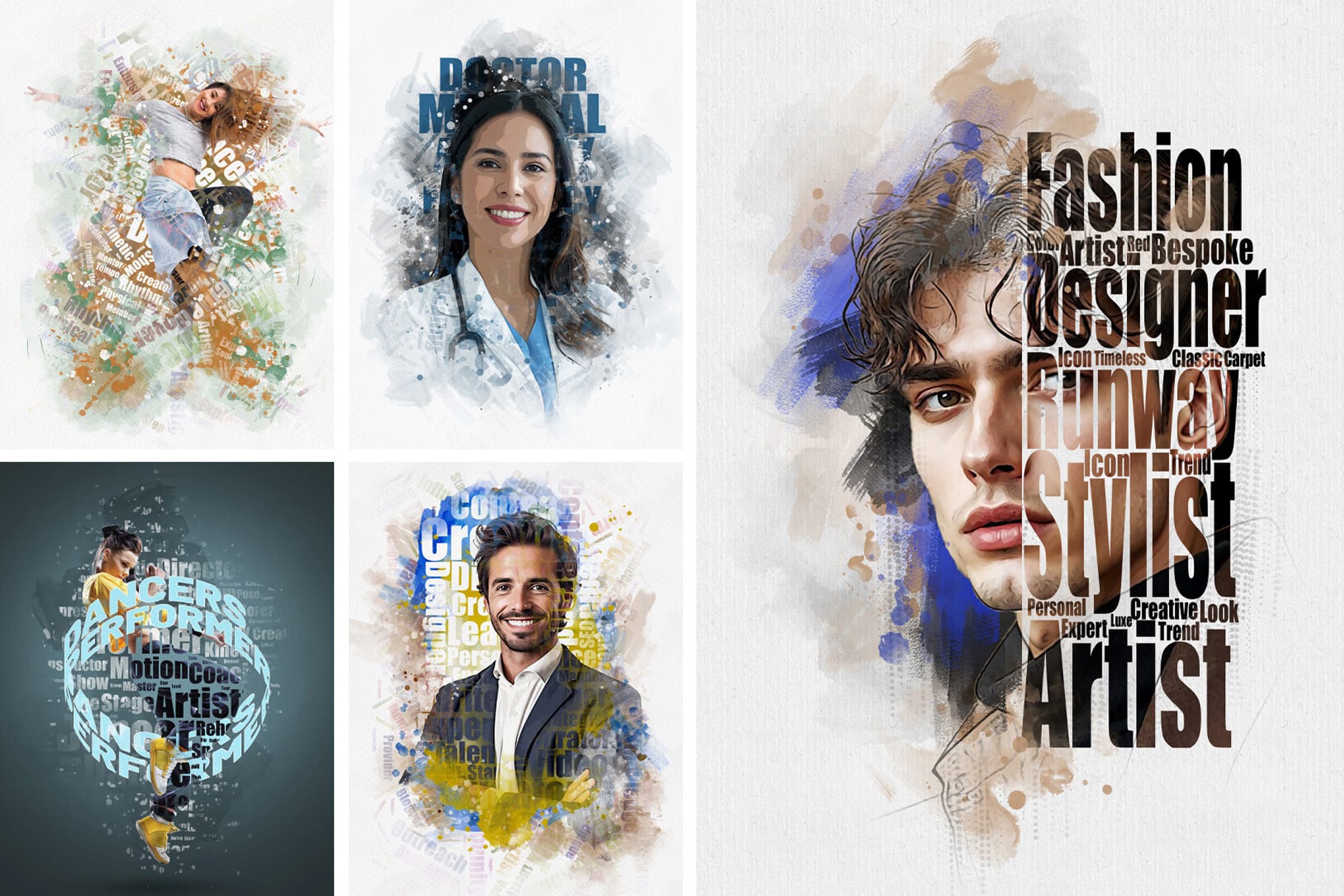
Typography Portrait Photoshop Action

Download with a free Creative Fabrica trial · access millions of assets

Download Here
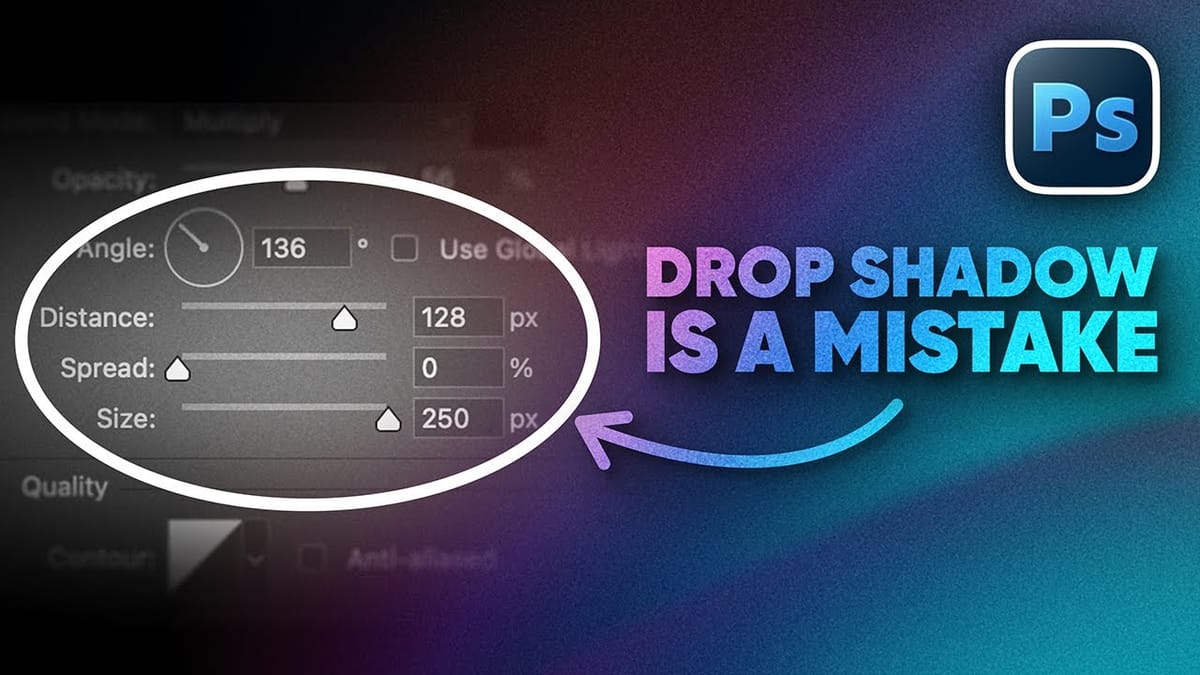
How to Create Better Shadows Than Drop Shadow in Photoshop
The basic drop shadow effect often looks flat and artificial compared to how shadows actually behave in real environments. Professional designers know that convincing shadows require understanding light direction, surface interaction, and atmospheric perspective. This technique demonstrates how to create custom shadows that respond naturally to your composition’s lighting conditions,
How to Fix Three Confusing Default Settings in Photoshop
Sometimes Photoshop’s default settings can make beginners think their software or hardware is broken. Images that fly around uncontrollably when panning, scroll bars appearing on full-size images, and zoom tools that seem to have a mind of their own are all caused by simple preference settings that can be easily
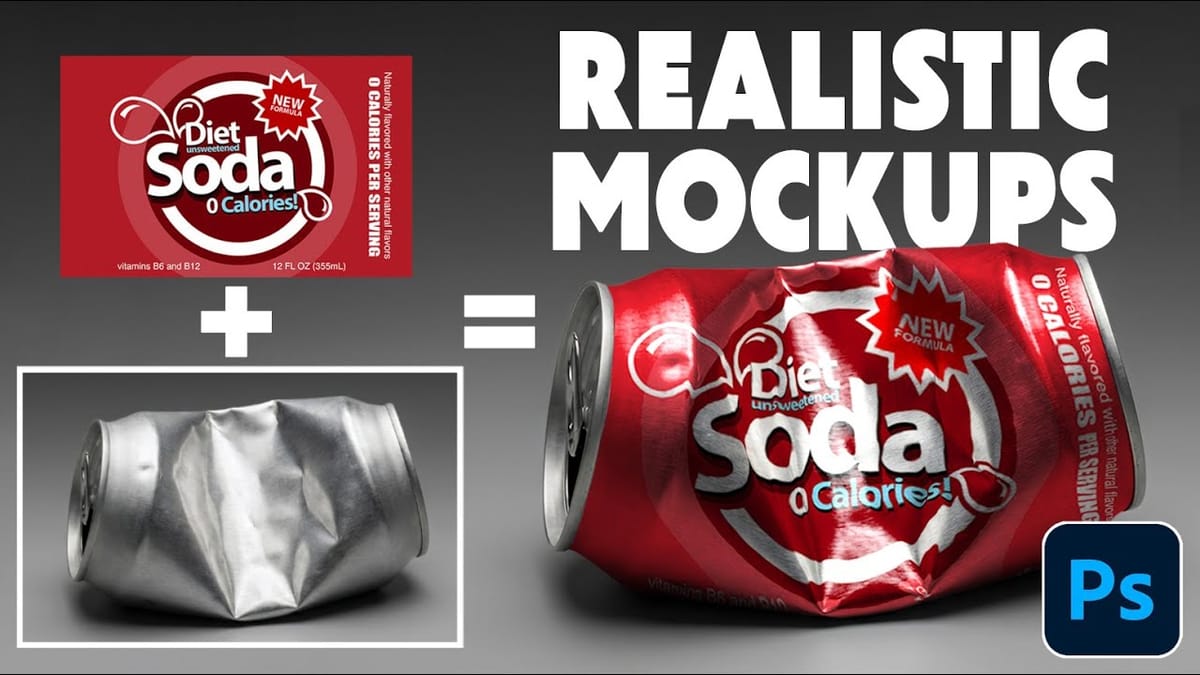
How to Wrap Designs Around Complex Objects Using Displacement Maps in Photoshop
Professional mockups require more than simply placing a design onto an object. Complex surfaces like crushed aluminum cans demand advanced techniques to achieve realistic wrapping that follows every contour and deformation. This process combines displacement mapping, smart objects, and blending modes to create reusable templates that automatically conform any design
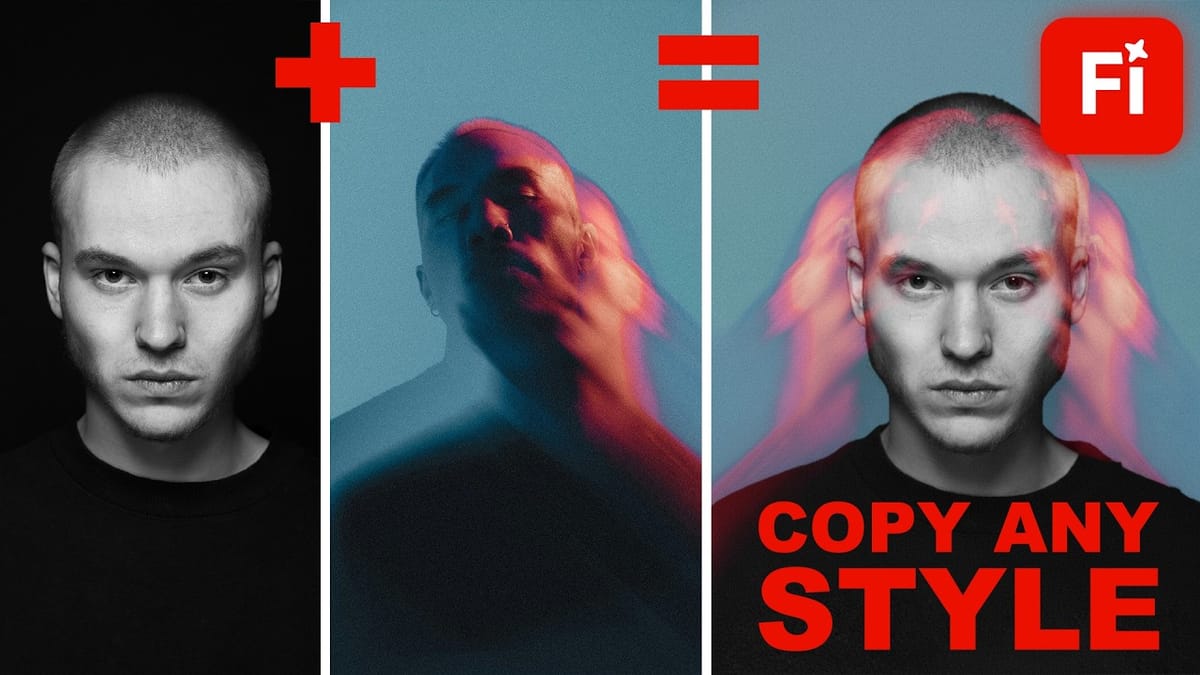
Style Transfer Creation Using Firefly Boards
Firefly Boards offers a unified workspace where you can transfer photographic styles from reference images to your own photos, then transform those styled images into animated videos. This workflow combines multiple AI models in one interface, allowing you to access advanced image generation and video creation tools without switching between
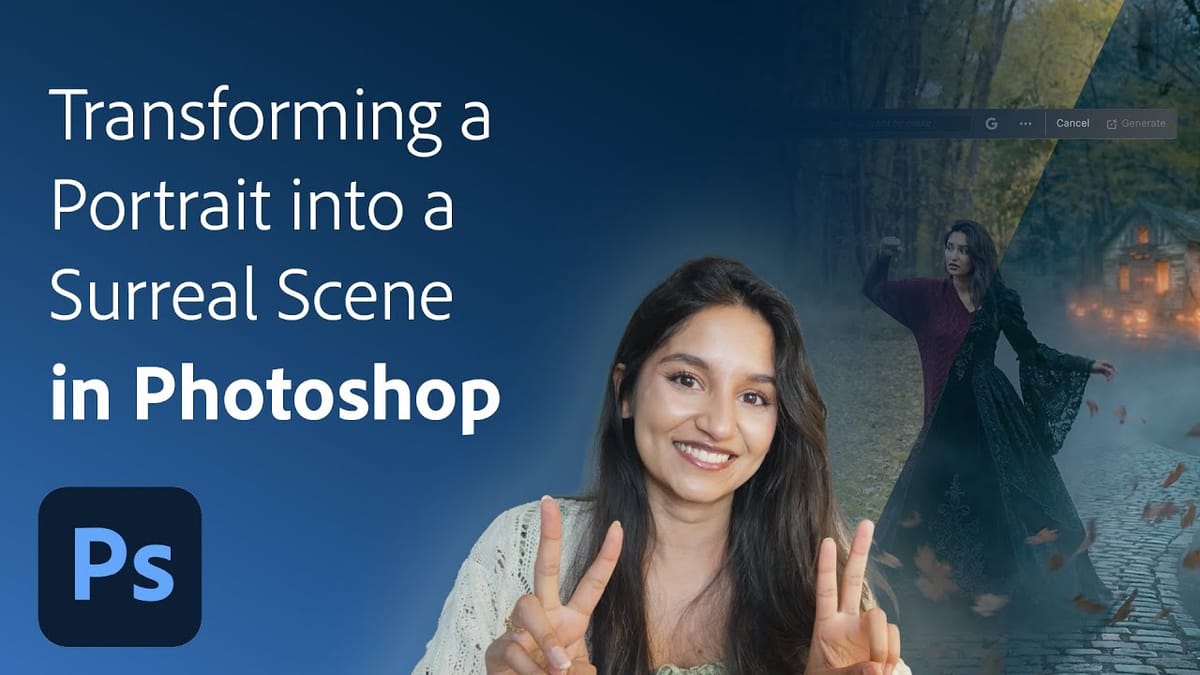
Create a Surreal Portrait Scene Using Generative Fill in Photoshop
Transforming an ordinary portrait into a magical nighttime scene traditionally requires advanced compositing skills and multiple stock images. This tutorial demonstrates how to create an entire surreal portrait using only Generative Fill, converting a simple daylight photo into an atmospheric Gothic scene complete with Victorian clothing, glowing lanterns, and mystical
Trees Photoshop Brushes
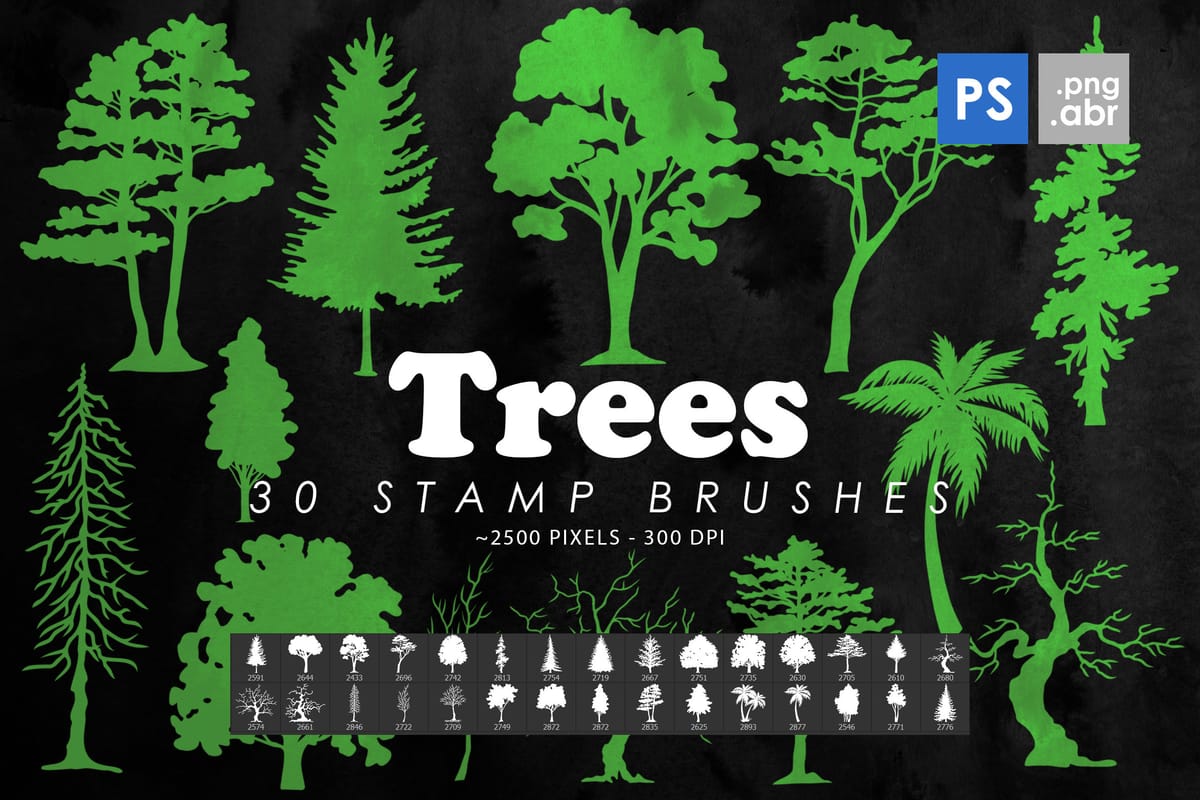
The Trees Photoshop Stamp Brushes set includes 30 high-resolution tree stamps designed to help you add natural elements to your artwork quickly. These brushes work well for building scenes, backgrounds, or decorative details without having to draw trees from scratch. Each tree is provided as a Photoshop stamp brush, making
Dynamic Fire FX: 67 Brushes for Realistic Fire Effects
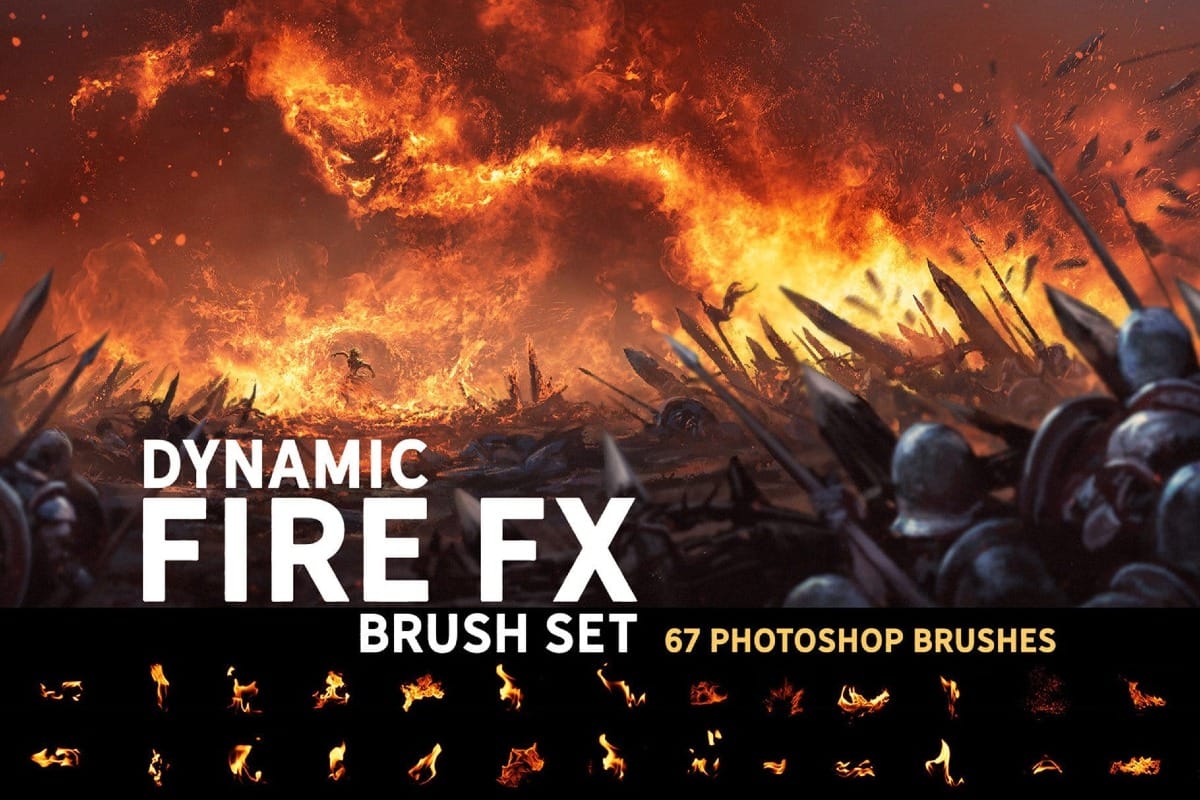
The Dynamic Fire FX Brush Set includes 67 unique Photoshop brushes made for painting realistic fire effects with speed and control. Instead of flat stamp overlays, these brushes let you actually paint flames, sparks, and fiery shapes, making them ideal for sketches, illustrations, concept art, and matte painting. The set

Get tutorials & freebies delivered to you.

Subscribe to the Photoshop Roadmap newsletter, a weekly roundup of new tutorials, insights and quality downloads, trusted by 6500+ readers.

You might also like

New This Week in Photoshop Roadmap — Jan 21, 2026

This week’s roundup brings together some of the most useful Photoshop tutorials and creative assets recently published on Photoshop Roadmap. From AI-powered tools to classic compositing tricks, we’re covering smart ways to speed up your workflow and get more realistic, polished results. You’ll find guides on using...

New This Week in Photoshop Roadmap — Jan 13, 2026

This week's roundup features the best Photoshop tutorials and creative resources published on Photoshop Roadmap. We're covering essential techniques like fixing skin tones, using Select Subject for precise cutouts, and editing text directly in images with Generative Fill. We've also picked some great free...

You’ve successfully subscribed to Photoshop Roadmap
Welcome back! You’ve successfully signed in.
Great! You’ve successfully signed up.
Success! Your email is updated.
Your link has expired
Success! Check your email for magic link to sign-in.