Photoshop 27.6 brings significant updates that enhance workflow efficiency and creative possibilities. From improved reflection removal tools to smarter AI models, these features address real challenges photographers and designers face daily.
This comprehensive overview covers 14 key additions, including enhanced distraction detection, new AI capabilities, and improved workspace organization tools that can streamline your editing process.
Watch the Video
Video by PiXimperfect. Any links or downloads mentioned by the creator are available only on YouTube
Practical Tips
Key techniques to maximize these new features in your workflow:
- Use reflection removal in Camera Raw for RAW files to get cleaner results with fewer artifacts than processing in the main workspace
- Enable tooltips in preferences to see credit costs before running AI operations, helping you manage your monthly allowance
- Create new layers before using the remove tool's distraction detection to maintain non-destructive editing flexibility
- Organize actions with custom thumbnails and descriptions to improve searchability in the redesigned actions panel
- Test the new dynamic text features for curved text without stretching, especially useful for logo and design work
Related Articles and Tutorials
Explore more hidden features and workflow improvements to enhance your editing skills.
10 Photoshop Tricks You Probably Forgot Exist
There’s a funny pattern with Photoshop. The longer you use it, the more you rely on the same small set of tools… while some of the most powerful techniques quietly fade into the background. Not because they stopped working — but because they’re just a bit hidden, or not
 Enrique Flouret
Basic Photoshop techniques you really need to learn
Photoshop hasn’t changed as much as it looks. New features come and go, but the same core techniques keep showing up in real work. If you skip them, everything feels harder than it should. This post focuses on those basics, not as isolated tricks, but as skills you’ll
 Enrique Flouret
10 hidden and obscure Photoshop tools and features you probably didn't know
In this Adobe Photoshop tutorial, Nathaniel Dodson will do a quick 45 minute rundown of 10 features (and one bonus trick) that are relatively unknown or obscure in the world of Photoshop.
You'll learn about a trick to cut out hair and then making edges looks smoother and more perfect. You'll learn about an amazing color grading technique and replacing colors and even targeting very specific color across a photo–even when that color is very hard to select. You'll also learn about creating graphi

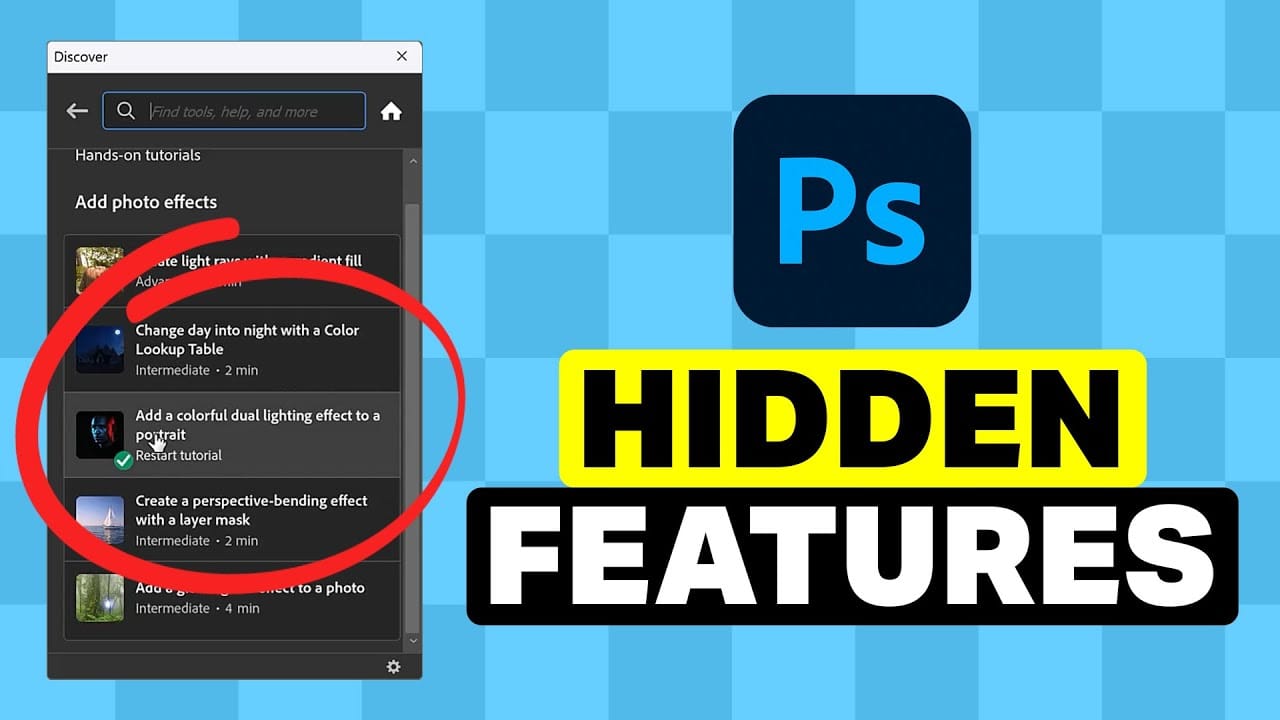
5 Hidden Photoshop Features You Probably Didn't Know
Many Photoshop users tend to rely on a familiar set of tools and workflows, often overlooking powerful but less obvious functionalities. This can lead to inefficient processes and missed creative opportunities, making certain tasks feel more cumbersome than they need to be.
This guide and accompanying video demonstrate five underutilized features within Photoshop that can significantly enhance your efficiency and expand your creative toolkit. Learning these capabilities transforms how you appro
10 Photoshop Tricks You Probably Forgot Exist
There's a funny pattern with Photoshop. The longer you use it, the more you rely on the same small set of tools… while some of the most powerful techniques quietly fade into the background. Not because they stopped working — but because they're just a bit hidden, or not part of your daily flow anymore.
So this is a quick refresher. Not beginner stuff, not flashy effects — just solid techniques that have been inside Photoshop for years and still solve real problems better than most newer alterna
21 Photoshop Tips – From Basic to Advanced!
Photoshop's extensive toolkit means there's always something new to learn or a more efficient way to approach a task, whether you are just starting or have years of experience. Mastering its nuances can significantly enhance both your creative output and workflow efficiency.
This video offers a comprehensive collection of 21 tips, guiding viewers from foundational techniques to more sophisticated methods for image manipulation, compositing, and graphic design. Each tip is designed to provide pr
10 little-known Photoshop features you should really learn
Photoshop's true power isn't just in its headline features—it's in the hidden gems that can transform your workflow overnight. While everyone knows about layers and the healing brush, these lesser-known capabilities can save you hours and open up creative possibilities you never knew existed.
If you're a seasoned professional or an ambitious beginner, these 10 features will give you that unfair advantage that separates efficient creators from those still clicking through endless menus.
1. Ble

25 Photoshop tips and tricks you must know
Nathaniel Dodson, a renowned Photoshop expert, has crafted a comprehensive tutorial that guides you through the depths of the software's capabilities. In this 120-word exploration, readers will uncover a treasure trove of 25 invaluable tips and tricks that can significantly enhance their Photoshop experience.
From mastering the art of brush smoothing to unlocking the hidden potential of sliders and views, Dodson's tutorial promises to elevate one's Photoshop prowess. Rubberband tricks, seamless

30 Awesome Photoshop Tools and Features You Should Know
So you think you know Photoshop? Well, think again! In this awesome video, Photoshop guru Nathaniel Dodson will show you how little you know of Photoshop by showcasing 30 useful tools and features in Photoshop CC that you can use to supercharge your workflow.
No matter if you're a Photoshop expert or a complete beginner, you'll be able to learn about a few amazing Photoshop tricks in this video that you probably haven't even heard of.
Watch tutorial
7 Overlooked Photoshop Tools That Will Save You Hours
You're probably using Photoshop the hard way.
You've mastered the basics - Magic Wand for selections, Clone Stamp for removals, layer masks for compositing. But you're likely missing out on dozens of features that could cut your editing time in half.
Adobe has quietly (okay, not so quietly) added dozens of time-saving features that most users never discover.
Here's the thing: Photoshop's interface is overwhelming. With hundreds of tools and panels, it's natural to stick with what works and ig