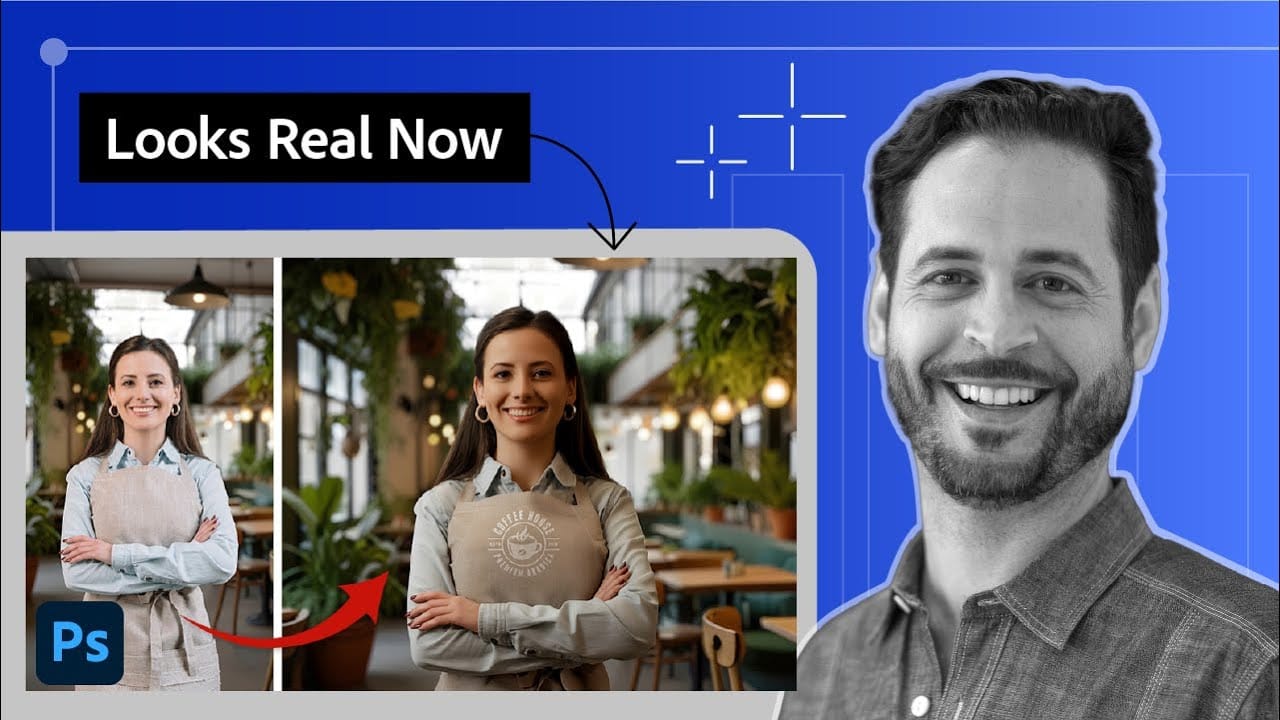
Photoshop’s latest AI tools can help architects and designers make image editing faster, from selecting people and removing objects to testing facade materials and expanding a render.
See eight practical Photoshop tricks in the video below.
Video by Salmaan Mohamed. Any links or downloads mentioned by the creator are available only on YouTube.
What's New: Key Features & Changes
Photoshop’s newer AI-powered tools help architects speed up image editing, test design options, and polish visualizations without leaving the app.
- Smarter selection tools: Object Selection, Select People, Select Subject, and Select and Mask can identify objects, people, and specific parts of a scene. That means less time spent isolating elements for edits.
- Generative Upscale: Firefly and Topaz models can enlarge images by 2x or 4x while sharpening edges and details. It can help bring older renders up to portfolio or social-media quality.
- Harmonize: This tool blends a cutout with the lighting of the surrounding image and offers three results to choose from. It can save time when adding people, cars, animals, or other elements to visualizations.
- Generative Fill and Expand: Generative Fill can add elements or reflections and, with a reference image, test materials such as wood on a facade. Generative Expand can extend an image to a new format by filling in the added space.
- More targeted edits: The Remove tool can clean up unwanted objects such as scaffolding, signage, cars, or pedestrians without using generative credits. Rotate Object can adjust an object’s angle and perspective, with AI generating its other visible faces.
Related Articles and Tutorials
Here are some related articles and tutorials from Photoshop Roadmap that you may find useful.
7 Overlooked Photoshop Tools That Will Save You Hours
You're probably using Photoshop the hard way.
You've mastered the basics - Magic Wand for selections, Clone Stamp for removals, layer masks for compositing. But you're likely missing out on dozens of features that could cut your editing time in half.
Adobe has quietly (okay, not so quietly) added dozens of time-saving features that most users never discover.
Here's the thing: Photoshop's interface is overwhelming. With hundreds of tools and panels, it's natural to stick with what works and ig

10 little-known Photoshop features you should really learn
Photoshop's true power isn't just in its headline features—it's in the hidden gems that can transform your workflow overnight. While everyone knows about layers and the healing brush, these lesser-known capabilities can save you hours and open up creative possibilities you never knew existed.
If you're a seasoned professional or an ambitious beginner, these 10 features will give you that unfair advantage that separates efficient creators from those still clicking through endless menus.
1. Ble

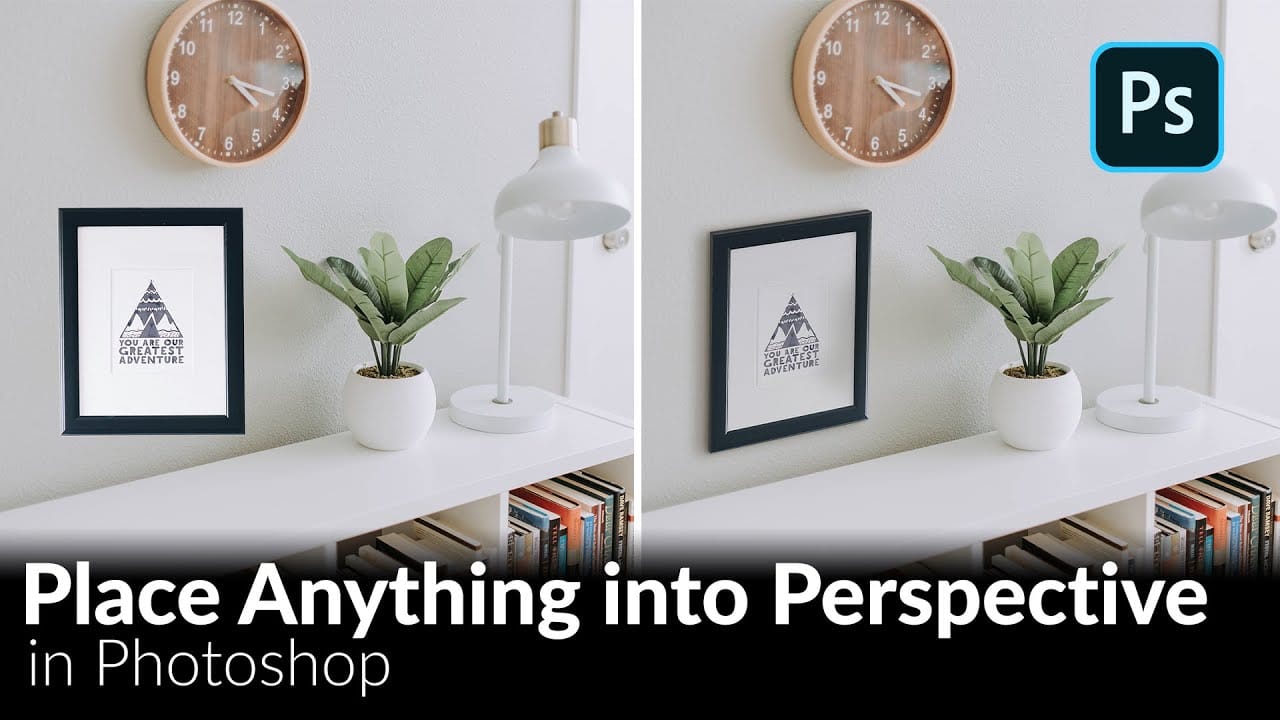
How to Place Anything into Perspective in Photoshop
Creating realistic composites requires more than simply placing objects into photos—proper perspective matching is essential. The Vanishing Point filter automates this process, eliminating the guesswork of manual perspective adjustments.
This technique handles everything from artwork placement to architectural mockups, ensuring objects appear naturally integrated into their surroundings with accurate lighting and shadows.
Watch the Video
Practical Tips
Master perspective placement with the
How to Use Harmonize to Automatically Match Lighting in Photoshop Composites
Creating seamless composites traditionally requires hours of manual color correction and lighting adjustments. The new Harmonize tool changes this by automatically analyzing your background and matching your subject's lighting, shadows, and color tones with a single click.
This AI-powered feature eliminates the need for complex adjustment layers and advanced color theory knowledge, making professional-quality compositing accessible to editors at any skill level.
Watch the Video
Practical Ti