
Is digital painting easier than oil painting? The tools may be more forgiving, but the core art skills—color, value, composition and brushwork—apply to both. Learning oils even helped this photographer rethink digital work.
See how the artist puts those shared fundamentals to work in a Victorian Christmas painting. Watch the video below.
Video by Nikki Harrison's Fine Art Academy. Any links or downloads mentioned by the creator are available only on YouTube.
Key Takeaways & Core Concepts
Oil and digital painting demand different skills, but the same artistic fundamentals can guide stronger decisions in either medium.
- Build every image on the same fundamentals: Value, color, composition, edges, and brushwork shape the result whether you paint with oils or digitally. Treat those principles as your foundation when moving between mediums.
- Separate artistic judgment from technical control: Oil paint brings physical challenges, while digital tools bring their own quirks and the temptation to keep correcting. Focus on learning how each medium behaves without mistaking technical difficulty for a lack of artistic ability.
- Look for shapes before details: Simplifying a subject into larger masses makes complex scenes easier to understand and paint. Establish the overall light, shadow, and color relationships before getting caught up in small details.
- Let tools support your vision: A photograph or AI-generated image can help you explore an idea, but it doesn’t have to dictate the finished artwork. Make your own choices about color, brushwork, and atmosphere so the final piece reflects your creative intent.
Related Articles and Tutorials
Here are some related articles and tutorials from Photoshop Roadmap that you may find useful.
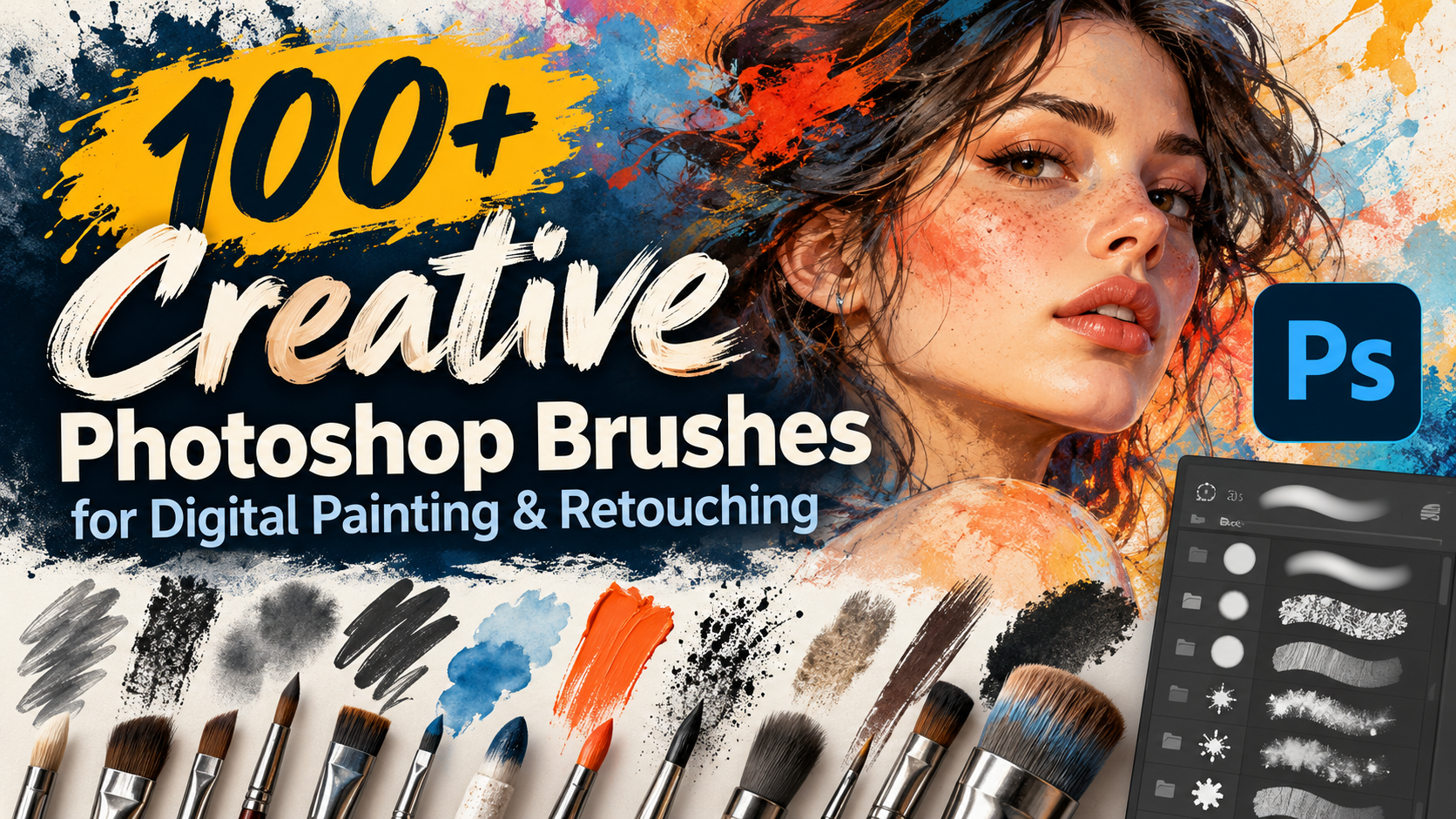
100+ Creative Photoshop Brushes for Digital Painting & Retouching
Good brushes save time. The wrong ones leave you with soft edges, repeating patterns, or files that crawl on a laptop. This roundup collects Photoshop brush packs across five categories: digital painting and artistic strokes, nature and weather elements, surface textures and visual FX, and seasonal, retro, and decorative stamp sets.
Your next project deserves better than default brushes. Try them all and find the ones you'll actually love using.
Digital Painting, Media & Artistic Stroke
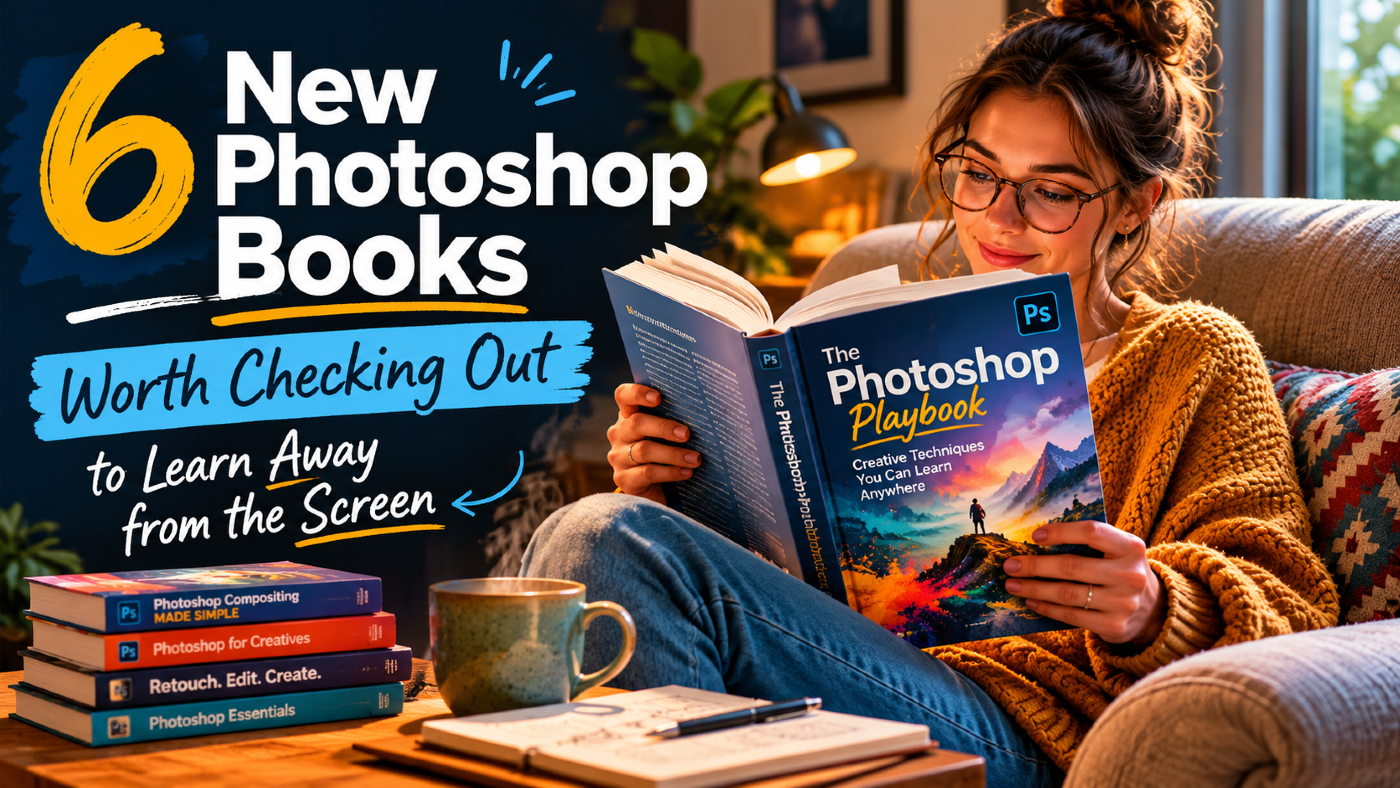
6 New Photoshop Books Worth Checking Out to Learn Away from the Screen
Printed books are still popular for a simple reason: comfort.
While you still need a computer to use the software, the learning part can happen anywhere. Instead of slouching over a desk staring at a bright monitor, a real book lets you pick up new techniques on your own terms—whether that's at a coffee shop, on the go, or just winding down in bed.
Plus, flipping back and forth between physical pages is often much easier on the brain than pausing videos and clicking around a messy screen tryin
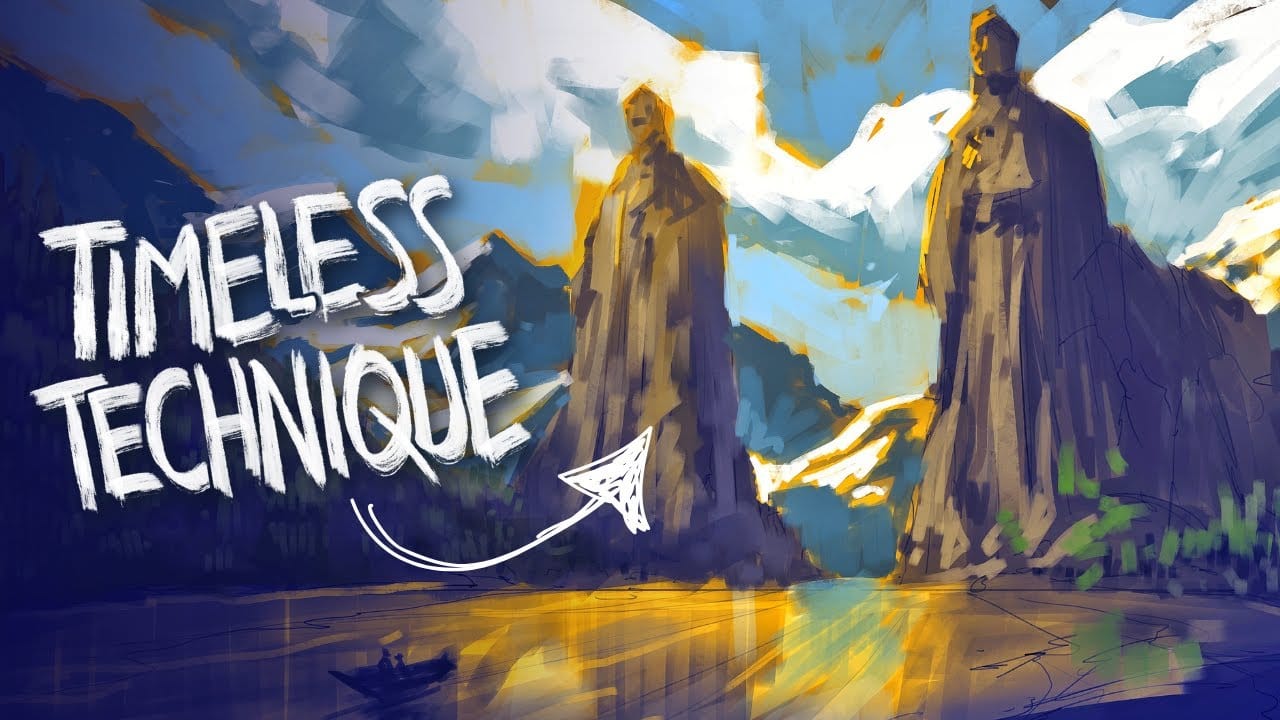
The Underpainting Technique in Adobe Photoshop
In this presentation, you will explore an oil painting technique that has stood the test of time, used by Old Masters for centuries. This method begins with a basic CPA underpainting, which serves as a foundation for the artwork.
Following this, layers of color are added on top to create depth and richness. The speaker will demonstrate this technique through digital speedpaints, showing how you can apply it to your own work. The process starts with loose sketching to establish composition, foll
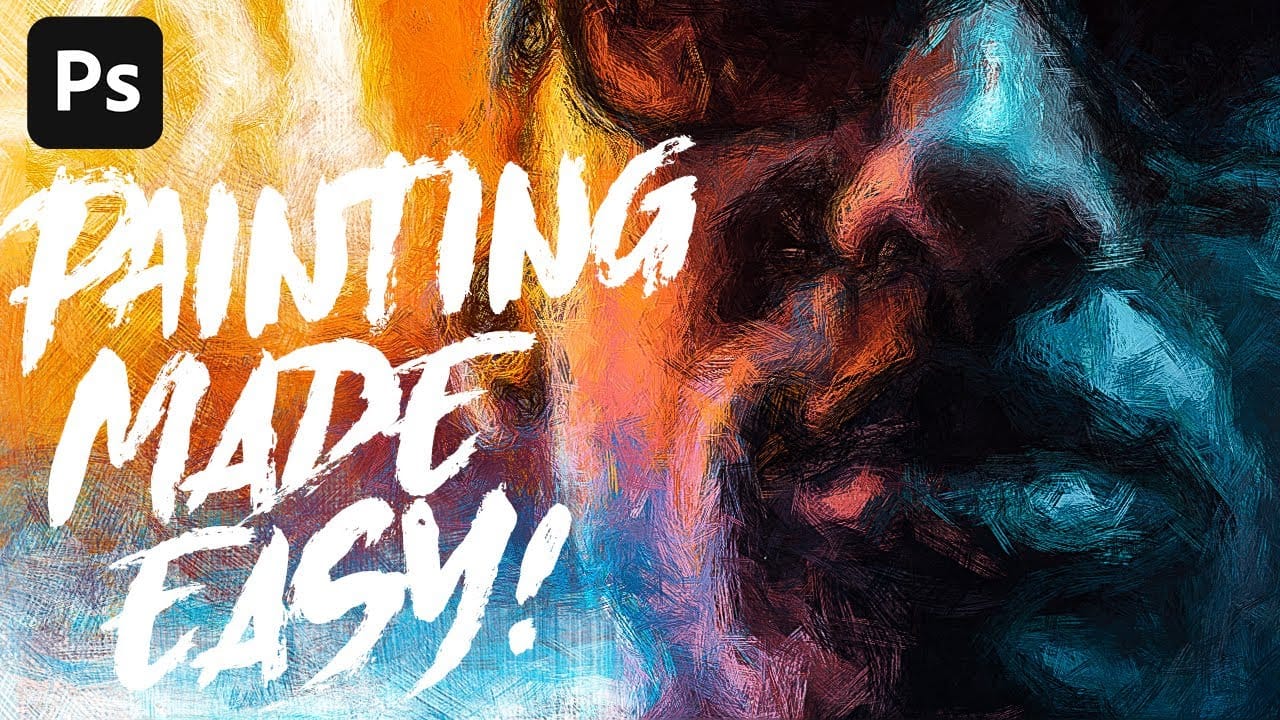
Anyone can create incredible paintings in Photoshop with a single tool
The Art History Brush tool offers a surprisingly effective way to convert photographs into realistic painted artwork. Unlike traditional painting filters, this tool samples colors directly from your original image while applying natural brush strokes, creating results that maintain the photo's essence while adding authentic painterly texture.
The technique requires no artistic skill but benefits from understanding the tool's setup and using custom brushes designed for different levels of detail