AI versus Photoshop: When Professional Design Skills Still Matter

AI versus Photoshop: When Professional Design Skills Still Matter

The rise of AI tools like ChatGPT has sparked intense debate about the future of graphic design and digital art. Can artificial intelligence truly replace the precision and creative control that professional design software provides? While AI excels at generating quick concepts and basic layouts, the reality of professional design work tells a different story.

This detailed comparison reveals where AI falls short and why mastering traditional design skills remains essential for creating polished, professional work that meets exact specifications.

Watch the Tutorial

Video by PiXimperfect. Any links or downloads mentioned by the creator are available only on YouTube

The Professional Design Reality

Professional graphic design extends far beyond creating attractive visuals. It demands precise control over every element, from typography and color accuracy to brand consistency and print specifications. Modern design workflows require the ability to make granular adjustments, maintain version control, and deliver files that meet exact technical requirements.

AI tools excel at ideation and rapid prototyping, but they struggle with the nuanced decisions that define professional work. Brand colors must match precisely across all materials. Typography needs to align with corporate guidelines. Product photography requires accurate color representation and realistic lighting. These standards separate amateur work from professional output.

The creative process itself benefits from the iterative nature of professional software. Designers build projects in layers, allowing for non-destructive editing and easy revisions. This flexibility becomes crucial when clients request changes or when projects evolve during development.

Practical Tips for Design Workflow

  • Master layer organization and naming conventions for efficient project management and easy collaboration with other designers
  • Use adjustment layers instead of direct edits to maintain flexibility and allow for easy changes throughout the design process
  • Create detailed mockups with proper shadows, textures, and lighting to accurately represent how designs will look in real-world applications
  • Develop a systematic approach to color management and brand consistency to ensure professional results across all deliverables
  • Build custom templates and reusable elements that maintain your design standards while speeding up repetitive tasks

More Tutorials About Professional Design Skills

Explore these additional resources to strengthen your design foundation and workflow efficiency.
Learn Photoshop by Combining Tools and Techniques
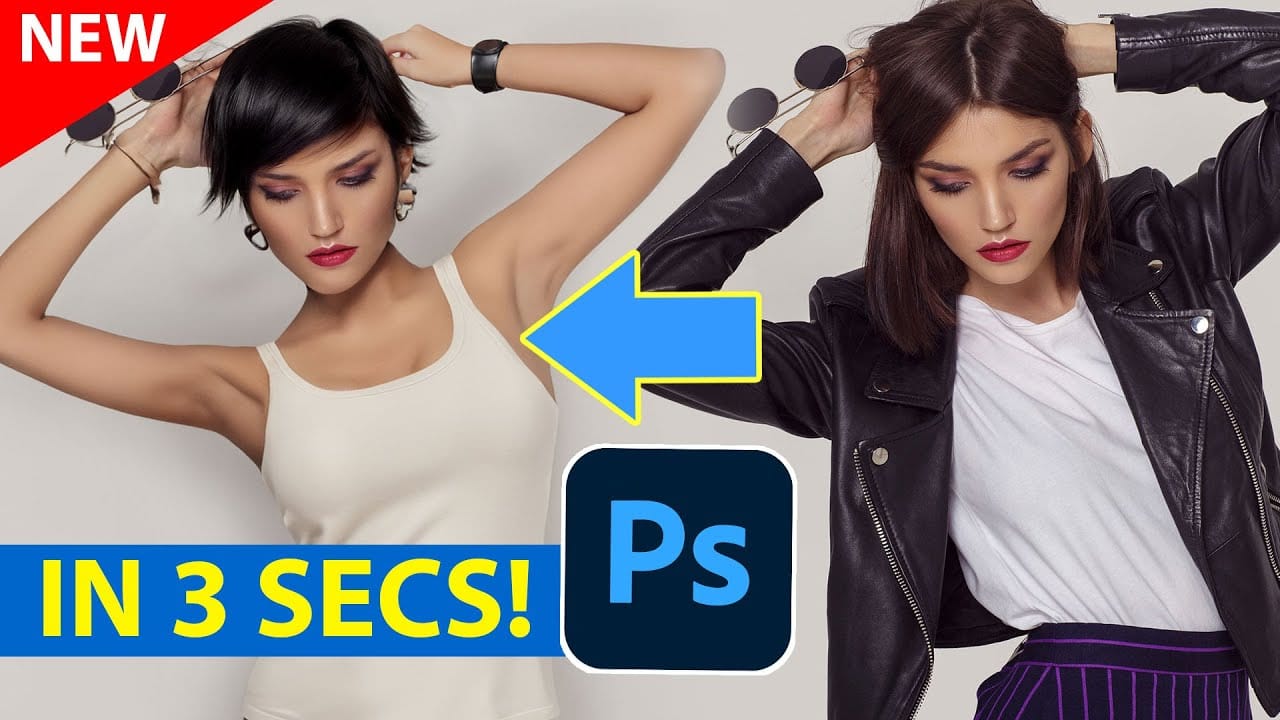
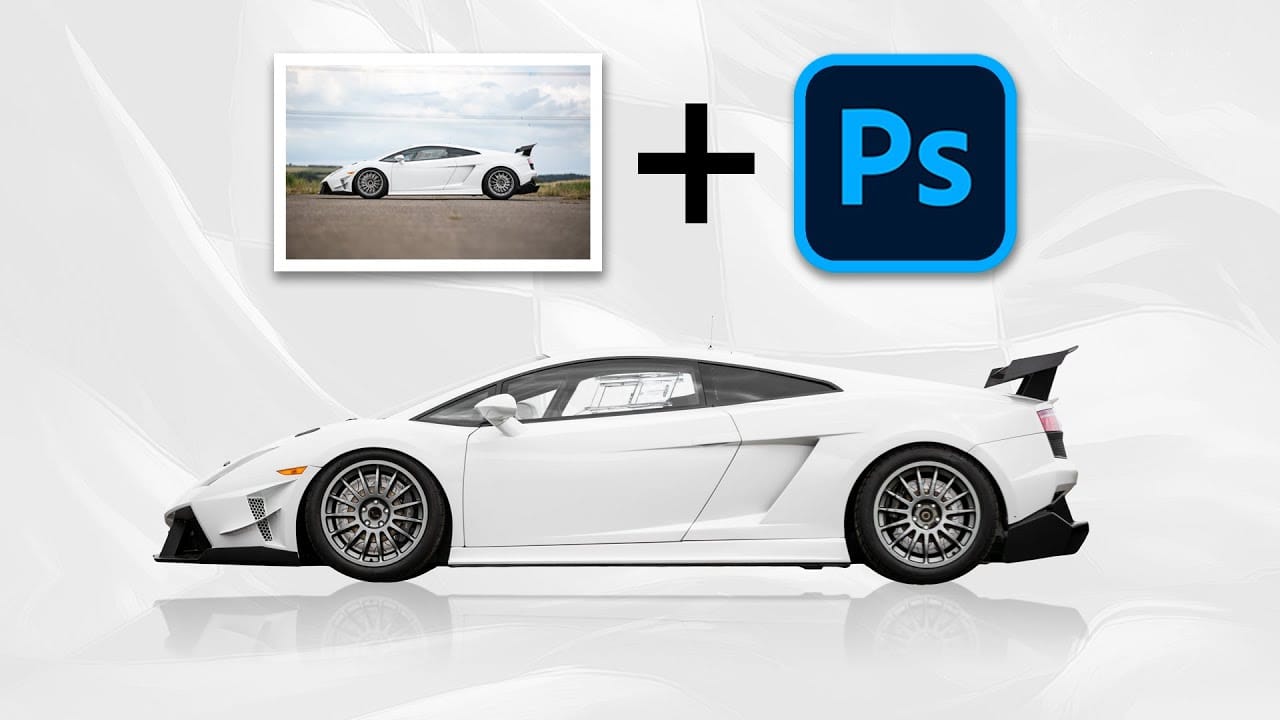
Achieving truly impressive image manipulations in Photoshop goes beyond mastering individual tools; it requires skillfully combining them. Many users learn techniques in isolation, but the real power of Photoshop emerges when these diverse methods are blended to create a cohesive final result. This tutorial demonstrates how to transform an ordinary photo into a dynamic composite. It guides you through integrating various tools and techniques, showing how to approach complex edits by layering di
Basic Photoshop techniques you really need to learn
Achieving the perfect result in Photoshop can often feel like a challenging journey. Many users concentrate on the final image but may struggle with the individual steps necessary to get there. While you might be familiar with various keyboard shortcuts and have collected numerous brushes and actions, these alone are not enough to ensure success. This collection of tutorials is designed to guide you through essential retouching techniques. Each tutorial focuses on foundational skills that are c
Generative AI: A new era of Photoshop begins
Generative AI has made its way into the world of Photoshop, and in this fascinating video, Colin Smith from Photoshop Cafe explores its transformative capabilities. Generative AI is an incredible technology that's transforming the world of artificial intelligence. It's like having a creative companion that can generate all sorts of new content, from stunning images to captivating music and even imaginative stories. With its advanced algorithms and neural networks, generative AI brings a touch o
You can learn Photoshop in 15 minutes - here's how
If you're looking to learn Photoshop quickly, this beginner tutorial is perfect for you. In just 15 minutes, you can get started with the basics and gain the confidence to explore further. The tutorial covers essential topics such as opening images, creating new documents, and navigating the workspace. You will also learn about key tools that are crucial for photo editing. While it's true that Photoshop is a vast program with plenty to learn, this quick guide aims to provide a solid foundation.

Get tutorials & freebies delivered to you.

Subscribe to the Photoshop Roadmap newsletter, a weekly roundup of new tutorials, insights and quality downloads, trusted by 6500+ readers.

You might also like

When to Use Saturation vs Vibrance for Better Color Enhancement

While vibrance gets praised for being "gentler" than saturation, the reality is more nuanced. Saturation works like a universal volume knob, boosting all colors equally, while vibrance acts like a smart equalizer, selectively enhancing less saturated areas first. Understanding when each approach serves your creative vision makes the...

How to Check Your Generative Fill Credit Balance in Photoshop

Keeping track of your AI credit usage becomes essential when working with premium generative features. Understanding your remaining balance helps you budget your edits and avoid unexpected interruptions during important projects. The credit system divides features into standard tools (like basic generative fill) that don't consume credits, and...

How to Create Realistic Depth Blur Effects in Photoshop

Creating professional depth of field effects can transform flat images into dynamic photographs with natural-looking focus transitions. Two powerful methods in Photoshop offer different advantages: Neural Filters provide automated depth detection with atmospheric effects like haze, while Camera Raw Filter delivers precise manual control with customizable bokeh shapes. Both techniques...

Three Professional Methods to Fix White Balance in Photoshop

Color casts can ruin even the best photographs, making whites appear yellow, blue, or green instead of neutral. Poor white balance destroys the natural look of your images and creates an unprofessional appearance that's immediately noticeable to viewers. These three techniques provide increasingly precise control over white balance...

Creating Dark Moody Wildlife Photo Edits in Photoshop

Dark, moody wildlife photography transforms ordinary animal portraits into dramatic, atmospheric pieces that capture the mystery and power of nature. This editing approach combines strategic lighting placement, careful color grading, and atmospheric effects to create compelling images that draw viewers into the scene. The workflow begins with essential noise reduction...

How to Create Professional Photo Composites in Photoshop

Creating compelling photo composites requires more than simply placing images together. This comprehensive tutorial demonstrates how to blend multiple elements seamlessly, from matching lighting and color to painting realistic shadows and highlights. The project showcases a dramatic scene inspired by Stranger Things, combining buildings, characters, and atmospheric effects with precise...

You’ve successfully subscribed to Photoshop Roadmap
Welcome back! You’ve successfully signed in.
Great! You’ve successfully signed up.
Success! Your email is updated.
Your link has expired
Success! Check your email for magic link to sign-in.