Cropping individual layers in Photoshop has traditionally required multiple complex steps involving selections, layer masks, or clipping masks. The updated Frame Tool now offers a streamlined drag-and-drop approach that eliminates confusion and reduces workflow steps.
These improvements make layer cropping accessible to beginners while speeding up workflows for advanced users through custom shape integration and simplified image placement.
Watch the Tutorial
Video by Brendan Williams. Any links or downloads mentioned by the creator are available only on YouTube
Essential Frame Tool Tips
- Access the Frame Tool quickly: Press
Kto activate the tool and choose from rectangle, circle, or custom shape options in the options bar. - Create perfect circles: Hold Shift while dragging to maintain proportions when creating circular frames.
- Save custom shapes for reuse: Create complex shapes once, then save them via Edit > Define Custom Shape for future projects.
- Convert to Smart Objects for flexibility: Right-click and convert frame layers to Smart Objects to add non-destructive layer styles and effects.
- Drag and drop images directly: Drop new images from your computer directly onto existing frames for instant cropping and placement.
More Photoshop Tools and Tutorials
Explore additional Photoshop features and workflow improvements.
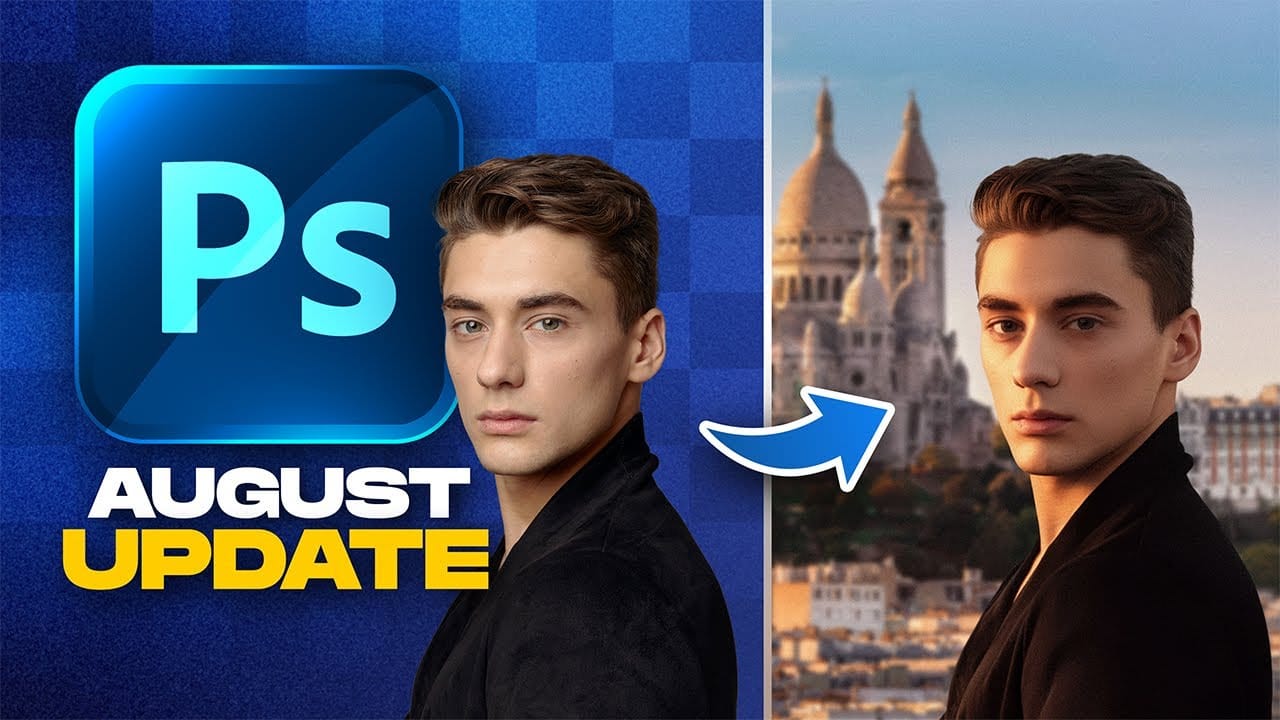
Photoshop August 2025 Update: 6 New Features Including Enhanced Remove Tool and Harmonize
Adobe continues to transform Photoshop with powerful AI-driven features that streamline complex editing tasks. The August 2025 update introduces six significant enhancements, from an improved Remove Tool that creates cleaner selections to the revolutionary Harmonize feature that automatically matches lighting and shadows across composite elements.
These updates address common workflow challenges while introducing new capabilities for collaborative projects and intelligent image processing.
Wa
TOP New Features in Photoshop – May 2025 Update
Many Photoshop users frequently encounter common challenges such as time-consuming manual selections for complex objects, difficulties in achieving precise color adjustments across an image, or struggling with inconsistent results when removing unwanted elements like reflections. These hurdles often slow down the creative process, making it frustrating to achieve a desired professional look efficiently.
This guide explains how Photoshop's latest updates introduce powerful new functionalities, i

Photoshop 2025: New Adjustment Brush Tool Explained
This tutorial by Aaron Nace introduces the new Adjustment Brush Tool in Photoshop 2025. This tool lets you make specific adjustments to the color and light in areas of your image. The tool creates a separate adjustment layer, meaning you can edit your image without changing the original information. You can find the Adjustment Brush Tool in the Tools panel and select properties like Hue, Saturation, Brightness, Contrast, and Exposure to adjust.
The tutorial explains that to start, you open your
Photoshop 2024 Reveals Major New Tools and Enhancements
For creative professionals, Photoshop is an indispensable part of the workflow. As the leading digital imaging software, each new version from Adobe brings excitement as artists and designers anticipate how their capabilities may be expanded. In this video preview, we get a sneak peek at some of Photoshop 2024's standout new features.
Elsewhere, the updated Content-Aware Fill algorithm feels even more intelligent, seamlessly replacing or removing objects, textures and colors within images. Phot