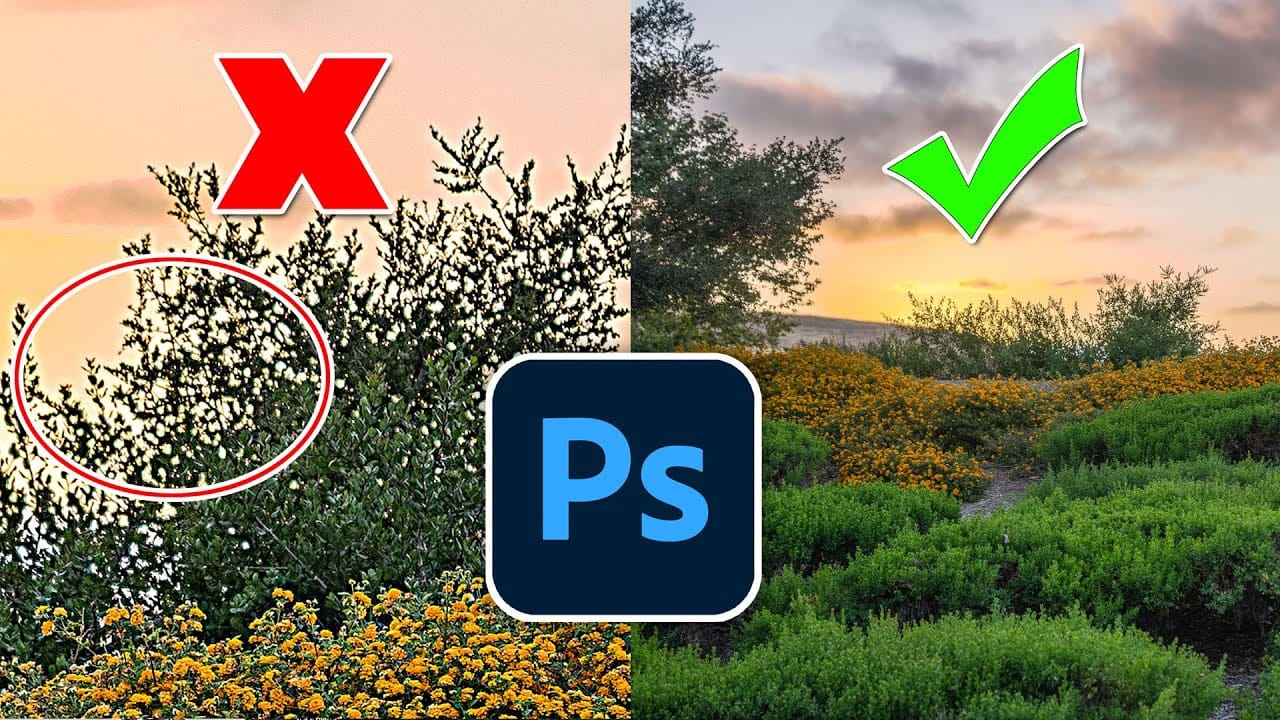
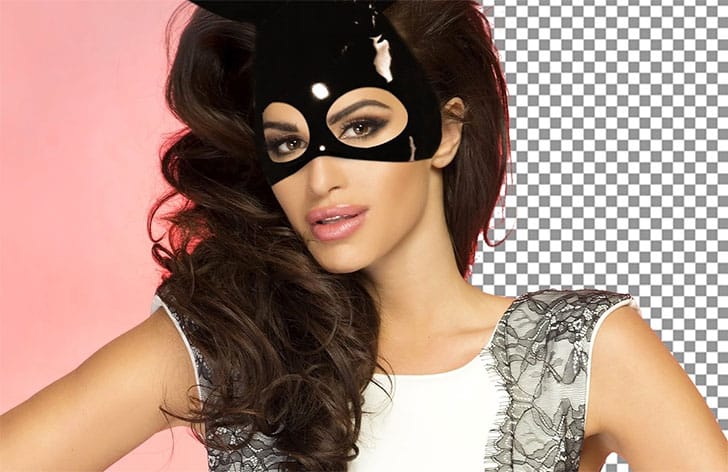
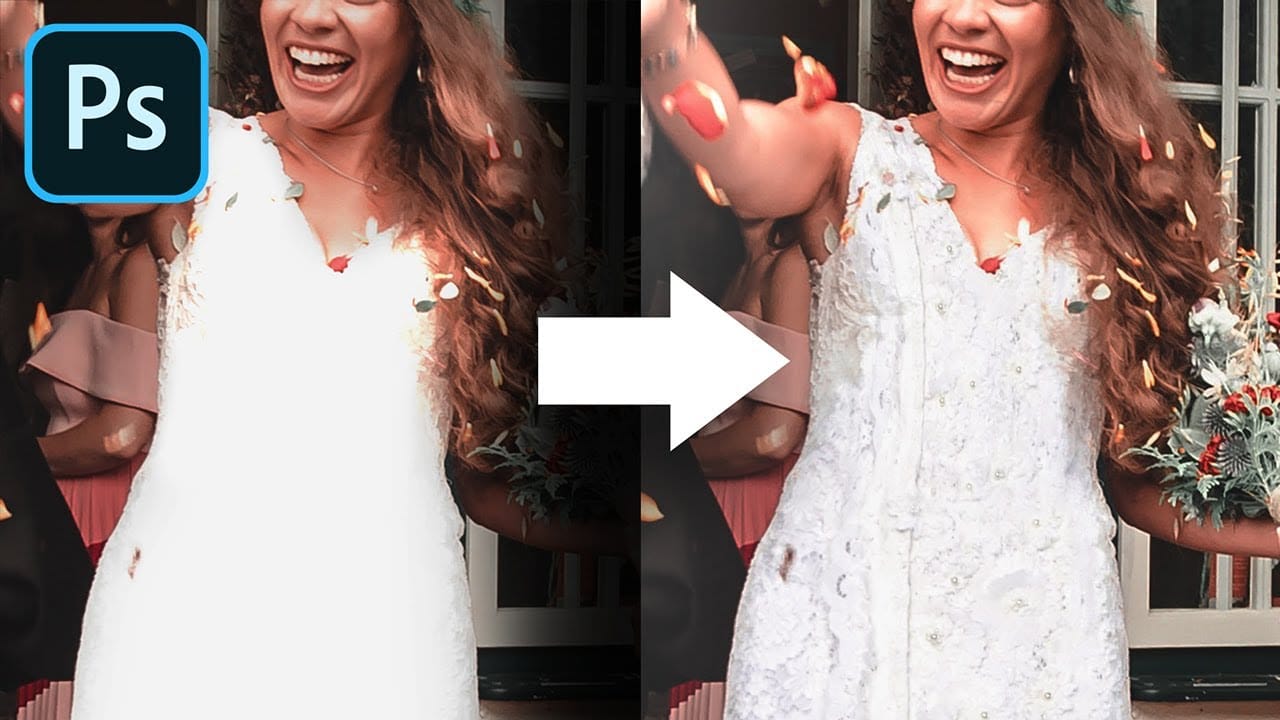
Many photos lack the visual impact they could have simply because contrast and clarity are applied uniformly across the entire image. The key to professional-looking results lies in selectively enhancing specific areas that deserve attention while leaving others untouched.
This approach uses the Camera Raw filter's histogram controls and masking features to target contrast adjustments precisely where they matter most, creating depth and visual interest without over-processing your photographs.
Watch the Video
Video by PHLEARN. Any links or downloads mentioned by the creator are available only on YouTube
Practical Tips
Here are the key techniques for applying selective contrast and clarity:
- Convert your layer to a Smart Object first using Filter > Convert for Smart Filters to make all adjustments reversible
- Drag directly on the histogram sections (blacks, shadows, exposure, highlights, whites) instead of using sliders for more intuitive control
- Use automatic landscape masking to separate sky, water, ground, and subject areas for targeted adjustments
- Apply clarity only to foreground elements and subjects, never to the entire image to avoid an over-processed look
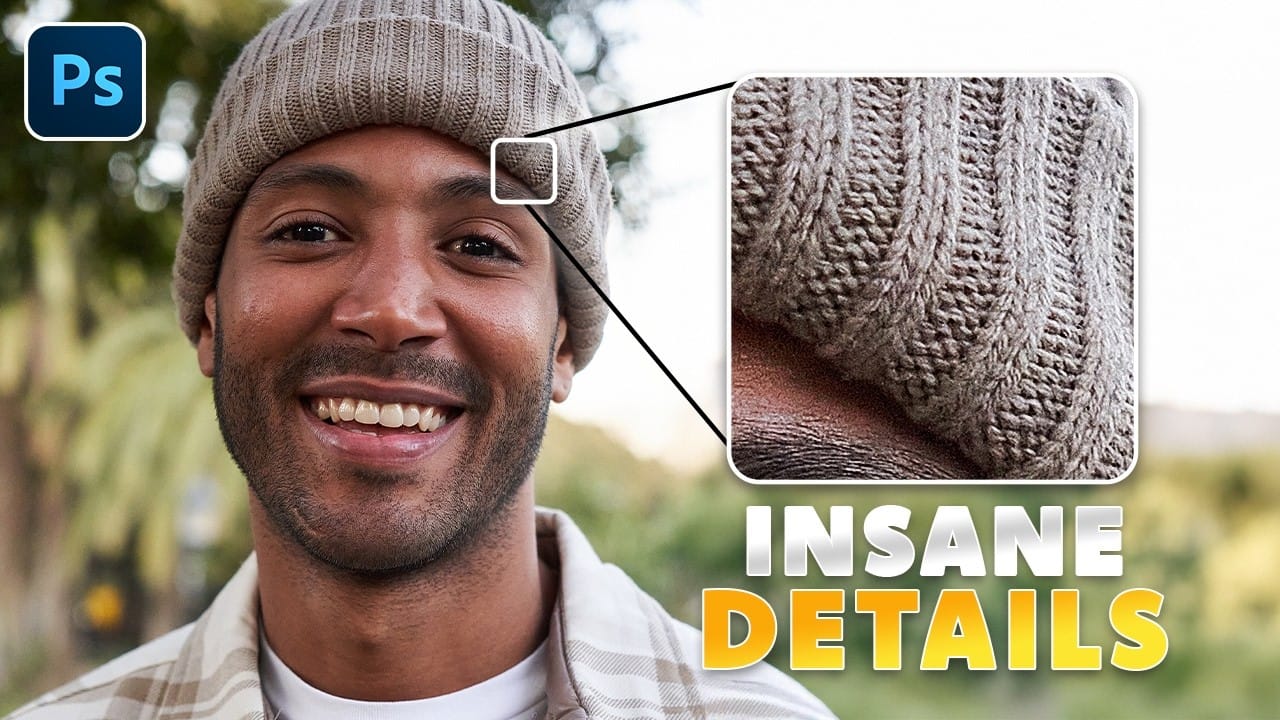
- Combine texture and clarity adjustments on masked areas to enhance detail without affecting the background
Related Articles and Tutorials
Explore more advanced techniques for enhancing photos and working with selective adjustments.