The 3D pop-out effect creates the illusion that objects are breaking through and extending beyond their original boundaries. This technique transforms flat images into dynamic compositions where subjects appear to leap out of screens, frames, or backgrounds.
The method relies on precise selections, layer masking, and strategic positioning to achieve a convincing three-dimensional appearance that captures viewer attention.
Watch the Video
Video by Photoshop Arthouse. Any links or downloads mentioned by the creator are available only on YouTube
Practical Tips
These key techniques will help you achieve a professional pop-out effect:
- Use the Magic Wand tool with 11x11 average sampling and 30 tolerance for clean selections of solid-colored screens
- Always save your initial selection before proceeding to avoid having to recreate it later
- Unlink the layer mask from the folder to resize and position your pop-out element independently
- Paint with a hard round brush at 100% opacity on the layer mask to reveal parts extending beyond the boundary
- Keep the Contiguous option checked when selecting to avoid selecting similar colors throughout the entire image
Related Articles and Tutorials
Explore more creative techniques for adding depth and dimension to your designs:
Create a 3D Pop-Out Photo Effect
This tutorial explores a classic Photoshop technique that brings a dynamic, three-dimensional quality to ordinary photographs. It offers a creative approach to making images more engaging by introducing an illusion of depth.
Viewers will learn how to make any object or person appear to pop out of its background, giving images a unique visual depth and engaging appeal. The video guides you through the process, from initial image preparation and subject isolation to the final application of the p
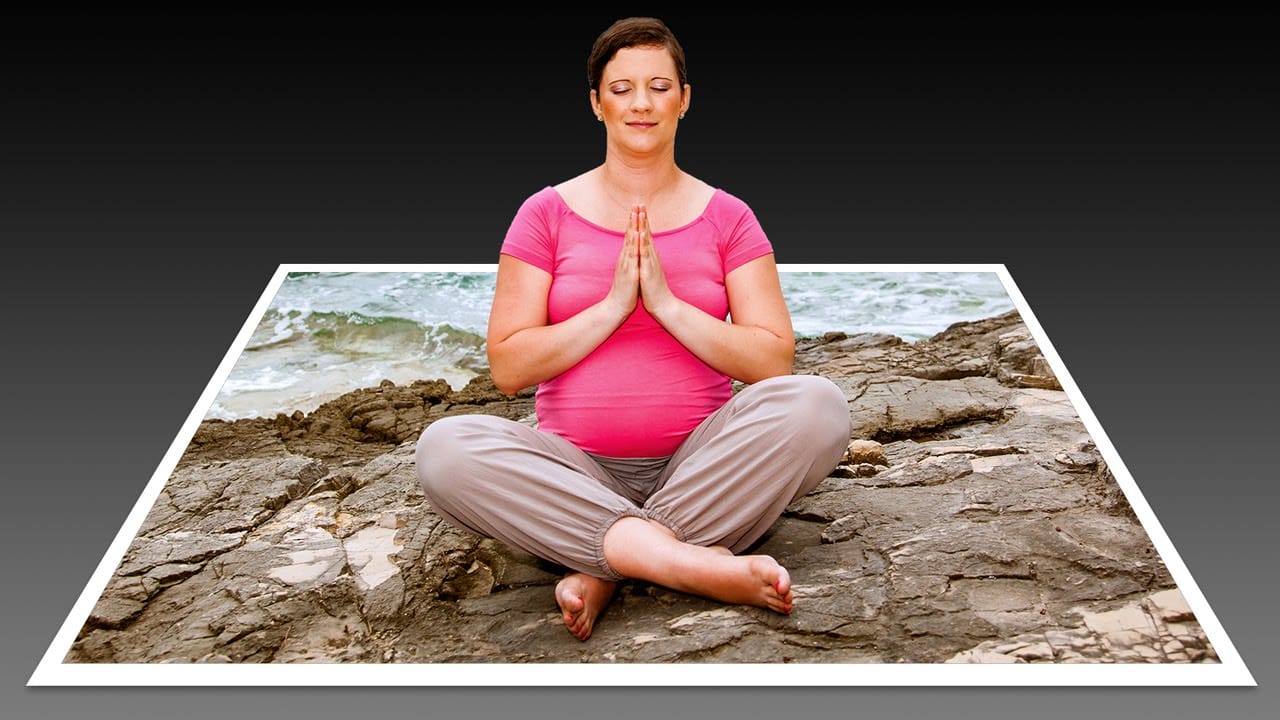
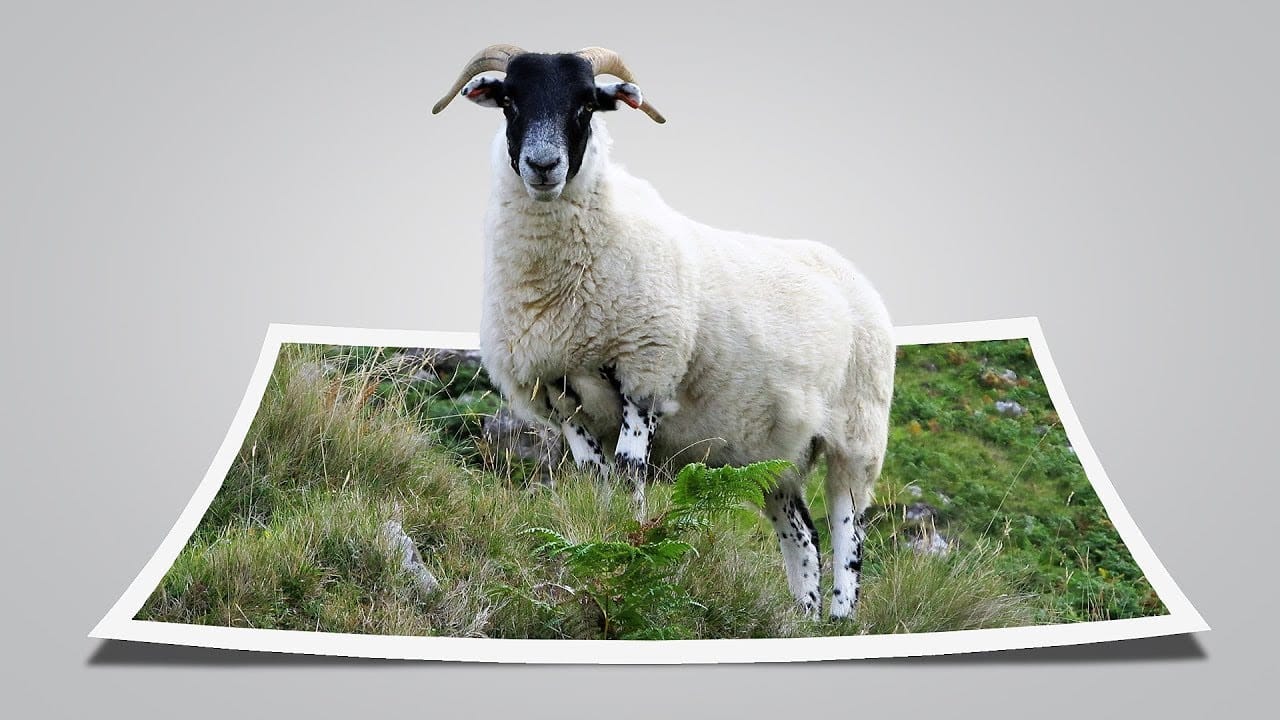
Create a fun pop out frame effect in Photoshop
This tutorial by Click3D explores the creative process of making a whimsical 3D pop-out photo effect in Photoshop. This effect brings images to life and introduces a surreal quality that transforms the viewing experience. Imagine a scene where a subject appears to leap out of a polaroid frame, adding an element of fun and surprise.
The author takes the reader through the steps to create this delightful and impactful visual effect. By using simple techniques, the tutorial demonstrates how to ach
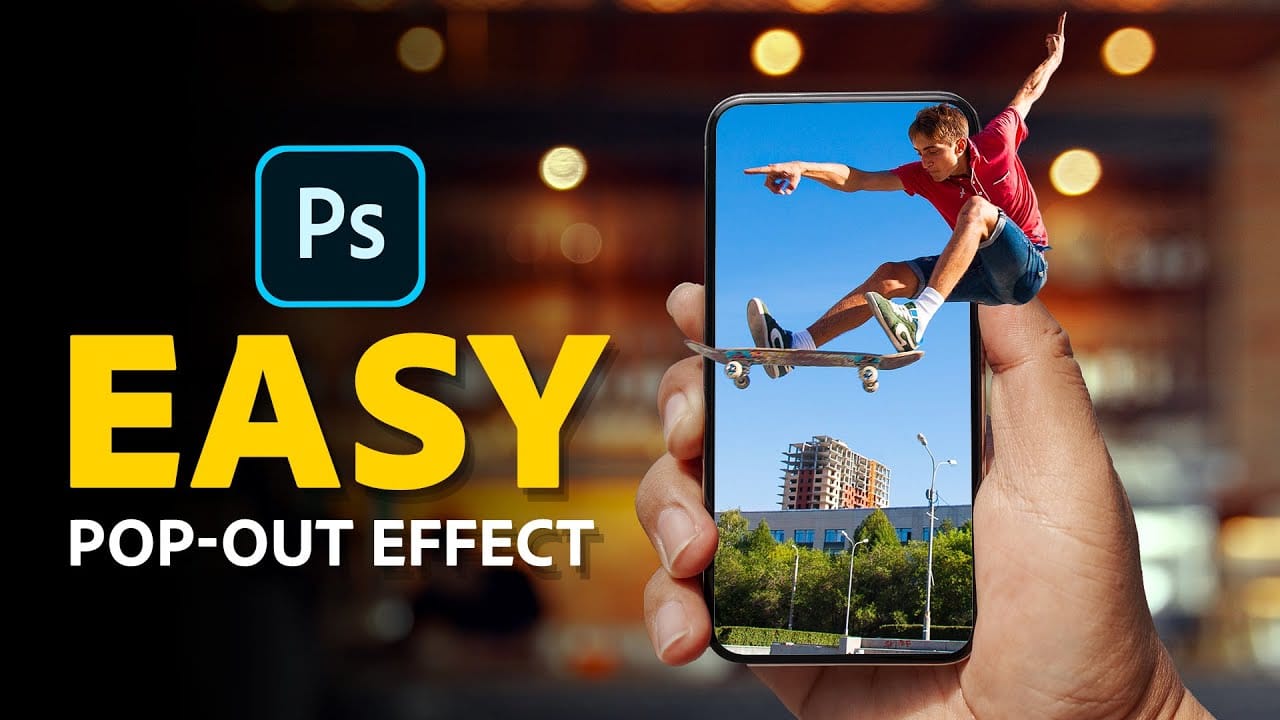
How to Create a 3D Pop-Out Effect in Photoshop
In this tutorial by Jesus Ramirez from PTC Photoshop Training Channel, you'll learn to create an eye-catching 3D pop-out effect using just two simple Layer Masks. Ideal for Photoshop 2021 (22.5) and newer, this guide walks you through combining Layers and Layer Masks to give the illusion that an element, such as a skateboarder, is jumping out of a phone screen.
The tutorial provides clear instructions on how to apply this technique to make your images stand out with a dynamic, three-dimensional
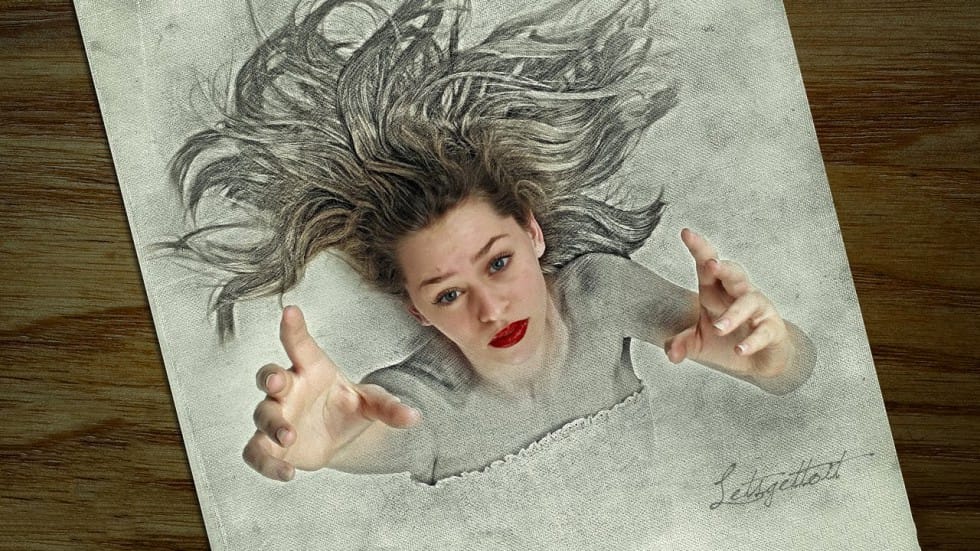
3D Pop Up Sketch Drawing Effect
In this Photoshop tutorial by Let's Photoshop, you'll discover how to transform a photo into an impressive 3D pop-up sketch drawing. This effect makes the subject appear as if it's emerging from the sketching paper, adding a fantastic, surreal touch to your images.
Using straightforward techniques in Adobe Photoshop, you'll learn to blend photo realism with artistic sketch effects, creating a dynamic and engaging visual that stands out. This effect is perfect for adding a whimsical element to p
Create a pop-up illustration in Photoshop
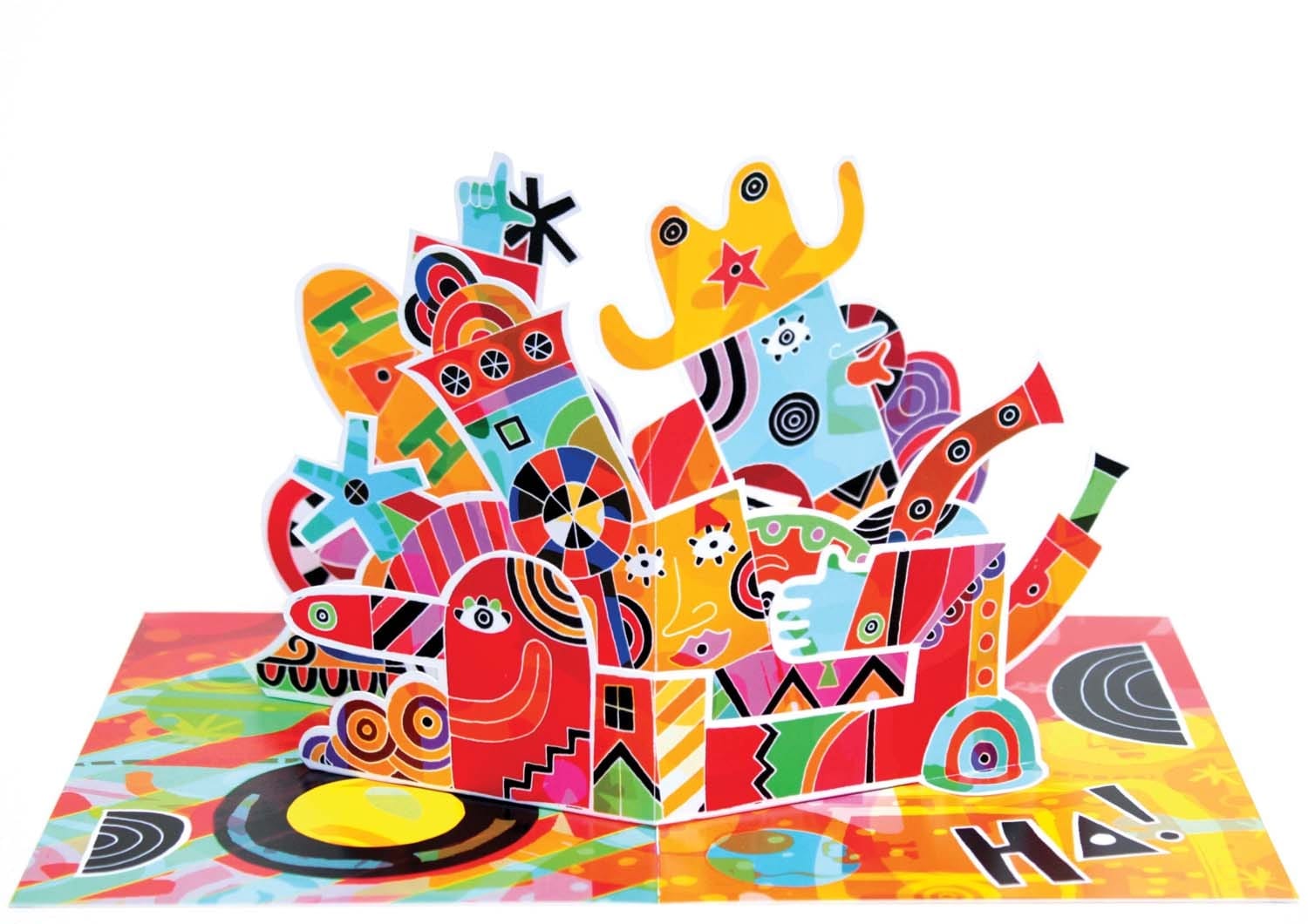
In the world of visual communication, pop-up illustrations have long been a domain reserved for children's books. However, this tactile and physical approach to design has now found a place across the creative industry. Illustrators and designers alike are embracing pop-up and 3D techniques to add a touch of flair and excitement to their visual concepts.
Pop-ups can infuse your work with a sense of playfulness, offering an element of surprise and interaction. Imagine the delight of opening a sp
Easily Create 3D Text in Photoshop
Three-dimensional text adds significant visual impact, giving designs a sense of depth and dimension that can make elements stand out. It's a popular technique for headlines, logos, and graphic elements seeking a dynamic appearance, moving beyond flat designs.
This guide explores a straightforward method for creating a compelling 3D text effect in Photoshop, focusing on a technique that leverages layer manipulation and a powerful shortcut to build depth efficiently without complex 3D modeling t
How to make a stylish pop art portrait from a photo in Photoshop
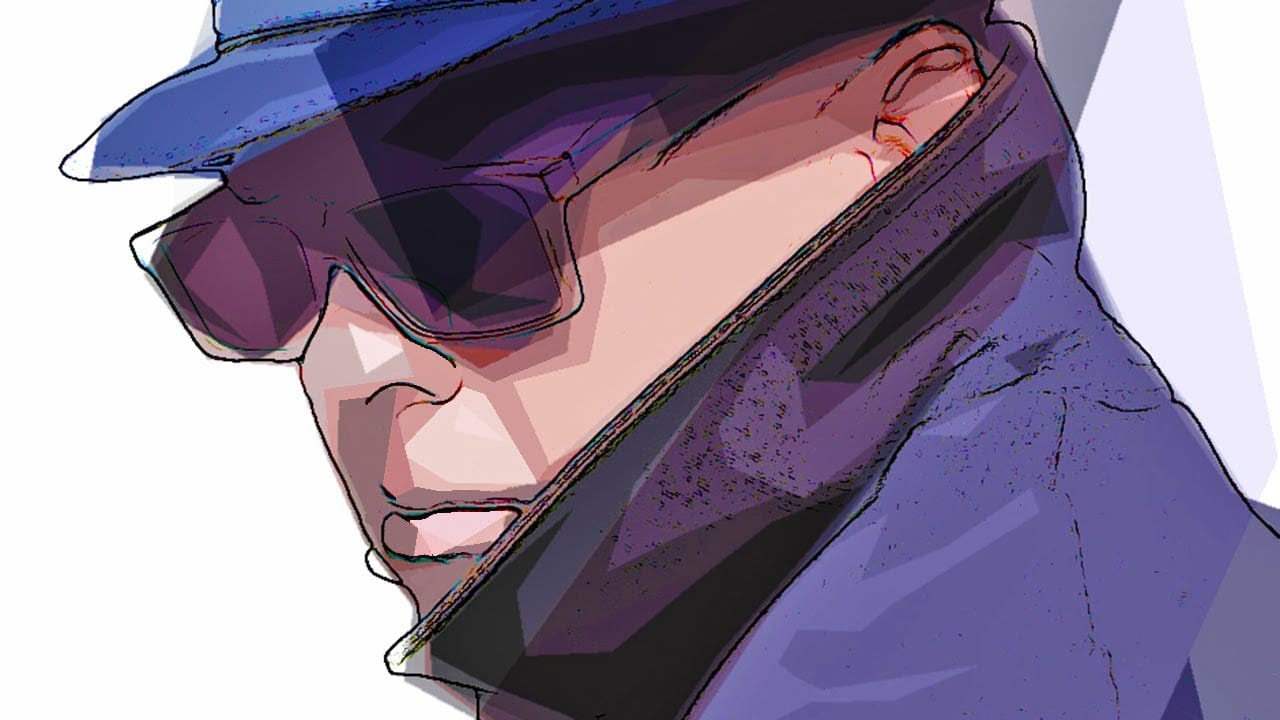
This video explores a creative approach to transforming ordinary photographs into vibrant pop art portraits using Adobe Photoshop. It offers a practical method for achieving a distinctive artistic effect that can be applied to various images.
Viewers will learn a streamlined process for applying artistic filters and adjustments, enabling them to achieve a bold pop art style. The tutorial also emphasizes efficient workflow, demonstrating how to replace the source photo without having to redo all
Creating a 3D Glowing Text Effect in Photoshop
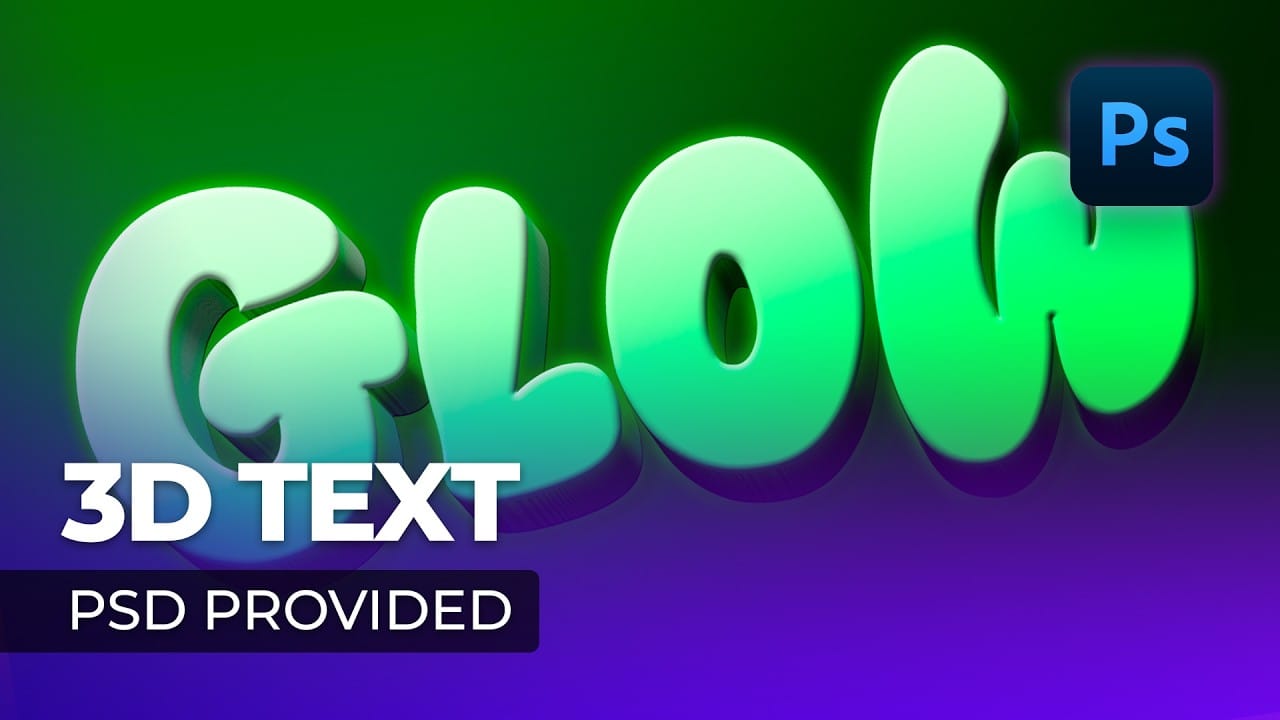
Adding depth and luminosity to text can transform a simple design into something visually striking. The combination of 3D extrusion and glow effects creates text that appears to leap off the page, making it perfect for logos, headers, and eye-catching graphics.
This tutorial demonstrates how to build a complete 3D text effect with glowing elements using Smart Objects and layer effects. The technique covers everything from creating dimensional text to applying multiple glow layers for enhanced v
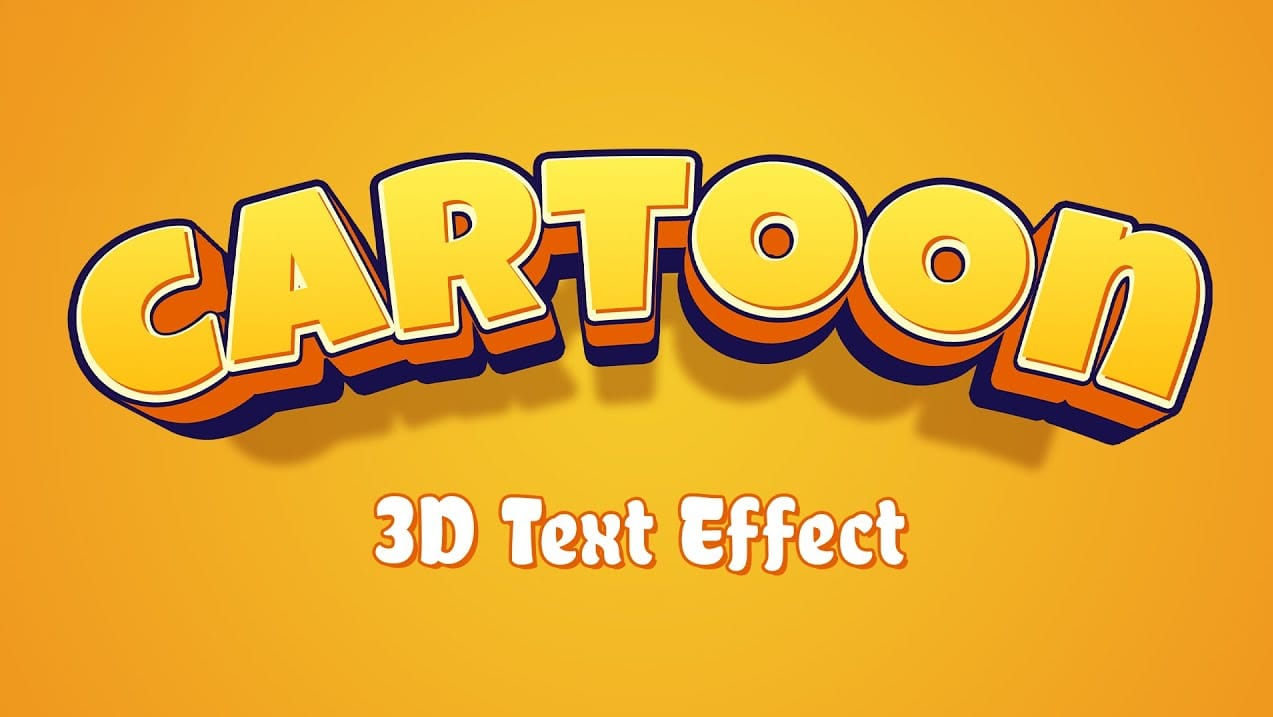
Cartoon 3D Text Effect in Photoshop
Creating a vibrant cartoon 3D text effect in Photoshop allows you to add playful depth and visual flair to your designs. This style is perfect for headlines, logos, or any graphic element that needs to pop with a fun, dynamic energy.
This tutorial guides you through the process, from initial text styling and color application to building multi-layered extrusions and intricate shadow details. You'll learn how to transform flat text into a compelling 3D graphic using a combination of blending opt
Create a Wonderful 3D Typographic Poster in Photoshop
Photoshop's 3D tools have reached impressive new heights, and the Repoussé tool stands out as a notable feature. This tutorial focuses on how to extrude text, providing results akin to those achieved in full 3D applications. By utilizing this innovative feature, one can easily enhance designs with depth and dimension.
In addition to the Repoussé tool, the tutorial examines traditional 3D settings, allowing you to fully harness the various material and rendering options available. This explorati