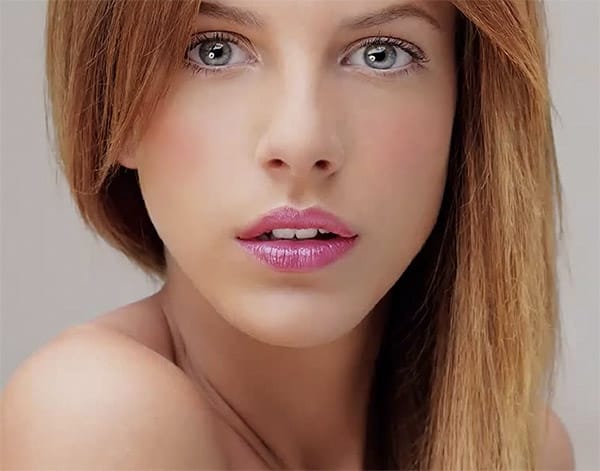
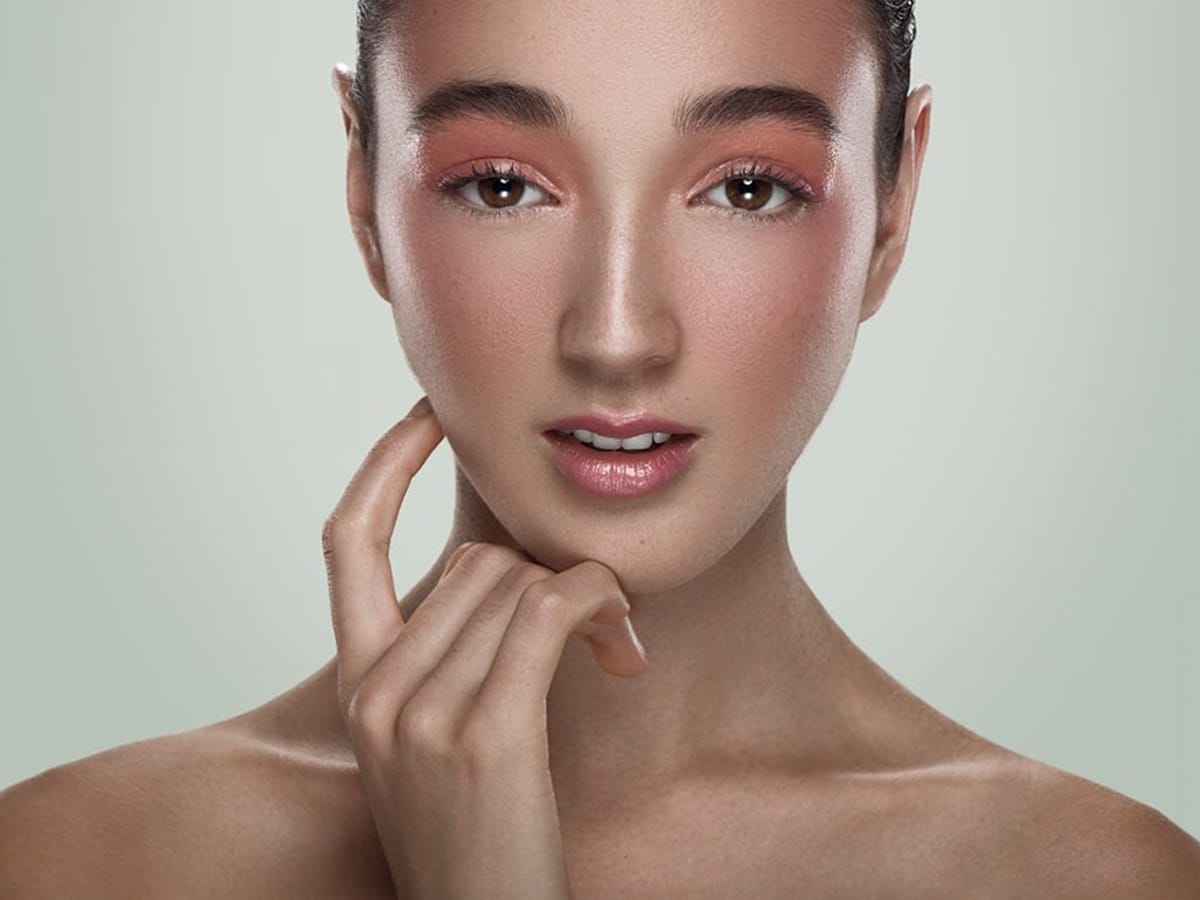
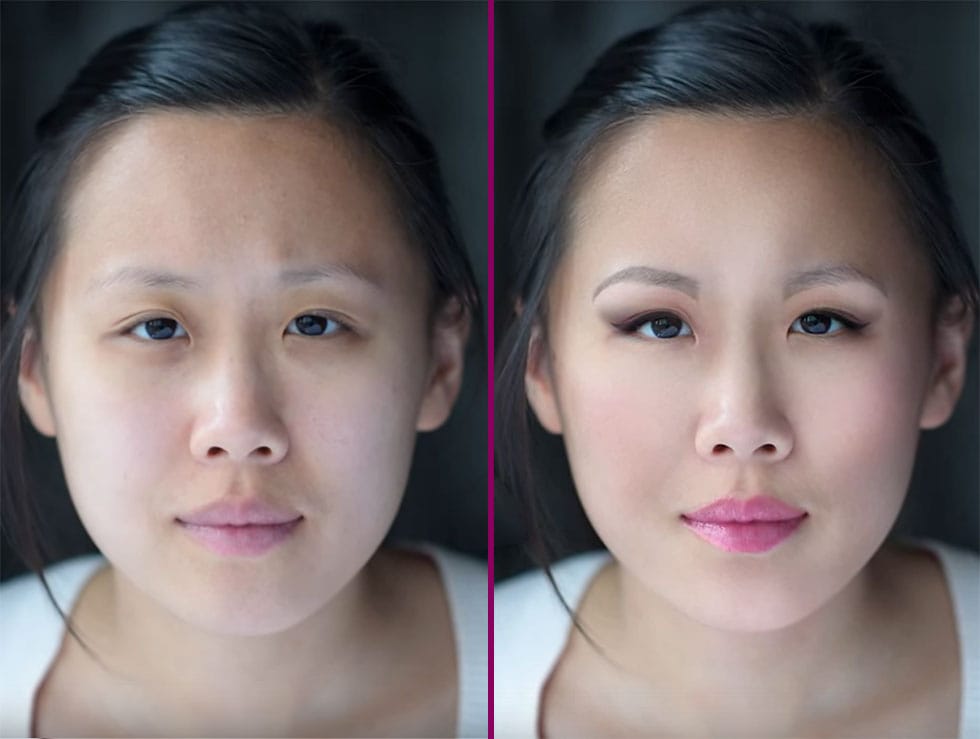
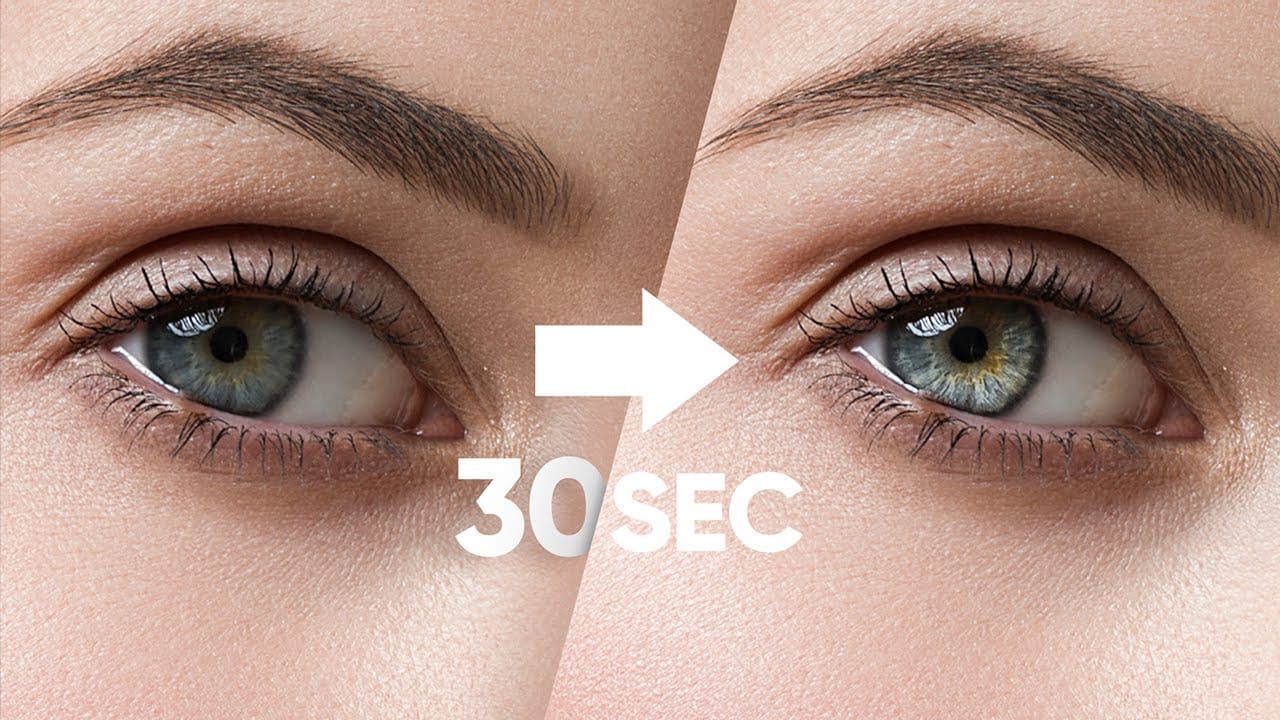
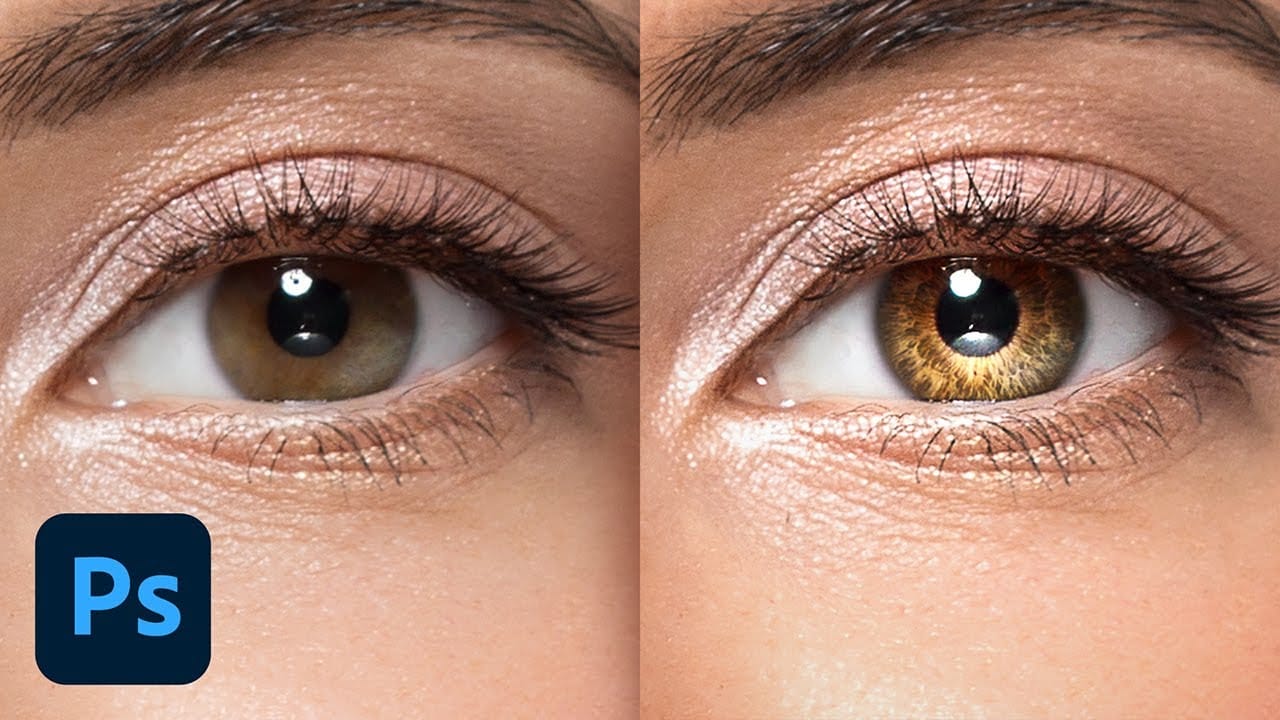
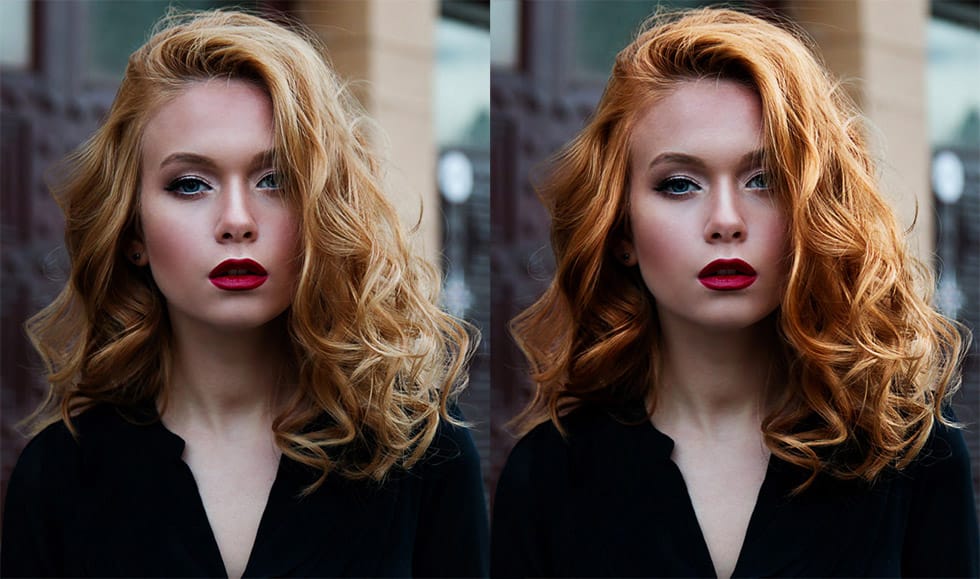
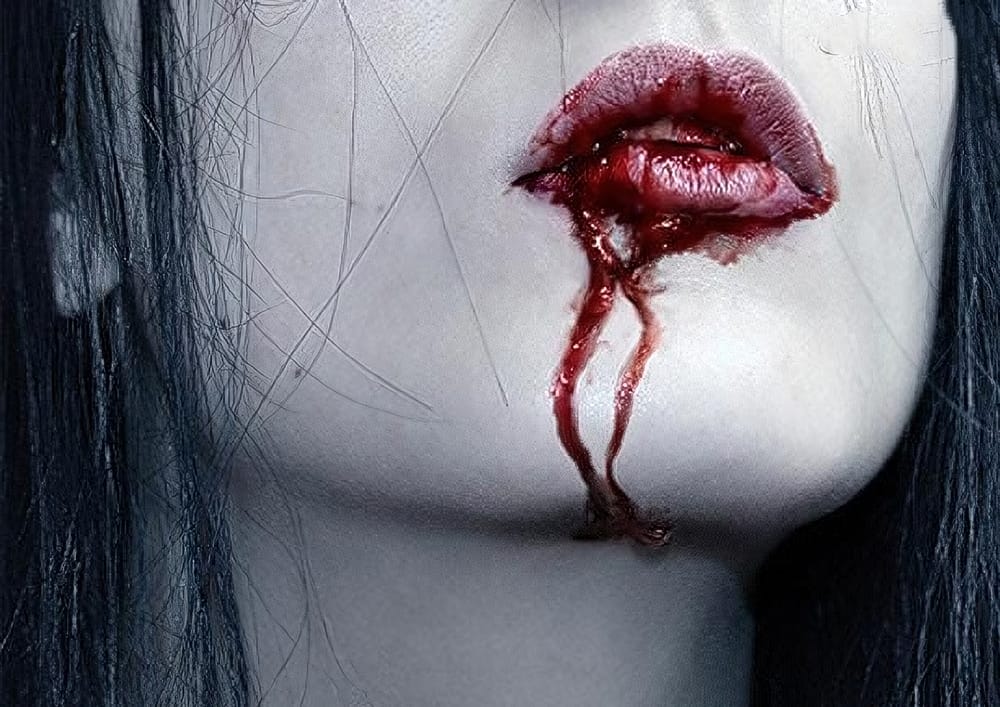
Transform ordinary lip photos into stunning, polished portraits using a proven four-step method that combines cleaning, shaping, dodging and burning, and adding strategic shine. This comprehensive approach removes distractions while enhancing natural beauty, creating lips that look clean, dimensional, and professionally retouched.
The technique uses curves adjustment layers and masking to build up brightness and shadows gradually, giving you complete control over the final result while maintaining a natural appearance.
Watch the Video
Video by PiXimperfect. Any links or downloads mentioned by the creator are available only on YouTube
Practical Tips
Master these essential techniques for professional lip retouching:
- Use the regular Healing Brush tool on a new layer with "current and below" sampling to clean up temporary imperfections while preserving permanent characteristics
- Create soft selections by using Quick Mask mode and applying Gaussian blur before using the Clone Stamp tool for outline refinement
- Set up pressure-sensitive brushes with opacity and flow linked to pen pressure for natural-looking dodge and burn effects
- Brighten the top lip areas and the center of the lower lip while darkening the outer edges and corners to create dimensional shape
- Use separate curves adjustment layers for dodging and burning to maintain independent control over brightness and shadow intensity
Related Articles and Tutorials
Explore more portrait retouching and beauty enhancement techniques to perfect your photo editing skills.