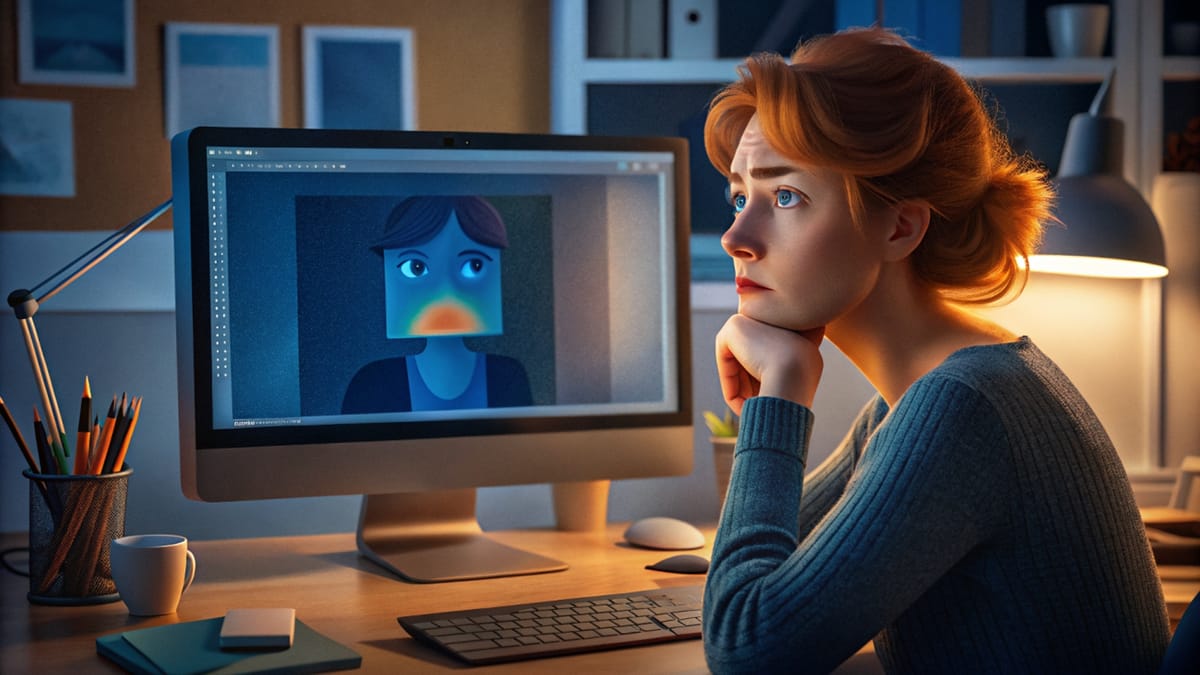
Frame-by-frame animation in Photoshop transforms static illustrations into dynamic looping sequences through hand-drawn motion. This technique combines traditional animation principles with digital drawing tools, creating smooth character movement using keyframes, in-betweens, and motion blur effects.
The process begins with building a simple skeleton armature to map out primary motion, then adds secondary animation for clothing and hair, and finishes with detailed character artwork and visual effects applied through layer styles.
Watch the Video
Video by Envato Tuts+. Any links or downloads mentioned by the creator are available only on YouTube
Practical Tips
These essential techniques will help you create smooth, professional animation workflows:
- Create a rough armature first to separate primary motion from secondary details like hair and clothing
- Use the faux onion skinning technique by extending frames and adjusting opacity to 30% for clear reference points
- Apply motion guides on separate layers to track arcing movements and maintain consistent character proportions
- Add smear frames with squash and stretch principles to simulate motion blur and smooth out choppy low-framerate animation
- Work at 12 frames per second and aim for 10-12 total frames to create effective one-second loops without excessive drawing
Related Articles and Tutorials
Explore these tutorials to expand your creative skills and retouching techniques.
 Nour Art
 Enrique Flouret
 Enrique Flouret
 Enrique Flouret
 Enrique Flouret
 Enrique Flouret