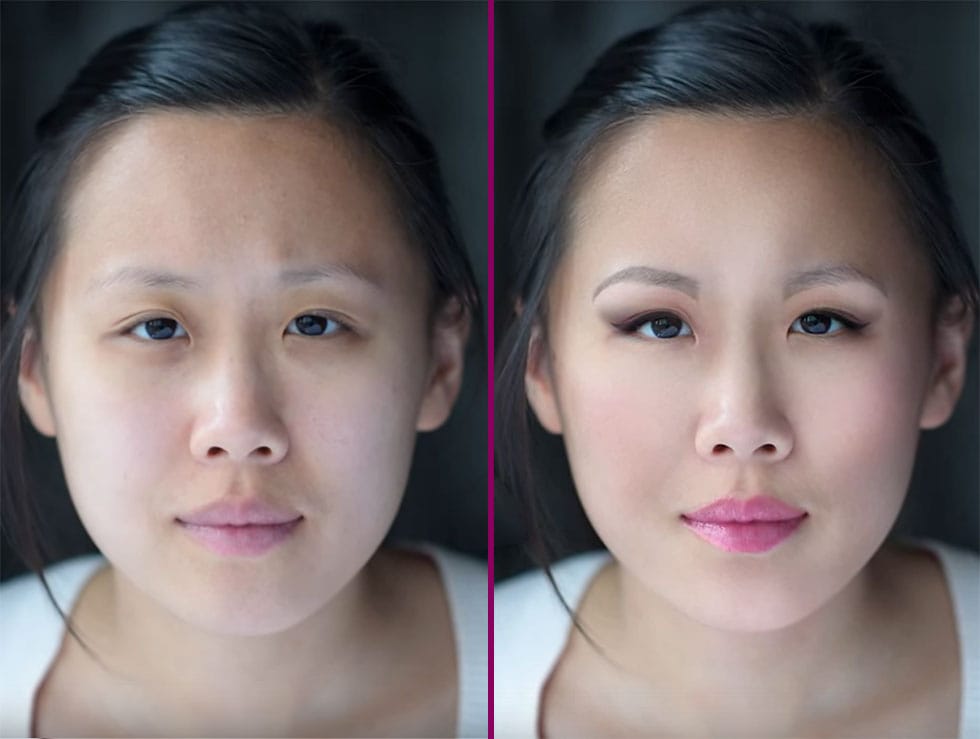
Nail retouching doesn't need to consume hours of your editing time. Three simple techniques can handle most common nail issues: cleaning up cuticles and surrounding skin, extending nail polish edges with the clone stamp tool, and using liquify to reshape grown-out nails.
These methods work on separate layers with non-destructive editing, allowing you to create polished results in minutes rather than hours.
Watch the Video
Video by Vera Change. Any links or downloads mentioned by the creator are available only on YouTube
Practical Tips
Follow these key steps for efficient nail retouching that maintains natural appearance:
- Always duplicate your background layer before starting and work on separate layers for each technique
- Use the spot healing brush first to clean cuticles and surrounding skin before addressing the nails themselves
- Clone stamp from the very edge of existing nail polish using small brush sizes to extend coverage naturally
- Create a 50% gray layer in soft light blend mode for dodge and burn corrections to fix any uneven areas
- Use liquify with small brushes and gentle movements to push back grown-out nails without disturbing finger shape
Related Articles and Tutorials
Explore more beauty retouching techniques to enhance your portrait editing skills:
Easy Beauty Retouching in Photoshop
In this comprehensive Photoshop tutorial by PSD Box, you'll explore various fashion retouching techniques.
Learn how to paint realistic hair, retouch skin, and much more. This tutorial is ideal for photographers looking to enhance their studio or fashion portraits, as well as anyone interested in mastering retouching skills in Photoshop. Whether you're a professional or a hobbyist, these techniques will help you create stunning, polished images.
Enhance your retouching expertise and elevate th

Start to finish high-end skin retouching in Photoshop
PiXimperfect's tutorial offers a comprehensive guide to high-end beauty retouching in Photoshop. The author explores the power of advanced frequency separation, a technique that enables flawless skin retouching with smooth skin and amazing texture.
The tutorial takes the viewer through the complete process, starting from basic adjustments in Lightroom and then moving on to Photoshop. Viewers will learn how to enhance portraits, addressing various aspects from start to finish, and ultimately exp

Enhanced Beauty Retouching Techniques
In this video tutorial by Andrei Oprinca from PSDBox, learn basic beauty retouching techniques to enhance a portrait image.
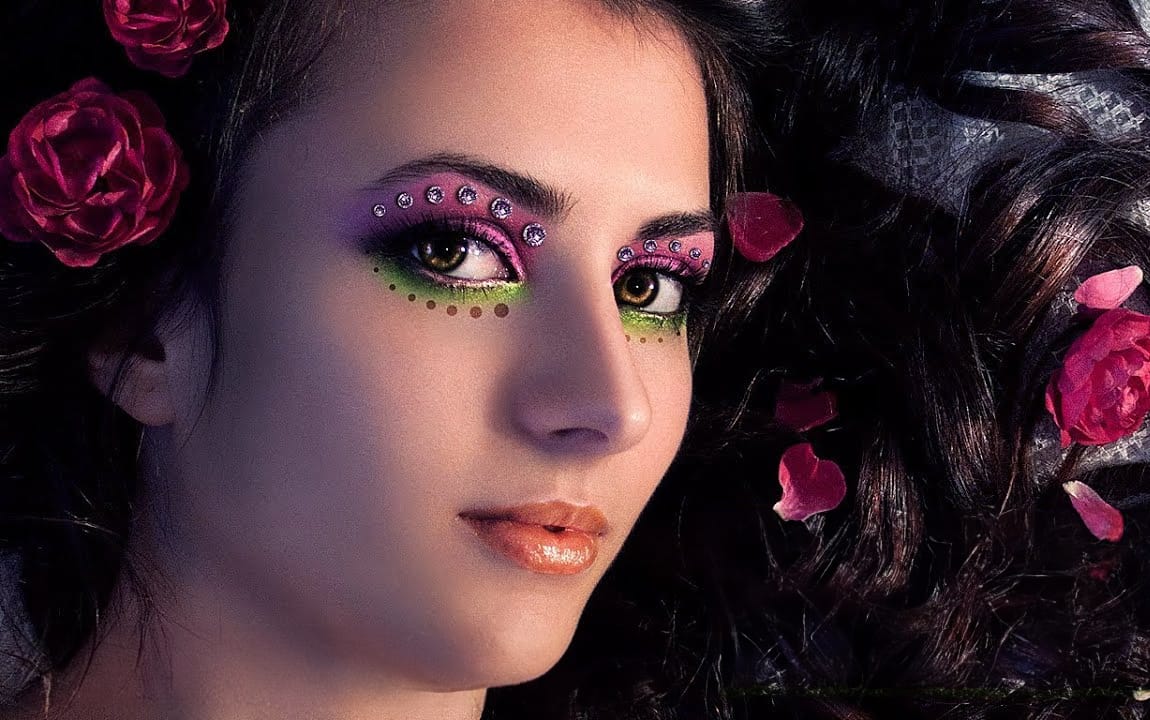
You'll discover how to clear blemishes, apply makeup, and enhance features like the eyes and lips. Additionally, the tutorial goes beyond standard retouching by demonstrating how to add glamour to your portrait with eyelid jewels using stock images.
Perfect for anyone looking to improve their portrait editing skills and add a touch of elegance to their images.
Watch tuto
Flawless 1-Min Skin Retouch Action in Photoshop
In this tutorial, you will learn a fast and effective technique for retouching skin using Photoshop. This method focuses on creating smooth, beautiful skin in under a minute.
You'll discover how to generate a brand new skin texture from scratch and apply advanced blurring techniques. The goal is to achieve smooth and even skin without any blemishes, all while preserving the natural skin texture. By following these steps, you can quickly transform your photos without losing detail.
Additionally

Advanced hair retouching
In this advanced Photoshop tutorial by FX-Ray, learn professional techniques for hair retouching.
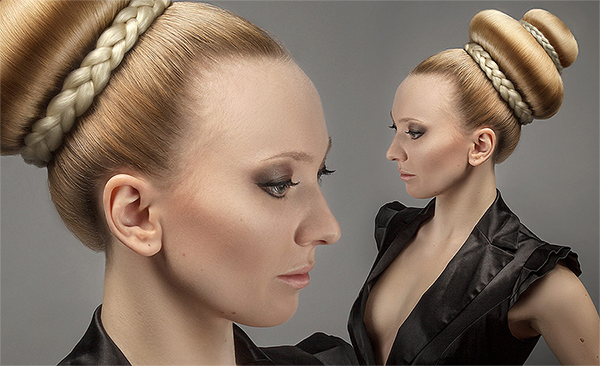
The video highlights the importance of a good hair stylist and makeup artist to minimize post-production work. Key steps include using the clone stamp tool for flyaway hairs, hue/saturation adjustment layers for color correction, and the healing brush tool for adjusting hair density. Advanced techniques like frequency separation help edit hair texture without altering color. Additional tools like t
Natural Skin Smoothing in Photoshop
Professional beauty retouching demands techniques that smooth skin while preserving natural texture. This advanced method combines inverted layers with Vivid Light blend mode to create seamless skin enhancement without the artificial "plastic" look common in over-processed images.
The technique works by canceling out layer information through inversion, then selectively applying blur and sharpening filters to reconstruct realistic skin texture while eliminating blemishes and color irregularitie
High-End Skin Retouching in Photoshop
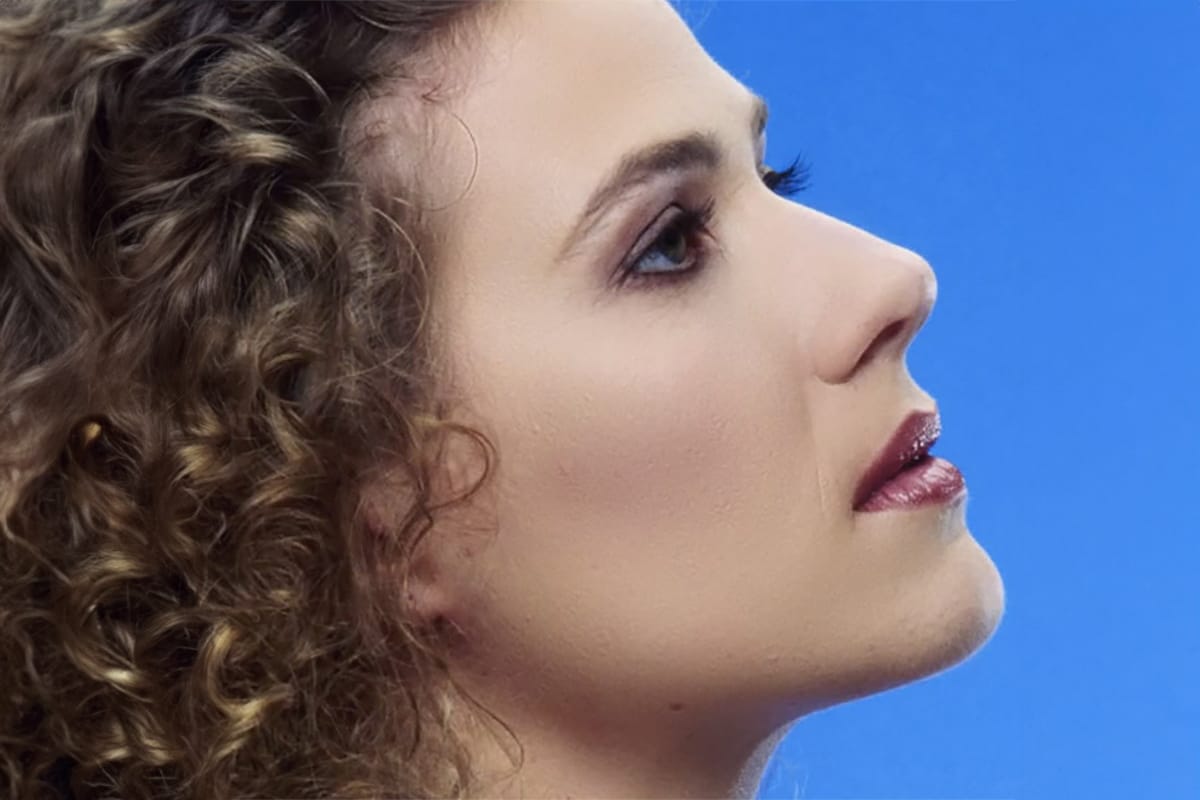
Combining the power of Frequency Separation along with manual Sampling and Painting, learn how to recreate and sculpt the skin, maintaining a beautiful skin texture, in this tutorial by PiXimperfect.
Using this technique, you will not only achieve a smooth skin but also will have the control to naturally remove wrinkles, lift up the cheekbones, and renovate the whole structure of the skin with the skin texture still intact. This is an All-in-One Method whether you want to soften the skin or jus
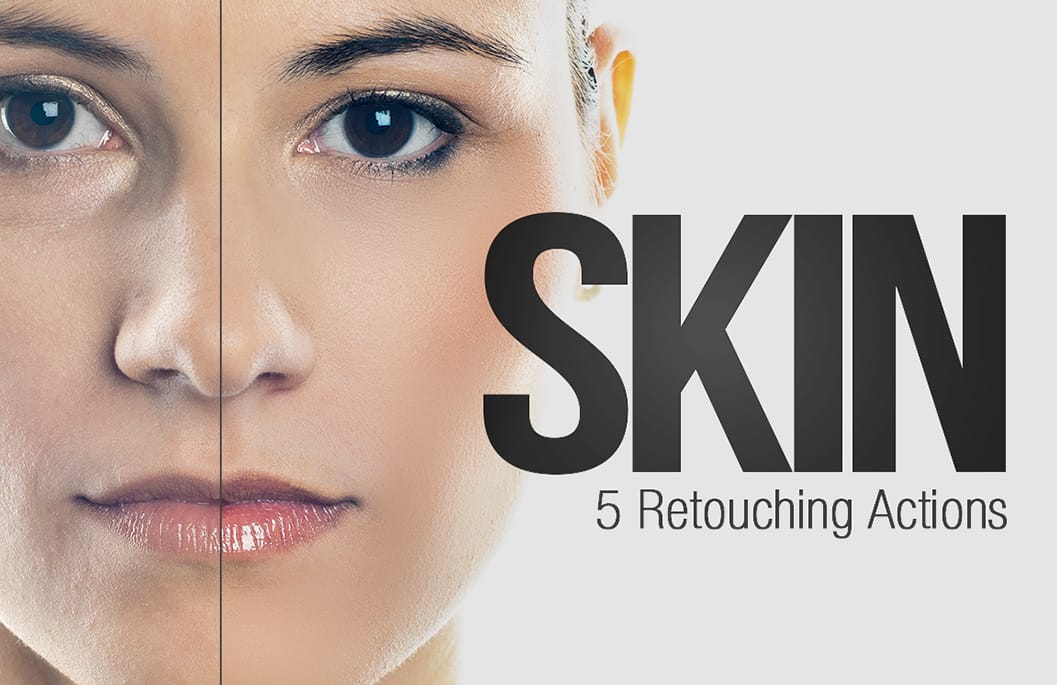
Skin Retouching Photoshop Actions
Discover how to retouch skin effortlessly with a collection of Photoshop actions designed for easy use. These actions allow you to heal, mattify, and airbrush skin with just one click, streamlining your editing process.
In addition to skin retouching, this set includes specific actions for brightening eyes and enhancing contrast. The eye brightening action is particularly effective; it reduces redness while significantly boosting brightness. Meanwhile, the contrast enhancement action improves d
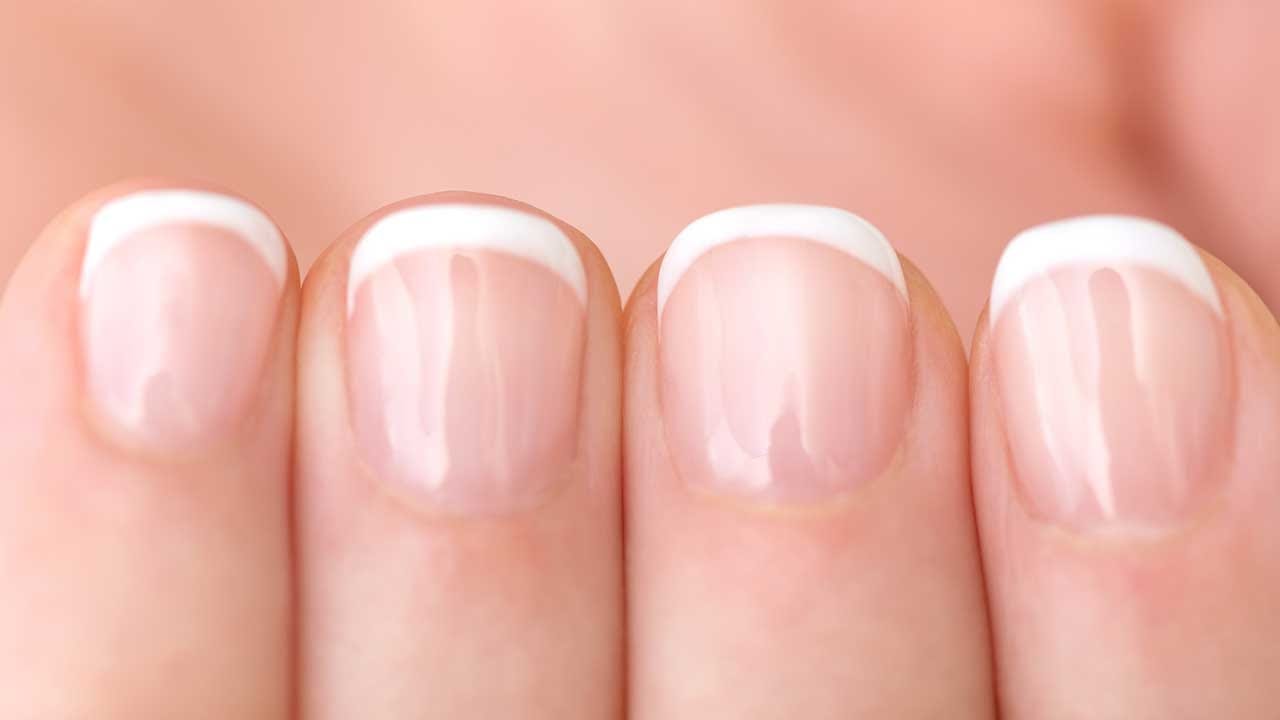
How to Color Nail Polish in Photoshop
Portrait photographers often encounter models with chipped nail polish or bare nails that detract from an otherwise polished look. Adding realistic nail color in post-processing can elevate your images without requiring a makeup touch-up session.
This technique combines solid color adjustment layers with channel-based highlight extraction to create convincing nail polish effects. The key is preserving the natural highlights and reflections that make nail polish appear glossy and three-dimension
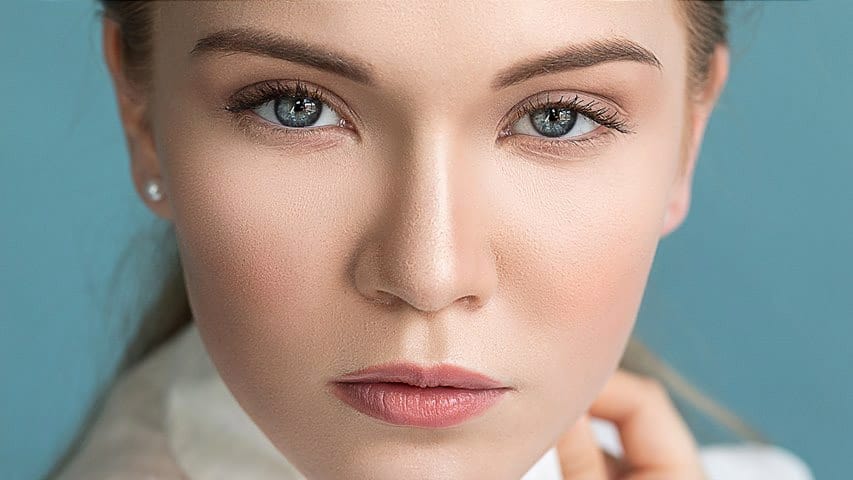
Complete Makeup Retouching in Photoshop
In the four-video tutorial series by Impossible Color, viewers can learn the basics of applying digital makeup to their photos in Photoshop.
The first video teaches how to smooth out the skin without creating a fake, blurry, or plastic look, keeping the natural pores and details of the skin while removing blemishes and other imperfections.
The second video in the series focuses on shaping the face with natural-looking contours and highlights without losing any of the detail. This technique is