Professional mockups require more than simply placing a design onto an object. Complex surfaces like crushed aluminum cans demand advanced techniques to achieve realistic wrapping that follows every contour and deformation.
This process combines displacement mapping, smart objects, and blending modes to create reusable templates that automatically conform any design to irregular surfaces while preserving authentic lighting and reflective highlights.
Watch the Video
Video by Photoshop Arthouse. Any links or downloads mentioned by the creator are available only on YouTube
Practical Tips
Master these essential techniques for wrapping designs around complex surfaces:
- Create displacement maps by duplicating your object layer, applying 3-pixel Gaussian blur, and saving as a separate PSD file for reuse
- Use the curvature pen tool to define specific areas where labels should appear, avoiding tops and bottoms of cylindrical objects
- Convert shape layers to smart objects before warping to maintain non-destructive editing capabilities throughout the process
- Apply displacement filter with 15-pixel settings, then use multiply blend mode to integrate the design naturally with the surface
- Use blend-if sliders in layer styles to reveal underlying highlights - split the white slider and adjust inner half to 217 for smooth transitions
Related Articles and Tutorials
Explore more advanced mockup techniques and design wrapping methods:
How to Create Realistic Design Mockups in Photoshop
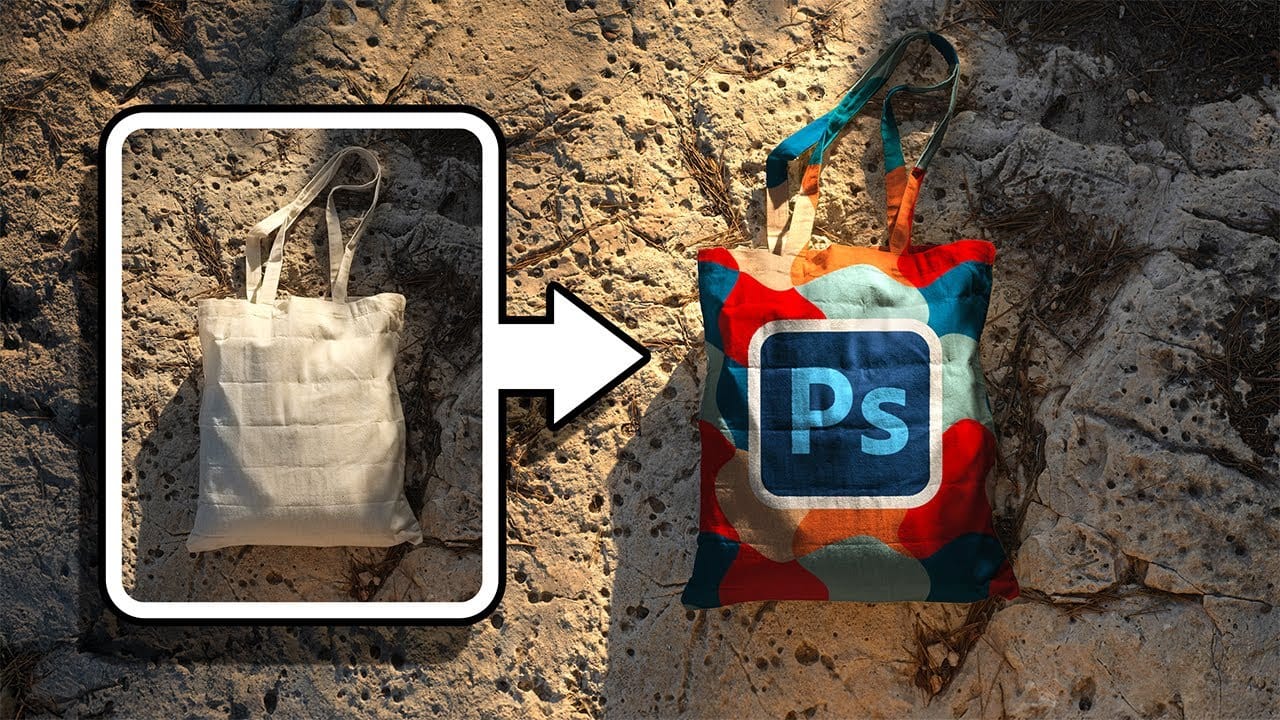
Creating convincing product mockups requires more than simply placing a design onto a template. Real fabric surfaces have subtle color variations, texture bumps, and complex lighting that affect how printed designs actually appear.
This comprehensive tutorial demonstrates professional techniques for building realistic mockups from scratch. You'll learn to control surface preparation, blend modes, displacement mapping, and lighting effects to achieve results that match real-world printing condit
Easily create realistic mockups and templates in Photoshop
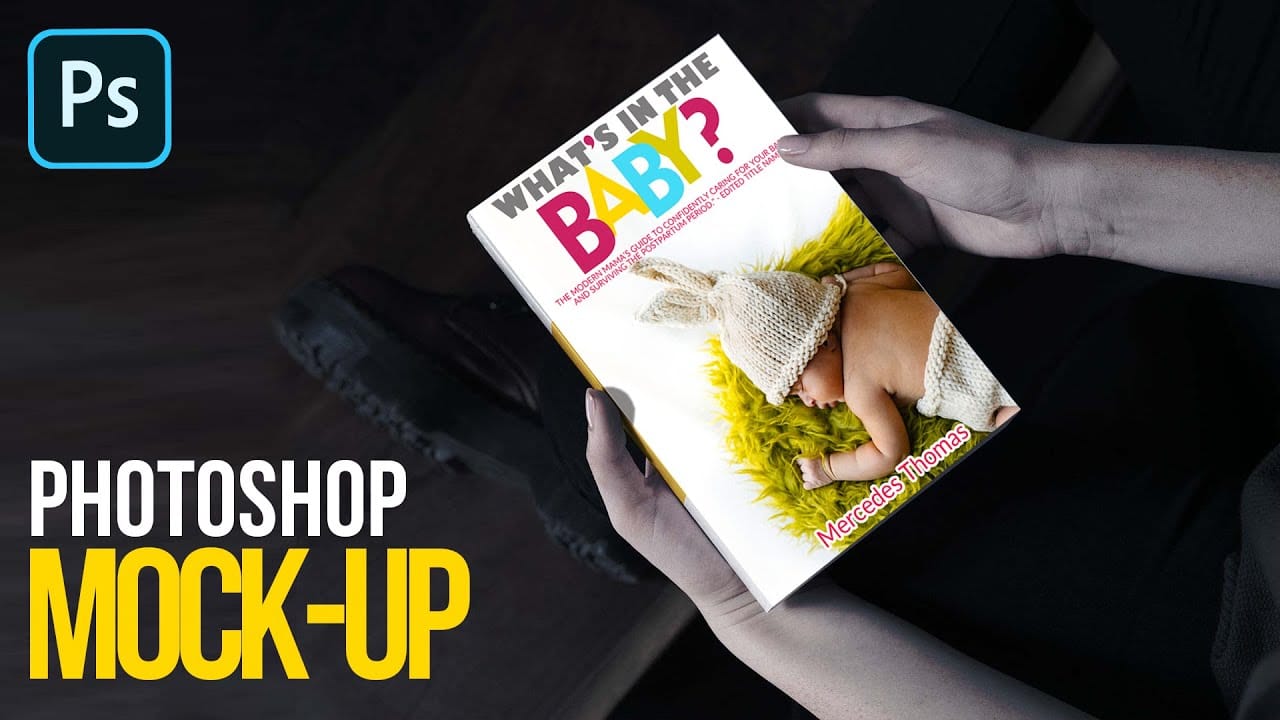
In this tutorial by Quistt, you'll discover how to craft realistic mockups and templates in Photoshop with ease. This comprehensive guide will walk you through the process of creating high-quality product showcases, whether you're designing for books, signs, t-shirts, or various other merchandise.
You'll learn to utilize Photoshop's powerful tools and features to produce mockups that look both professional and authentic. The tutorial covers techniques for adding realistic details and ensuring y
How to Create Reusable Drag & Drop Mockup Templates in Photoshop
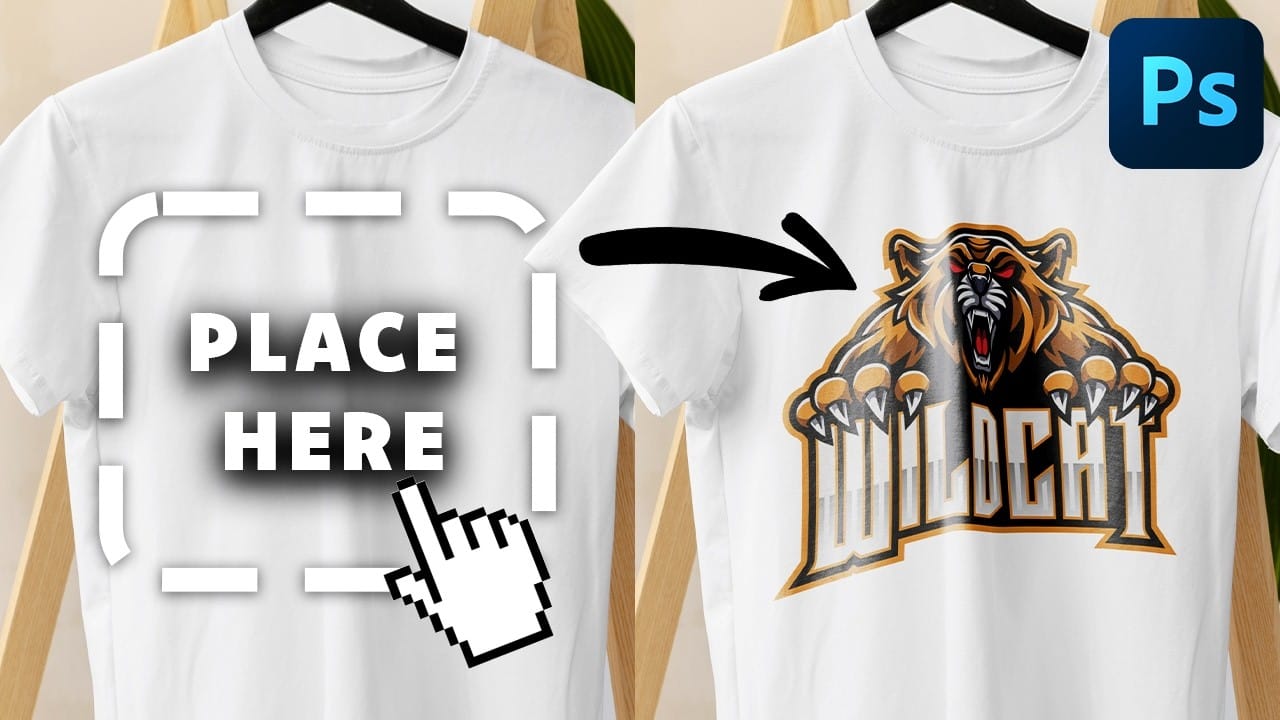
Manually warping and blending logos onto product photos takes 15-30 minutes each time. Smart objects in Photoshop transform this repetitive process into a one-time setup that creates reusable templates.
This technique lets you drag and drop any design into a pre-configured mockup that automatically applies warping, blending, and lighting effects.
Watch the Tutorial
Essential Tips for Drag & Drop Mockups
* Create a rectangular shape layer as your container, then convert it to a smart objec
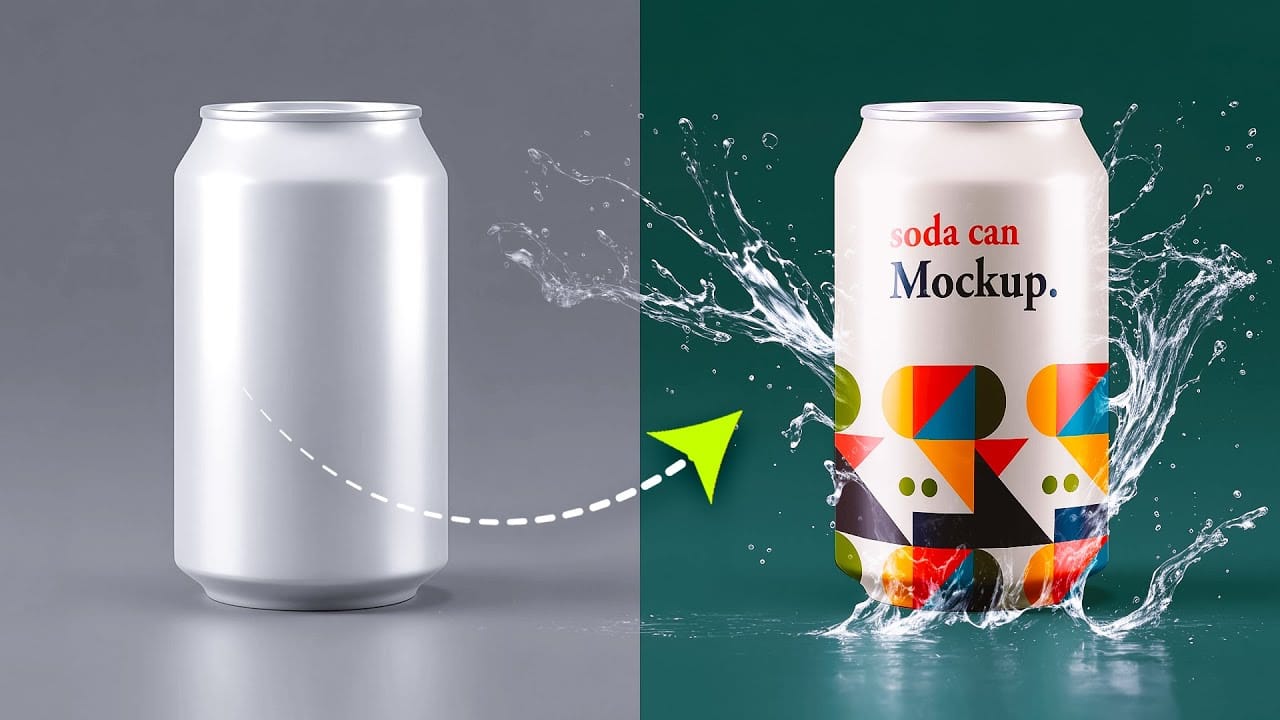
How to Create a Can Mockup in Photoshop Using Smart Objects and Masks
Professional can mockups transform flat designs into realistic product presentations that clients can instantly visualize. This technique combines precise measurement, smart object workflow, and blending modes to wrap your graphics seamlessly around curved surfaces.
The process creates reusable templates that automatically apply proper perspective and lighting effects to any design you place inside.
Watch the Tutorial
Essential Tips for Can Mockup Creation
* Measure your can dimensions fi
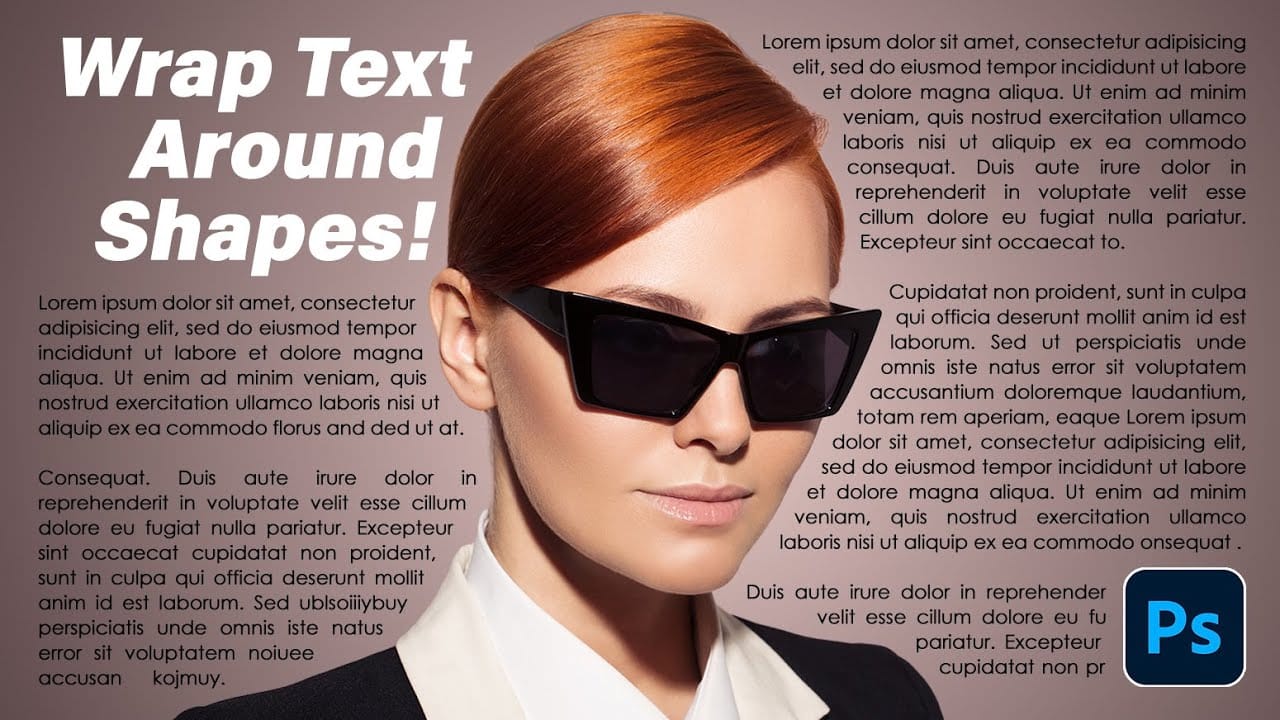
How to Wrap Text Around Any Shape in Photoshop
Creating text that flows naturally around irregular shapes transforms static layouts into dynamic, professional designs. This technique works particularly well for posters, magazine layouts, and editorial designs where text needs to integrate seamlessly with complex subjects rather than simply sitting in rigid rectangular boxes.
The process combines selection tools, path creation, and text formatting to achieve precise control over how your typography interacts with any shape or subject in your
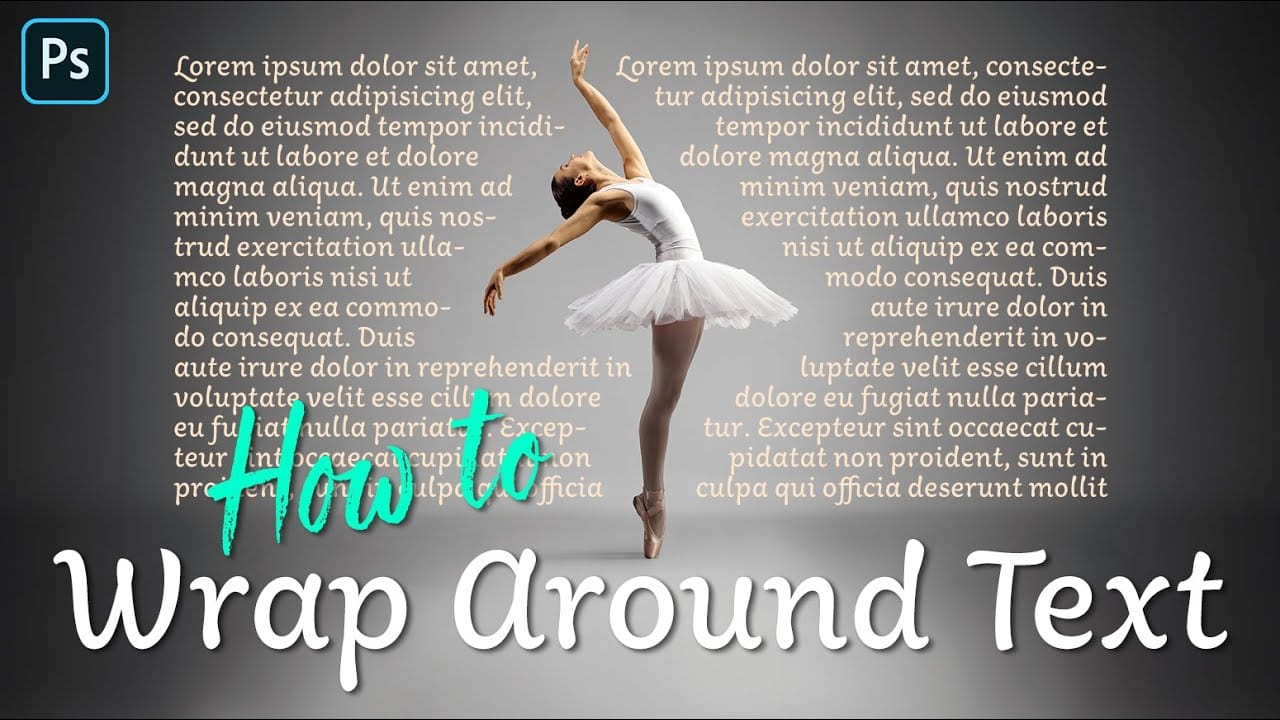
How to Wrap Text Around Any Shape in Photoshop
Integrating text seamlessly with complex or irregular shapes can elevate a design from good to exceptional. While standard text boxes are straightforward, the ability to make text flow naturally around the contours of a subject opens up significant creative possibilities, adding dynamism and visual interest to layouts.
This tutorial will guide you through the process of wrapping text around any shape in Photoshop, regardless of its irregularity. You will learn practical techniques for selecting
Create amazing surreal photo manipulations in Photoshop
Have you ever seen images online that seem to defy reality? Professional retouchers have mastered techniques to seamlessly combine different elements into surreal composite images. However, their methods have largely remained secrets known only to a select few experts. Now, in these unique Photoshop tutorials, some of the world's best retouchers are finally revealing their processes.
Across multiple in-depth videos, the pro retouchers deconstruct their entire workflows step by step. You'll lear

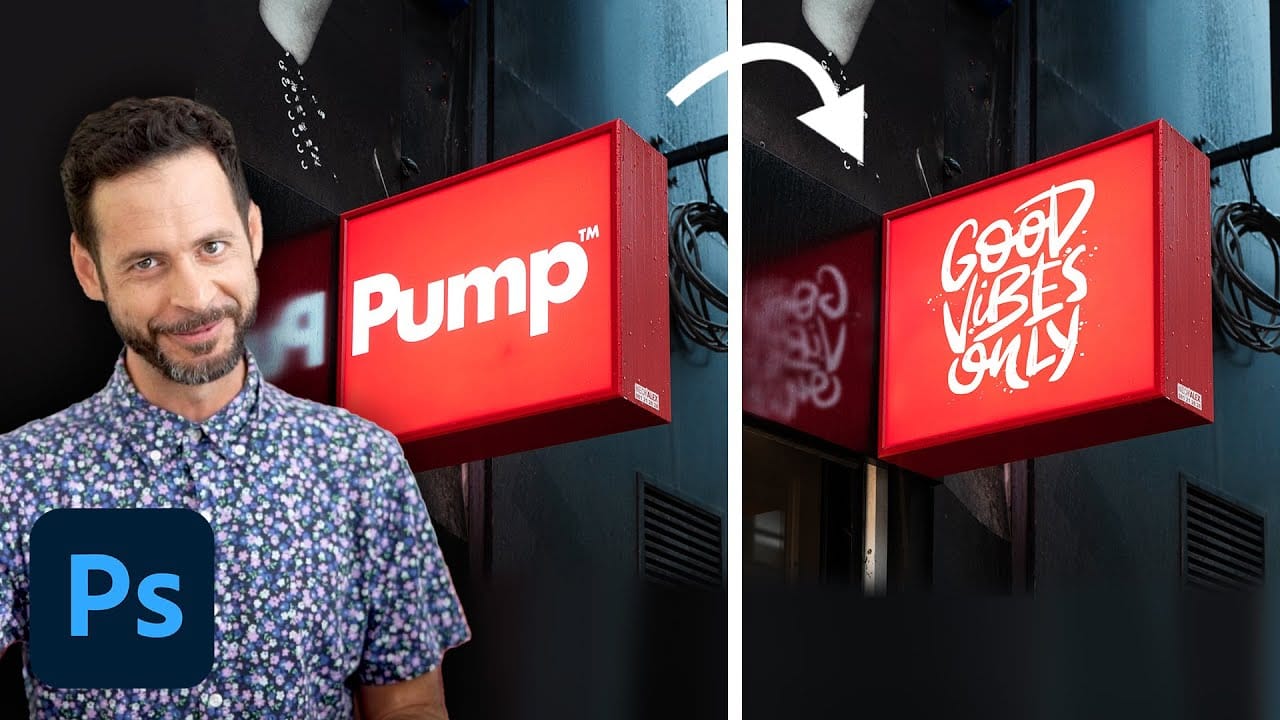
How to replace a sign for mockups in Photoshop
In this tutorial, Aaron Nace demonstrates how to customize signs in Photoshop for mockups. You'll learn how to efficiently remove existing graphics from a photographed sign and replace them with your own text and logos. Aaron covers techniques for placing your graphics accurately in perspective, ensuring they fit seamlessly into the original sign's design.
The tutorial also includes tips on managing multiple Photoshop documents that update in real-time, making it easier to see your changes as y