New This Week in Photoshop Roadmap — Feb 4, 2026

New This Week in Photoshop Roadmap — Feb 4, 2026

This week’s Photoshop Roadmap roundup focuses on faster workflows and cleaner results. The tutorials cover practical edits like creating glow motion effects with gradient maps, changing object colors using Hue/Saturation, and using reference images to guide Generative Fill.

You’ll also find useful fixes and retouching techniques, including removing eye bags with dodge and burn, correcting crossed or lazy eyes, eliminating white edge artifacts in selections, and working with the new Camera Raw adjustment layers in Photoshop beta. On the creative side, there’s a distorted wave glitch effect for portraits and an AI-based workflow for editing snow in landscape photos.

This week’s downloads include a refined calligraphy font and painterly Valentine card designs, rounding out a solid mix of tutorials and creative assets.

Editor’s Picks: Photoshop Tutorials
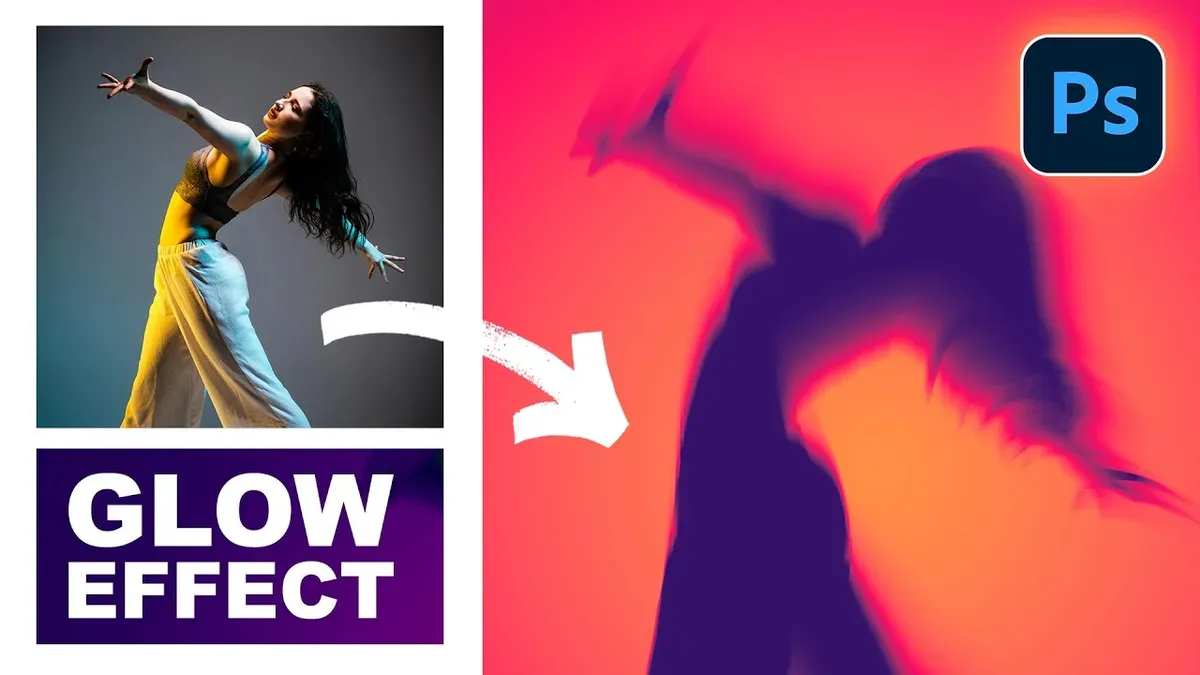
How to Create Glow Motion Effects with Gradient Maps in Photoshop

Read Article

How to Change Object Colors in Photoshop Using Hue/Saturation

Read Article

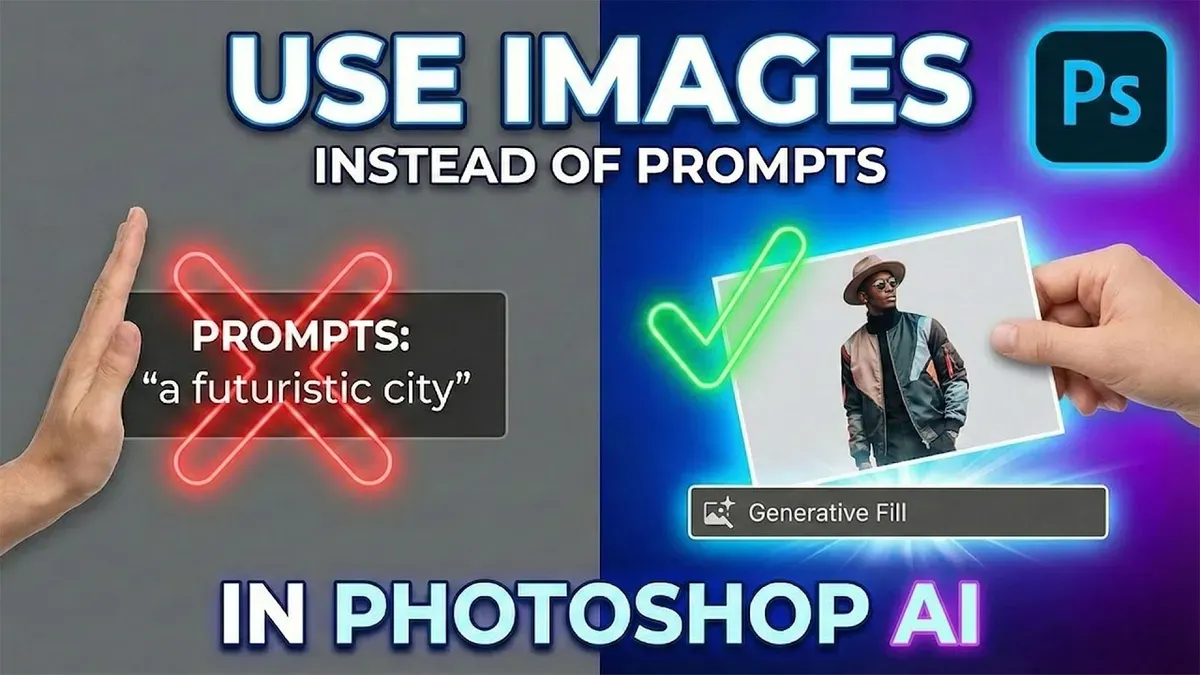
How to Use Reference Images with Generative Fill in Photoshop

Read Article

Editor’s Picks: Creative Assets

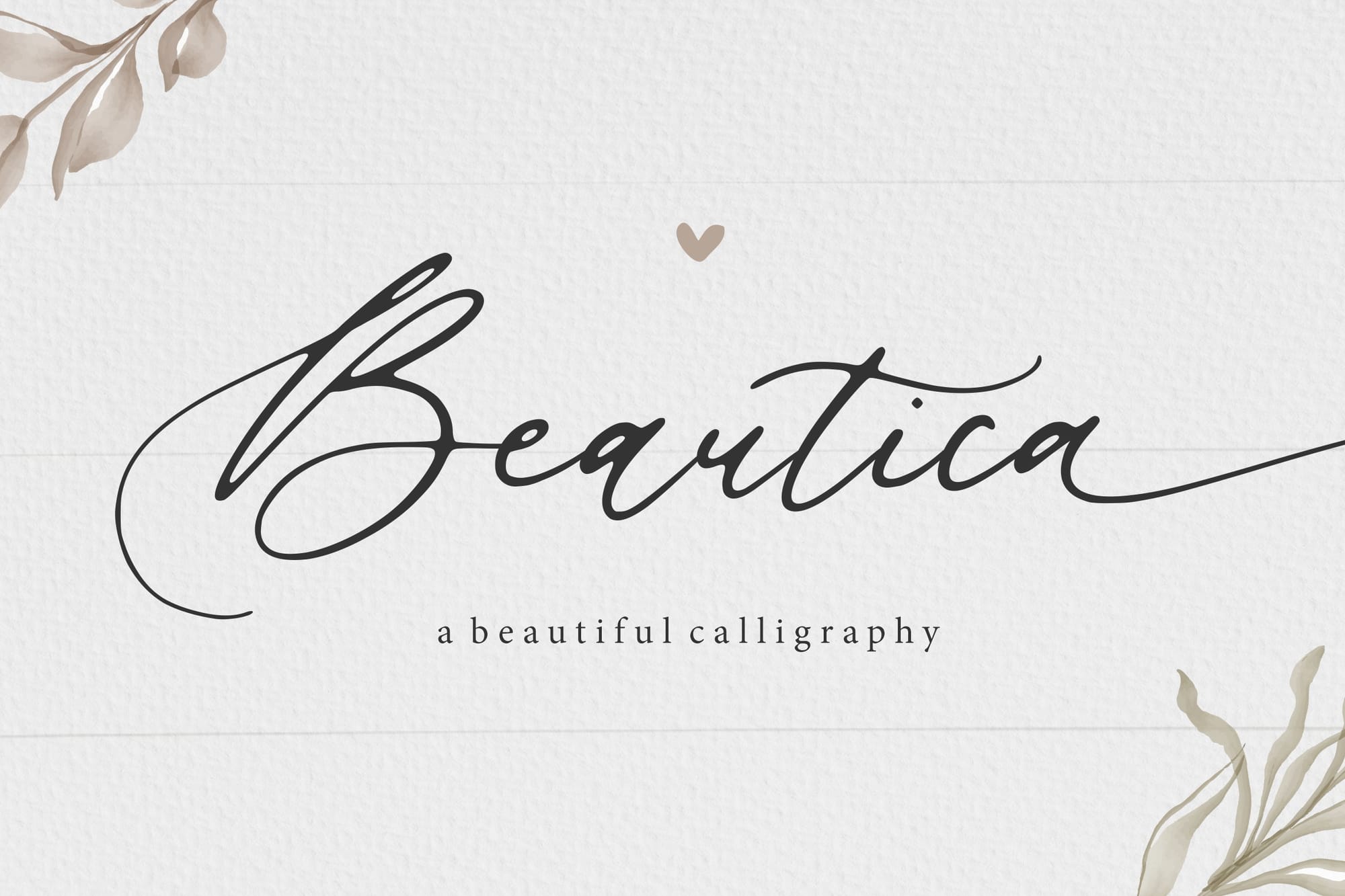
Beautica Beautiful Calligraphy Font

Download with a free Creative Fabrica account · access millions of assets

Download Here

Painterly Sketch Valentine Cards

Download with a free Creative Fabrica trial · access millions of assets

Download Here
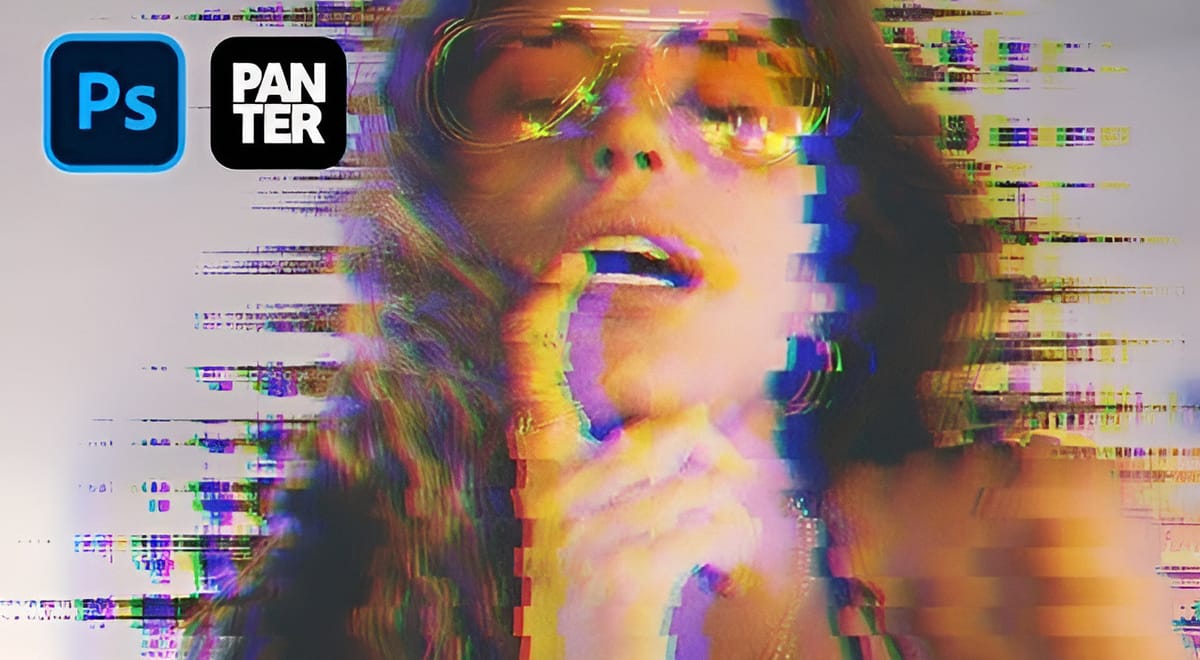
Create a Distorted Wave Glitch Effect in Photoshop
Digital distortion effects transform ordinary portraits into striking visual art by warping reality through deliberate technical manipulation. This technique uses multiple wave filters layered together to create increasingly complex distortions, while selective masking preserves important facial features from becoming completely unrecognizable. Watch the Video Practical Tips Master the wave distortion
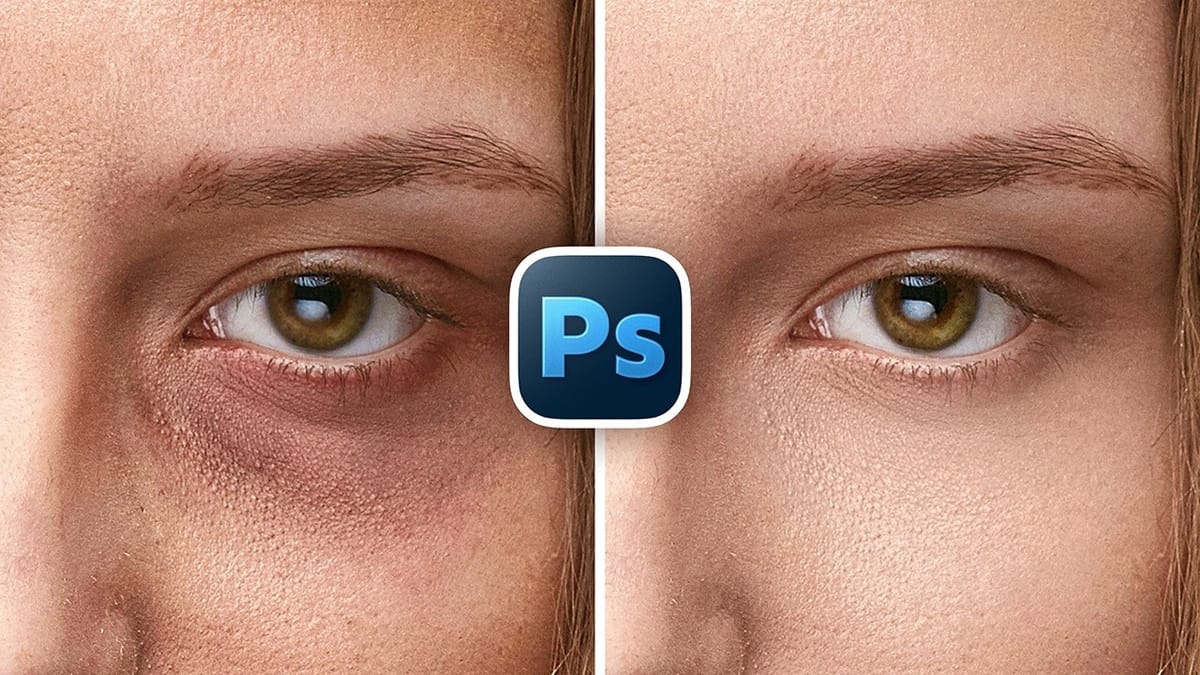
How to Remove Eye Bags Using Dodge and Burn in Photoshop
Eye bags can dramatically age a portrait, making subjects appear tired or unhealthy. Traditional removal methods often destroy skin texture or create unnatural results that look obviously retouched. This professional dodge and burn technique removes even severe eye bags while preserving every detail of natural skin texture. The method uses
How to Edit Snow in Landscape Photos Using AI Masking Tools
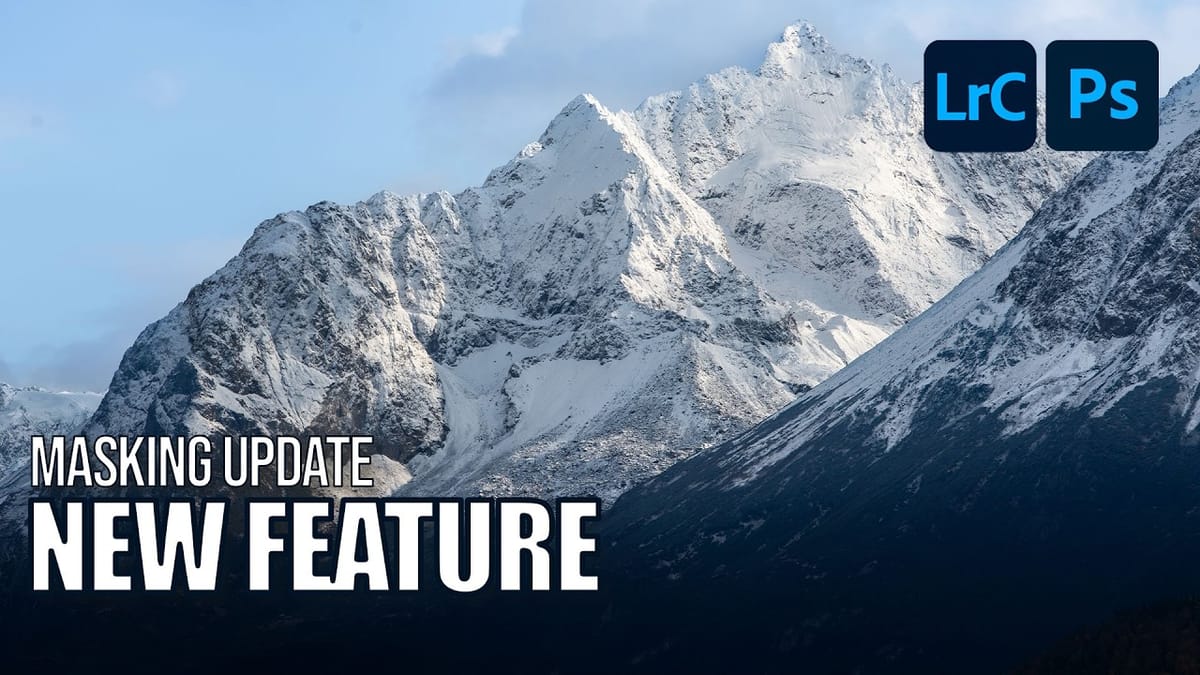
Editing winter landscapes traditionally requires careful masking to enhance different elements like snow, sky, and vegetation separately. The new AI landscape tool automatically detects and creates precise masks for these elements, including snow, making complex edits surprisingly simple. This workflow works identically across multiple platforms, allowing you to enhance winter
How to Fix Crossed Eyes and Lazy Eyes in Photoshop
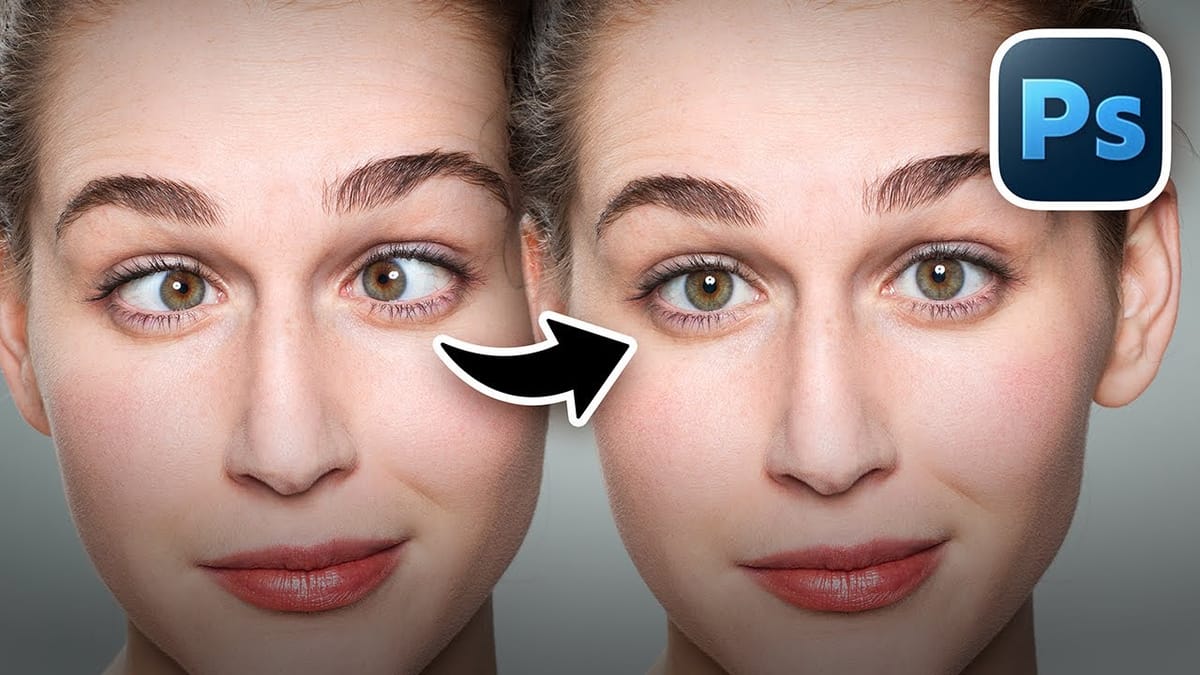
Portrait photographers and retouchers often encounter images where subjects have crossed or lazy eyes, which can distract from an otherwise great shot. Whether caused by timing, lighting, or natural eye alignment issues, these problems can be corrected effectively without compromising image quality. This tutorial demonstrates two practical approaches: using AI-powered
How to Contract a Selection to Eliminate White Edge Artifacts.
White edge artifacts can ruin otherwise perfect cutouts, appearing as unwanted halos around selected objects after background removal. These artifacts occur when selection edges capture tiny fragments of the original background, creating visible white outlines that become obvious against new backgrounds. The Contract modifier in Photoshop’s Select menu offers a
How to Use New Camera Raw Adjustment Layers in Photoshop Beta
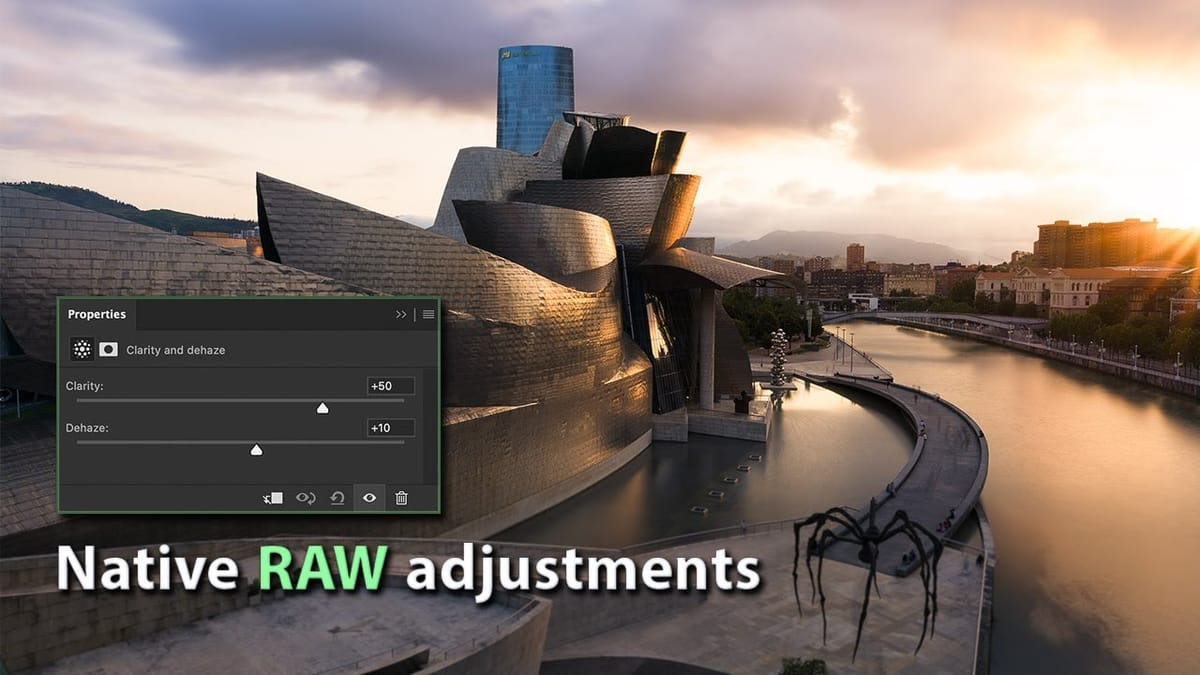
Three new adjustment layers in Photoshop beta bring Camera Raw’s most powerful tools directly into your layers panel. Color and Vibrance, Clarity and Dehaze, and Grain adjustments now work as standard adjustment layers, eliminating the need for smart objects while maintaining all the precision masking and blending capabilities you expect.

Get tutorials & freebies delivered to you.

Subscribe to the Photoshop Roadmap newsletter, a weekly roundup of new tutorials, insights and quality downloads, trusted by 6500+ readers.

You might also like

New This Week in Photoshop Roadmap — Jan 28, 2026

This week’s roundup brings together a new selection of Photoshop tutorials and creative assets recently featured on Photoshop Roadmap. From quick portrait effects to better control over how Photoshop behaves, the focus is on working faster and getting cleaner, more realistic results without adding extra steps. You’ll find...

New This Week in Photoshop Roadmap — Jan 21, 2026

This week’s roundup brings together some of the most useful Photoshop tutorials and creative assets recently published on Photoshop Roadmap. From AI-powered tools to classic compositing tricks, we’re covering smart ways to speed up your workflow and get more realistic, polished results. You’ll find guides on using...

New This Week in Photoshop Roadmap — Jan 13, 2026

This week's roundup features the best Photoshop tutorials and creative resources published on Photoshop Roadmap. We're covering essential techniques like fixing skin tones, using Select Subject for precise cutouts, and editing text directly in images with Generative Fill. We've also picked some great free...

You’ve successfully subscribed to Photoshop Roadmap
Welcome back! You’ve successfully signed in.
Great! You’ve successfully signed up.
Success! Your email is updated.
Your link has expired
Success! Check your email for magic link to sign-in.