Photoshop 2027 brings a sweeping mix of interface updates, AI-powered editing tools and Camera Raw improvements. This breakdown of 21 new features weighs the impressive upgrades against the glitches, quality trade-offs and credit costs.
See which tools are worth your attention—and which need more work—in the embedded video below.
Video by PiXimperfect. Any links or downloads mentioned by the creator are available only on YouTube.
What's New: Key Features & Changes
Photoshop 2027 pairs a cleaner interface with powerful AI and Camera Raw upgrades, though some headline features still trade reliability or image detail for convenience.
- A refreshed interface and smarter text defaults: Photoshop gets rounded controls, updated panels, and quicker access to options like color channels in Curves. Designers can also set custom default text for new type layers and text boxes, including text in other languages.
- Firefly Upscaler 2 reaches higher resolutions: The model can upscale images to as much as 67.1 megapixels and does a strong job enhancing details that are already present. It can also invent or garble fine details, so results may need careful review.
- AI editing gets more ambitious—and uneven: New options include relighting, removing related elements, and recomposing images for different aspect ratios. They can save time, but the video notes credit costs and quality issues such as lost detail, altered subjects, and awkward results.
- Camera Raw adds stronger cleanup and color tools: Denoise now works on JPEGs in Camera Raw Filter, while improved blemish removal aims to preserve skin texture. Camera Raw also adds support for applying up to three LUTs and new motion and streak effects in Glow.
- Beta features target everyday design work: Photoshop Beta can convert text in a flat image into editable text layers, create mockups that follow fabric folds, and remove atmospheric effects like smoke or shadows. The results vary by feature: mockups can struggle with curved objects, while the video praises the ambient-effect removals.
Related Articles and Tutorials
Here are some related articles and tutorials from Photoshop Roadmap that you may find useful.
Photoshop’s Big 5: The Features That Actually Mattered This Year So Far
Photoshop updates land continuously throughout the year, but not every new addition reshapes how we actually work. While some releases bring minor UI polish or experimental tools, a handful of recent additions stand out as genuine upgrades to daily creative production.
Rather than sifting through endless release notes, here is a look at the five most impactful features added to the stable release of Photoshop this year—tools that deliver noticeable precision, smarter workflows, and real time sa

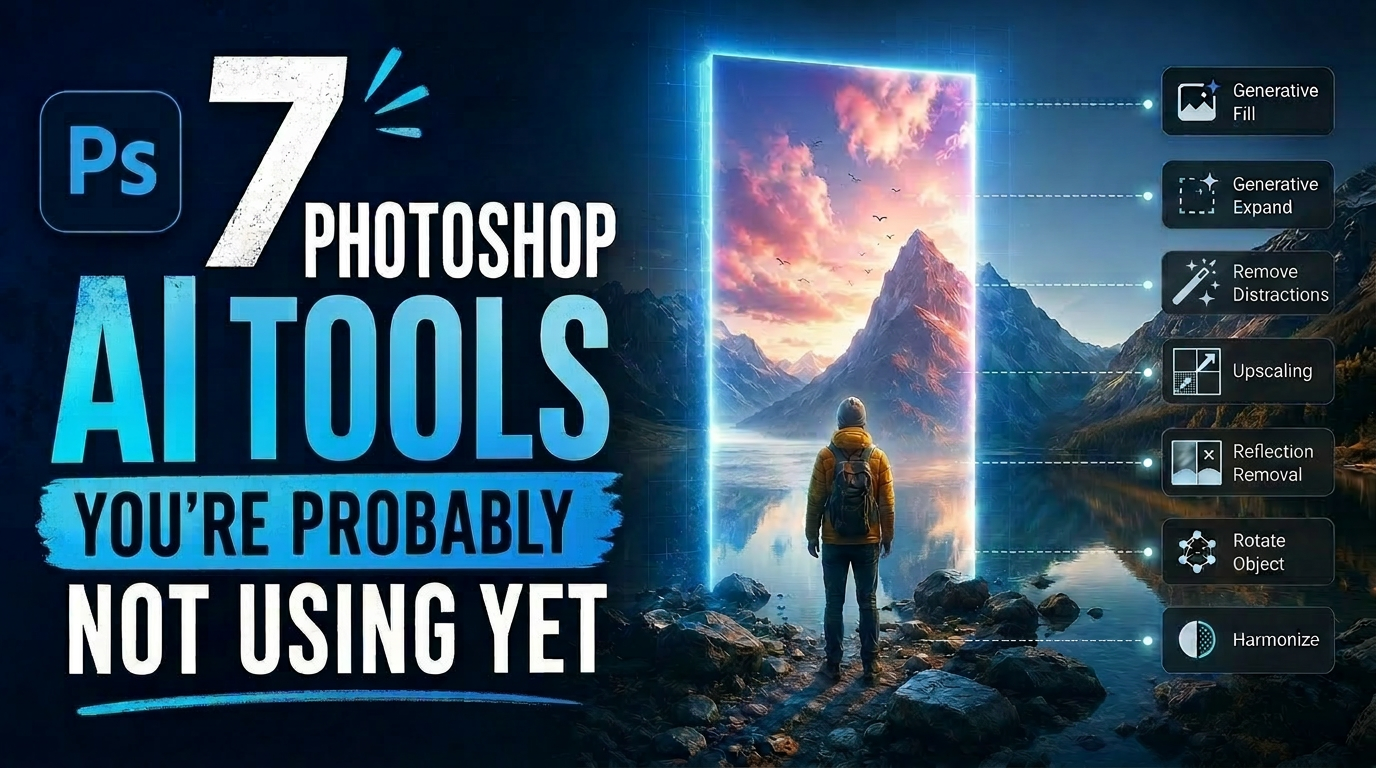
7 Photoshop AI Tools You're Probably Not Using Yet
Photoshop’s AI features now go far beyond simple object removal. Some of the newer tools can completely change the way you edit photos, create composites, clean up distractions, or expand scenes — often with just a few clicks.
The interesting part is that many of these features still feel surprisingly underused. While Generative Fill gets most of the attention, Photoshop now includes several AI-powered tools that can produce genuinely impressive results without requiring overly complicated work
Photoshop 2027 Update: Practical New Features for Faster Editing
Use Camera Raw masks as Photoshop selections, refine portraits with reflection removal, and add lighting with Relight layers. These practical settings can help speed up common editing tasks.

20 Photoshop and Camera Raw Features from the September 2026 Update
The September 2026 update to Photoshop and Camera Raw packs in a wide range of additions — from autofocus point display and a new glow effect to generative expand on raw files and color wheel grading inside masks. Some of these features arrived quietly and may have slipped by unnoticed.
Watch the Video
Practical Tips
Here are the key techniques covered across the update, selected for immediate practical use.
* Right-click any raw photo in Camera Raw and select Show Autofocus Points to con