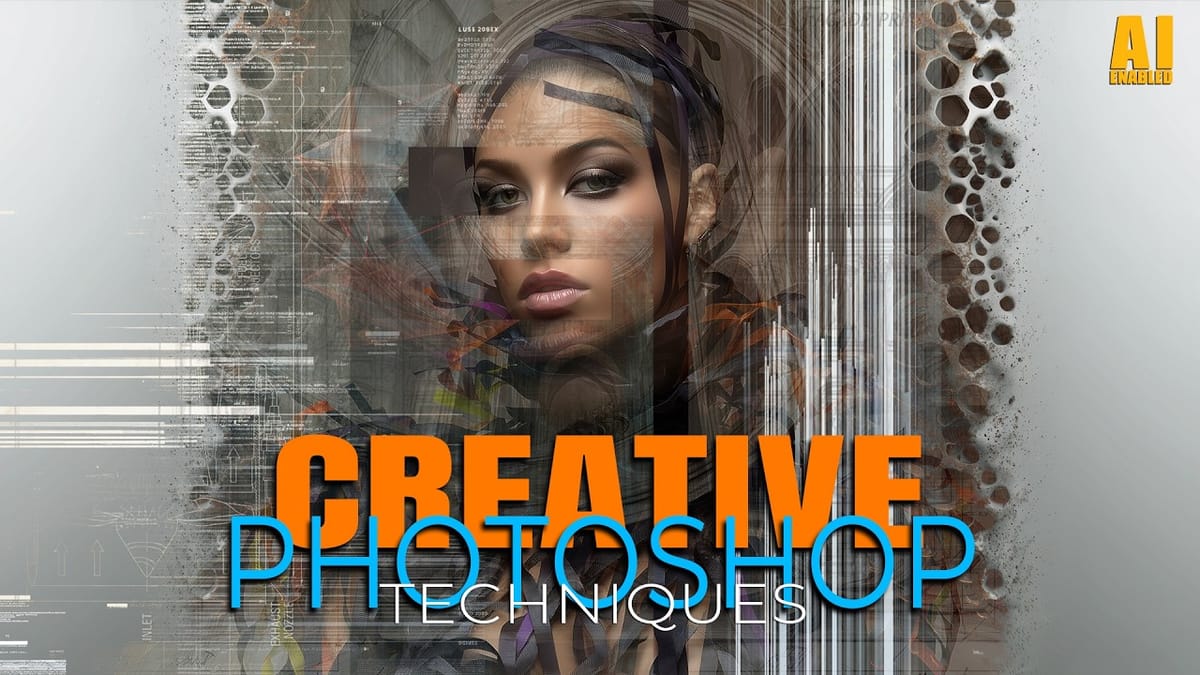
Digital artists and photographers often find themselves repeating the same complex adjustments and effects across multiple projects. These five advanced techniques will help you work more efficiently while creating professional-quality results.
From custom presets that save hours of color adjustments to hand-painted digital enhancements that set your work apart from AI-generated content, these methods focus on building a sustainable creative workflow.
Watch the Video
Video by Nikki Harrison. Any links or downloads mentioned by the creator are available only on YouTube
Practical Tips
Here are the key techniques you can apply immediately to improve your creative workflow:
- Create custom hue/saturation presets by adjusting specific color channels (like magenta and blue), then save them for instant color variations on digital assets
- Use Control+Click (or Cmd+Click) with the move tool to automatically select specific layers in complex composites without hunting through the layers panel
- Build realistic metallic halos by layering strokes with color dodge blend mode, textured brushes, and progressive gaussian blur effects
- Master overpainting techniques by sampling adjacent skin tones and painting new elements directly onto photographs for seamless integration
- Convert high-contrast bokeh photos into painted backgrounds using the pattern stamp tool combined with textured brushes for artistic composites
Related Articles and Tutorials
Explore more advanced techniques and workflow improvements with these comprehensive guides.
21 Photoshop Tips – From Basic to Advanced!
Photoshop's extensive toolkit means there's always something new to learn or a more efficient way to approach a task, whether you are just starting or have years of experience. Mastering its nuances can significantly enhance both your creative output and workflow efficiency.
This video offers a comprehensive collection of 21 tips, guiding viewers from foundational techniques to more sophisticated methods for image manipulation, compositing, and graphic design. Each tip is designed to provide pr
25 Photoshop tips and tricks you must know
Nathaniel Dodson, a renowned Photoshop expert, has crafted a comprehensive tutorial that guides you through the depths of the software's capabilities. In this 120-word exploration, readers will uncover a treasure trove of 25 invaluable tips and tricks that can significantly enhance their Photoshop experience.
From mastering the art of brush smoothing to unlocking the hidden potential of sliders and views, Dodson's tutorial promises to elevate one's Photoshop prowess. Rubberband tricks, seamless
7 Essential Photoshop Shortcuts for Digital Illustrators
Digital illustration in Photoshop becomes significantly faster when you master the right shortcuts and viewing techniques. The biggest challenge illustrators face is objectively evaluating their own work—spotting errors that would be obvious in someone else's art.
These seven shortcuts focus on two key areas: seeing your work more clearly through value checks and canvas flipping, and speeding up common tasks like selections, coloring, and layer management.
Watch the Video
Practical Tips
He
5 tips to make your photos better in Photoshop
Colin Smith from Photoshop Cafe shares a comprehensive tutorial on five essential tips to rapidly enhance your photos using Photoshop. These tips are designed to help both beginners and experienced users elevate the quality of their images with ease.
One key aspect Smith covers is improving exposure. He demonstrates how to adjust brightness and contrast effectively to bring out the best in your photos, ensuring they are well-lit and visually appealing. Sharpening details is another crucial tip,
7 easy Photoshop tips to make your composites more realistic
In this tutorial, Jesus Ramirez shares seven essential Photoshop tips and tricks to help you create more realistic composites. If you're struggling to make your composites look convincing, this video is a must-watch.
Jesus covers a range of techniques designed to enhance the realism of your composite images. These tips include how to match lighting and shadows, blend edges seamlessly, and use adjustment layers effectively. You'll also learn about color matching and the importance of perspective
Building Complex Composites Using Generative Fill and Layer Blending
Complex surreal composites require more than just combining random images. The key to professional results lies in systematic layering, consistent masking techniques, and building a reusable library of generated elements. This approach transforms scattered AI-generated content into cohesive artistic visions. The tutorial demonstrates how to deconstruct an existing composite to
 Gary McIntyre