A finished packaging design can look flat when the product and the background compete for attention. Lighting can make the package the clear focal point, and the layout, colors, and branding stay exactly as designed.
Photoshop’s Light Adjustment Layer keeps tonal edits on a separate layer, so the original artwork stays intact. Use a layer mask to adjust the product and its surroundings independently, and update the settings whenever the design changes.
Video by ADOBE. Any links or downloads mentioned by the creator are available only on YouTube
Quick Tips & Key Takeaways
Use these decisions to keep your finishing pass focused and easy to revise.
- Keep edits separate: Add the adjustment from
Layer > New Adjustment Layer > Lightto preserve the original artwork. - Make the product the focal point: Raise exposure or whites slightly on the package so it attracts attention without losing detail.
- Quiet competing areas: Lower shadows or blacks in the background and props to help the product stand out.
- Limit the adjustment with a mask: Select the adjustment layer mask and use the Brush Tool to hide or reveal the effect where needed.
- Refine, then review: Add contrast sparingly and check the full composition to ensure the product reads clearly without crushed shadows or blown highlights.
Related Articles and Tutorials
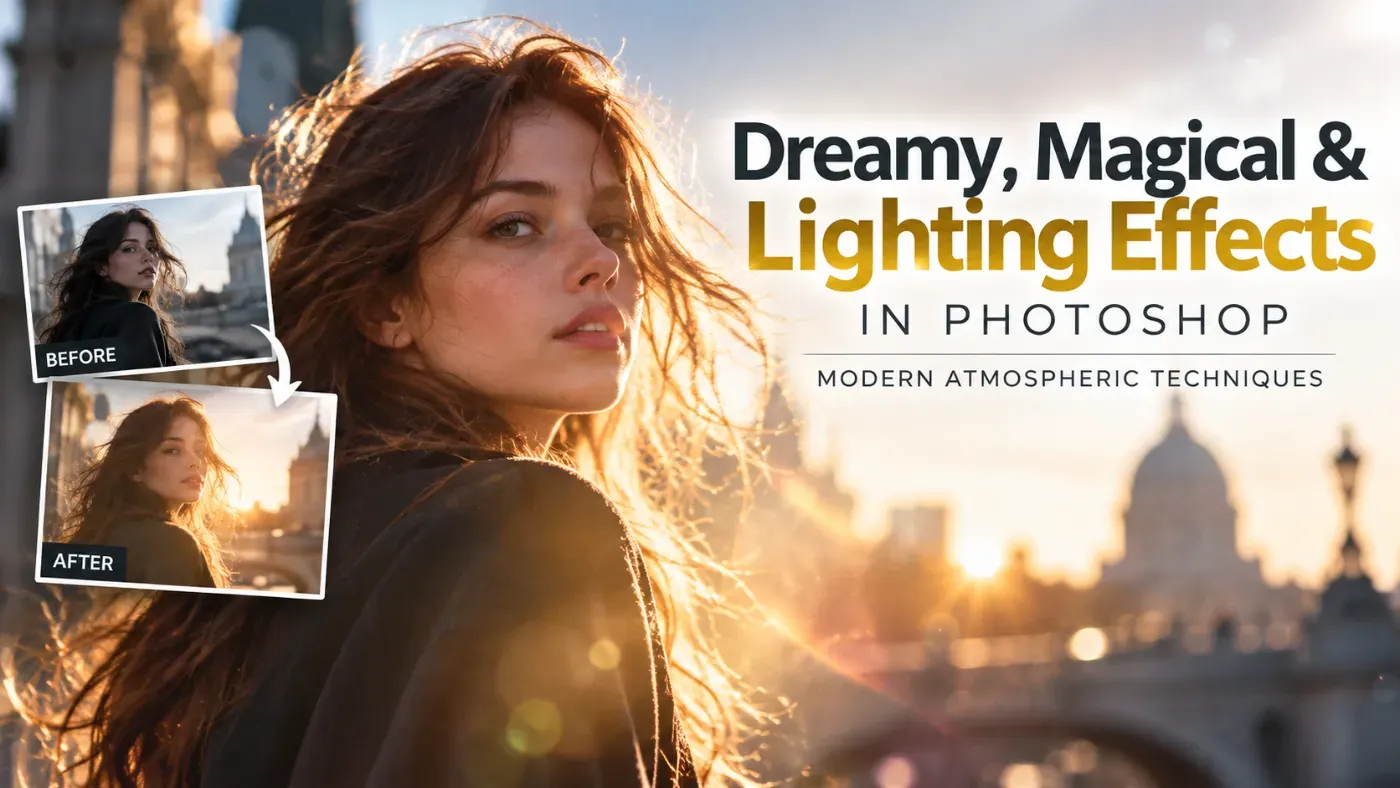
Dreamy, Magical & Lighting Effects in Photoshop: Modern Atmospheric Techniques
Manipulating light and atmosphere in Adobe Photoshop relies on replicating physical optics rather than relying on heavy digital compositing. Modern photographic editing focuses on volumetric haze, controlled highlight diffusion, kinetic light motion, and subtle analog imperfections to establish a compelling, ethereal atmosphere.
This guide explores key techniques for shaping natural and stylized light effects to give photographic imagery a refined, dreamlike quality.
1. Ambient Ligh
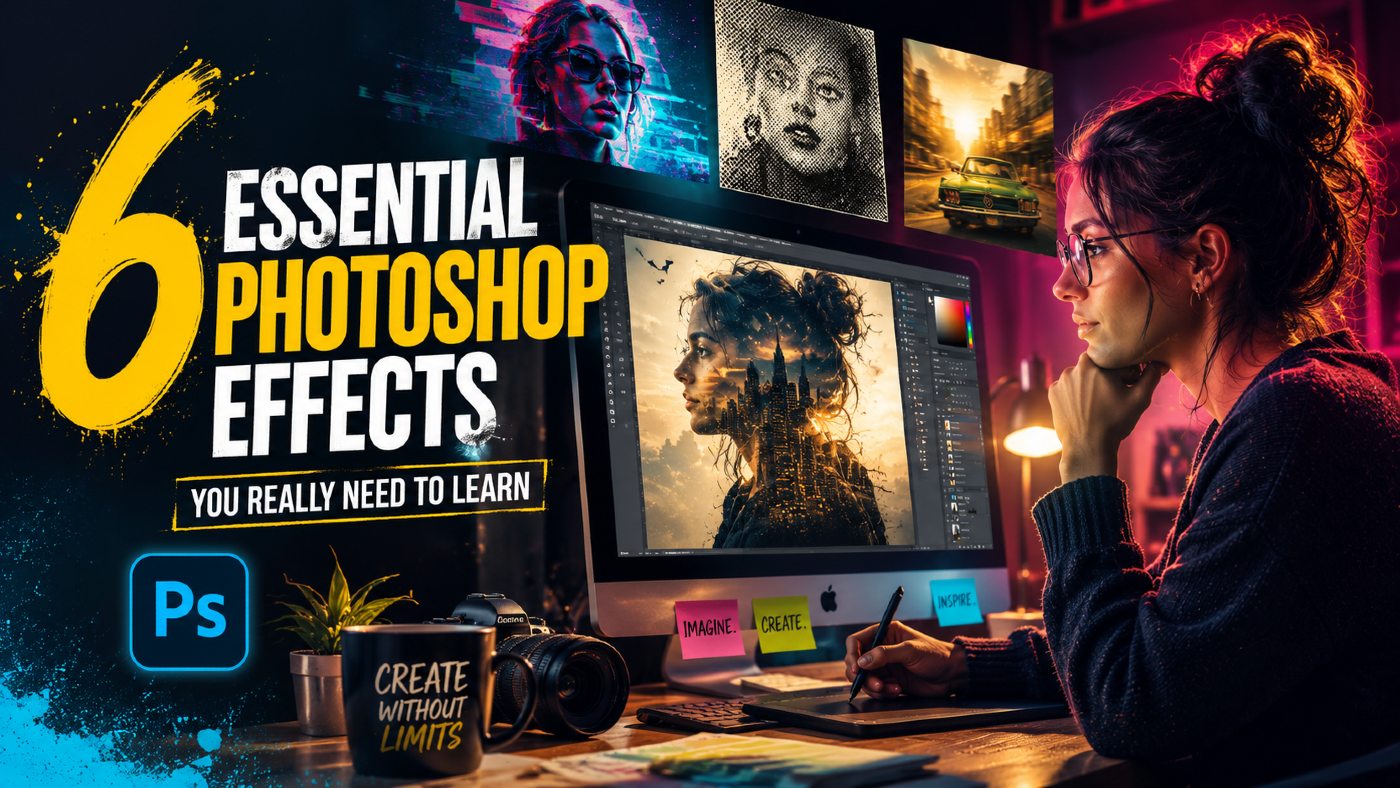
6 Essential Photoshop Effects You Really Need to Learn
Not every Photoshop effect is worth your time. Some are novelties, some are niche, and some will date your work faster than you expect. These six are different — they show up constantly across editorial, advertising, and digital design, and they're the ones most self-taught users have somehow never properly sat down with.
Consider this the gap in your education, finally closed. Each effect on this list was chosen because it earns its place across disciplines — photography, branding, digital ill
How to Create Glowing YouTube Thumbnails in Photoshop
YouTube thumbnails compete for attention in crowded video grids, where bright, eye-catching designs make the difference between clicks and scrolls. Glowing effects transform ordinary portraits into luminous, professional thumbnails that stand out immediately.
This tutorial shows how to add realistic rim lighting, colored gradients, and glowing highlights to create thumbnails that demand attention, even for complete Photoshop beginners.
Watch the Video
Essential Tips for Glowing Thumbnails

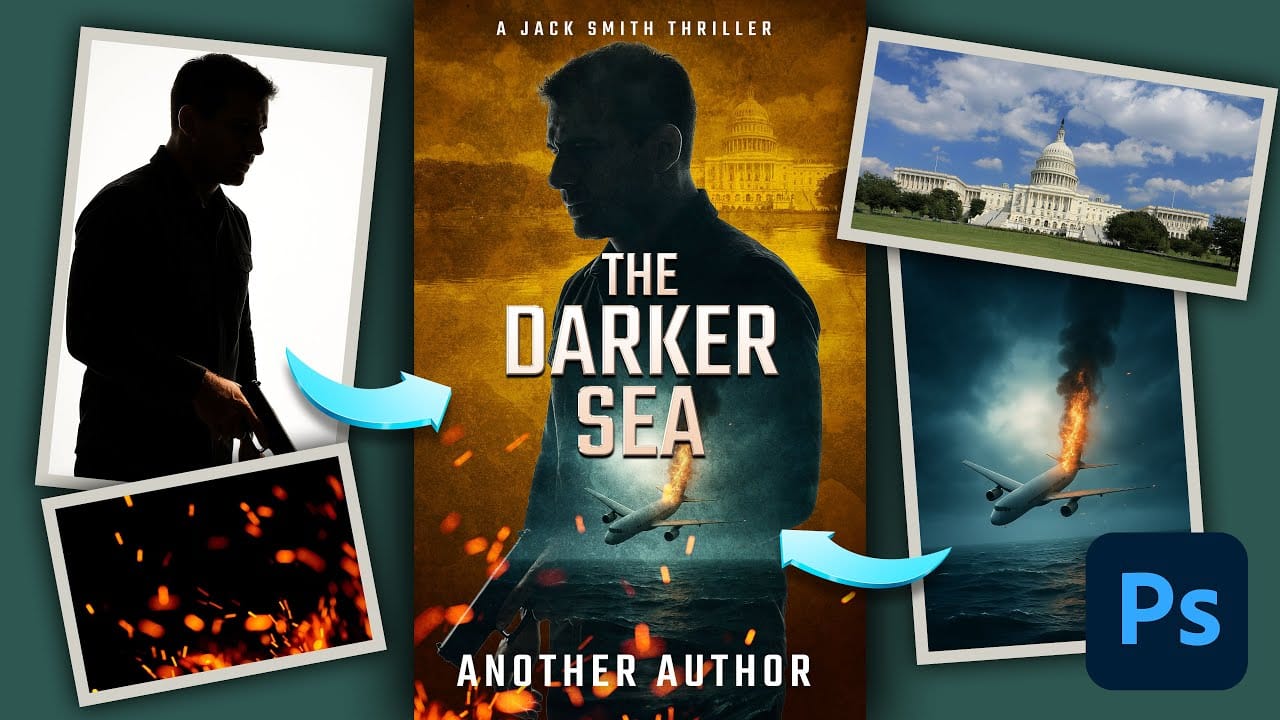
How to Create a Professional Thriller Book Cover in Photoshop
Effective book cover design combines visual storytelling with technical precision to capture a reader's attention in seconds. Thriller covers rely on atmospheric elements, dramatic lighting, and compelling typography to convey suspense and intrigue.
This tutorial demonstrates the complete process of recreating a professional thriller book cover using fundamental Photoshop techniques. You'll see real-time problem-solving as various tools and methods are explored to achieve the desired atmospheri