How to Create a Professional Thriller Book Cover in Photoshop

How to Create a Professional Thriller Book Cover in Photoshop

Effective book cover design combines visual storytelling with technical precision to capture a reader's attention in seconds. Thriller covers rely on atmospheric elements, dramatic lighting, and compelling typography to convey suspense and intrigue.

This tutorial demonstrates the complete process of recreating a professional thriller book cover using fundamental Photoshop techniques. You'll see real-time problem-solving as various tools and methods are explored to achieve the desired atmospheric effect.

Watch the Tutorial

Video by Nucly • Photoshop and Creative Design Training. Any links or downloads mentioned by the creator are available only on YouTube

Essential Elements of Thriller Book Covers

Thriller book covers follow specific visual conventions that immediately communicate genre and mood to potential readers. The most effective designs balance atmospheric backgrounds with strong character placement and bold typography that works harmoniously with the overall composition.

Key design elements include moody lighting, textural overlays, and carefully chosen color palettes that evoke tension. The interplay between foreground subjects and background environments creates depth while maintaining focus on the most important visual elements.

  • Atmospheric backgrounds with reflective surfaces or weather effects
  • Strategic character positioning that enhances narrative tension
  • Gradient maps and color grading for consistent mood
  • Textural overlays that add visual interest without overwhelming the design
  • Typography treatments that complement rather than compete with imagery

Practical Tips for Book Cover Design

  • Start with proper canvas dimensions (2000x3190 pixels) to ensure print-ready resolution and standard book proportions
  • Use generative fill to extend backgrounds when your source images don't match the required aspect ratio
  • Apply gradient maps to create cohesive color schemes across multiple elements and maintain visual unity
  • Layer texture overlays on overlay blend mode at reduced opacity to add depth without overpowering the main design
  • Create custom water effects using motion blur combined with glass filter and procedural textures for realistic reflections

Explore more cover design techniques and visual storytelling methods.
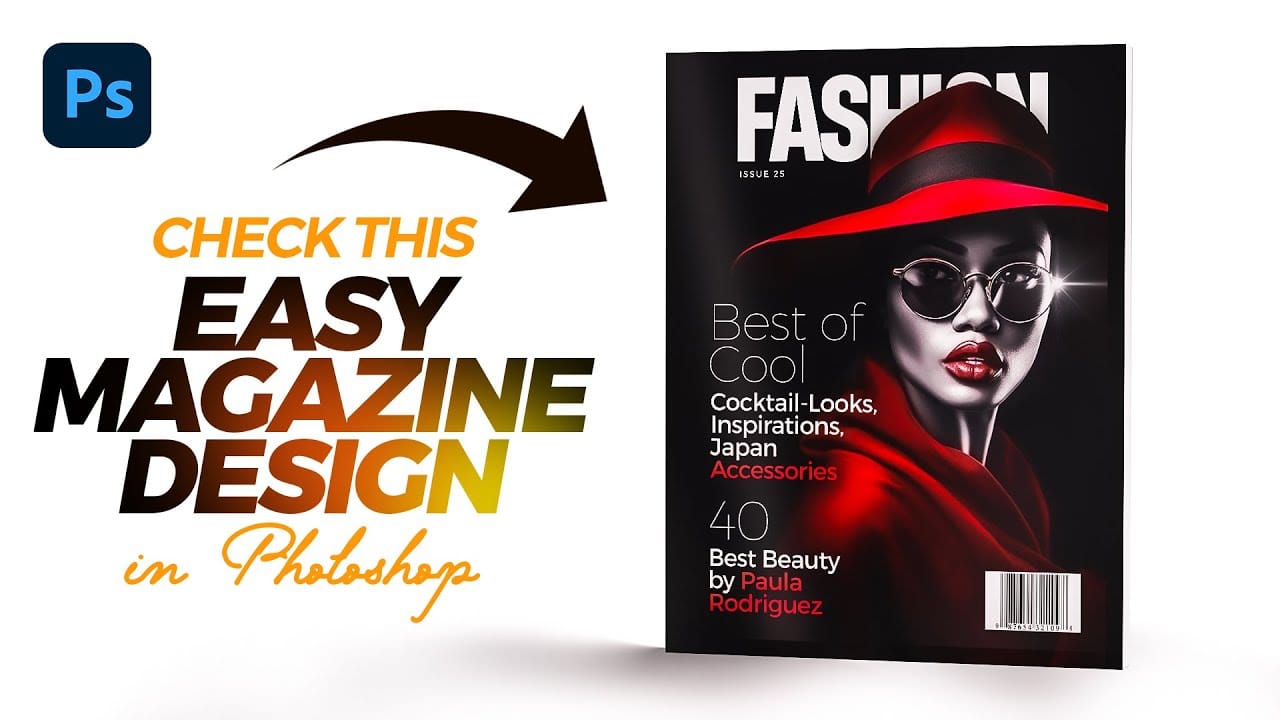
Designing a Magazine Cover in Photoshop
Magazine cover design combines typography, visual hierarchy, and image composition to create compelling editorial layouts that grab attention on crowded shelves. Modern magazine designs often feature bold typography that interacts dynamically with the cover subject, creating depth and visual interest through layering techniques. This tutorial demonstrates the complete process of designing a professional magazine cover in Photoshop, from initial setup to final details. You'll learn essential tec
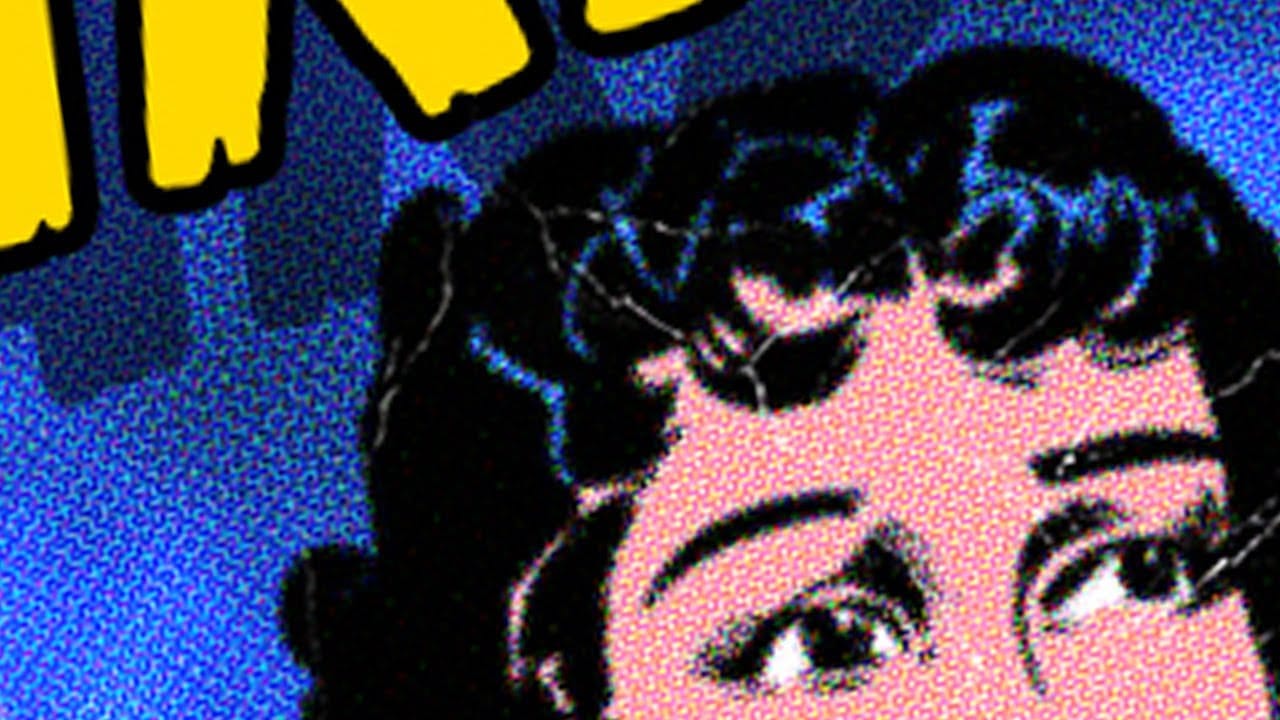
Create a vintage creased pulp fiction magazine cover in Photoshop
Vintage pulp fiction magazine covers evoke a distinct era of storytelling, characterized by their bold typography, dramatic imagery, and vibrant, often gritty, aesthetics. These covers were designed to grab attention on newsstands, promising thrilling tales of adventure, mystery, and crime. This tutorial demonstrates how to recreate the iconic look of a 1950s pulp fiction magazine cover using Adobe Photoshop. Viewers will learn practical techniques for crafting a compelling design, from establi
Create a Cute and Scary Children's Illustration in Photoshop
As the fall approaches in many parts of the world, many designers and illustrators might already be thinking about the upcoming Halloween holiday, especially those that are based in the U.S. In this tutorial, we will show you how to illustrate a cute and scary children's illustration using techniques that you could easily incorporate into your own Halloween artwork. Watch tutorial
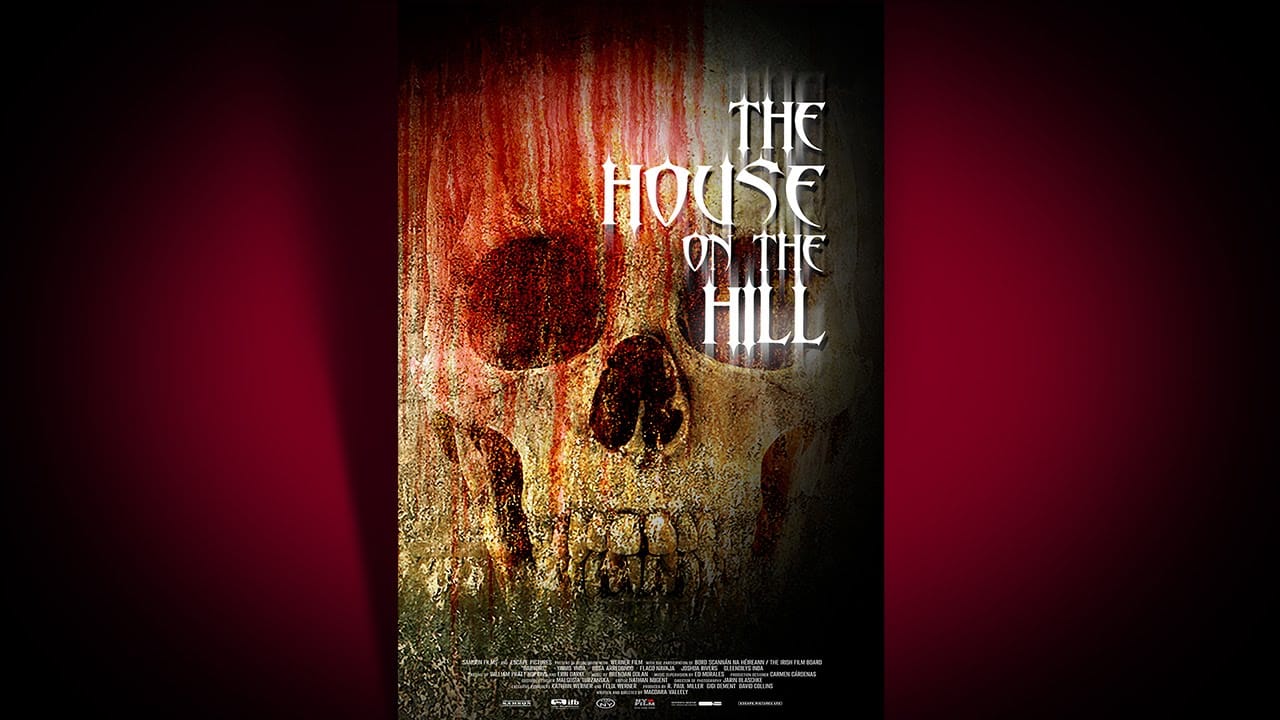
Create a Bone-Chilling, Horror Movie Poster in Photoshop
This video tutorial guides you through the process of designing a compelling horror movie poster in Photoshop. It demonstrates how to combine various elements to achieve a chilling visual narrative. Viewers will learn practical techniques for image manipulation, including creating realistic textures, applying dramatic lighting, and integrating custom typography, all essential for crafting effective cinematic artwork. Watch the Tutorial Visual Storytelling in Horror Posters Horror movie pos

Get tutorials & freebies delivered to you.

Subscribe to the Photoshop Roadmap newsletter, a weekly roundup of new tutorials, insights and quality downloads, trusted by 6500+ readers.

You might also like

How Photoshop's Enhance Edge Feature Removes Hair Masking Halos

Hair masking has long been one of the most tedious tasks in photo compositing — especially when switching between dark and light backgrounds reveals unwanted halos along the edges. Photoshop's new Enhance Edge feature, available in beta 27.11, offers an AI-powered approach to this problem by generating...

How to Use Quick Compare and Dynamic Layers in Photoshop Beta

Photoshop Beta's latest update introduces two tools worth knowing: a Quick Compare toggle for instant before/after previews, and a Dynamic Layer feature that lets you control AI-generated effects with a simple slider. Together, they streamline how you review edits and apply prompt-based changes like adding...

Retouching Pet Portraits in Photoshop: Cleaning Fur, Eyes, and Fine Details

Pet photos rarely arrive perfectly clean — staining around the eyes, discolored fur near the mouth, and stray hairs are common problems that need fixing before any serious portrait work begins. This workflow covers how to remove those distractions manually using overpaint and fur brushes, then finish with eye enhancement techniques...

Before and After View Plus Dynamic Layers in Photoshop Beta

Photoshop Beta currently includes two features that work quite differently from each other. The first adds a straightforward before-and-after comparison tool directly into the editing workspace — something that sounds simple but solves a real problem when a file already has multiple layers. The second, Dynamic Layers, uses AI...

How to Blend Multiple Exposures for Car Light Trails in Photoshop

Stacking multiple exposures of a night scene lets you capture far more light trail detail than any single shot can deliver. This technique uses the Lighten blending mode to combine a bright base image with several car light trail frames, keeping only the brightest pixels from each layer for a...

You’ve successfully subscribed to Photoshop Roadmap
Welcome back! You’ve successfully signed in.
Great! You’ve successfully signed up.
Success! Your email is updated.
Your link has expired
Success! Check your email for magic link to sign-in.