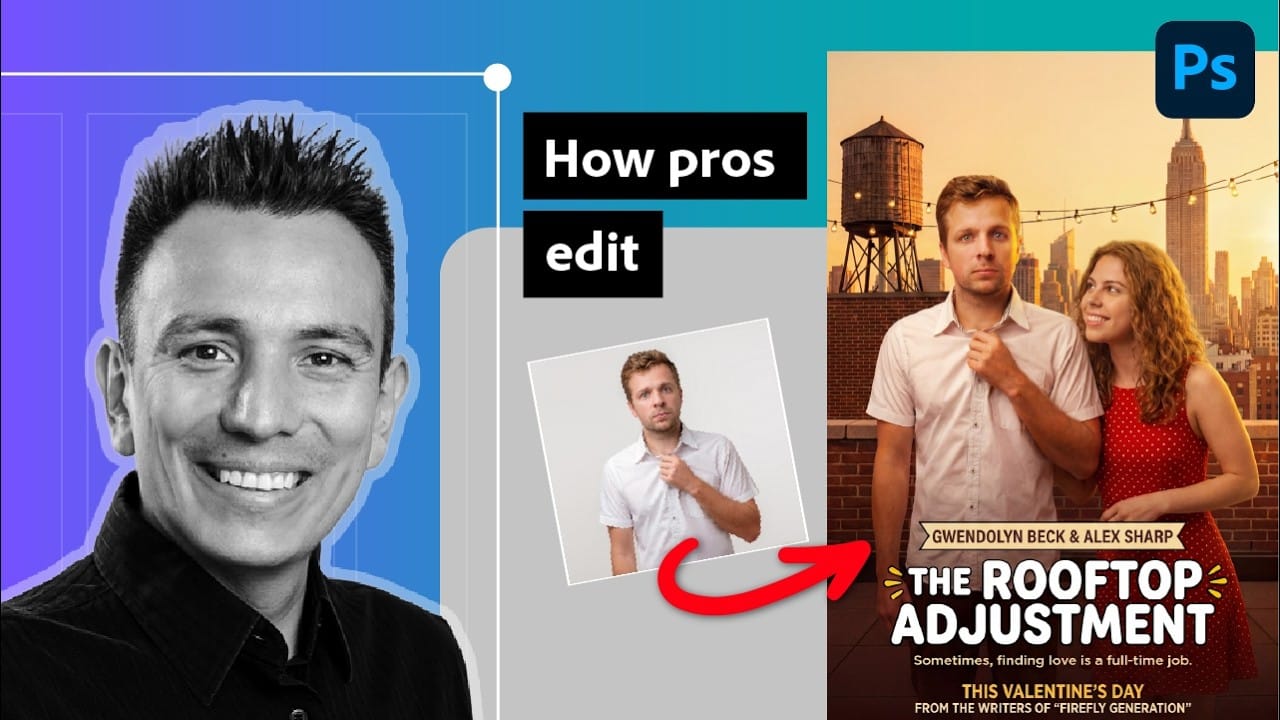
A polished composite starts with a well-retouched subject. Jesús Ramirez demonstrates how to use partner models for larger changes, Firefly for targeted cleanup, and separate editable layers to prepare a portrait for a new background. The workflow covers hair, skin, clothing, lighting, and background removal while keeping adjustments modular for client revisions.
Watch the Video
Video by Photoshop Training Channel. Any links or downloads mentioned by the creator are available only on YouTube
Practical Tips
Use these steps to keep AI-assisted retouching controlled and easy to revise.
- Inspect the image first and identify the areas that need cleanup.
- Use square selections with partner models to improve alignment with the original image.
- Use detailed prompts for larger changes, such as grooming hair or adjusting clothing.
- Use Firefly for targeted cleanup, and leave the prompt blank when the image provides enough context.
- Keep generated edits on separate layers or in a Smart Object so you can revise them later.
Related Articles and Tutorials
Explore more guides to AI-assisted editing, portrait retouching, and compositing workflows.
Gemini Nano Banana vs Photoshop: A Detailed Performance Comparison
Modern AI tools promise instant photo editing magic with simple text prompts. Gemini's Nano Banana and similar platforms can generate impressive results for basic tasks, but professional work demands precision and consistency.
This comprehensive comparison tests AI capabilities against traditional Photoshop techniques across skin retouching, compositing, background removal, and photo restoration to reveal where each approach excels.
Watch the Video
Key Insights from AI vs Photoshop Testing

Professional Retouching and Compositing Workflow Using Generative Fill in Photoshop
Entertainment retoucher Jesús Ramirez walks through the Generative Fill workflow he applies to every TV and movie poster project. The approach handles hair cleanup, skin blemishes, clothing fit, and full compositing without frequency separation or complex manual techniques.
Watch the Video
Practical Tips
Here are key techniques from the workflow that apply directly to professional retouching and compositing projects.
* Use the Firefly Fill & Expand model for portrait retouching — it reads
How to Use Gemini 2.5 Nano Banana AI in Photoshop 2026
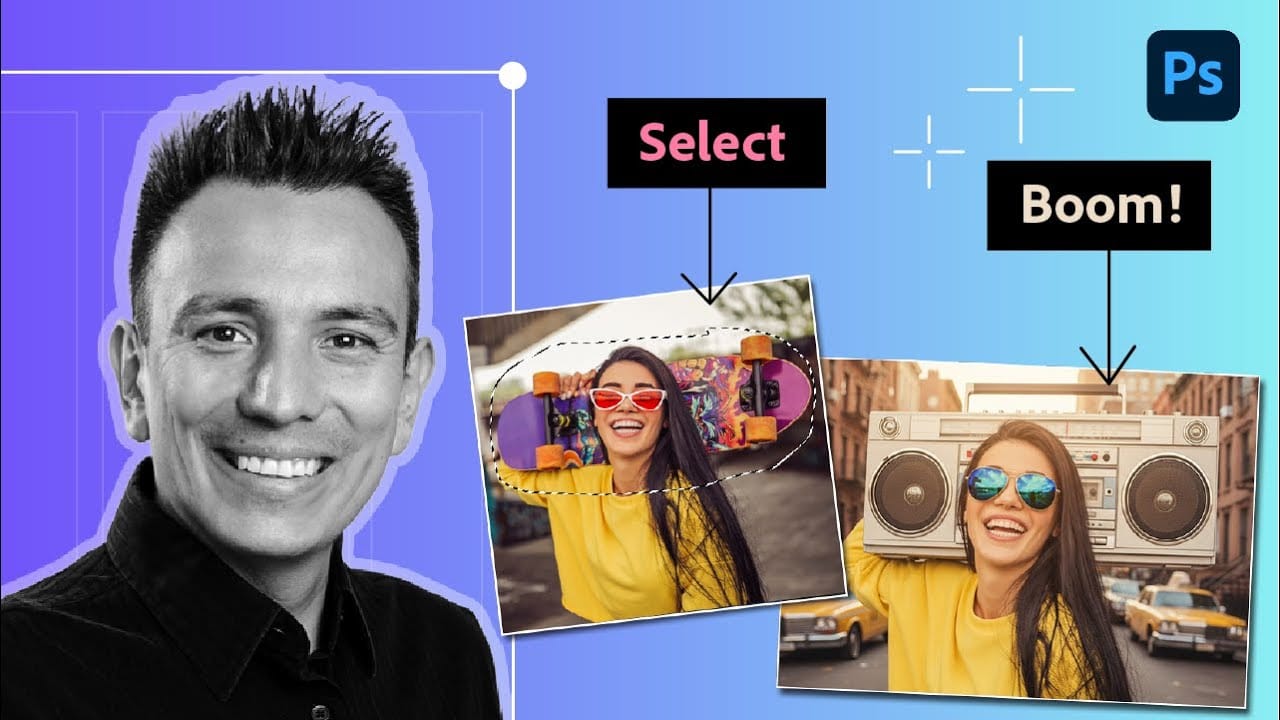
Photoshop 2026 introduces Gemini 2.5 Nano Banana, a powerful AI model that transforms how you edit images. This advanced tool maintains scene coherence while allowing dramatic changes to poses, backgrounds, and camera angles.
The technology understands context and lighting, creating realistic results that feel naturally integrated into your original photos.
Watch the Video
Key Tips for Using Nano Banana
* Make loose selections around your target area — the model needs context to understan
Using Gemini 3 Nano Banana Pro for AI Photo Restoration in Photoshop
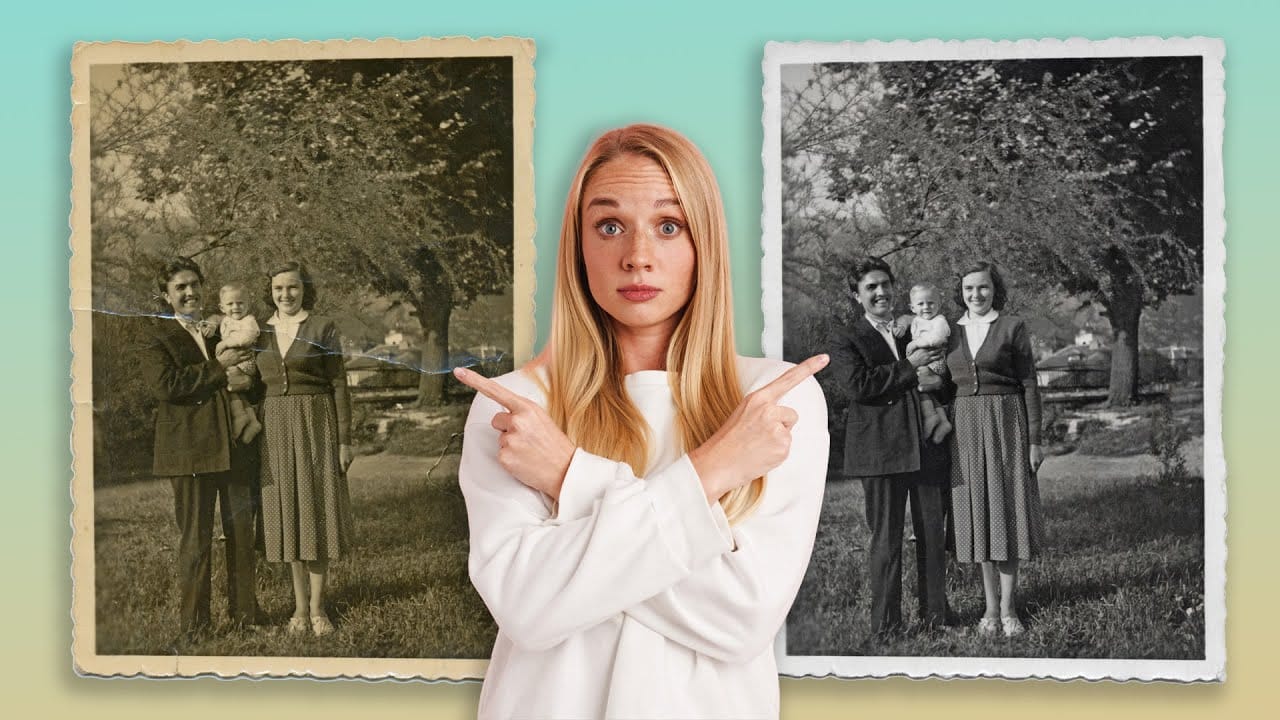
Old photographs tell stories, but damage from age, fading, and color casts can make them difficult to appreciate. While traditional photo restoration requires advanced skills and hours of manual work, new AI models are changing the game. The key is finding one that repairs damage without changing how people actually look.
Photoshop's latest generative models include partner options that excel at specific tasks. For photo restoration, one model stands out for preserving facial features while eff
How to Use Gemini 3.0 Nano Banana Pro for Advanced AI Image Transformations in Photoshop
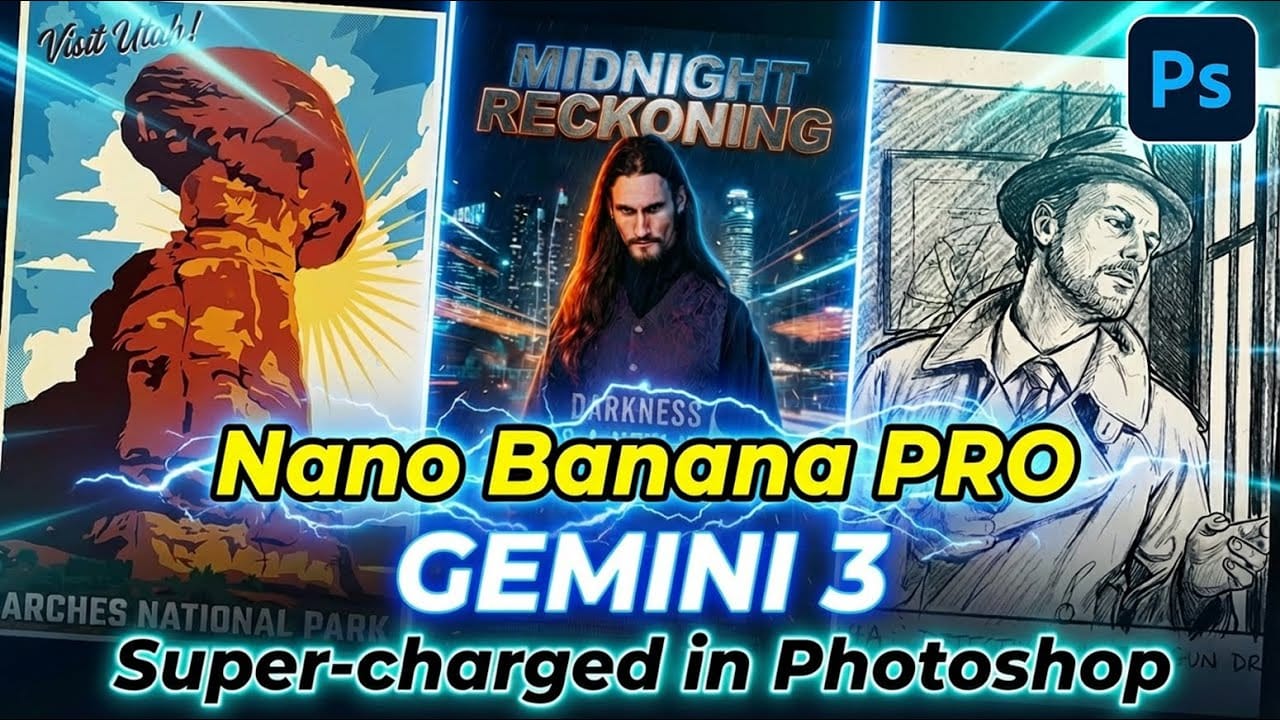
Gemini 3.0 Nano Banana Pro delivers 4K resolution transformations and contextual intelligence that surpasses previous AI models in Photoshop. This advanced system can create movie posters, redesign interiors, sharpen blurry photos, and even translate foreign text while maintaining original design elements.
The model costs 10 generative credits per image but handles complex tasks like night-to-day conversions and multi-frame storyboard creation with remarkable accuracy.
Watch the Video
Pract
How to Use Gemini 3 Nano Banana Pro in Photoshop for Advanced AI Editing
Google's Gemini 3 Nano Banana Pro brings powerful AI capabilities to Photoshop with features like focus shifting, text recognition, and 4K resolution support. Adobe integrated this advanced model immediately upon release.
The tool excels at maintaining context while transforming images, creating storyboards, and generating realistic text replacements with proper fonts and reflections.
Watch the Video
Essential Tips for Gemini 3 Nano Banana Pro
* Put text prompts in quotation marks when wo
Firefly Image Model 5 in Photoshop: Generative Fill, Distraction Removal, and Color Finishing
Firefly Image Model 5 brings noticeably higher output quality and more natural language prompting to Photoshop's generative fill workflow. Combined with an updated Remove tool that automatically detects distractions and a Camera Raw finishing pass using Point Color, the complete editing pipeline is now faster and more controllable than previous model versions.
Watch the Video
Practical Tips
These strategies will help you get cleaner, more realistic results when using Firefly Image Model 5 i

How to Use Nano Banana Pro in Adobe Firefly for Advanced AI Image Generation
Adobe Firefly now includes Gemini 3 with Nano Banana Pro, offering sharper 2K image generation with improved text clarity and precision blending. This advanced AI model works seamlessly within Firefly's generative workspace, enabling powerful workflows like multi-image composition and virtual try-on effects.
The integration provides access to sophisticated presets and reference image capabilities that go beyond basic Photoshop workflows, making complex generative tasks simple and intuitive.
W