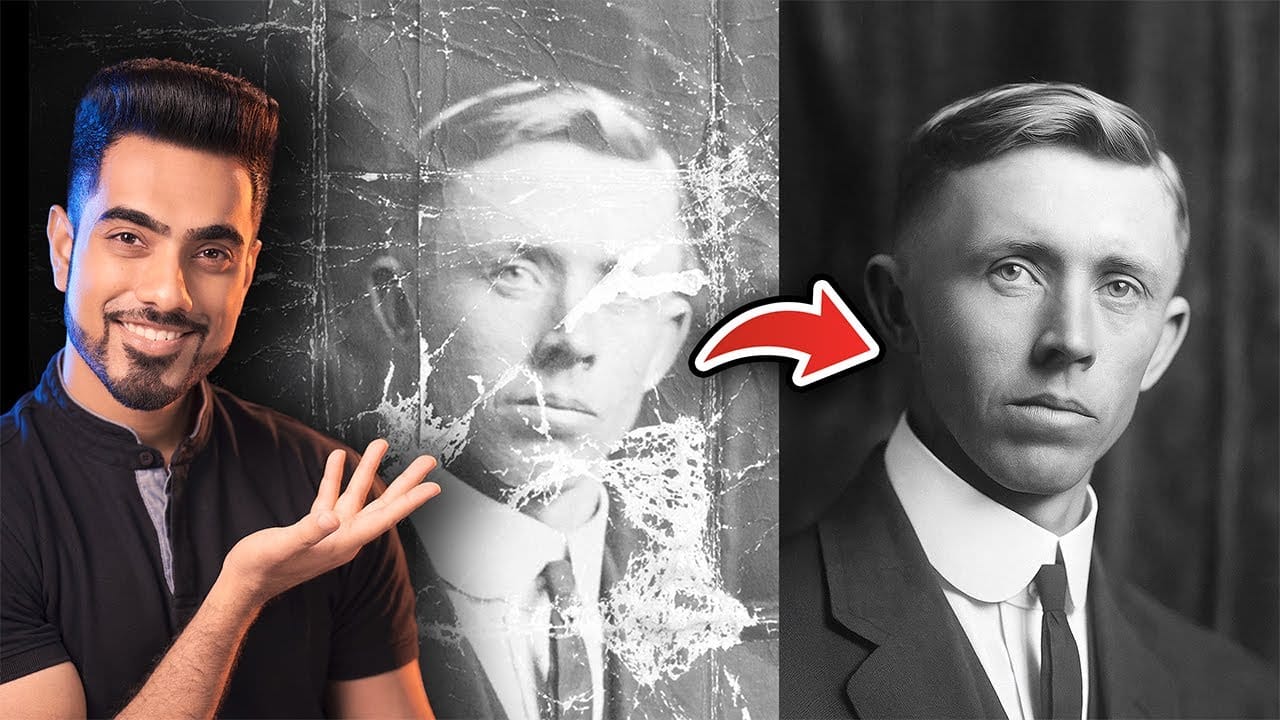
Modern AI tools promise instant photo editing magic with simple text prompts. Gemini's Nano Banana and similar platforms can generate impressive results for basic tasks, but professional work demands precision and consistency.
This comprehensive comparison tests AI capabilities against traditional Photoshop techniques across skin retouching, compositing, background removal, and photo restoration to reveal where each approach excels.
Watch the Video
Video by PiXimperfect. Any links or downloads mentioned by the creator are available only on YouTube
Key Insights from AI vs Photoshop Testing
- AI excels at photo restoration — damaged vintage photos see remarkable improvement with minimal effort, making this the strongest professional use case
- Skin retouching loses texture quality — AI tends to over-smooth skin, removing natural texture that maintains realistic appearance
- Resolution limitations affect all AI results — output quality degrades noticeably when zoomed in, limiting print and professional applications
- Background compositing works inconsistently — simple replacements succeed, but complex hair masking often fails where Photoshop provides reliable control
- Traditional skills provide backup solutions — understanding fundamental techniques ensures project completion when AI tools produce unpredictable results
Related Tutorials about AI and Photoshop Techniques
Explore more comparisons between AI tools and traditional Photoshop methods.
AI versus Photoshop: When Professional Design Skills Still Matter
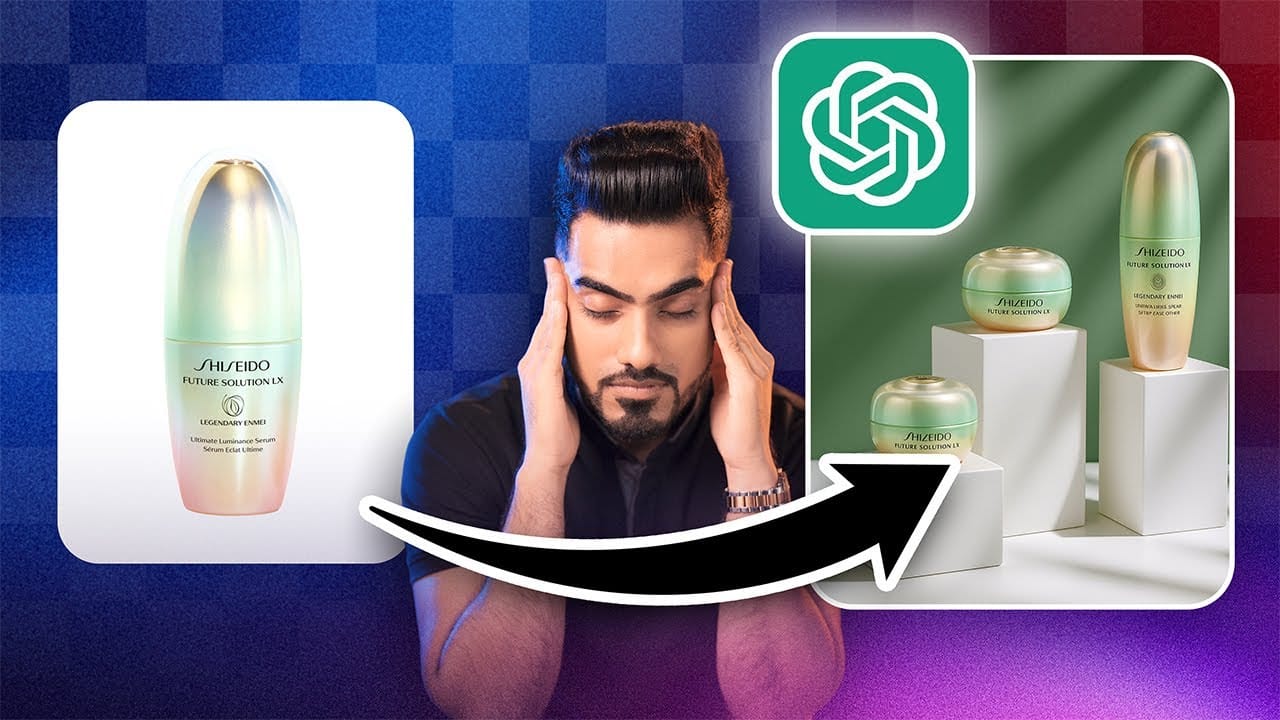
The rise of AI tools like ChatGPT has sparked intense debate about the future of graphic design and digital art. Can artificial intelligence truly replace the precision and creative control that professional design software provides? While AI excels at generating quick concepts and basic layouts, the reality of professional design work tells a different story.
This detailed comparison reveals where AI falls short and why mastering traditional design skills remains essential for creating polishe
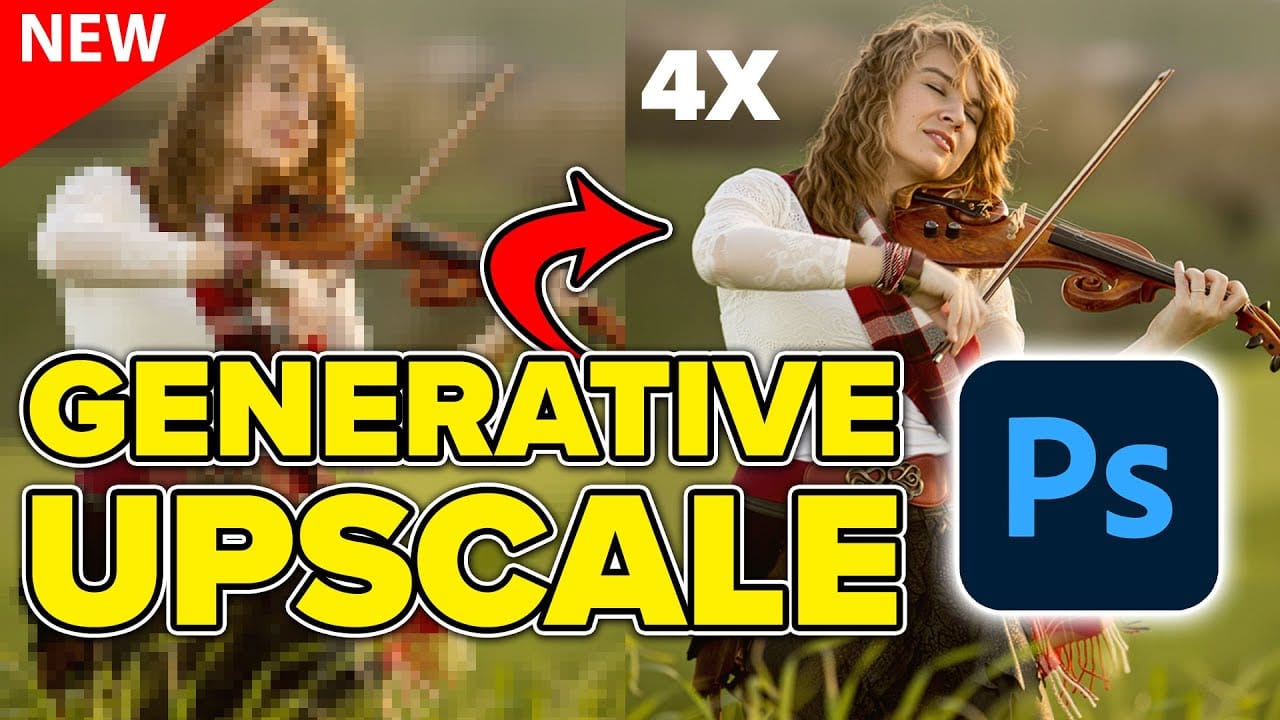
Comparing Photoshop's Three AI Upscaling Tools: Generative Upscale vs Neural Filters vs Preserve Details
Low-resolution images present a constant challenge for designers and photographers who need crisp, detailed prints or high-quality digital displays. Traditional upscaling methods often produce blurry, pixelated results that fail to meet professional standards.
Photoshop now offers three distinct AI-powered upscaling options, each with unique strengths and limitations. This comprehensive comparison reveals how each tool performs across different image types and helps you choose the right approac
Hair Selection in Photoshop: Modern AI Tools vs Traditional Techniques
Hair selection remains one of Photoshop's most challenging tasks, even with AI-powered tools. The new Select Subject feature with cloud processing offers impressive results, but often sacrifices fine hair details that make selections look natural.
This comprehensive comparison reveals when to use modern AI tools versus traditional channel-based methods, and how combining both approaches creates the most accurate hair masks for professional composites.
Watch the Tutorial
The Evolution of Hai
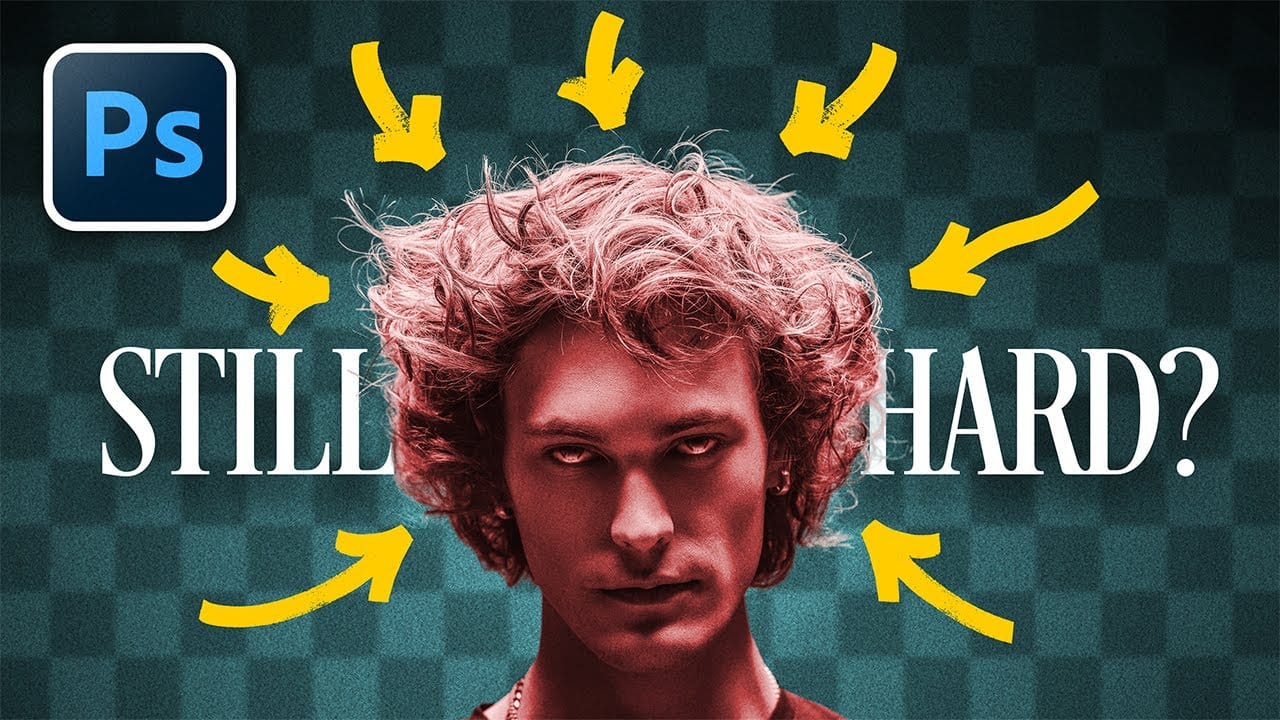
Photo Restoration: Combining AI with Photoshop for Optimal Results
Restoring old, damaged photographs can be a challenging endeavor. While many AI-powered tools promise to breathe new life into vintage images, they often fall short, either over-sharpening details, neglecting certain areas, or, most critically, altering the original likeness of individuals. This often leads to frustrating and uncanny results that strip the photos of their authentic charm.
This tutorial unveils a comprehensive workflow that marries the efficiency of AI-driven enhancement with th