Screens create color by emitting red, green, and blue light; paper shows color by reflecting light through layers of ink. Because ink cannot reproduce every bright color a screen can display, some prints look duller than their digital previews. Understanding the difference between RGB and CMYK helps you choose the right workflow, preview out-of-gamut colors, and avoid converting files before you know what your printer requires.
Watch the Video
Video by Photoshop Training Channel. Any links or downloads mentioned by the creator are available only on YouTube
Practical Tips
Use these steps to keep color conversions predictable and prevent unnecessary loss of color.
- Keep artwork in RGB for screen-based projects.
- Check your printer’s file guidelines before converting color modes.
- Use a printer profile to preview colors that may shift or lose saturation.
- Convert to CMYK only when a commercial printer requests it, using its supplied profile.
- Keep an RGB original so you can make new output files without relying on a converted copy.
Related Articles and Tutorials
Explore these guides for more on print effects, color management, and working with color in image editing.
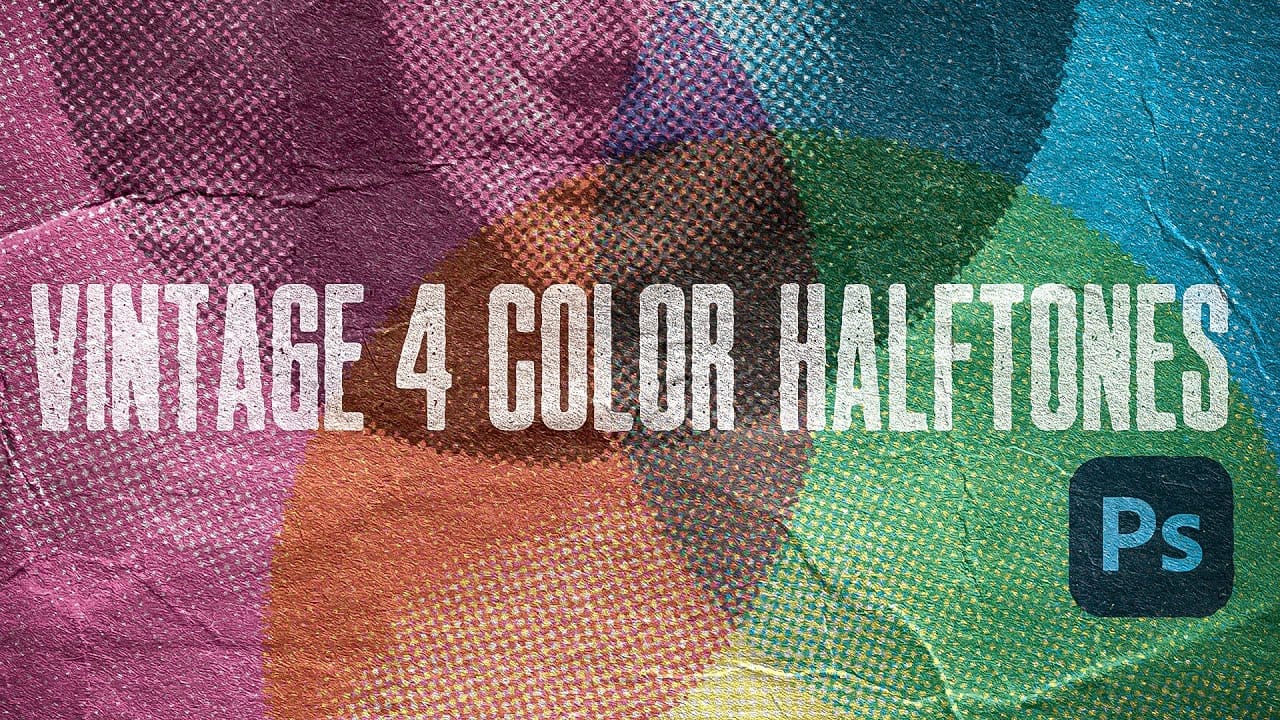
Create Authentic Vintage Halftone Effects with Custom Patterns in Photoshop
Photoshop's built-in Color Halftone filter creates rigid, geometric results that lack the authentic character of vintage print work. The filter also fails to produce true CMYK separations in RGB documents, missing the black channel entirely and creating an unconvincing simulation of traditional printing methods.
This technique uses custom patterns and blend modes to create realistic, grungy CMYK halftones that work as live effects. Unlike the standard filter, this approach produces authentic-lo
How to Calibrate Your Monitor for Photo Editing and Printing
Perfect prints start with an accurate monitor. The colors you see on screen should match what comes out of your printer, but most displays ship with settings optimized for entertainment rather than professional work. This creates a disconnect between your digital edits and physical prints.
Professional photographer Glyn Dewis demonstrates the complete monitor calibration process using a BenQ display and Calibrite colorimeter. The video covers specific settings for photo editing work versus ever

Color Correction Using Lab Mode in Photoshop
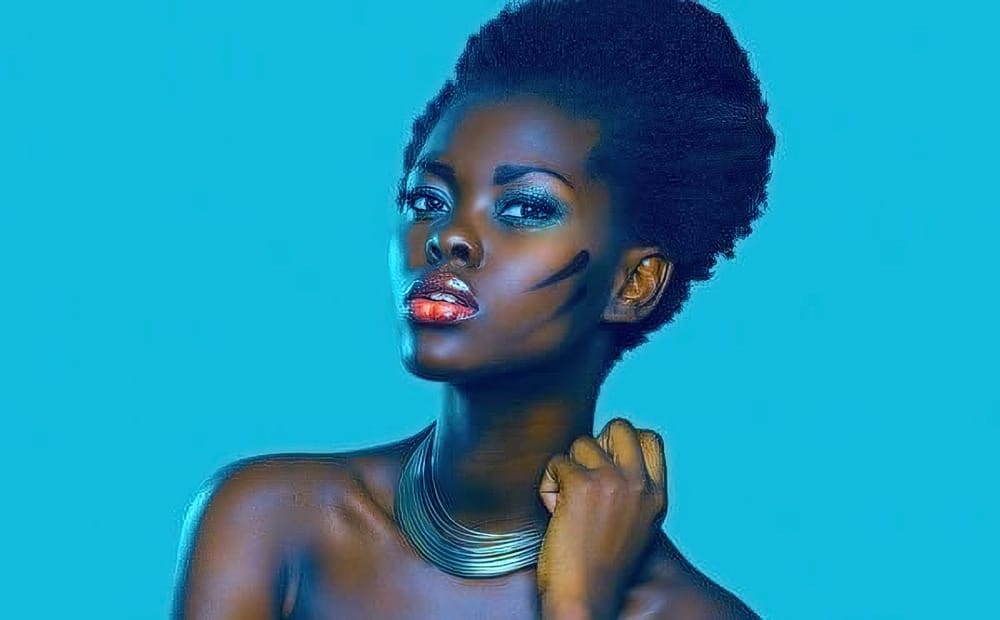
Most color adjustments in RGB mode quickly look unnatural because the red, green, and blue channels control both color and brightness simultaneously. LAB color mode separates lightness from color information, letting you make dramatic color changes while preserving the original tonal range and depth of your image.
This approach gives you far more flexibility when pushing colors to creative extremes without the flat, oversaturated look that often results from aggressive RGB adjustments.
Watch
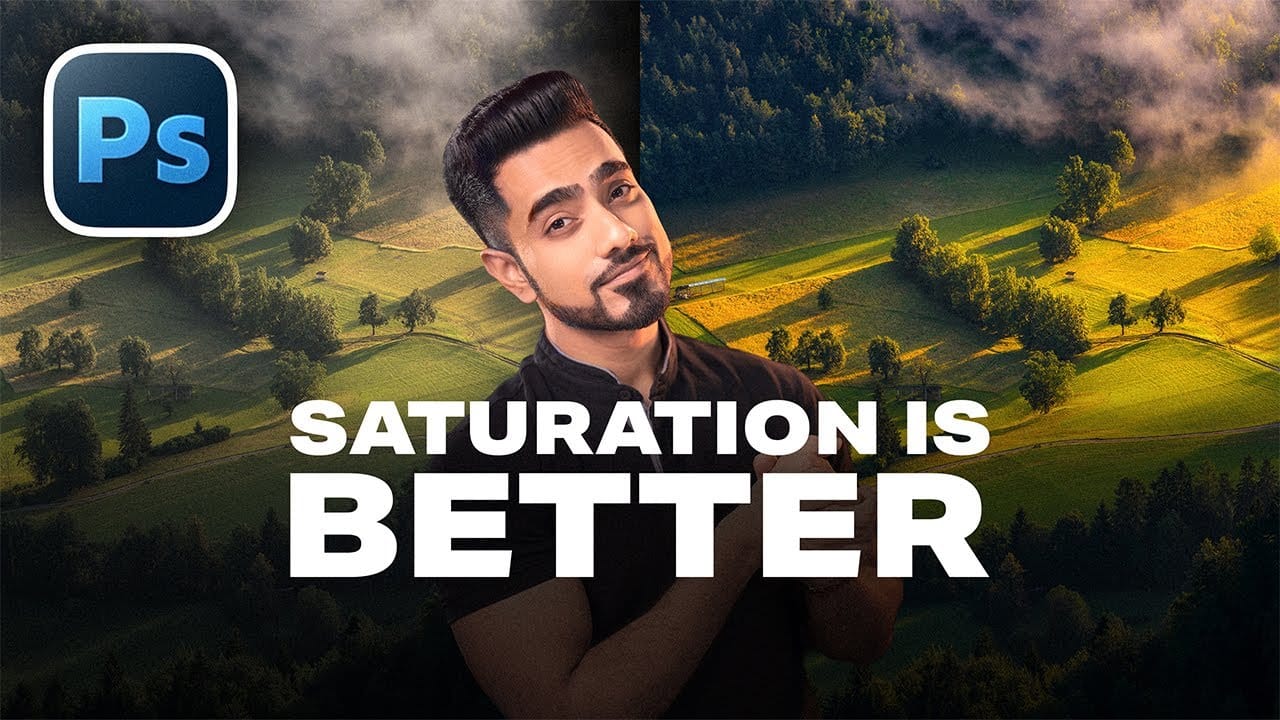
When to Use Saturation vs Vibrance for Better Color Enhancement
While vibrance gets praised as "gentler" than saturation, the reality is more nuanced. Saturation works like a universal volume knob, boosting all colors equally, while vibrance acts like a smart equalizer, selectively enhancing less saturated areas first. Understanding when each approach serves your creative vision makes the difference between mediocre and striking color enhancement.
The key lies in recognizing when you need that direct, uniform boost versus when you want intelligent co
Creative Uses of Photoshop's Difference Blending Mode
The Difference blending mode often gets overlooked in Photoshop, dismissed as too unpredictable or harsh for creative work. Most designers know it as a utility tool for layer alignment, but this powerful mode can create striking effects when used thoughtfully.
From grungy texture overlays to vintage solarized looks, Difference mode offers unique creative possibilities that other blending modes simply can't achieve. The key lies in understanding how it interacts with different tonal values and u
Understanding RGB, Curves, and Color Adjustment Tools in Photoshop
Every color adjustment tool in Photoshop — Curves, Color Balance, Selective Color — operates on the same underlying logic: the RGB color model. Understanding how red, green, and blue channels combine, and how tonal values are distributed across highlights, midtones, and shadows, gives you the foundation to use any of these tools with intention rather than guesswork.
Watch the Video
Practical Tips
Key concepts from the video to apply directly in your editing workflow:
* Read the histogram bef

Understanding Color Theory for Digital Image Editing
Color theory forms the foundation of every successful digital editing project. From the visible spectrum to RGB channels, understanding how colors interact determines whether your adjustments look natural or artificial.
This comprehensive breakdown covers essential color models, temperature and tint relationships, and the practical connections between traditional color theory and modern editing tools. The knowledge applies directly to compositing, color matching, and creative grading work.
Wa
Understanding Vibrance vs Saturation in Photoshop and When to Use Each Tool
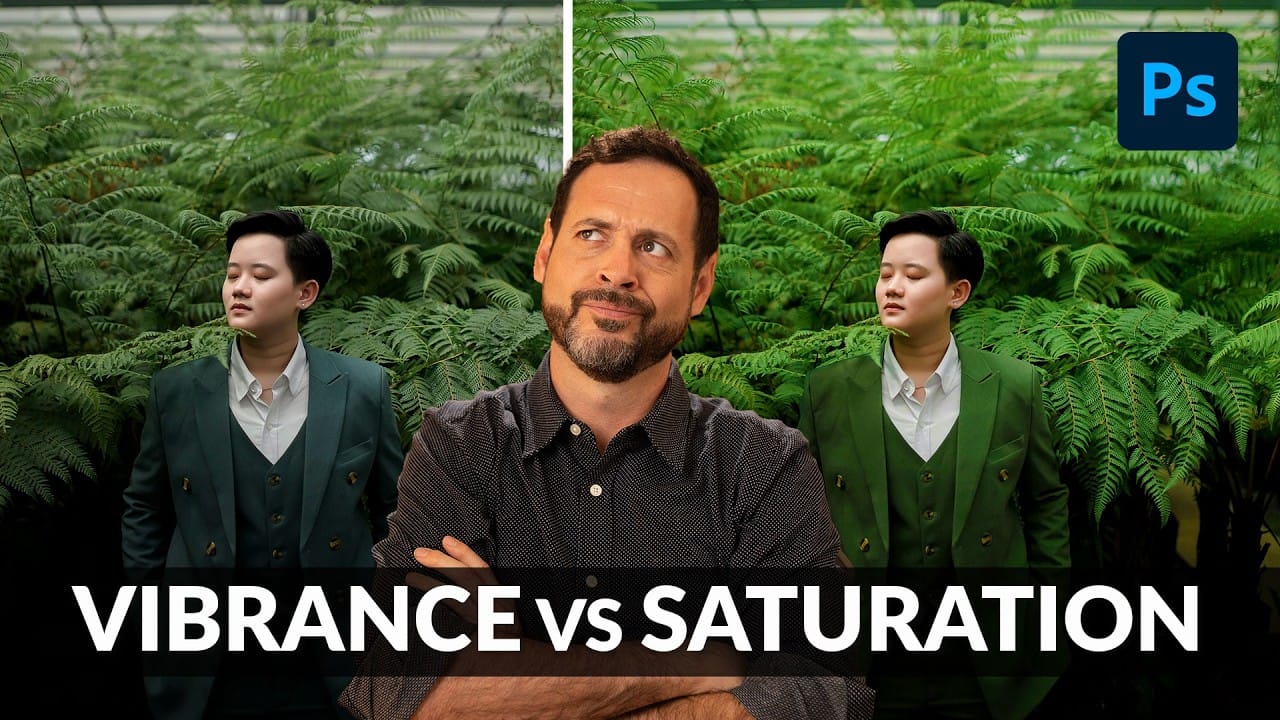
Color enhancement is one of the most fundamental aspects of photo editing, yet many Photoshop users struggle with knowing when to use vibrance versus saturation. Both tools can boost the intensity of colors in your images, but they work in dramatically different ways and produce very different results.
Learning the distinction between these tools—and understanding how to use the advanced Hue/Saturation adjustment layer for targeted color control—will give you the precision needed to enhance you
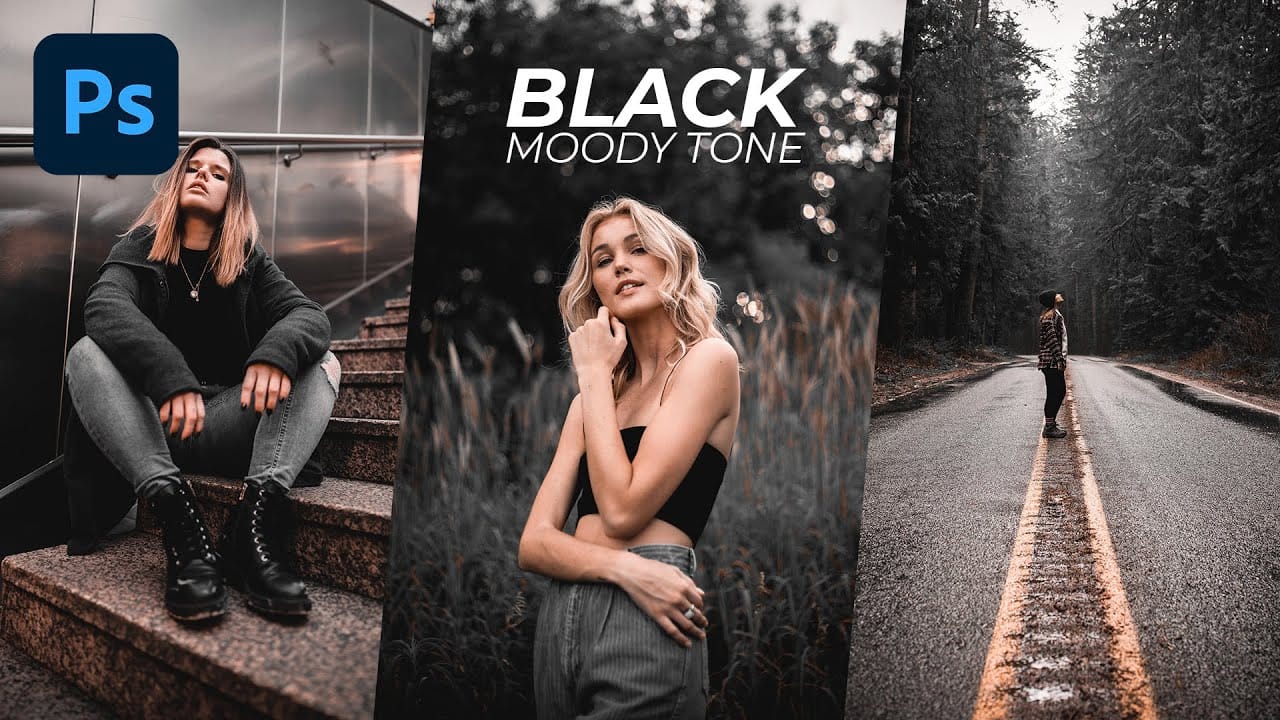
Black Moody Color Grading in Photoshop
In this comprehensive Photoshop tutorial from WebFlippy, you'll learn how to create a stunning black tone moody color grading effect. This technique is perfect for adding depth and atmosphere to your photos, giving them a dramatic and sophisticated look.
The tutorial provides a detailed, step-by-step guide on how to achieve this effect, making it accessible even for those new to Photoshop. You'll also discover how to save your adjustments as a preset, which allows you to quickly apply the same