Create an Epic Knight vs Dragon Scene in Photoshop

Create an Epic Knight vs Dragon Scene in Photoshop

Epic fantasy scenes capture the imagination through dramatic confrontations between legendary figures. This tutorial transforms simple photographs into a cinematic knight versus dragon battle scene.

You'll learn professional photo manipulation techniques including subject extraction, lighting adjustments, atmospheric effects, and color grading to create compelling fantasy artwork.

Watch the Video

Video by Nemanja Sekulic. Any links or downloads mentioned by the creator are available only on YouTube

Essential Tips for Fantasy Photo Manipulation

  • Convert layers to smart objects before resizing to preserve image quality when scaling up or down multiple times
  • Use Quick Mask mode (press Q) with a brush to refine automatic selections, especially for complex edges like hair or armor details
  • Create separate layers for highlights and shadows, using Screen and Multiply blend modes to adjust lighting direction
  • Apply Gaussian blur to background elements at different amounts to establish proper depth of field
  • Add atmospheric elements like smoke or mist using custom brushes to enhance the epic scale and mood

Explore more creative photo manipulation techniques and artistic effects.

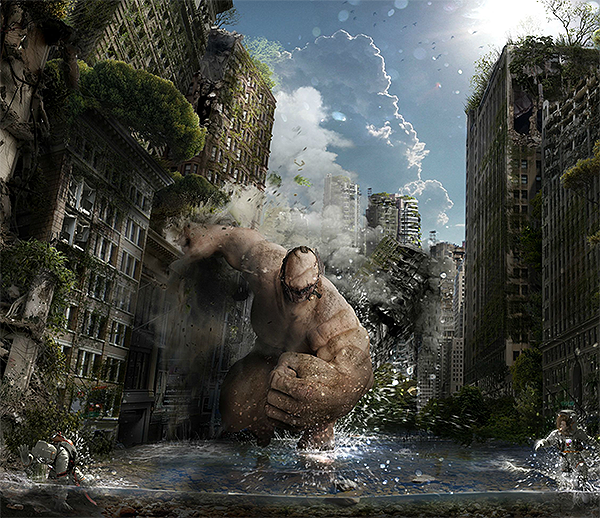
Apocalyptic Wallpaper Speed Art of a Destructive Monster in Photoshop
Watch how Immortal photo manipulation was created. This Wallpaper was made in Adobe Photoshop CC. Total time: Over 18 Hours. Total layers: 420+. Tablet: Wacom Intuos 5. 3D modeling by Alex Antonov Video tutorial More

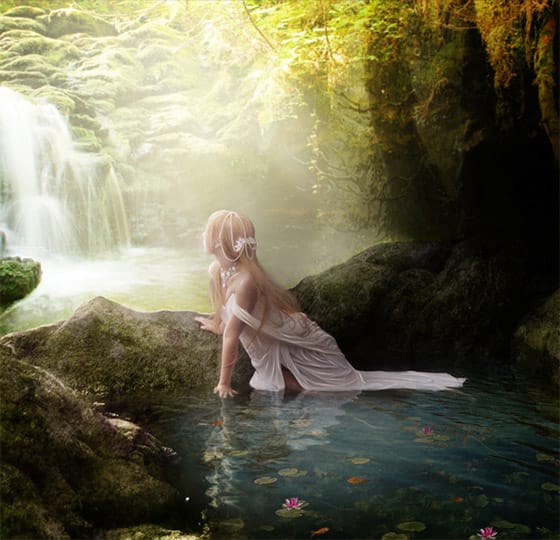
Create a Fantasy Photo Manipulation in Photoshop
Learn how to create a fantasy photo manipulation using a combo of different stock photos and artworks.

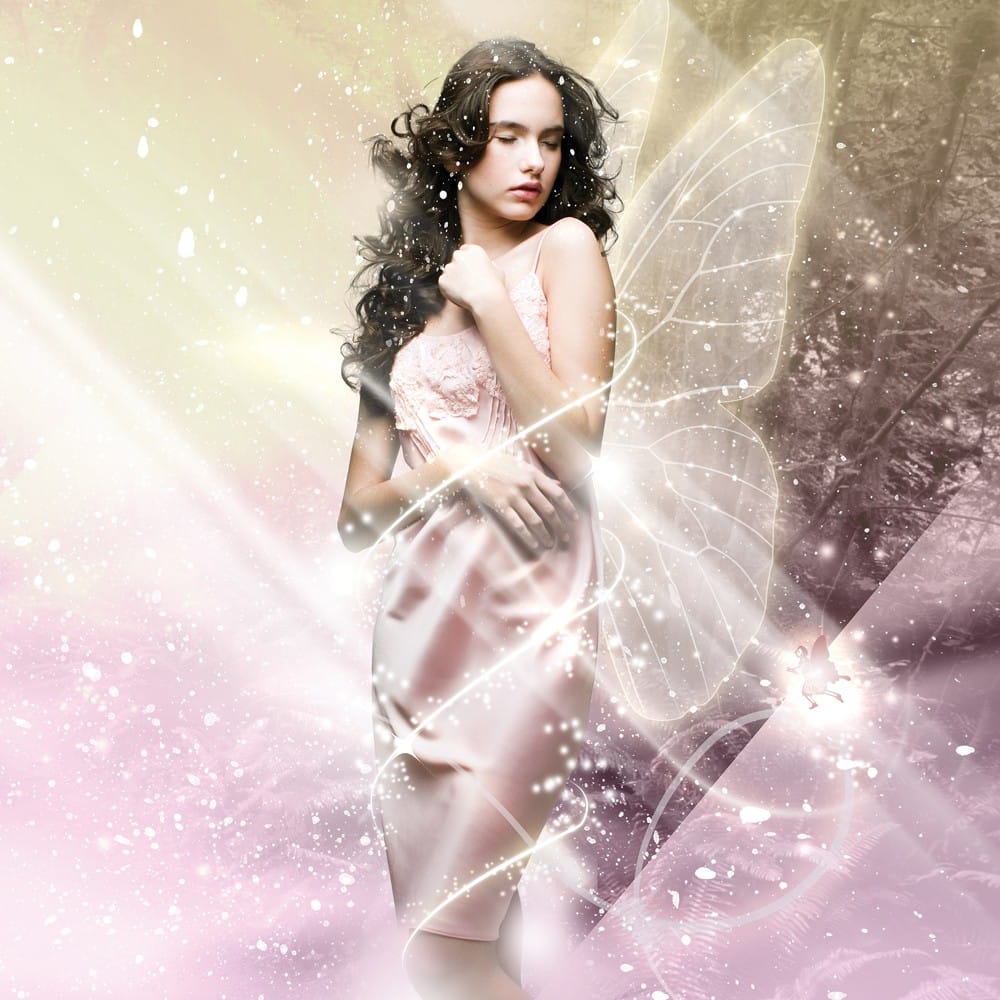
Fantasy Lighting Effects in Photoshop
In this tutorial, Murilo Maciel will show youhow to use a standard stock model, and apply layers of light and, brushes and vector shapes to generate a beautiful fantasy image. Process Preview Read this tutorial at Digital Arts Online More

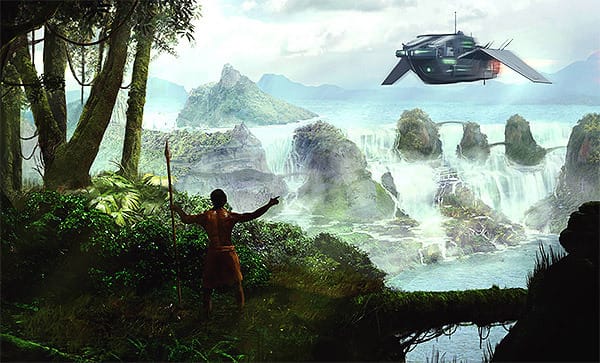
Create a fantasy matte painting in Photoshop
In this tutorial from PSDTuts, you are going to use Photoshop”s photo manipulation tools to create a scenic matte painting that was based on a sketch. Read more at PSDTuts… More

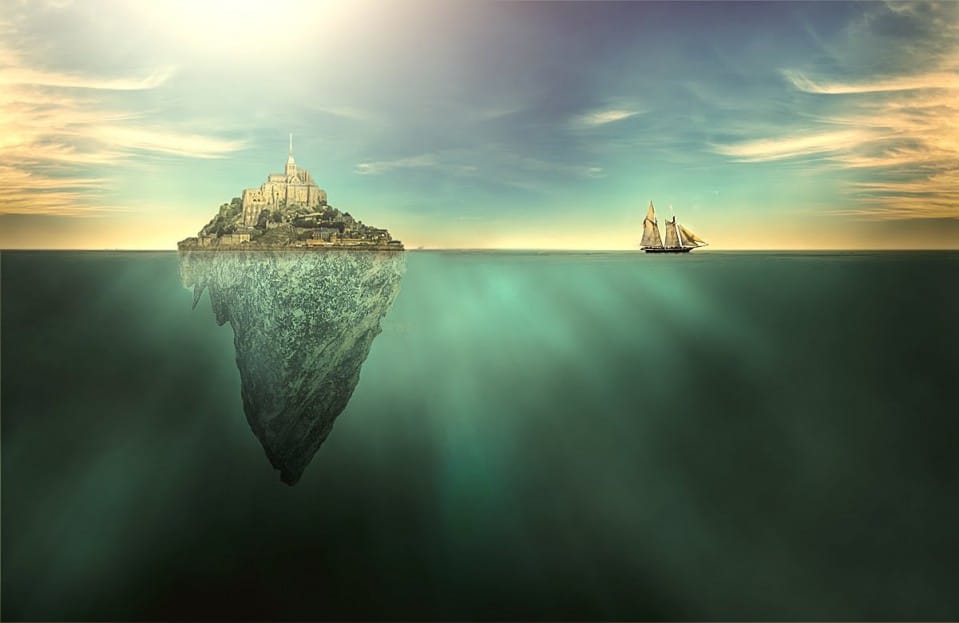
Create a surreal artwork of a city on an island in Photoshop
Learn how to create a surreal conceptual art of a city on an island in the middle of the ocean. Watch Video Tutorial Here… More

Get tutorials & freebies delivered to you.

Subscribe to the Photoshop Roadmap newsletter, a weekly roundup of new tutorials, insights and quality downloads, trusted by 6500+ readers.

You might also like

Create a Liquid Gel Logo Effect in Photoshop

Liquid gel effects transform flat logos into dimensional, glossy designs that appear to bubble and flow. This technique uses multiple layer styles and strategic duplication to build depth, creating surfaces that catch light like thick, viscous liquid. The method combines gradient overlays, bevel effects, and inner glows across several duplicated...

How to Use Photoshop's AI Sharpen Filter and When It's Worth the Cost

Photoshop's new AI Sharpen filter promises one-click sharpening powered by advanced algorithms. This tool uses technology from Topaz Labs to enhance image details without manual adjustments, but it comes with a significant cost in credits. Understanding when to use this automated approach versus traditional methods like the High...

How to Use Harmonize and Generative Upscale Tools in Photoshop

Creating realistic photo composites requires matching lighting and color between different images—a traditionally time-consuming process. Two new AI-powered tools in Photoshop solve these challenges: Harmonize automatically adjusts lighting and shadows to blend subjects seamlessly into backgrounds, while Generative Upscale enlarges small images without losing detail. These tools work together...

How to Create Convincing Scale Effects in Photoshop Composites

Creating believable scale effects requires more than simply resizing objects—it demands understanding how light, perspective, and atmospheric conditions change with distance. When tiny subjects appear massive or giant objects seem miniature, viewers should feel the illusion is completely natural. This technique combines careful attention to lighting consistency, depth cues,...

How to Flip Images Horizontally and Vertically in Photoshop

Flipping images is a fundamental technique that can dramatically change the composition and impact of your photos. Whether you need to correct the orientation of a subject, create mirror effects, or simply improve the visual flow of your design, knowing how to quickly flip images both horizontally and vertically gives...

How to Use Nano Banana Pro in Photoshop for Background Replacement and Scene Changes

Nano Banana Pro transforms how you place subjects into new environments in Photoshop. This advanced AI model maintains perfect subject likeness while seamlessly integrating them into any background you can imagine. The tool excels at matching lighting, preserving facial features, and even adapting clothing to complement new scenes, all through...

You’ve successfully subscribed to Photoshop Roadmap
Welcome back! You’ve successfully signed in.
Great! You’ve successfully signed up.
Success! Your email is updated.
Your link has expired
Success! Check your email for magic link to sign-in.