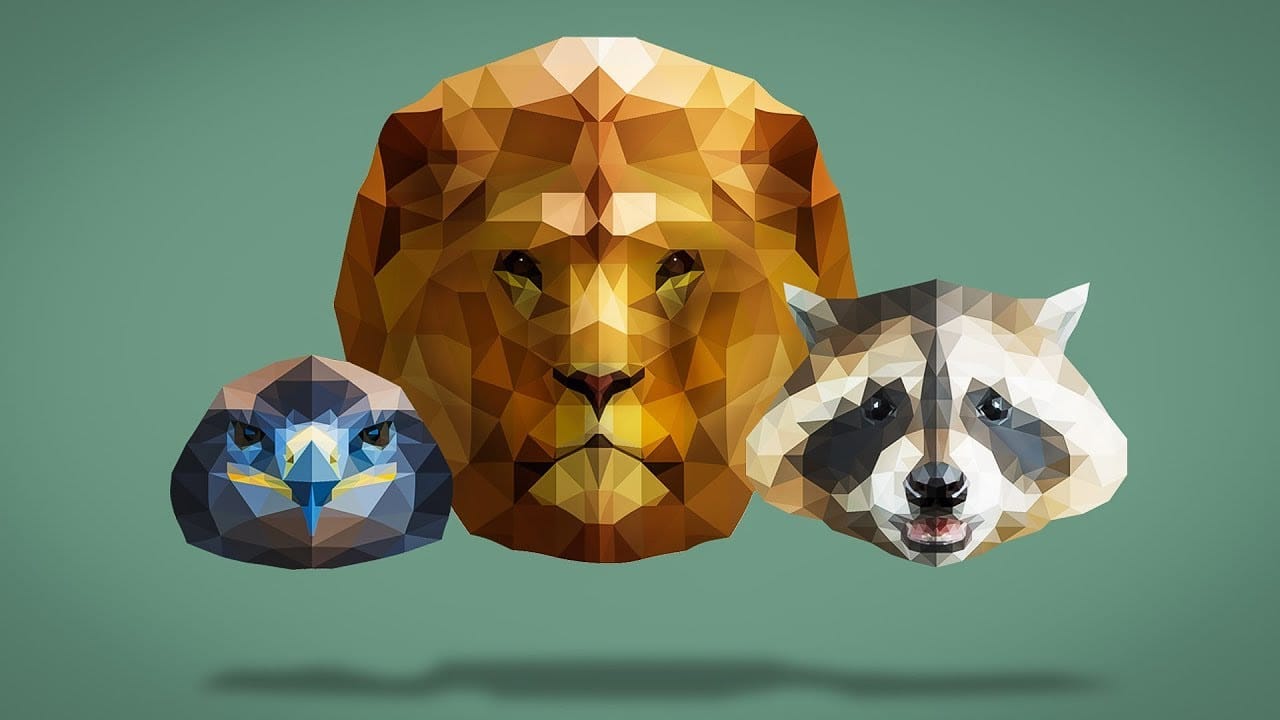
Transform ordinary portraits into elegant artwork with decorative floral oval frames that blend seamlessly with your subject. This technique combines traditional framing with digital floral elements, creating a painterly effect that's perfect for fine art prints and creative portraits.
The process involves creating an oval cutout, adding custom floral backgrounds, and using specialized brushes and pattern tools to extend florals naturally from the background into the portrait area.
Watch the Video
Video by Nikki Harrison. Any links or downloads mentioned by the creator are available only on YouTube
Practical Tips
Master these essential techniques for creating professional floral oval frames:
- Use textured brushes on layer masks to soften hard oval edges instead of painting directly on the oval boundary
- Work with separate layers for each pattern color when using the pattern stamp tool to maintain individual opacity control
- Set drop shadow angles to 90 degrees to create consistent lighting that appears to come from directly above
- Apply feathering to layer masks after initial edge softening to create smoother, more natural transitions
- Sample colors from the subject's clothing and incorporate them into the floral extensions for better color harmony
Related Articles and Tutorials
Explore more creative framing and floral techniques to enhance your portrait work:
Creating Floral Wreath Overlays in Photoshop
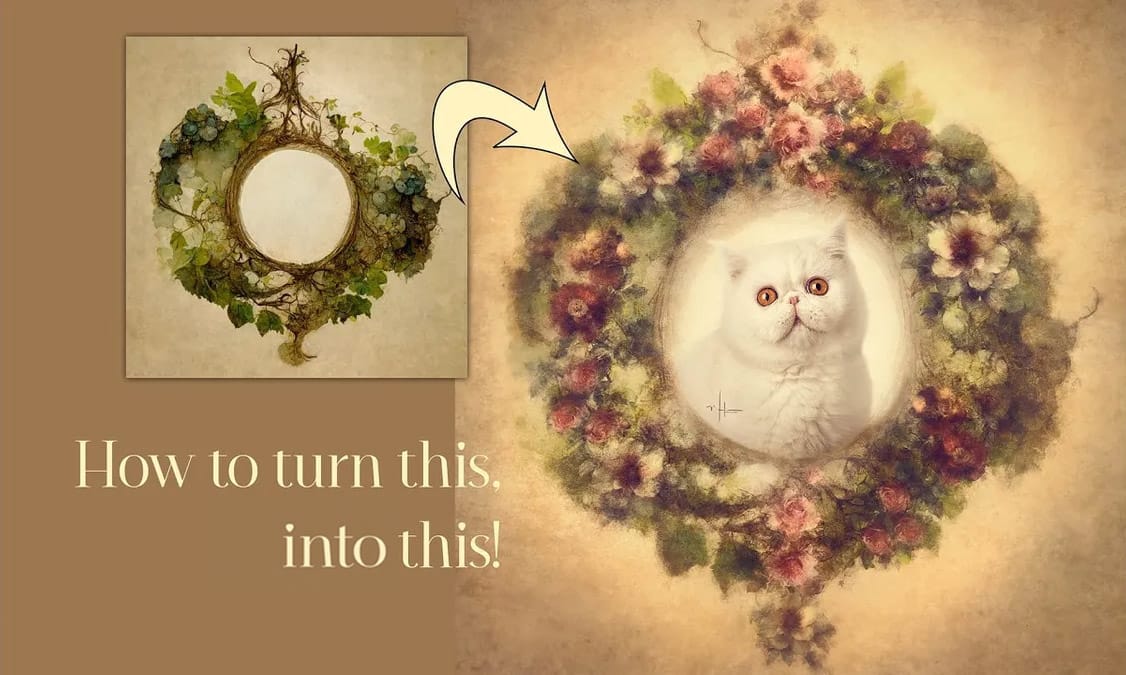
Floral overlays transform ordinary portraits into magical compositions perfect for pet photography, baby portraits, and creative projects. This technique shows you how to build custom floral wreaths using AI-generated base elements and real floral PNG files, creating frames that can hold any subject in the center.
The process combines symmetry techniques, color matching, and brush effects to produce professional-looking floral frames with a dreamy, ethereal quality.
Watch the Video
Practica
Create a Floral Typography Text Effect in Photoshop
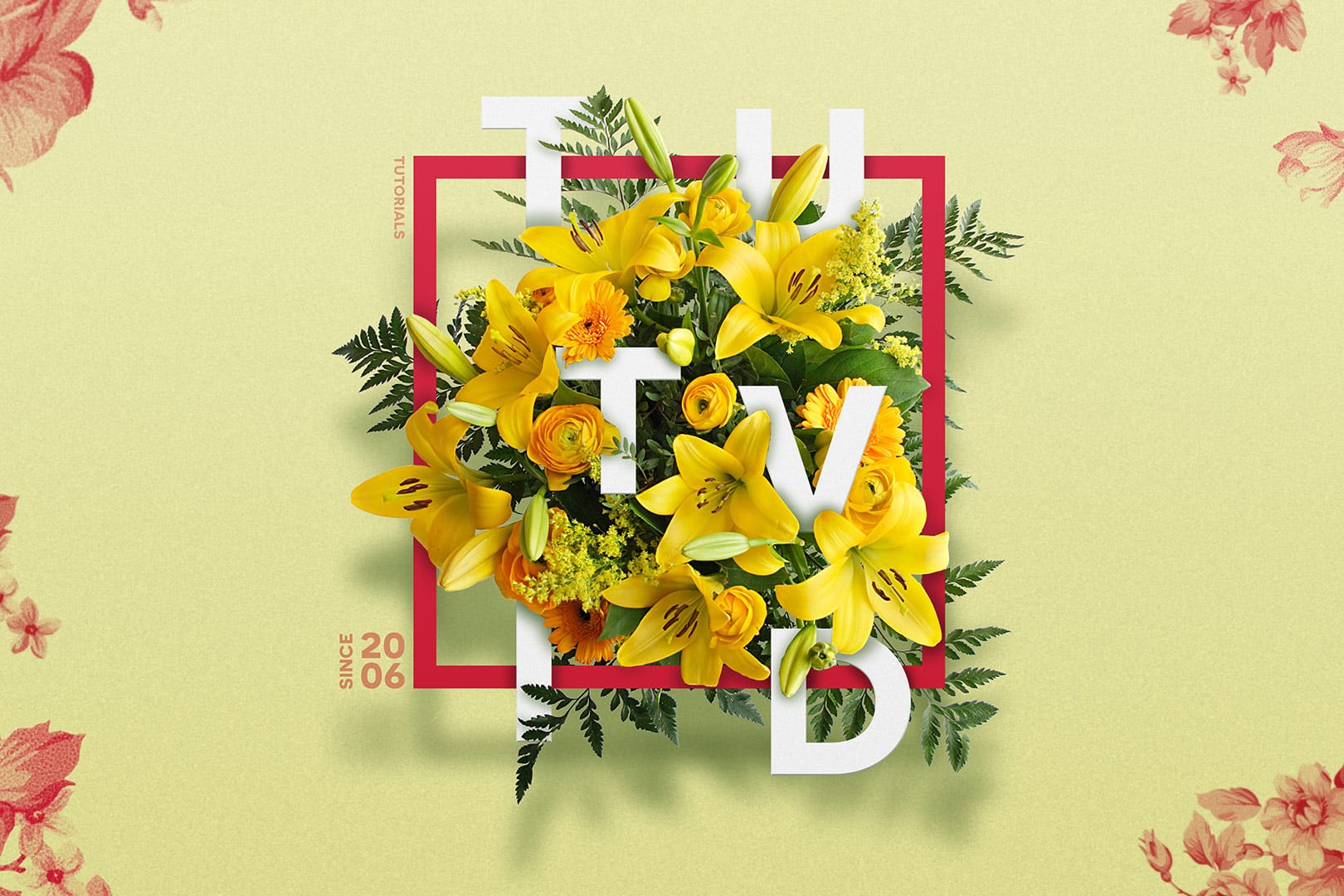
Learn to create stunning floral typography in Photoshop. This tutorial teaches you to blend vibrant flowers with custom text, achieving a captivating visual that seamlessly integrates botanical elements with your design. Master techniques for realistic depth, perfect for unique posters, art, or personal projects.
Watch the Full Tutorial
Practical Tips for Crafting Floral Text Effects
* Convert masked images to Smart Objects early in the process to maintain editability of layer masks and tr
Beautiful Photo Frames and Borders Photoshop Tutorials
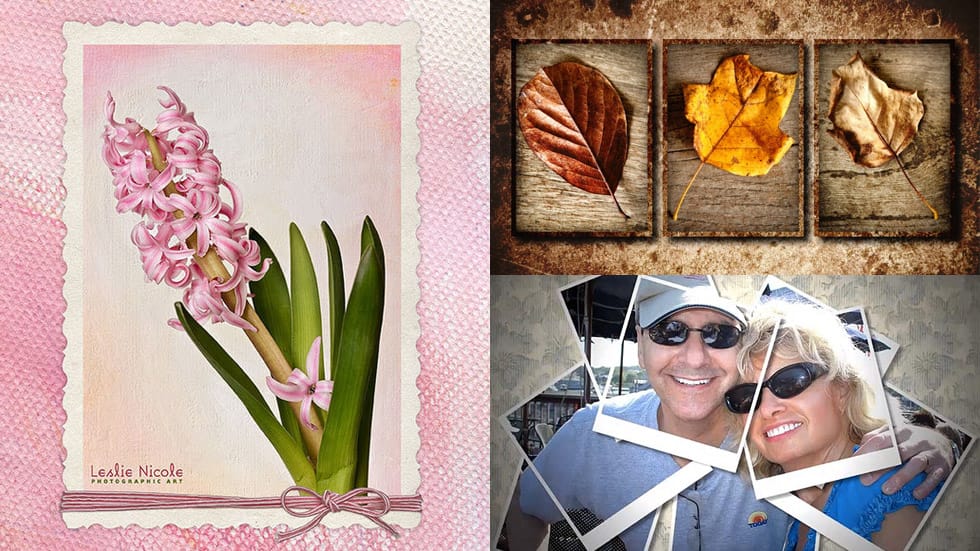
Photo Effects has become one of the most popular topics in Photoshop today. Many users find themselves eager to add that final touch to their images after applying various effects. One effective way to enhance photos is by incorporating frames, which can elevate the overall aesthetic.
In this article, you will discover a selection of beautiful frames, edges, and borders that can transform your images. Each tutorial offers step-by-step guidance, making it easy for you to apply these artistic ele
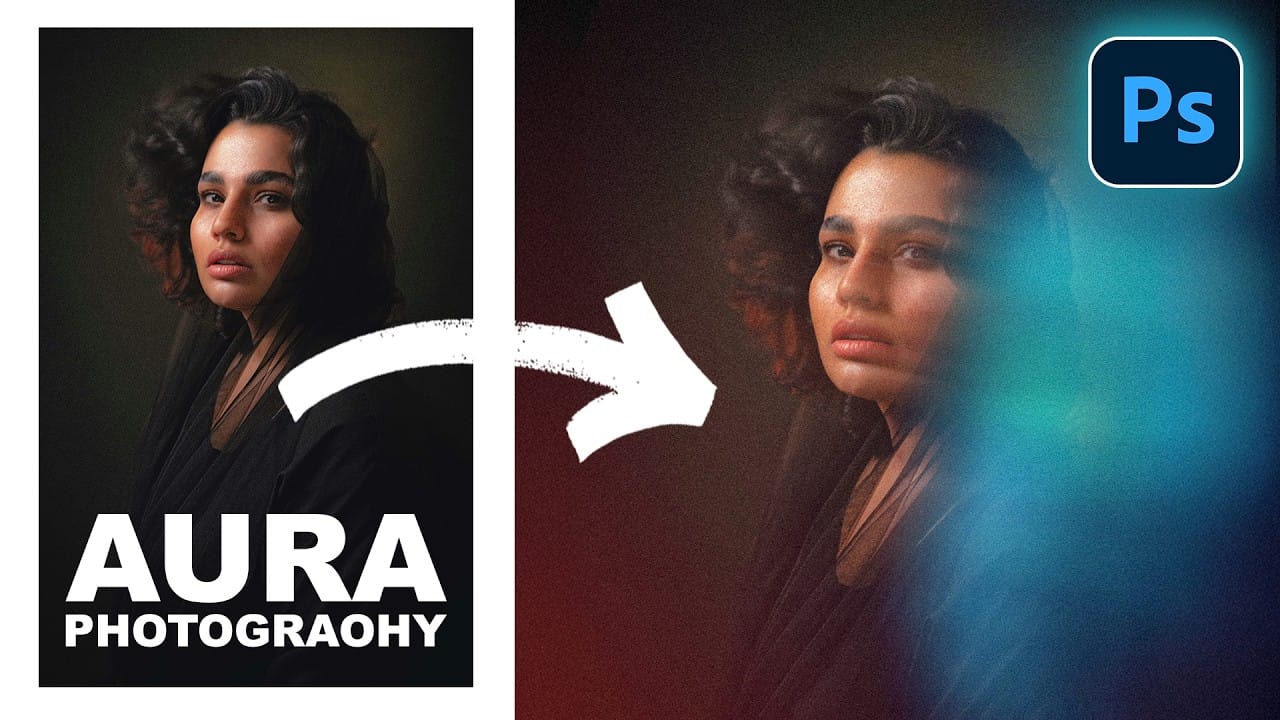
How to Create a Colorful Aura Effect for Portraits in Photoshop
Portrait photography becomes truly captivating when enhanced with atmospheric effects that draw the viewer's eye. The colorful aura effect transforms ordinary portraits into striking visual statements by surrounding the subject with ethereal, glowing light that feels both magical and professional.
This technique works best with portraits shot against dark backgrounds and combines motion blur effects with gradient overlays or custom aura textures to create depth and visual interest.
Watch the
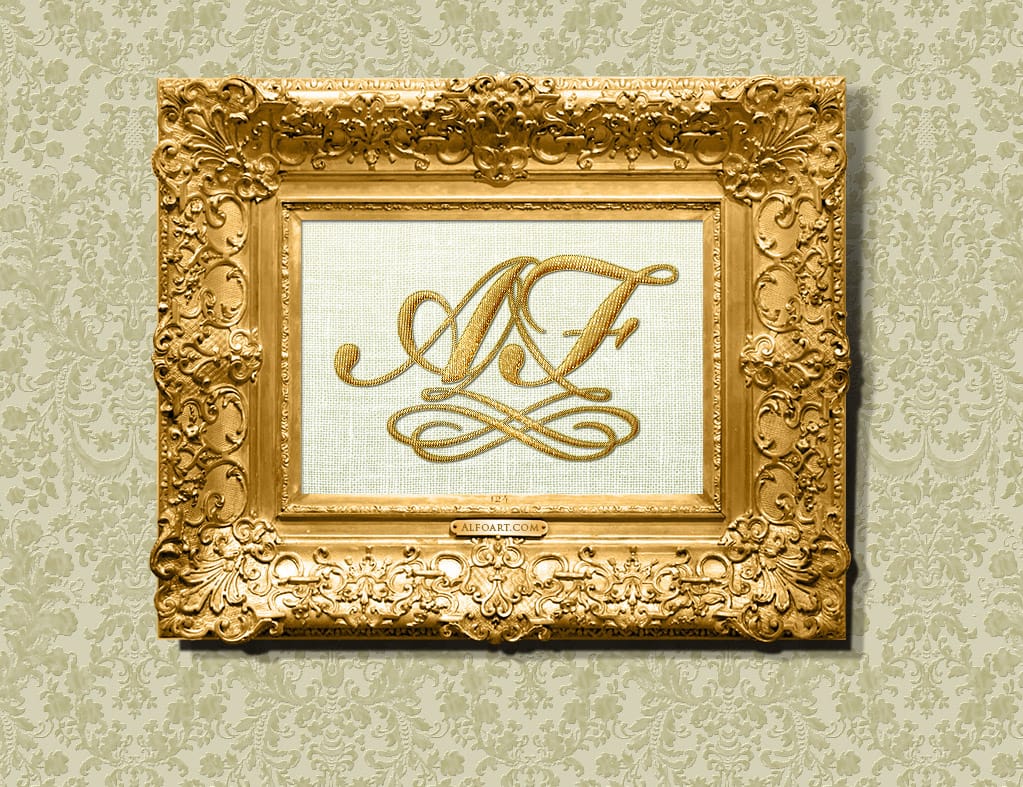
Create an antique golden frame in Photoshop
In this tutorial from Alfoart you will learn how to create a beautiful and classy antique golden frame, using patterns, in Photoshop
Alexandra Fomichieva from Alfo Art shares a Photoshop tutorial on how to create an image of a monogram sewn with golden thread on a linen cloth. The tutorial guides the user through framing the monogram with a golden wooden frame and placing it on a wall covered with a damask ornate wallpaper.
The author provides step-by-step instructions, making it easy for user
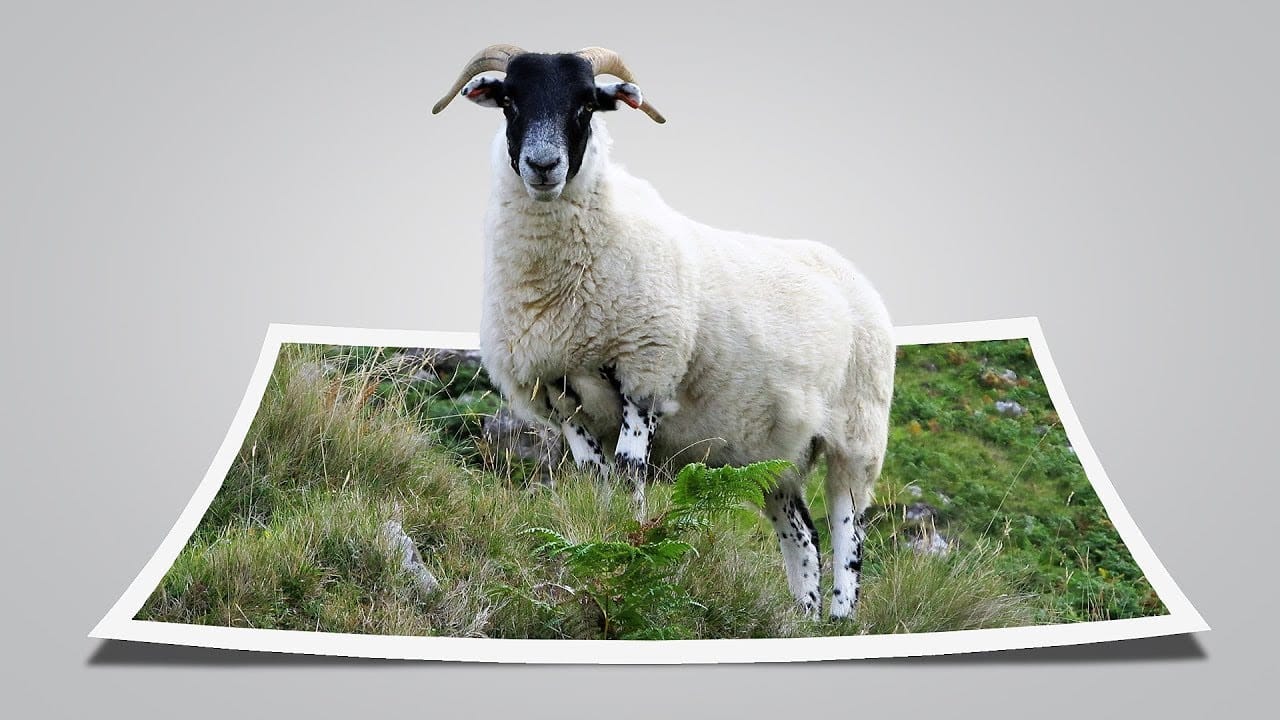
Create a fun pop out frame effect in Photoshop
This tutorial by Click3D explores the creative process of making a whimsical 3D pop-out photo effect in Photoshop. This effect brings images to life and introduces a surreal quality that transforms the viewing experience. Imagine a scene where a subject appears to leap out of a polaroid frame, adding an element of fun and surprise.
The author takes the reader through the steps to create this delightful and impactful visual effect. By using simple techniques, the tutorial demonstrates how to ach
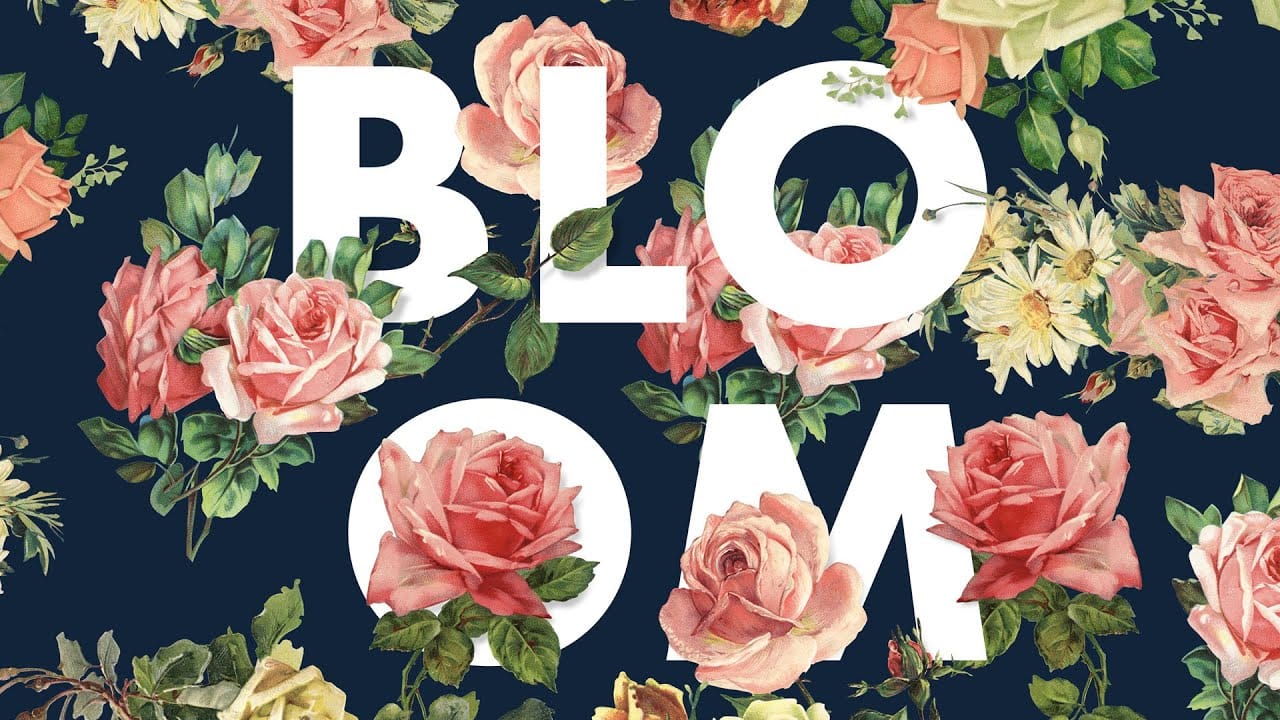
How to Create a Floral Typography Text Effect in Photoshop
Create striking floral typography by blending text seamlessly with flower images. This tutorial shows you how to interweave words among petals and stems, adding depth and artistic flair to your designs.
Watch the Full Tutorial
Practical Tips for Floral Typography
Enhance your workflow and achieve stunning results with these key techniques:
* Speed up your workflow by using shortcuts like Command/Control + Tab to switch documents, Command/Control + A to select all, Command/Control + C to c
How to create low-poly portraits in Photoshop
Low polygon art transforms ordinary portraits into striking geometric masterpieces using triangular shapes and bold color blocks. This technique creates a modern, digital aesthetic that works beautifully for logos, artistic portraits, and creative design projects.
The process involves breaking down an image into triangular sections, each filled with an average color to create a faceted, three-dimensional appearance.
Watch the Tutorial
Essential Tips for Low Polygon Portraits
Master the low