How to Change Photo Backgrounds with AI While Preserving Professional Quality

How to Change Photo Backgrounds with AI While Preserving Professional Quality

Professional background replacement has traditionally required hours of meticulous masking and lighting adjustments in studio settings. Modern AI tools now offer an alternative approach that can change backgrounds while maintaining the original subject's lighting, hair detail, and pixel-level precision that photographers demand.

This technique combines AI generation with traditional masking methods to achieve results that rival traditional photography workflows, though with important limitations to understand before implementation.

Watch the Video

Video by PiXimperfect. Any links or downloads mentioned by the creator are available only on YouTube

Practical Tips

These key techniques will help you achieve professional-quality AI background replacements:

  • Use detailed prompts that specify maintaining the original lighting conditions and subject positioning for better alignment
  • Generate at 4K resolution initially, then use precision upscaling to enhance fine details like hair texture
  • Apply the difference blend mode to align the AI-generated version with your original before masking
  • Mask back original facial features and important details using a soft black brush to preserve subject authenticity
  • Adjust curves on the background layer to match color temperature and contrast between original and generated elements

Explore more advanced photo manipulation and enhancement techniques:

Why Pro Photographers Are Switching to Topaz Photo AI — And You Should Too.
Every location photographer has lived this nightmare. You're standing in the perfect spot. The light is hitting your subject exactly right. The moment is unfolding in front of you—authentic, unrepeatable, magical. And your camera settings are wrong. Maybe you bumped the ISO to 3200 because the sun was setting faster than expected. Maybe your autofocus decided to lock onto the background instead of your subject's eyes. Maybe you were shooting handheld in low light and got just enough camera sh
Common Real Estate Photography Mistakes That Cost You Clients
Real estate photography demands a unique balance between technical precision and marketing effectiveness. Many photographers entering this field bring solid technical skills but struggle with the specific requirements that make property images sell. Unlike other photography genres, real estate work serves a clear commercial purpose where every compositional choice directly impacts a property's marketability. This video identifies five critical mistakes that can undermine your real estate photog
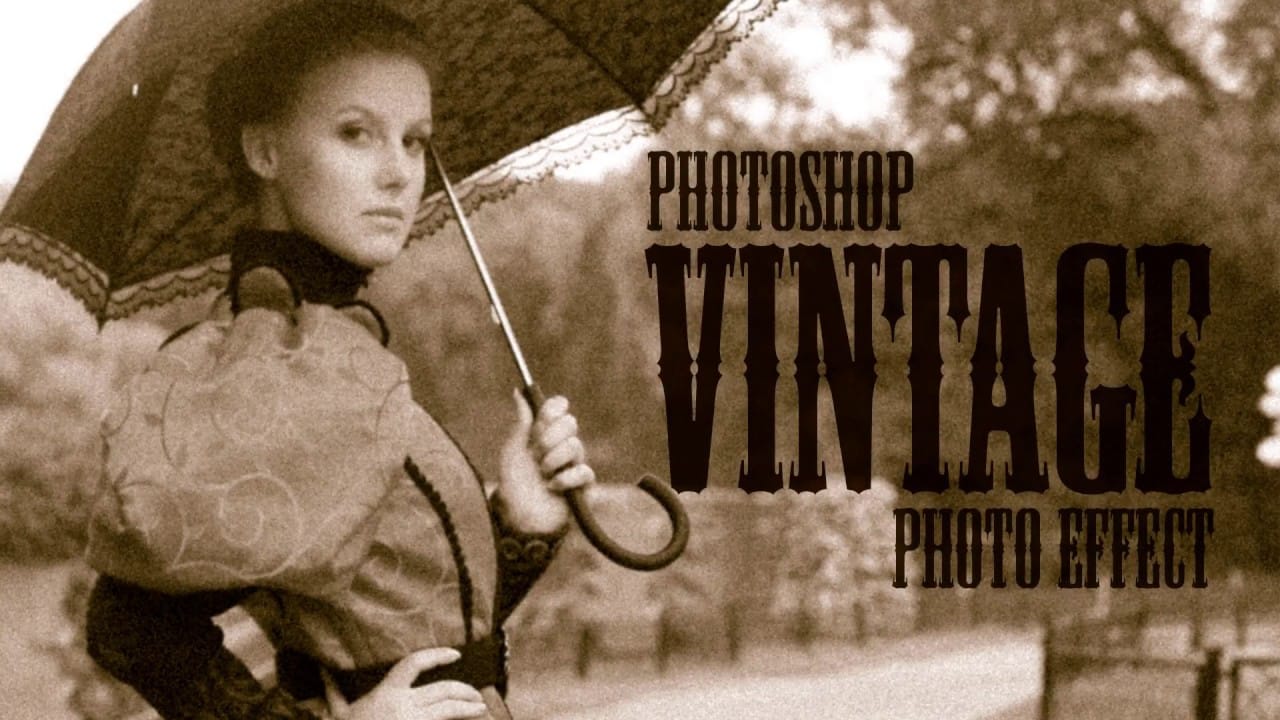
Create a realistic old vintage photo effect in Photoshop
Photographs are timeless. In fact, it's often our old, weathered and faded photographs that we treasure the most. Snapshots from a bygone era fill our hearts with nostalgia and romantic notions of how much simpler life must have been. While today's digital cameras continue to amaze us with their technology, there's still something magical and irreplaceable about old, vintage photographs. And not only do we love to look at them, but we also love to recreate the look of them in programs like Phot
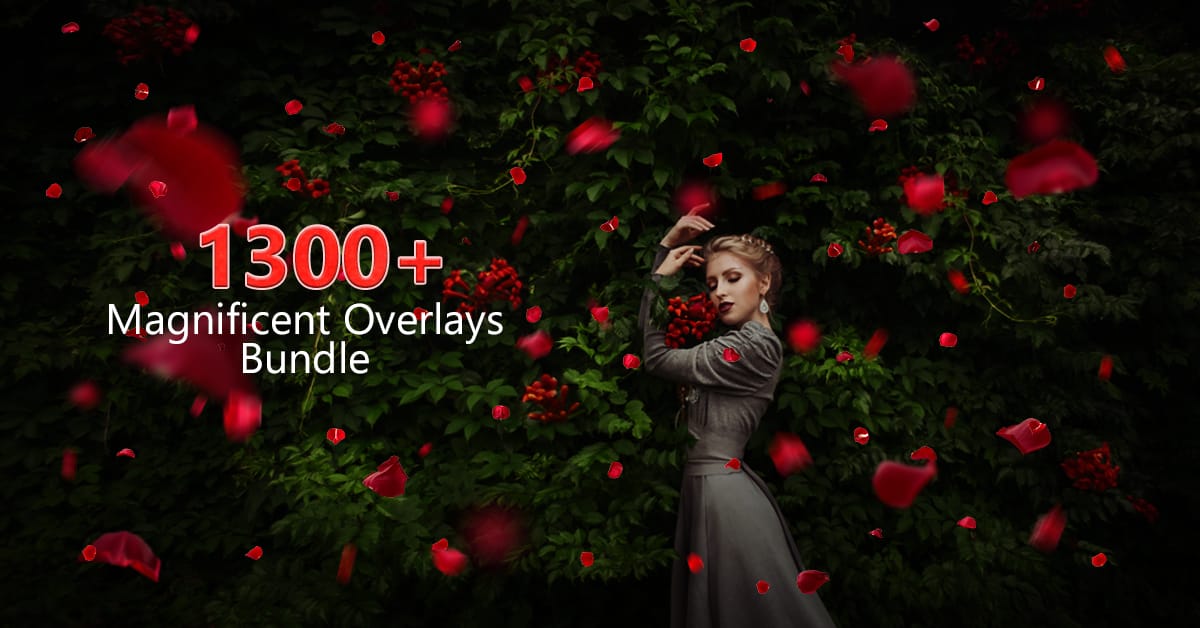
The Fantastic 1300+ Premium Photoshop Overlays Bundle by PhotoWhoa
Photography really is a thing that gives us immense joy especially if you're really passionate about it. There's nothing compared to that ecstasy of capturing those momentous moments forever on a clean film and then holding it in your hands and realizing that the moment wasn't just a figment of your imagination but a reality. Photography is beautiful and with the various customization options available in Photoshop and Lightroom, you can easily end up with an image that really beats the human i
How to Make a Photo look Vintage and Retro Using the Lomograph Effect
Digital photography offers incredible clarity and precision, but sometimes the charm of an older, analog look is exactly what a project needs. This tutorial explores how to transform a pristine digital image into a vintage-style photograph, complete with the imperfections and unique characteristics associated with old film and paper. Viewers will learn a comprehensive workflow in Photoshop, covering techniques such as adjusting color channels for authentic shifts, adding light leaks, creating v
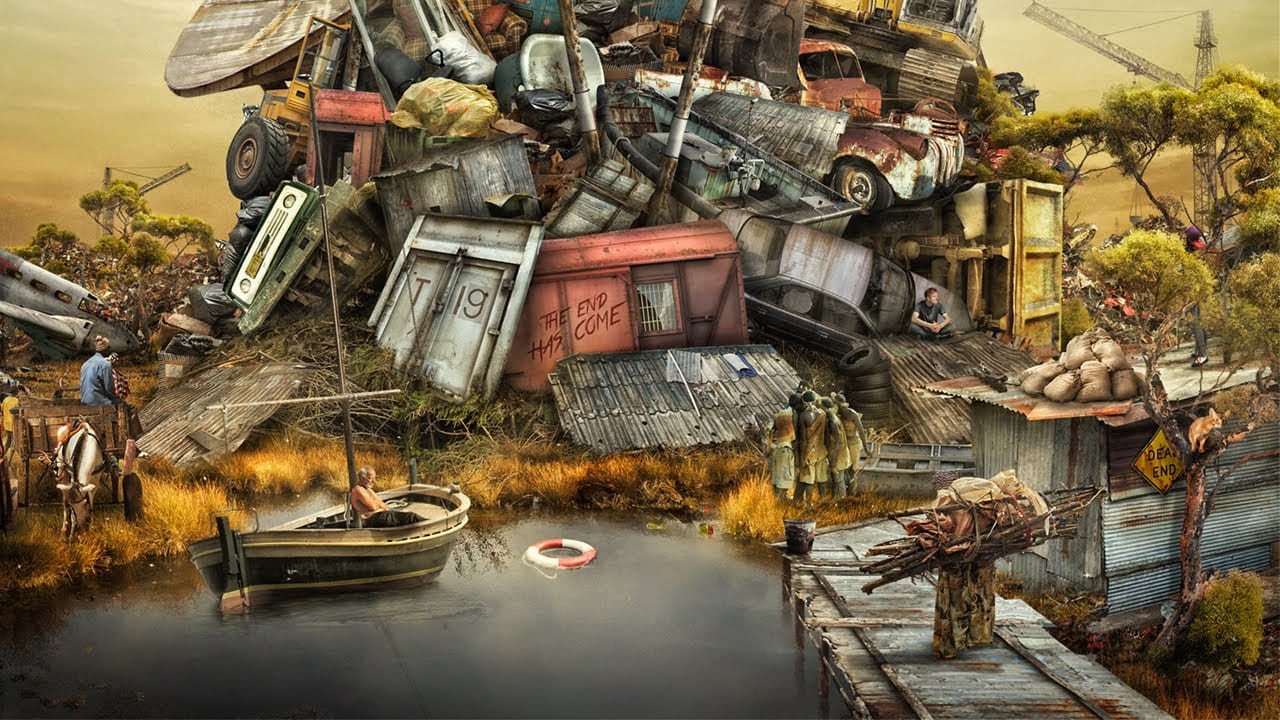
Awesome apocalyptic photo manipualtion speed art in Photoshop
As you enter this captivating world, you're greeted by a scene that speaks volumes. The year is 2058, and humanity has faced its darkest hour. Resources have been depleted, and the population has dwindled to mere thousands, seeking refuge in the last remnants of civilization. In this junk-infested safe haven, the talented artist Dewis Moorhead from FlewDesigns has crafted a stunning photographic manipulation that transports you to a dystopian future. The attention to detail is remarkable, with
10 Great Sites for Free Stock Photos (That Don't Look Like Stock)
The world of free stock photography has changed a lot over the last decade. It used to be ruled by a few big platforms filled with low-resolution, overly polished commercial shots. Today, the real problem isn't finding images—it's cutting through the noise. For Photoshop users, AI-generated content adds another layer of frustration. Many large libraries are now packed with synthetic images. They might work for quick social posts, but they often fail the "Photoshop test." When you zoom in to mas
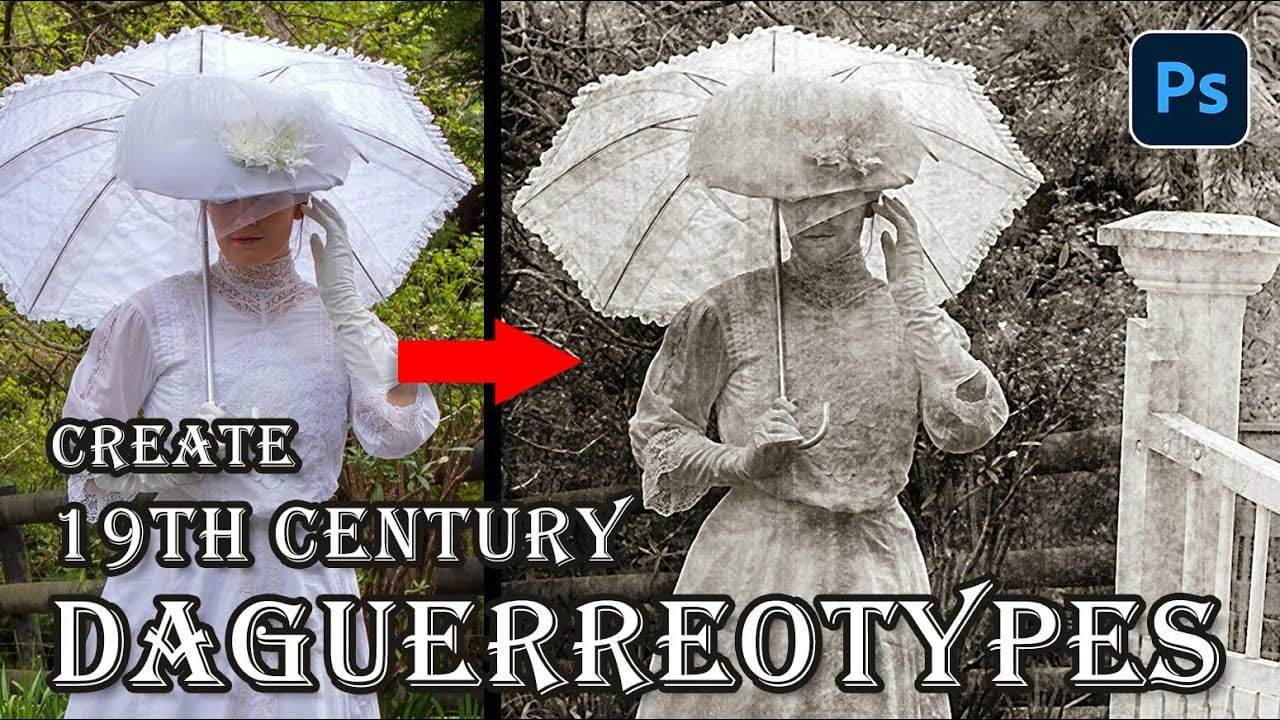
How to Create a Daguerreotype Photo Effect in Photoshop
The mirror-like daguerreotypes of the 1840s and 1850s represent photography's earliest commercial success, capturing portraits with an ethereal quality unmatched by modern digital images. These delicate silver-plated photographs developed a distinctive aesthetic through their unique chemistry and fragile surfaces that scratched easily from dust, fingerprints, and handling. This tutorial demonstrates how to recreate that iconic 19th-century look using modern Photoshop techniques, complete with t
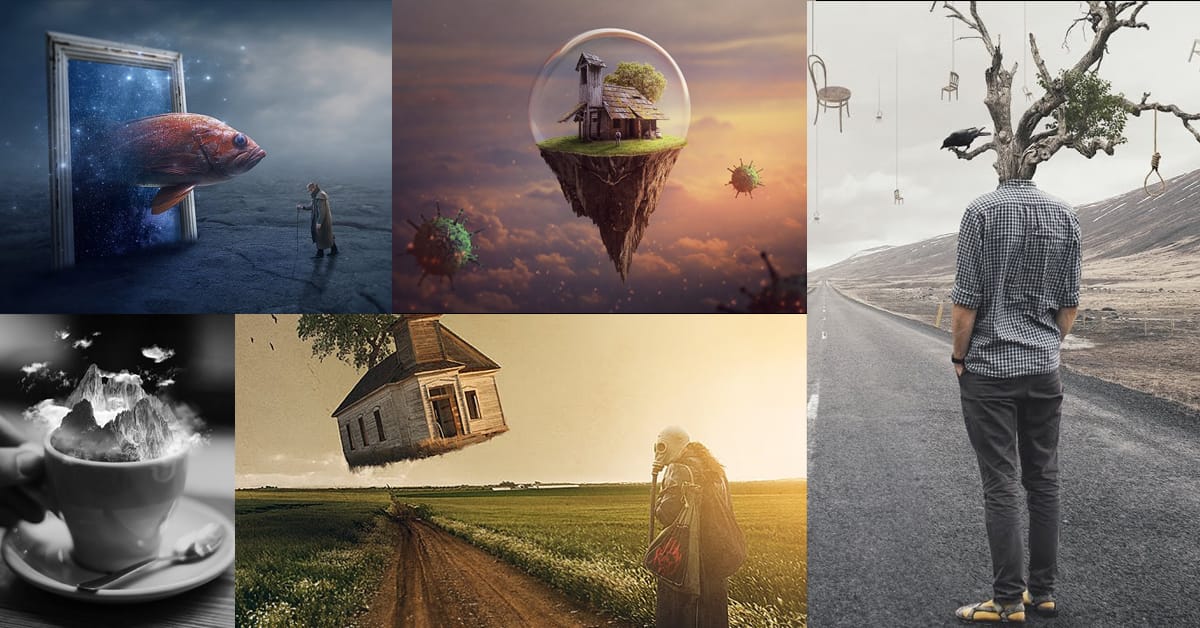
Create amazing surreal photo manipulations in Photoshop
Have you ever seen images online that seem to defy reality? Professional retouchers have mastered techniques to seamlessly combine different elements into surreal composite images. However, their methods have largely remained secrets known only to a select few experts. Now, in these unique Photoshop tutorials, some of the world's best retouchers are finally revealing their processes. Across multiple in-depth videos, the pro retouchers deconstruct their entire workflows step by step. You'll lear
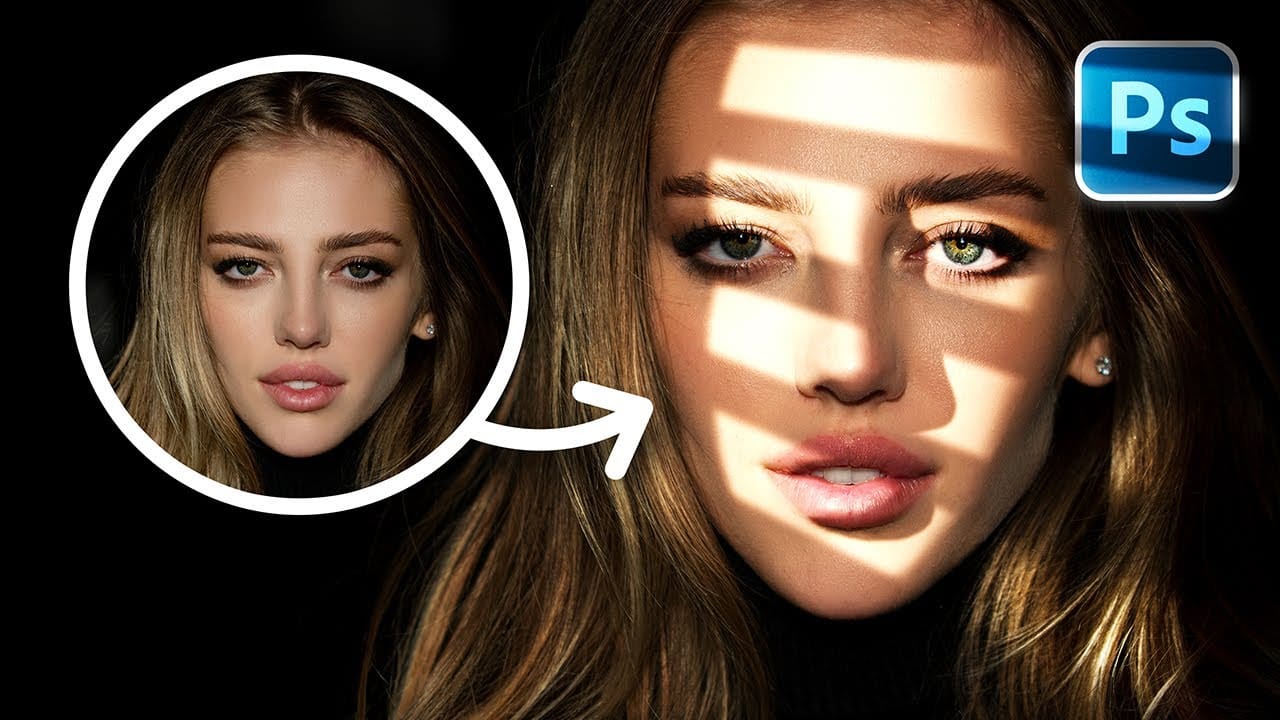
How to Add Realistic Light and Shadow Effects to Portraits in Photoshop
The difference between a flat portrait and one with captivating depth often comes down to how light and shadow play across the subject's features. Professional photographers spend thousands on studio lighting equipment, but digital artists can achieve dramatic lighting effects using only Photoshop tools. This technique transforms ordinary portraits into striking images with realistic light streaks and corresponding shadows. The method involves creating custom light sources that cast believable

Get tutorials & freebies delivered to you.

Subscribe to the Photoshop Roadmap newsletter, a weekly roundup of new tutorials, insights and quality downloads, trusted by 6500+ readers.

You might also like

How to Use Textures for Color Grading in Photoshop

Textures offer a powerful way to color grade images beyond traditional adjustment layers. By layering colored textures with specific blend modes, you can create unique tonal shifts, add visual depth, and achieve artistic looks that standard color correction can't match. This technique works by using the color information...

Complete Guide to Digital Photo Compositing in Photoshop

Creating fantasy digital artwork requires mastering the art of photo compositing, where multiple elements come together to form a cohesive scene. This comprehensive tutorial demonstrates how to build a dramatic composition featuring a wolf and human figure in a mystical nighttime setting. The process covers every aspect of professional compositing,...

Understanding Blend Modes, Curves, Channels, and Fill vs Opacity in Photoshop

Most users cycle through blend modes randomly or avoid the curves panel entirely, missing out on precise control over their edits. These fundamental tools become intuitive once you understand the logic behind their organization and function. This tutorial breaks down four essential concepts that separate casual users from confident editors:...

Complete Visual Storytelling Workflow Using Adobe Firefly Boards and Video Editor

Visual storytelling transforms abstract ideas into compelling narratives through a structured workflow from initial concept to finished video. Adobe Firefly Boards provides an integrated workspace where you can generate story concepts, create detailed storyboards, and produce animated video sequences without switching between multiple applications. This comprehensive approach demonstrates how generative...

Text to Image with Adobe Firefly: Complete Workflow Guide

Text to Image generation transforms simple descriptions into high-quality visuals through AI-powered tools. This workflow combines creative prompting with precise controls to produce everything from initial concepts to production-ready assets. The process requires both technical understanding and creative decision-making. Success comes from iterative refinement, strategic prompt construction, and knowing how...

How to Create Frame-by-Frame Animation in Photoshop

Frame-by-frame animation in Photoshop transforms static illustrations into dynamic looping sequences through hand-drawn motion. This technique combines traditional animation principles with digital drawing tools, creating smooth character movement using keyframes, in-betweens, and motion blur effects. The process begins with building a simple skeleton armature to map out primary motion, then...

You’ve successfully subscribed to Photoshop Roadmap
Welcome back! You’ve successfully signed in.
Great! You’ve successfully signed up.
Success! Your email is updated.
Your link has expired
Success! Check your email for magic link to sign-in.