How to Create Frame-by-Frame Animation in Photoshop

How to Create Frame-by-Frame Animation in Photoshop

Frame-by-frame animation in Photoshop transforms static illustrations into dynamic looping sequences through hand-drawn motion. This technique combines traditional animation principles with digital drawing tools, creating smooth character movement using keyframes, in-betweens, and motion blur effects.

The process begins with building a simple skeleton armature to map out primary motion, then adds secondary animation for clothing and hair, and finishes with detailed character artwork and visual effects applied through layer styles.

Watch the Video

Video by Envato Tuts+. Any links or downloads mentioned by the creator are available only on YouTube

Practical Tips

These essential techniques will help you create smooth, professional animation workflows:

  • Create a rough armature first to separate primary motion from secondary details like hair and clothing
  • Use the faux onion skinning technique by extending frames and adjusting opacity to 30% for clear reference points
  • Apply motion guides on separate layers to track arcing movements and maintain consistent character proportions
  • Add smear frames with squash and stretch principles to simulate motion blur and smooth out choppy low-framerate animation
  • Work at 12 frames per second and aim for 10-12 total frames to create effective one-second loops without excessive drawing

Explore these tutorials to expand your creative skills and retouching techniques.
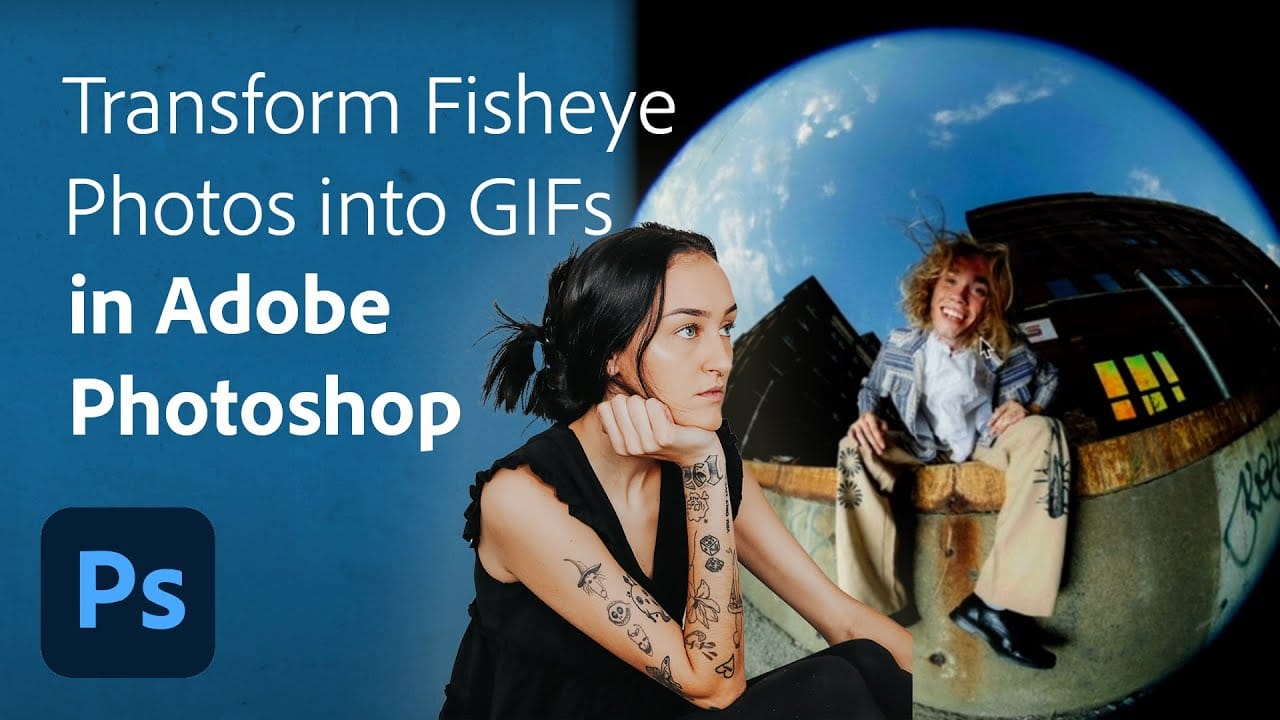
Turn Your Fisheye Photos into Breathing GIFs in Adobe Photoshop
Are you looking to add a unique twist to your fisheye photos? This tutorial offers an exciting opportunity to transform ordinary images into dynamic breathing GIFs using Adobe Photoshop and Lightroom Classic. Led by the creative portrait photographer Quinlyn Tosh, it presents a step-by-step process that is both approachable and informative. Beginning with basic adjustments, you'll learn how to stack layers effectively to create an engaging animated effect. Whether you're just starting in photo
How to Create High-Converting YouTube Thumbnails with AI and Photoshop
YouTube thumbnails serve as the first handshake between your content and potential viewers. A well-crafted thumbnail can mean the difference between a scroll-past and a click, directly impacting your video’s success regardless of content quality. This comprehensive workflow combines AI image generation with traditional design principles to create thumbnails that
Basic Photoshop techniques you really need to learn
Photoshop hasn’t changed as much as it looks. New features come and go, but the same core techniques keep showing up in real work. If you skip them, everything feels harder than it should. This post focuses on those basics, not as isolated tricks, but as skills you’ll
7 Overlooked Photoshop Tools That Will Save You Hours
You’re probably using Photoshop the hard way. You’ve mastered the basics - Magic Wand for selections, Clone Stamp for removals, layer masks for compositing. But you’re likely missing out on dozens of features that could cut your editing time in half. Adobe has quietly (okay, not so quietly) added dozens
12 Visually Striking Photoshop Effects You’ll Want to Add to Your Portfolio Right Now
Most people learning Photoshop quit way too early. Here’s why: You start with excitement. Finally getting your hands on the world’s most powerful image editing software. ‘You’ll create amazing things with just one click’, they said. You eagerly dive into generative fill, experiment with artistic brushes, play with those magical
Strategic Guide to Photoshop’s AI Tools: Which Tool, When, and Why
Over the past few years, Adobe has been strategically integrating AI-powered features that are redefining what’s possible in image editing, positioning Photoshop at the forefront of the generative AI revolution. Rather than simply adding standalone AI tools, Adobe is thoughtfully weaving intelligence into Photoshop’s core workflows, creating something far more
10 Critical Photoshop Mistakes You Must Stop Making
Stop making these 10 critical Photoshop mistakes that damage your images. 2025 guide covers AI tools, Smart Objects, and more.

Get tutorials & freebies delivered to you.

Subscribe to the Photoshop Roadmap newsletter, a weekly roundup of new tutorials, insights and quality downloads, trusted by 6500+ readers.

You might also like

How to Create Digital Collages Using Layers and Blend Modes in Photoshop

Digital collages combine multiple images through strategic layering and blending techniques to create compelling visual stories. This beginner-friendly approach demonstrates how to build complex compositions by layering textures, portraits, and objects while using blend modes to seamlessly integrate each element. The process focuses on practical workflow techniques including smart object...

Building Complex Composites Using Generative Fill and Layer Blending

Complex surreal composites require more than just combining random images. The key to professional results lies in systematic layering, consistent masking techniques, and building a reusable library of generated elements. This approach transforms scattered AI-generated content into cohesive artistic visions. The tutorial demonstrates how to deconstruct an existing composite to...

How to Add Any Face to Mount Rushmore Using Photoshop and AI

Adding faces to Mount Rushmore creates striking digital art that combines portrait photography with AI-powered stone carving effects. This technique uses generative AI to transform any portrait into a realistic granite sculpture that matches the lighting, texture, and monumental style of the famous presidential memorial. The process combines traditional selection...

Creating Floral Wreath Overlays in Photoshop

Floral overlays transform ordinary portraits into magical compositions perfect for pet photography, baby portraits, and creative projects. This technique shows you how to build custom floral wreaths using AI-generated base elements and real floral PNG files, creating frames that can hold any subject in the center. The process combines symmetry...

Concept Development and Mood Boarding with Firefly Boards for Fashion Design

Fashion design concept development traditionally requires gathering inspiration from multiple sources, creating mood boards, and iterating through ideas before presenting to clients. Firefly Boards streamlines this entire workflow into a single workspace where you can source inspiration, generate new variations through AI remixing, and organize final concepts into professional presentations....

How to Use Dynamic Text Shapes in Photoshop

The Dynamic Text tool introduced in 2025 was revolutionary for automatic text sizing and layout, but 2026 brings an exciting update that adds shape options to this powerful feature. You can now create circular text, arches, and bow configurations with the same intelligent resizing capabilities that made the original tool...

You’ve successfully subscribed to Photoshop Roadmap
Welcome back! You’ve successfully signed in.
Great! You’ve successfully signed up.
Success! Your email is updated.
Your link has expired
Success! Check your email for magic link to sign-in.