Keeping track of your AI credit usage becomes essential when working with premium generative features. Understanding your remaining balance helps you budget your edits and avoid unexpected interruptions during important projects.
The credit system divides features into standard tools (like basic generative fill) that don't consume credits, and premium models (like Flux Pro and Gemini) that draw from your monthly allowance.
Watch the Video
Video by Glyn Dewis. Any links or downloads mentioned by the creator are available only on YouTube
Practical Tips
Here are the key techniques for monitoring your credit usage:
- Click your avatar in the top right corner of the homepage to view remaining credits and monthly limits
- Use the home button in the top left of the options bar to quickly return to the homepage from any workspace
- Check your balance before starting complex projects that require premium AI models
- Watch the credit counter update in real-time after each premium feature use
- Remember that standard features like basic generative fill consume no credits regardless of usage
Related Articles and Tutorials
Explore more techniques for maximizing your AI editing workflow and understanding credit consumption:
Understanding Generative AI Credits: Which Tools Cost Nothing and Which Tools Drain Your Budget
Navigating the world of AI-powered editing tools can be confusing when you're unsure which features consume credits and which are free to use. Many powerful AI functions don't require any credits at all, while others can quickly exhaust your monthly allowance depending on which models and settings you choose.
This comprehensive guide breaks down exactly which tools use credits, how many they consume, and smart strategies to maximize your editing power without burning through your budget unneces
How Generative Fill in Photoshop is Transforming Photo Editing
In the ever-evolving realm of photo editing, a game-changing feature has emerged that promises to revolutionize the way we approach image enhancement. Enter Generative Fill, an innovative tool introduced in the Photoshop Beta, and it's already making waves. Spearheaded by the renowned creative mind Aaron Nace from PHLEARN, this tool is poised to reshape the landscape of digital editing.
Generative Fill isn't your typical editing tool that relies on traditional methods. Instead, it leverages the
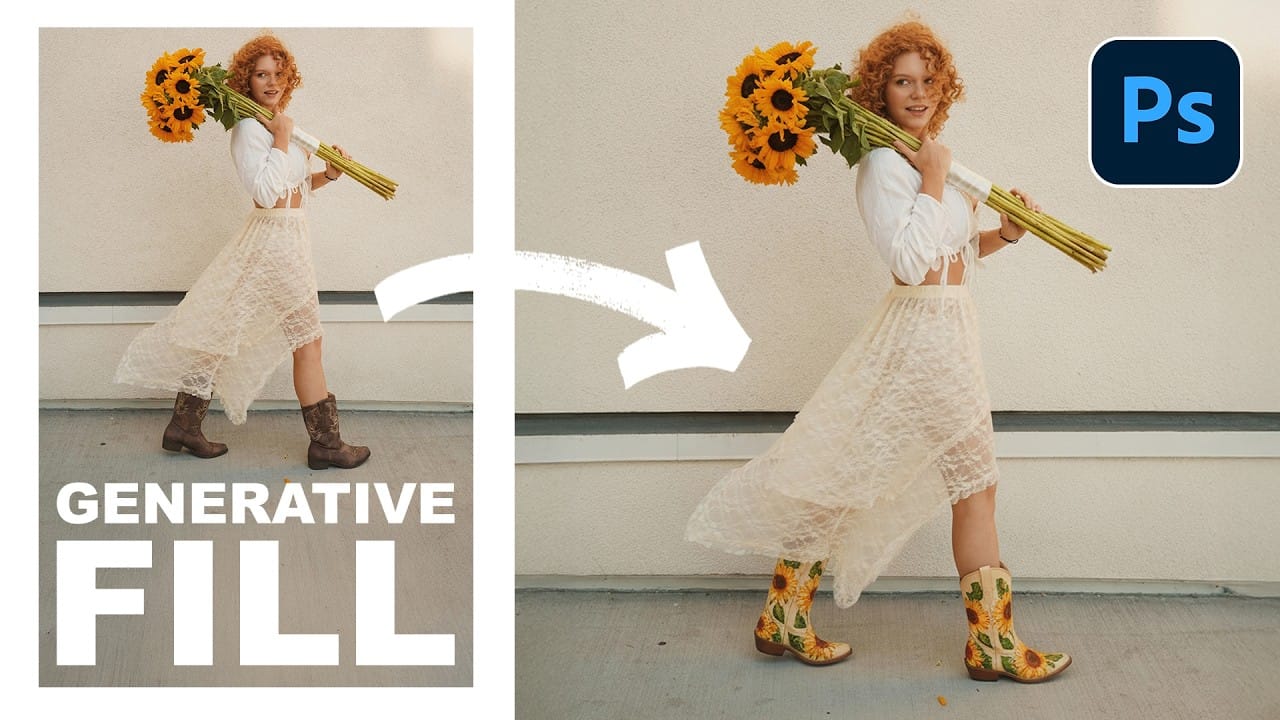
Essential Guide to Generative Fill: Remove, Add, and Replace Objects in Photos
Generative Fill has transformed how photographers handle object removal, additions, and replacements in their images. This comprehensive tutorial demonstrates four practical applications using real examples—from cleaning up unwanted graffiti to adding garden gnomes and creating custom sunflower boots.
You'll learn to work with both Adobe's Firefly Image 3 and Google's Gemini 2.5 models, understanding when to use each approach for optimal results.
Watch the Video
Practical Tips
Here are the
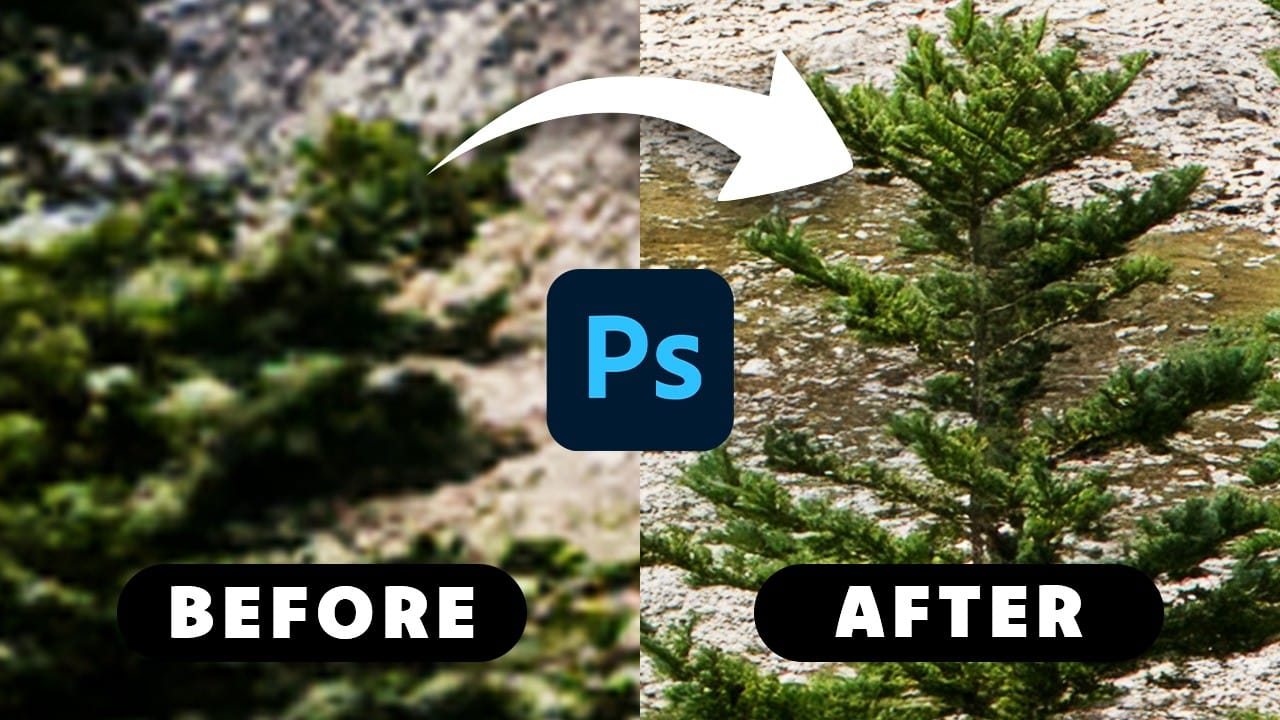
How to Get Higher Quality Results from Photoshop's Generative Fill Tool
Photoshop's Generative Fill creates impressive AI extensions, but the results often look blurry and pixelated when viewed at full size. This quality limitation makes many AI-generated areas unusable for printing or large displays.
This technique shows how to work around the 1024x1024 pixel quality limit to create much sharper, more professional-looking generative fill results.
Watch the Tutorial
Essential Tips for Better Generative Fill Quality
* Keep selections under 1024x1024 pixels — G
How to Add Objects to Photos Using Photoshop's Generative Fill
Photoshop's Generative Fill transforms photo editing by letting you add realistic objects using simple text descriptions. This AI-powered feature creates seamless additions that match your image's lighting, perspective, and style.
The process requires just a basic selection and a descriptive prompt to generate professional-looking results in seconds.
Watch the Tutorial
Essential Tips for Generative Fill Success
* Make your selection slightly larger than the object you want to generate — t

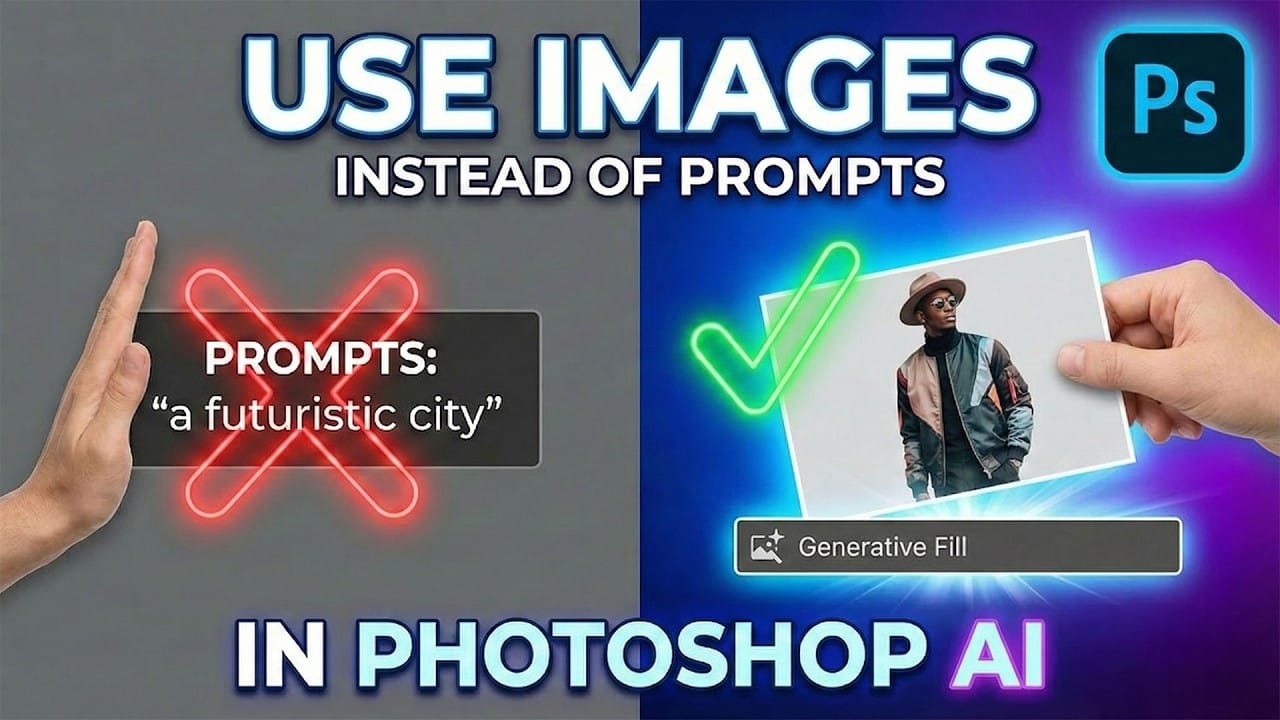
How to Use Reference Images with Generative Fill in Photoshop
Reference images revolutionize how Generative Fill works, letting you guide AI with actual photos instead of text prompts. This feature enables precise clothing swaps, object replacements, and realistic additions by showing the AI exactly what you want rather than describing it.
The technique works with everything from custom t-shirts and branded merchandise to complex items like leather jackets, automatically handling wrapping, shadows, and perspective to create convincing results.
Watch the
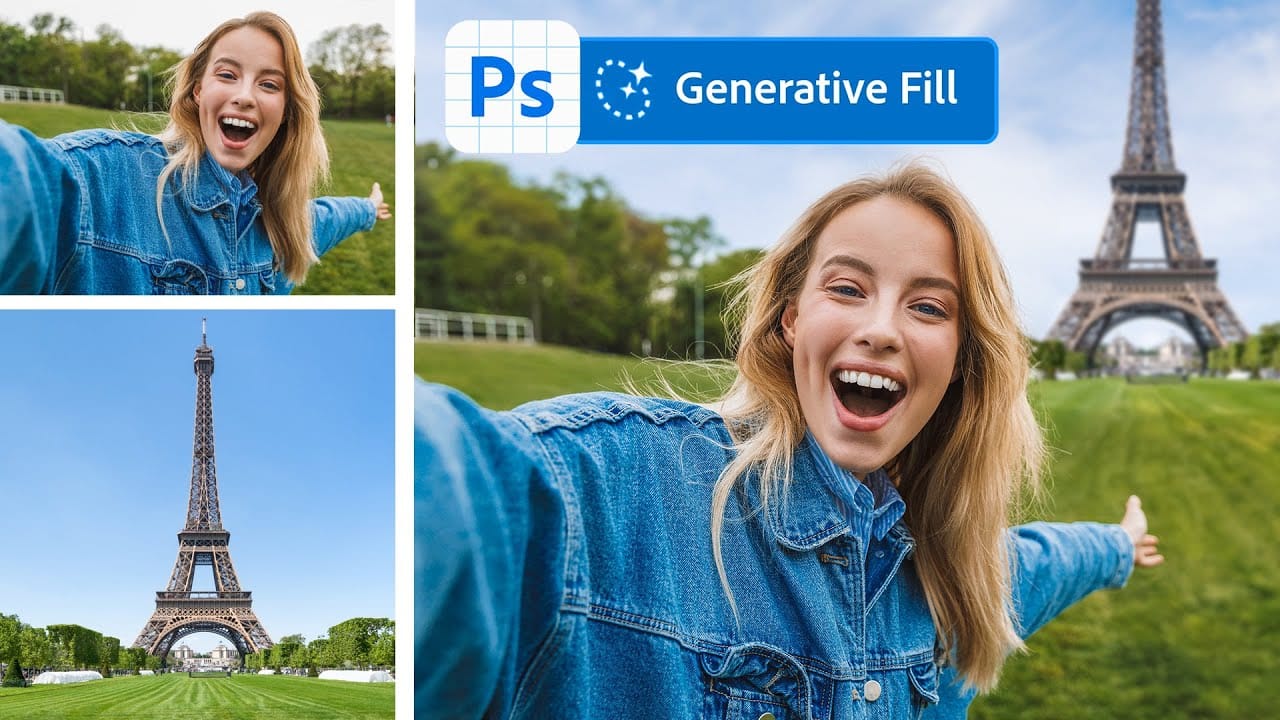
Merge two photos in just a few clicks using Photoshop's Generative Fill
Photoshop Training Channel presents a helpful guide for blending multiple images together with ease. Generative Fill is one of Photoshop's most powerful but underutilized tools, and in this video PTC shows users how they can take advantage of its full capabilities. Through a simple step-by-step process, viewers will learn how to use Generative Fill to automatically composite numerous photos into a single cohesive image.
Presented in PTC's clear training style, photographers and image editors of
Photoshop 2026 New Features: AI Tools and Credit System Overview
Photoshop 2026 introduces powerful AI-driven features including advanced generative fill models, sophisticated upscaling tools, and seamless harmonization effects. These updates promise to streamline complex editing tasks while delivering professional-quality results.
The software now operates on a credit-based system that divides features into standard and premium tiers, fundamentally changing how users access certain tools.
Watch the Video
Key Features and Practical Tips
* Access the co

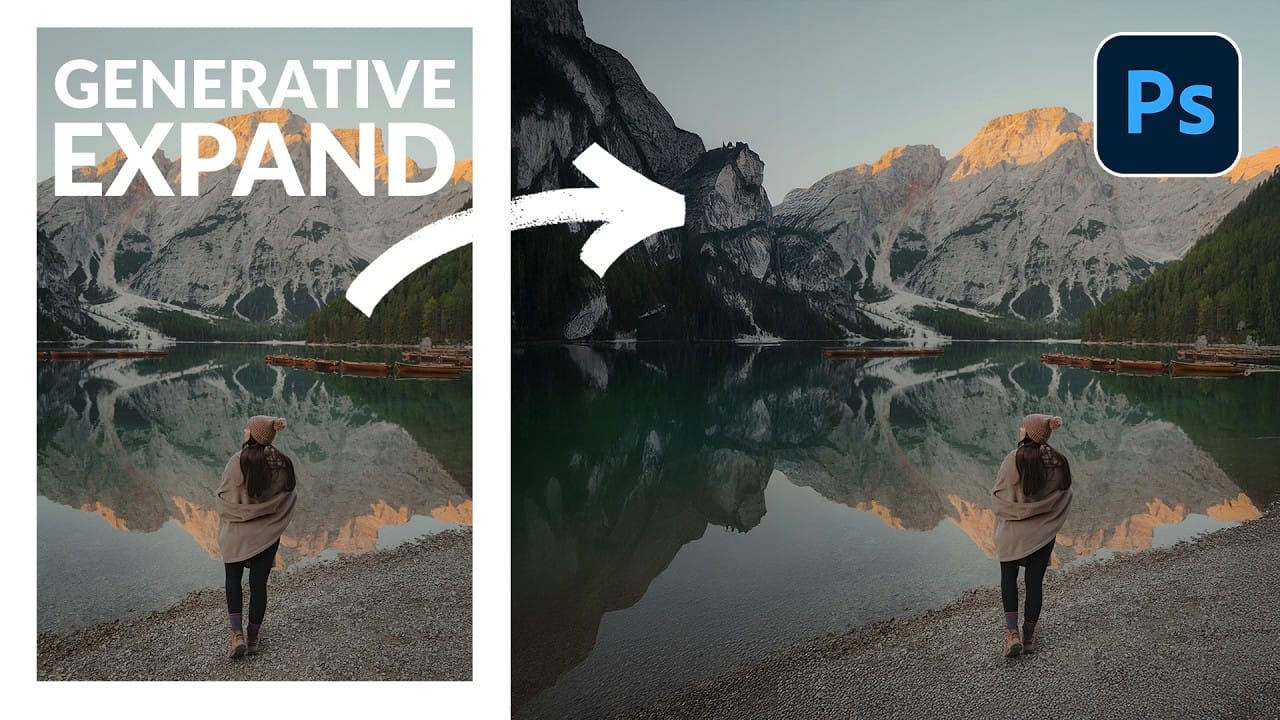
How to Expand Photos Beyond Their Edges Using AI Generative Expand in Photoshop
Sometimes your best photos need more breathing room or a different aspect ratio. Generative Expand in Photoshop lets you extend your canvas beyond the original image boundaries, using AI to intelligently fill in missing areas with content that matches your scene.
This technique works for changing portrait photos to landscape orientation, adding more space around subjects, or even changing the camera angle of existing photographs entirely.
Watch the Video
Practical Tips
These key techniques
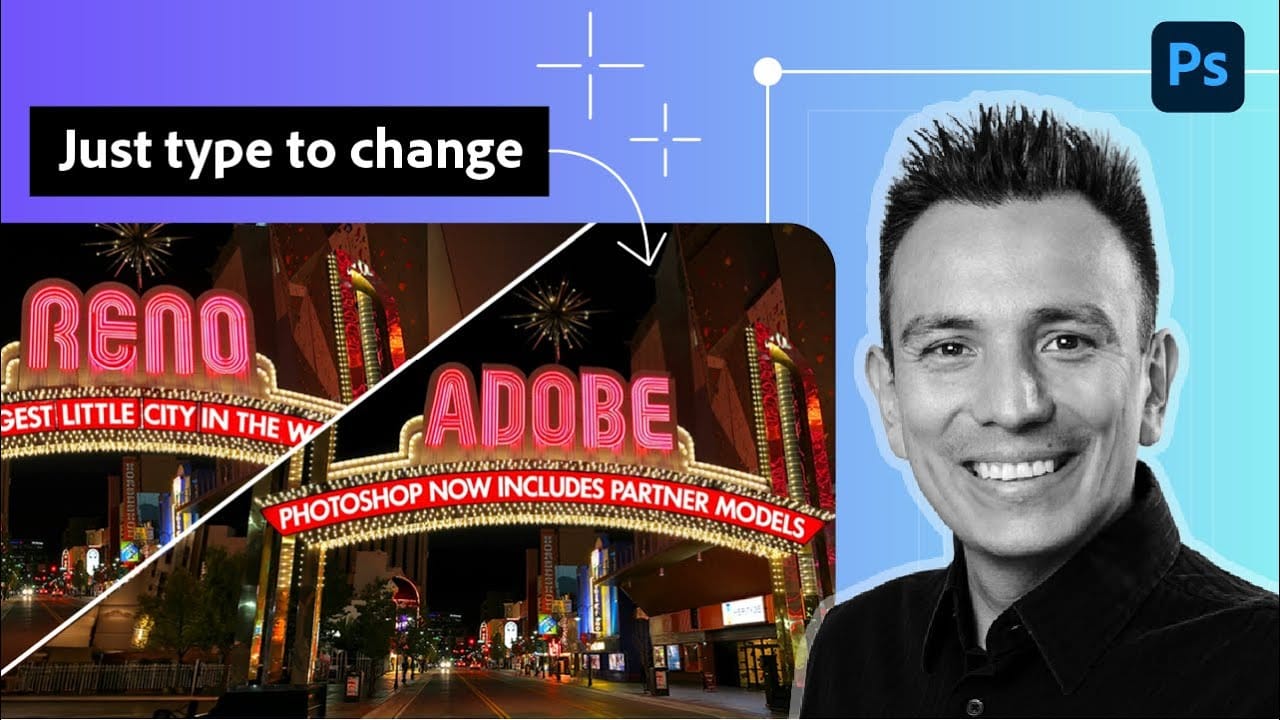
How to Edit Text in Images Using Generative Fill
Changing text within existing images has traditionally required complex masking and reconstruction techniques. Modern AI-powered tools now make it possible to seamlessly replace words and phrases in photographs while maintaining realistic typography, lighting, and perspective that matches the original scene.
This technique works particularly well for signs, storefronts, billboards, and other text elements embedded in photographic content, offering designers a powerful way to customize images wi