How to Edit Text in Images Using Generative Fill

How to Edit Text in Images Using Generative Fill

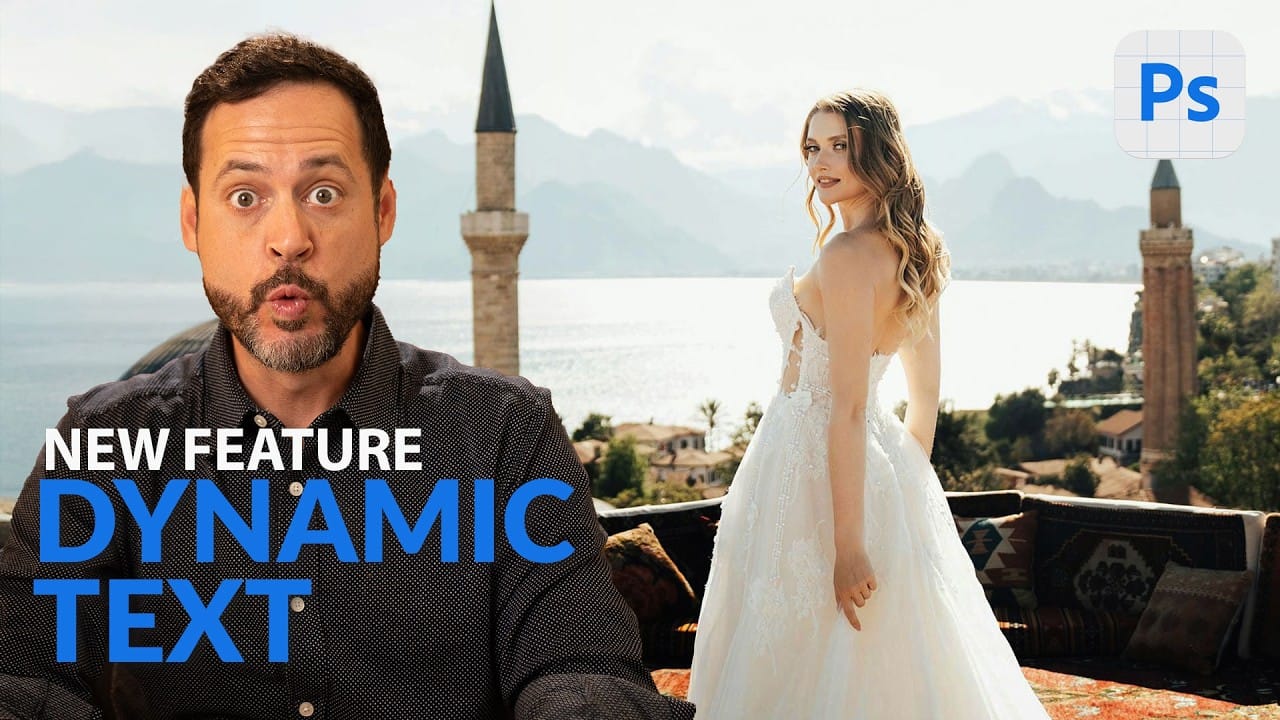
Changing text within existing images has traditionally required complex masking and reconstruction techniques. Modern AI-powered tools now make it possible to seamlessly replace words and phrases in photographs while maintaining realistic typography, lighting, and perspective that matches the original scene.

This technique works particularly well for signs, storefronts, billboards, and other text elements embedded in photographic content, offering designers a powerful way to customize images without starting from scratch.

Watch the Video

Video by Adobe Photoshop. Any links or downloads mentioned by the creator are available only on YouTube

Practical Tips

Follow these key techniques to achieve realistic text replacement results in your images.

  • Select the entire image with Ctrl+A (Cmd+A on Mac) before accessing the Generative Fill dialog for the expanded input box
  • Choose the FLUX Kontext Pro model specifically for text editing tasks, as it provides superior results for typography work
  • Place both original and replacement text in quotation marks within your prompt to ensure precise recognition and substitution
  • Assign a custom keyboard shortcut to the Generative Fill command to speed up your workflow for frequent text editing tasks
  • Write detailed prompts that specify exactly which words to replace and what they should become, maintaining clear instruction formatting

Explore more techniques for working with text and typography in your design projects.

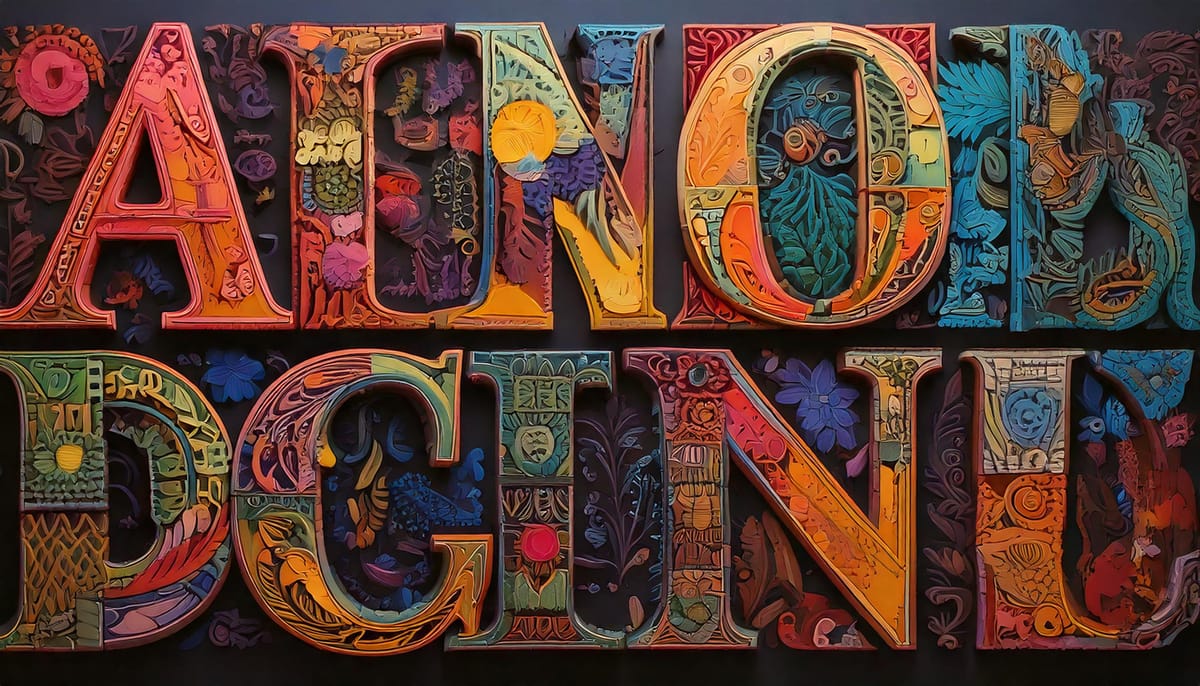
The Beauty of Letters: Exploring Typography Through AI Innovation
Letters transcend mere symbols; they represent a fusion of form and function. Their shapes—whether curved, angular, bold, or delicate—carry a visual language that resonates with viewers. While familiar, they also hold potential for innovation. Through the lens of artistry, traditional forms can transform into something extraordinary. This is
100+ Brilliant Photoshop Text Effects: The Ultimate 2025 Roundup
You won’t admit this: You spend hours making text look like liquid gold. Not for clients. Not for your portfolio. Just because. Here’s the thing: Text effects are your guilty pleasure. You tell yourself you’re “practicing.” You say you’re “building skills.” But really? You just love watching letters transform into
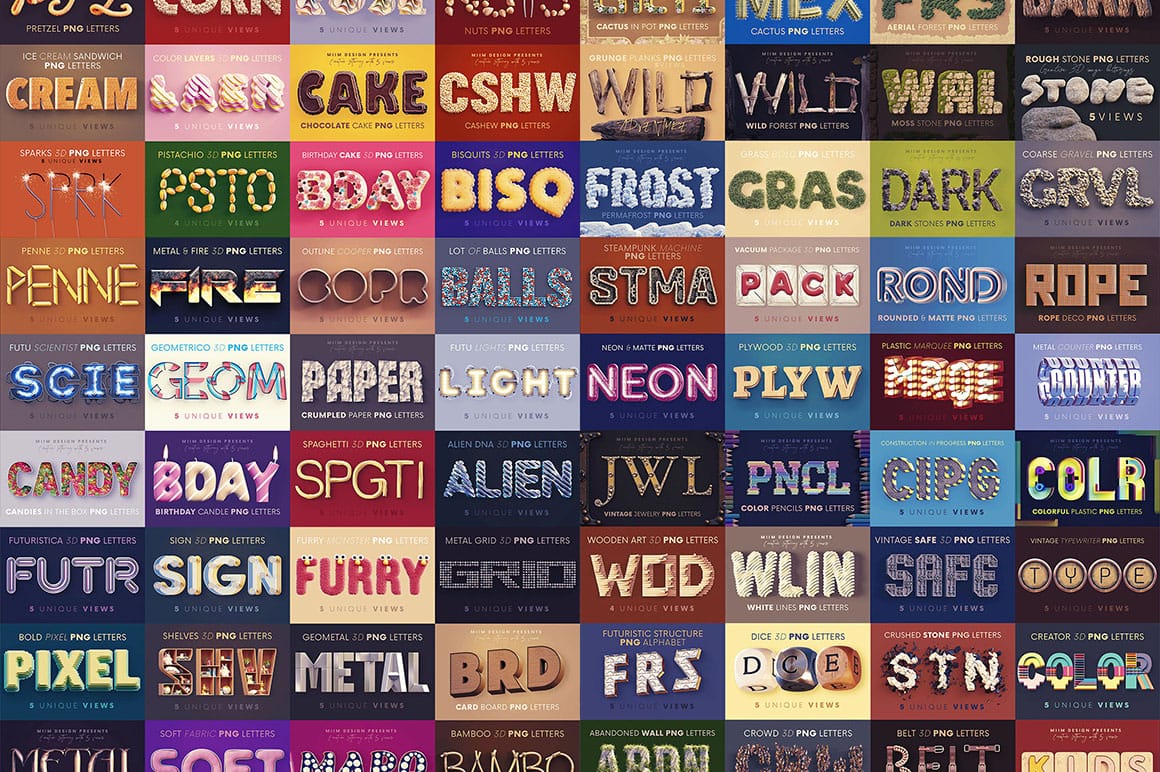
Huge Creative 3D Lettering bundle with 72 Stunning Sets
This impressive 3D typography bundle offers a total of 72 stunning lettering sets, making it a valuable addition to any designer’s toolkit. With six unique lettering or 3D image alphabet sets included, this collection is perfect for both print and web projects. At a very low price, it presents an
A Library of Thousands of Editable Text Effect Templates
This collection offers an expansive repository of thousands of professional text effect templates, providing an immediate visual upgrade for any design project. Hosted on Creative Fabrica, this library is filled with visually impressive, high-impact assets that are fully editable and ready for immediate use. A Massive Selection of High-Impact Styles
Essential Type Tool Techniques in Photoshop
Text in Photoshop offers far more creative potential than basic typing and font selection. Advanced type tool techniques unlock professional-level text manipulation, from precise warping control to custom character distortion and knockout effects. These methods transform ordinary text into dynamic design elements that integrate seamlessly with complex compositions and visual effects. Watch the Tutorial Beyond Basic Typography in Digital Design Typography in digital design extends far beyond
Photoshop Introduces Dynamic Text Feature
Designers frequently encounter the challenge of fitting text creatively into layouts without compromising readability or aesthetics. Traditional text handling in design software often means manually adjusting font sizes, leading, or tracking every time a text box is resized, which can be a time-consuming and frustrating process, especially for complex designs or when experimenting with different layouts. This tutorial introduces Photoshop's groundbreaking Dynamic Text feature, available in the
Create a Typographic Portrait in Photoshop
This tutorial explores a creative method for transforming a standard photographic portrait into a unique work of art composed entirely of text. It demonstrates how to combine typography with image manipulation to create a visually compelling and personalized artistic statement. Viewers will learn how to prepare an image, generate and integrate custom text, and apply advanced Photoshop techniques like displacement mapping to achieve a stunning, text-based artwork that subtly conforms to the cont

Get tutorials & freebies delivered to you.

Subscribe to the Photoshop Roadmap newsletter, a weekly roundup of new tutorials, insights and quality downloads, trusted by 6500+ readers.

You might also like

When to Use Saturation vs Vibrance for Better Color Enhancement

While vibrance gets praised for being "gentler" than saturation, the reality is more nuanced. Saturation works like a universal volume knob, boosting all colors equally, while vibrance acts like a smart equalizer, selectively enhancing less saturated areas first. Understanding when each approach serves your creative vision makes the...

How to Check Your Generative Fill Credit Balance in Photoshop

Keeping track of your AI credit usage becomes essential when working with premium generative features. Understanding your remaining balance helps you budget your edits and avoid unexpected interruptions during important projects. The credit system divides features into standard tools (like basic generative fill) that don't consume credits, and...

How to Create Realistic Depth Blur Effects in Photoshop

Creating professional depth of field effects can transform flat images into dynamic photographs with natural-looking focus transitions. Two powerful methods in Photoshop offer different advantages: Neural Filters provide automated depth detection with atmospheric effects like haze, while Camera Raw Filter delivers precise manual control with customizable bokeh shapes. Both techniques...

Three Professional Methods to Fix White Balance in Photoshop

Color casts can ruin even the best photographs, making whites appear yellow, blue, or green instead of neutral. Poor white balance destroys the natural look of your images and creates an unprofessional appearance that's immediately noticeable to viewers. These three techniques provide increasingly precise control over white balance...

Creating Dark Moody Wildlife Photo Edits in Photoshop

Dark, moody wildlife photography transforms ordinary animal portraits into dramatic, atmospheric pieces that capture the mystery and power of nature. This editing approach combines strategic lighting placement, careful color grading, and atmospheric effects to create compelling images that draw viewers into the scene. The workflow begins with essential noise reduction...

How to Create Professional Photo Composites in Photoshop

Creating compelling photo composites requires more than simply placing images together. This comprehensive tutorial demonstrates how to blend multiple elements seamlessly, from matching lighting and color to painting realistic shadows and highlights. The project showcases a dramatic scene inspired by Stranger Things, combining buildings, characters, and atmospheric effects with precise...

You’ve successfully subscribed to Photoshop Roadmap
Welcome back! You’ve successfully signed in.
Great! You’ve successfully signed up.
Success! Your email is updated.
Your link has expired
Success! Check your email for magic link to sign-in.