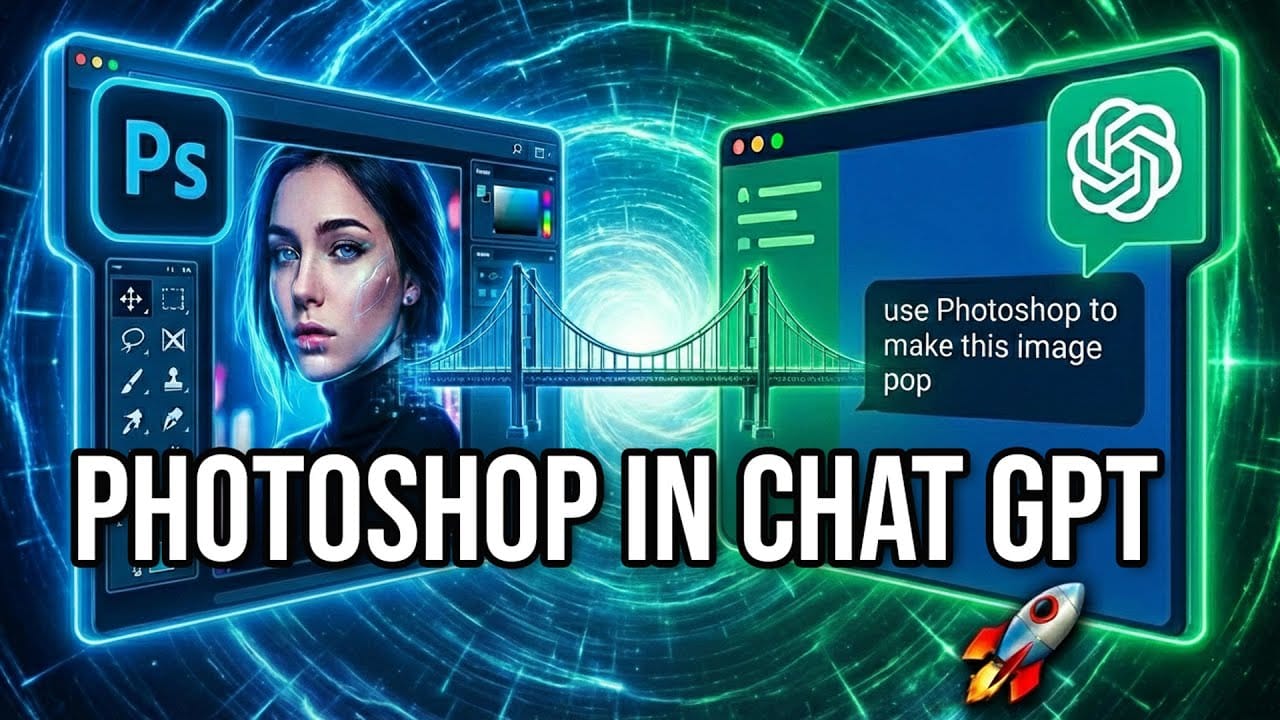
ChatGPT can now take direct control of Photoshop, selecting tools, building adjustment layers, and applying filters without any manual input. This walkthrough tests that capability across three practical tasks: fixing a color cast, simulating a long exposure effect on clouds, and cutting out a subject with fine hair detail.
Watch the Video
Video by Glyn Dewis. Any links or downloads mentioned by the creator are available only on YouTube
Practical Tips
These observations come directly from testing ChatGPT's computer-use capability inside Photoshop across three distinct editing tasks.
- Always instruct ChatGPT to use non-destructive edits — specifying adjustment layers and layer masks in your prompt ensures you can refine results afterward without starting over.
- Tell it explicitly not to save the file — without that instruction, it may attempt to write over your original document.
- For long exposure sky effects, moving the Zoom Blur's center point to the bottom of the frame creates a more convincing look, as if motion is radiating from the horizon rather than the image center.
- Converting a sky selection to a Smart Object before applying blur filters keeps those filters editable — a technique worth specifying in your prompt when you want flexibility.
- For hair masking, placing the subject on a solid-color fill layer after the cut is a quick way to evaluate edge quality and identify areas that need manual cleanup with the brush tool.
Related Articles and Tutorials
More tutorials and comparisons covering AI-assisted editing workflows and Photoshop techniques.
How to Use Adobe Photoshop in ChatGPT for Photo Editing
Adobe Photoshop is now integrated directly into ChatGPT, allowing you to edit photos using simple text descriptions. This new feature lets you enhance images, apply creative effects, and make targeted adjustments without needing a Photoshop subscription.
You can describe what you want to change and fine-tune adjustments using familiar Photoshop controls, all within the ChatGPT interface. The workflow is conversational and intuitive, making photo editing accessible to users at any skill level.
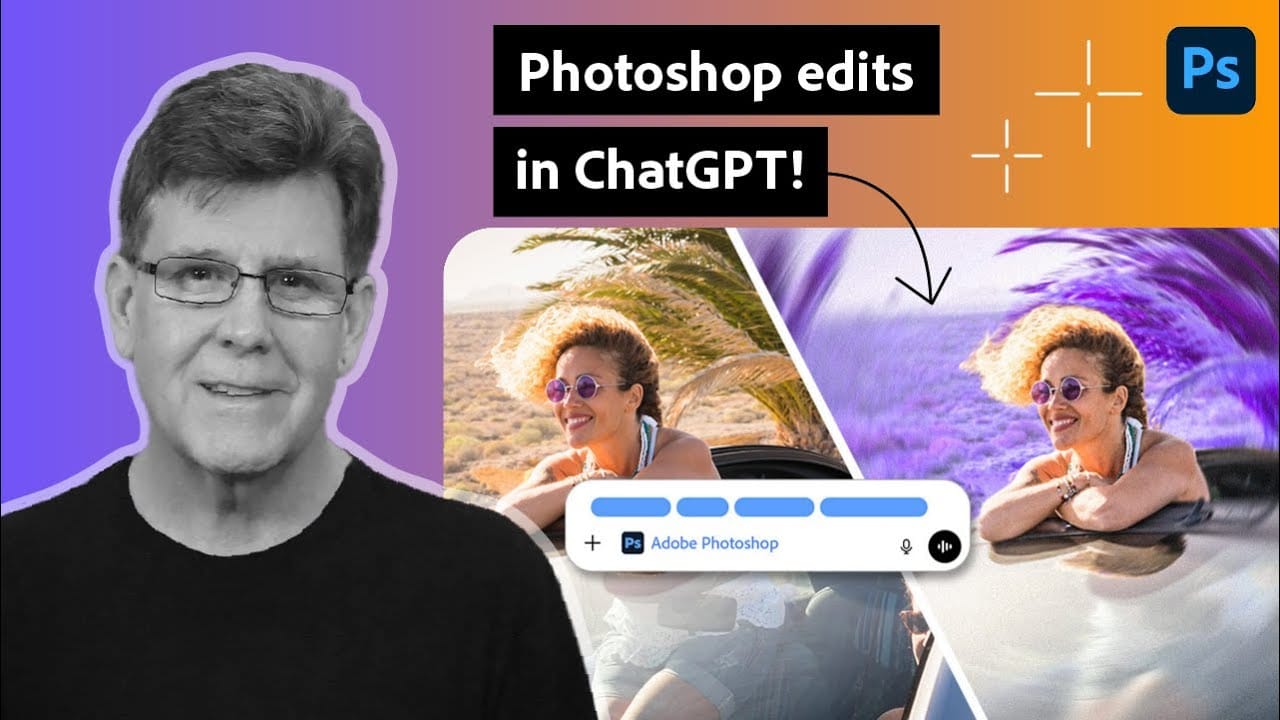
Photoshop Integration with ChatGPT: Real-World Performance Test
Adobe's new integration brings Photoshop functionality directly into ChatGPT, promising to streamline photo editing through conversational commands. This hands-on evaluation reveals how well the AI-powered interface actually performs compared to traditional Photoshop workflows.
Understanding the real capabilities and limitations of this integration helps determine when it's genuinely useful versus when conventional editing methods remain superior.
Watch the Video
Practical Tips
Key insight
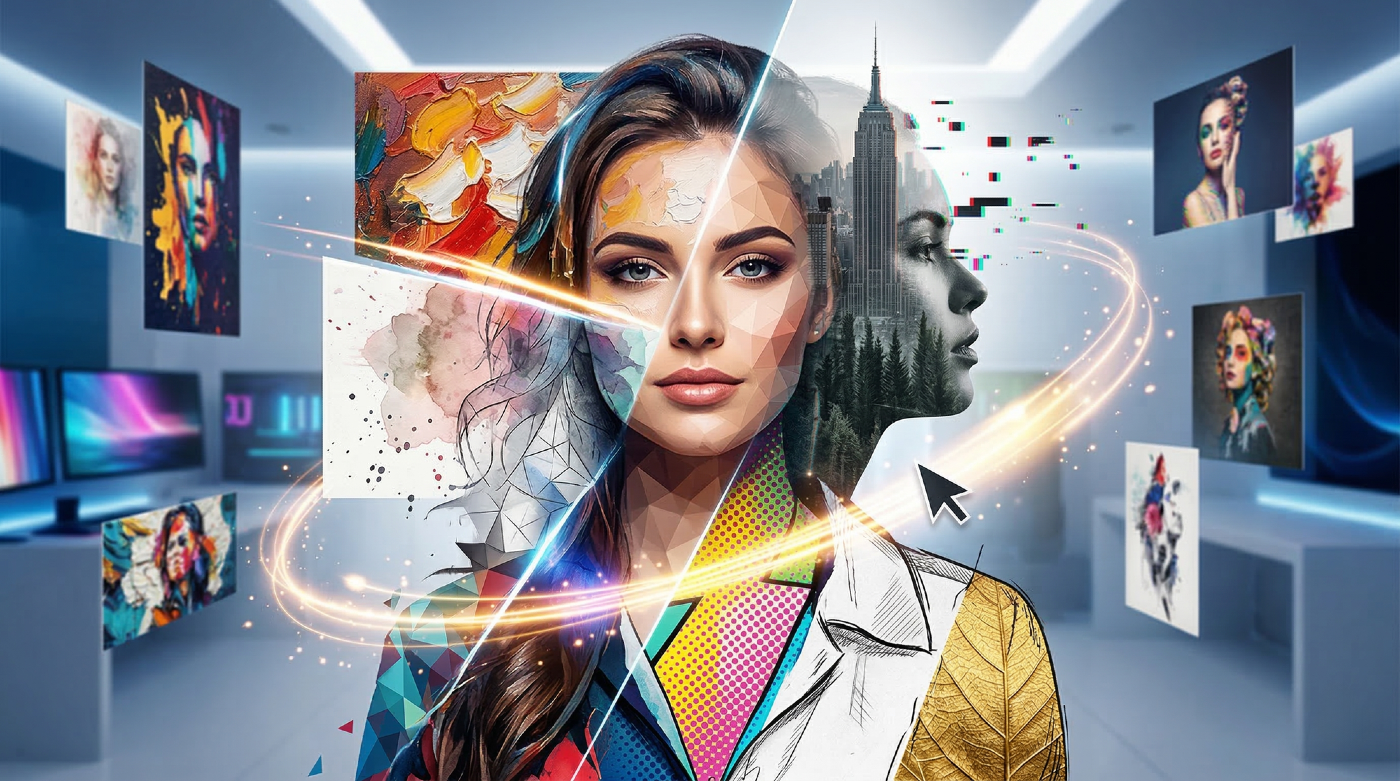
35 Artistic Photoshop Effects Tutorials and Actions That Actually Look Good
Creating illustration effects from a photo has never been easier. AI tools can generate a sketch, a painting, or a cartoon version in seconds, and the first result can look surprisingly good.
The problem is control. Even with conversational AI models (like ChatGPT or Gemini Nano Banana) that let you describe exactly what you want, adjusting a detail or keeping a consistent style across multiple images is never fully reliable. These tools recreate the image from scratch each time based on your i
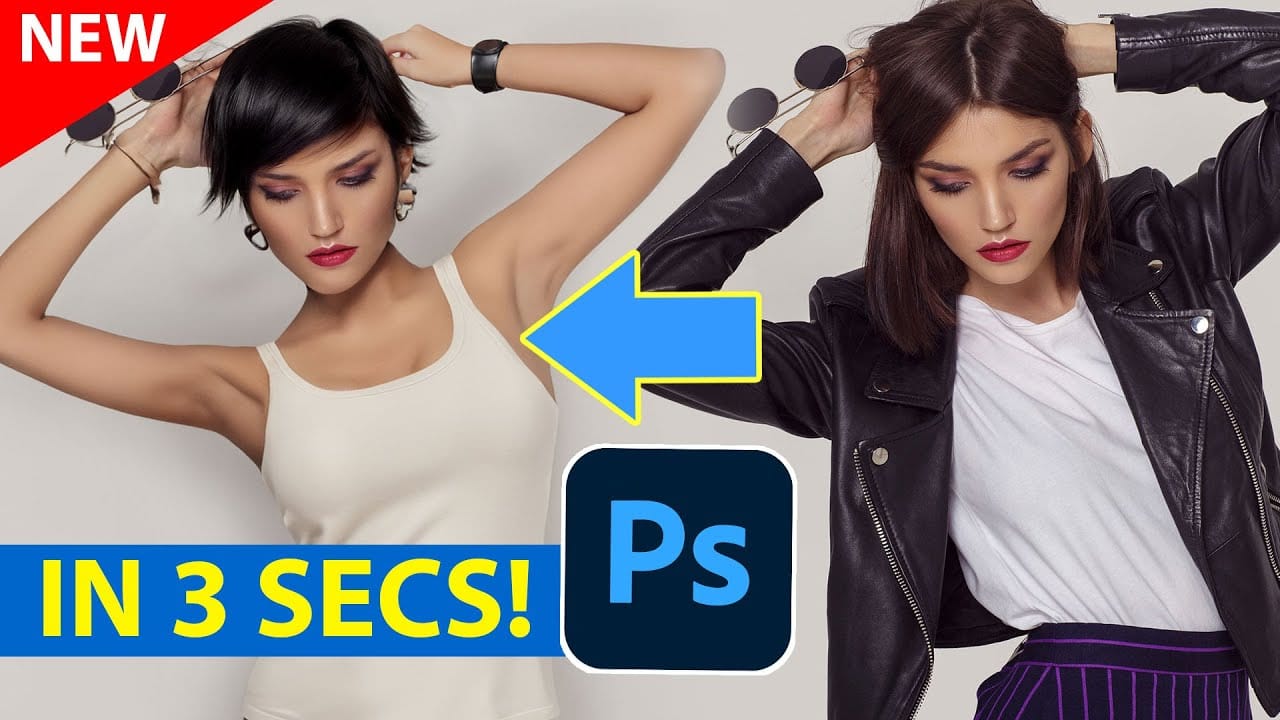
Generative AI: A new era of Photoshop begins
Generative AI has made its way into the world of Photoshop, and in this fascinating video, Colin Smith from Photoshop Cafe explores its transformative capabilities.
Generative AI is an incredible technology that's transforming the world of artificial intelligence. It's like having a creative companion that can generate all sorts of new content, from stunning images to captivating music and even imaginative stories. With its advanced algorithms and neural networks, generative AI brings a touch o
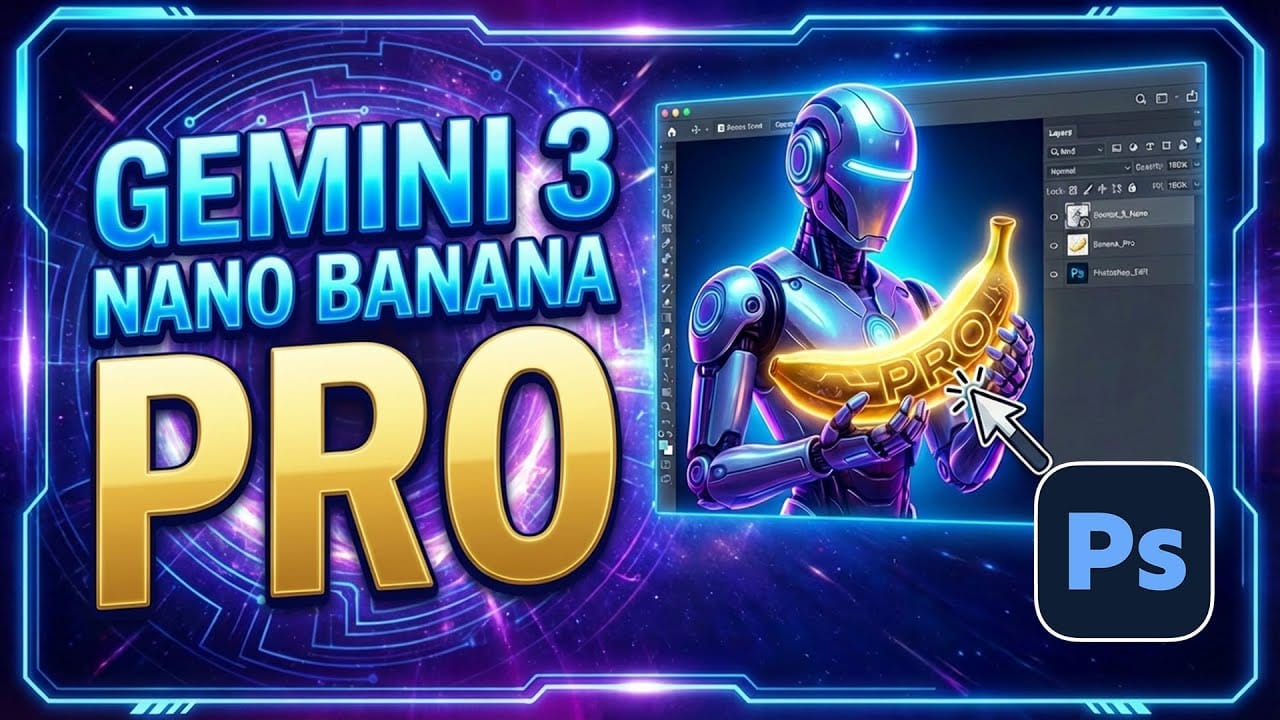
How to Use Gemini 3 Nano Banana Pro in Photoshop for Advanced AI Editing
Google's Gemini 3 Nano Banana Pro brings powerful AI capabilities to Photoshop with features like focus shifting, text recognition, and 4K resolution support. Adobe integrated this advanced model immediately upon release.
The tool excels at maintaining context while transforming images, creating storyboards, and generating realistic text replacements with proper fonts and reflections.
Watch the Video
Essential Tips for Gemini 3 Nano Banana Pro
* Put text prompts in quotation marks when wo
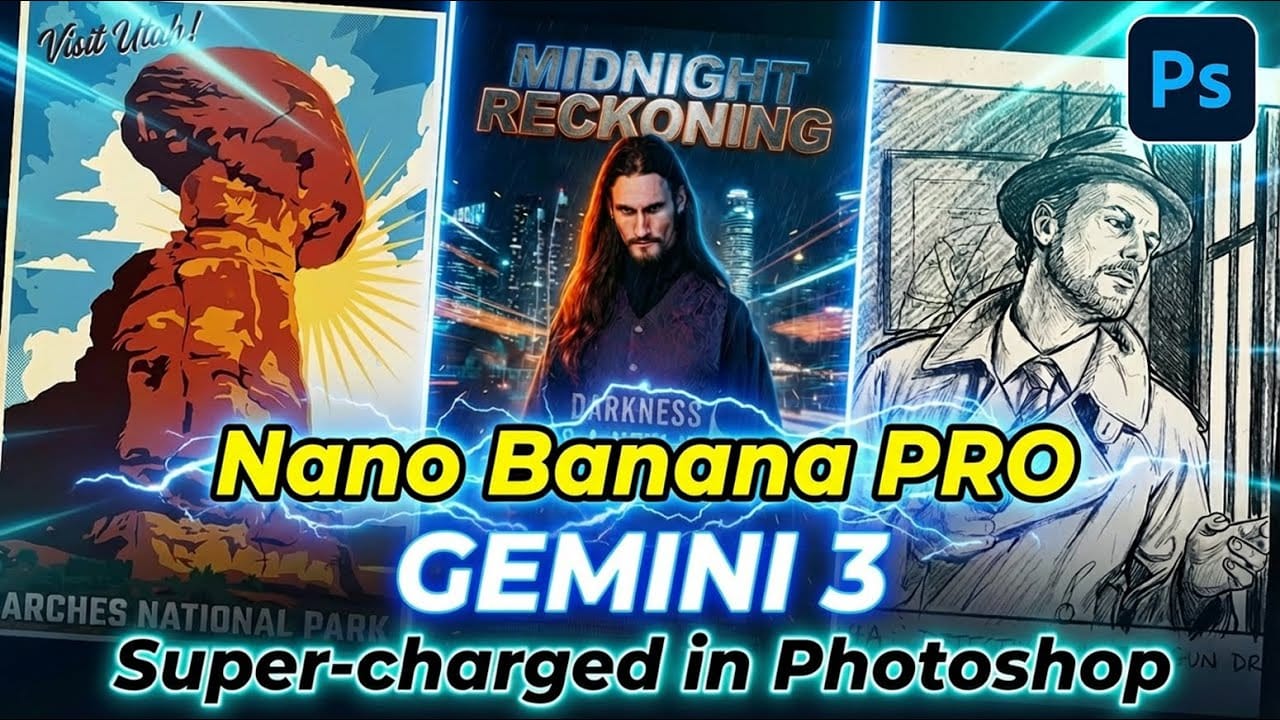
How to Use Gemini 3.0 Nano Banana Pro for Advanced AI Image Transformations in Photoshop
Gemini 3.0 Nano Banana Pro delivers 4K resolution transformations and contextual intelligence that surpasses previous AI models in Photoshop. This advanced system can create movie posters, redesign interiors, sharpen blurry photos, and even translate foreign text while maintaining original design elements.
The model costs 10 generative credits per image but handles complex tasks like night-to-day conversions and multi-frame storyboard creation with remarkable accuracy.
Watch the Video
Pract
Photoshop Beta: Exploring the New Generative Workspace
The new Generative Workspace in Photoshop 2025 Beta transforms how you create and iterate on AI-generated images. This dedicated environment streamlines the entire process from initial prompts to final compositions, offering powerful tools for batch generation and precise control over your creative output.
Unlike traditional workflows that require switches between different panels and tools, the Generative Workspace centralizes everything in one interface, making it faster to experiment with v

Gemini Nano Banana vs Photoshop: A Detailed Performance Comparison
Modern AI tools promise instant photo editing magic with simple text prompts. Gemini's Nano Banana and similar platforms can generate impressive results for basic tasks, but professional work demands precision and consistency.
This comprehensive comparison tests AI capabilities against traditional Photoshop techniques across skin retouching, compositing, background removal, and photo restoration to reveal where each approach excels.
Watch the Video
Key Insights from AI vs Photoshop Testing
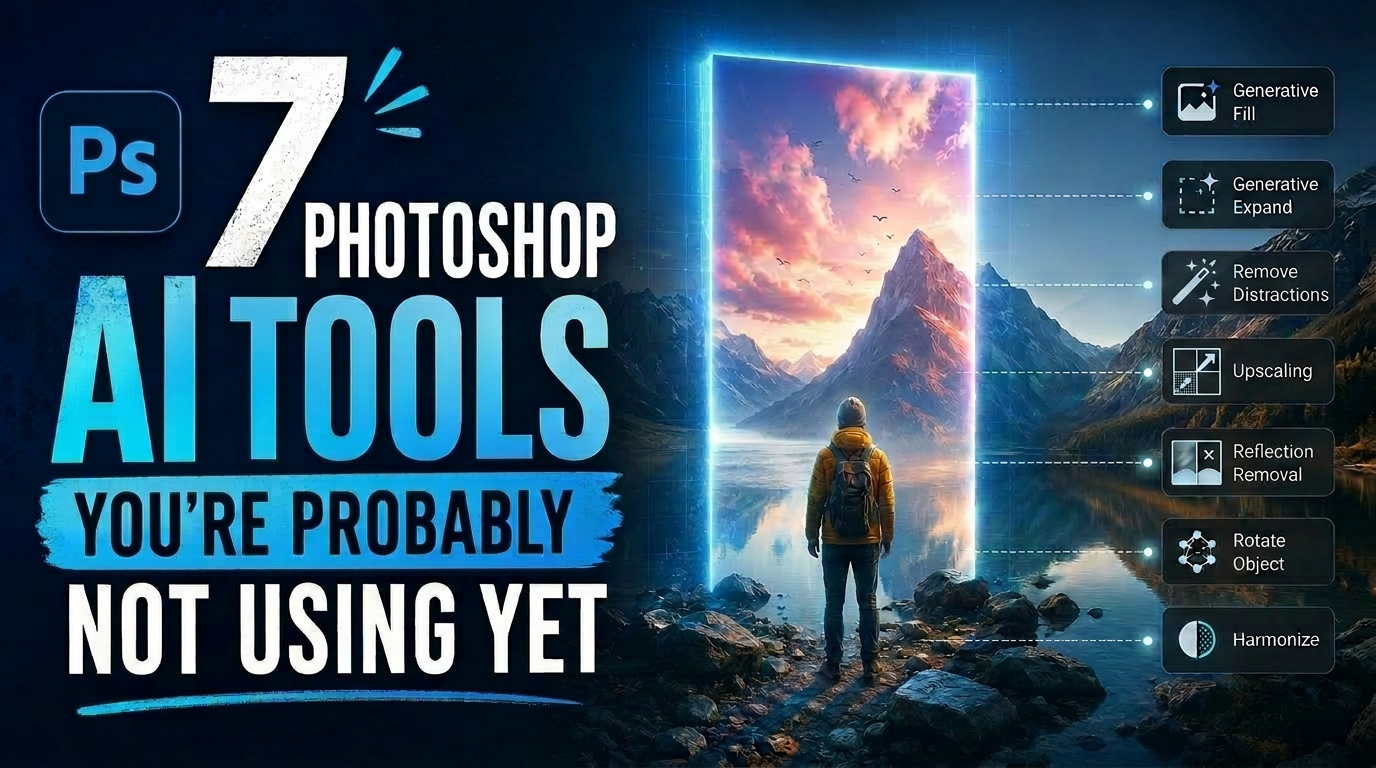
7 Photoshop AI Tools You're Probably Not Using Yet
Photoshop's AI features now go far beyond simple object removal. Some of the newer tools can completely change the way you edit photos, create composites, clean up distractions, or expand scenes — often with just a few clicks.
The interesting part is that many of these features still feel surprisingly underused. While Generative Fill gets most of the attention, Photoshop now includes several AI-powered tools that can produce genuinely impressive results without requiring overly complicated work