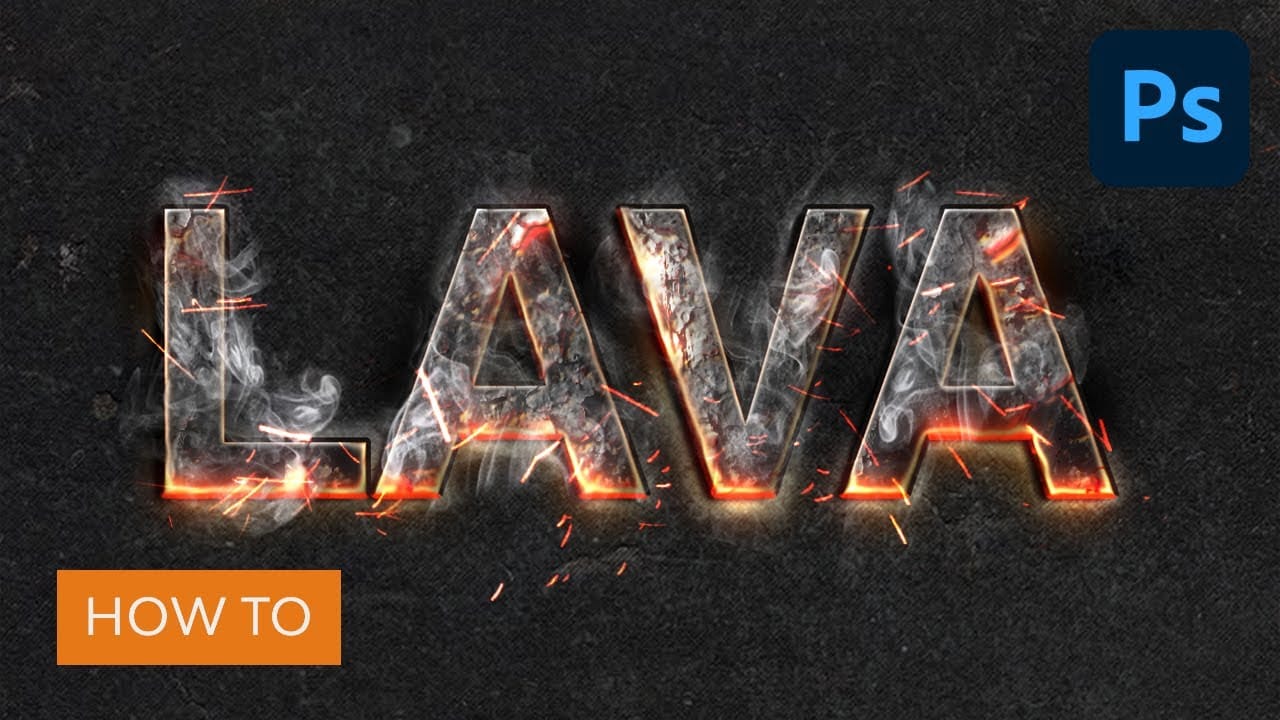
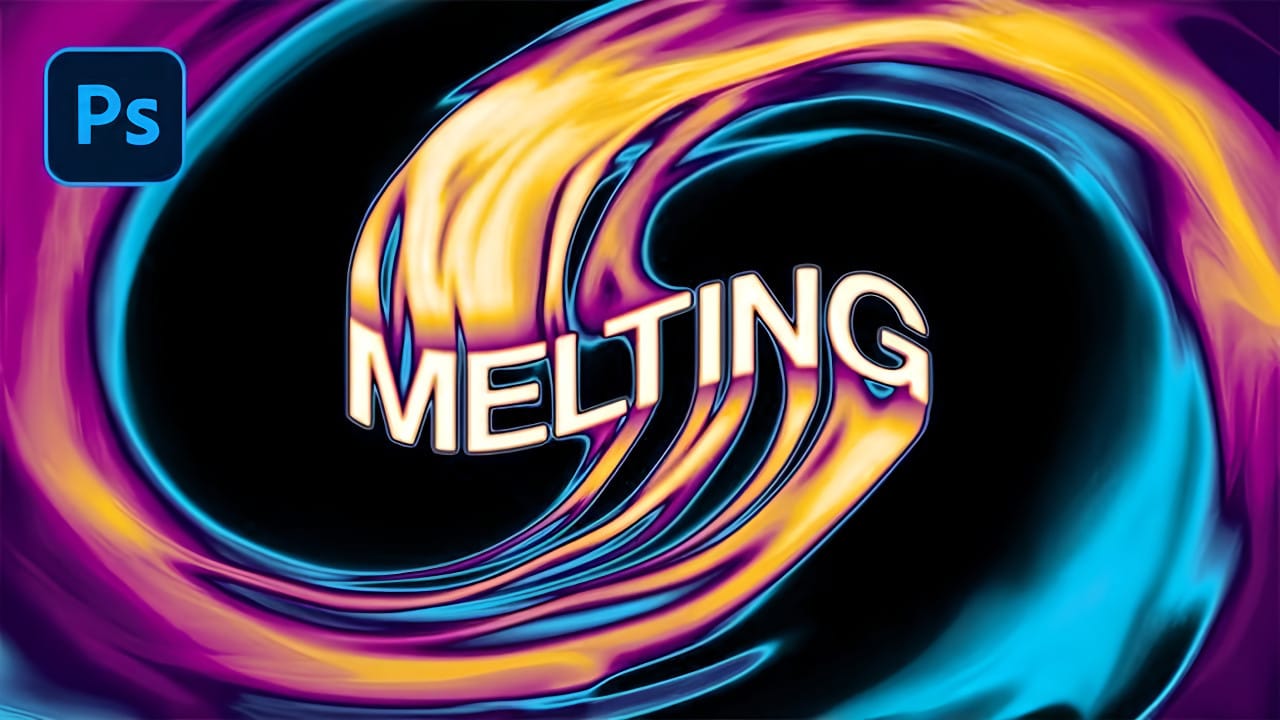
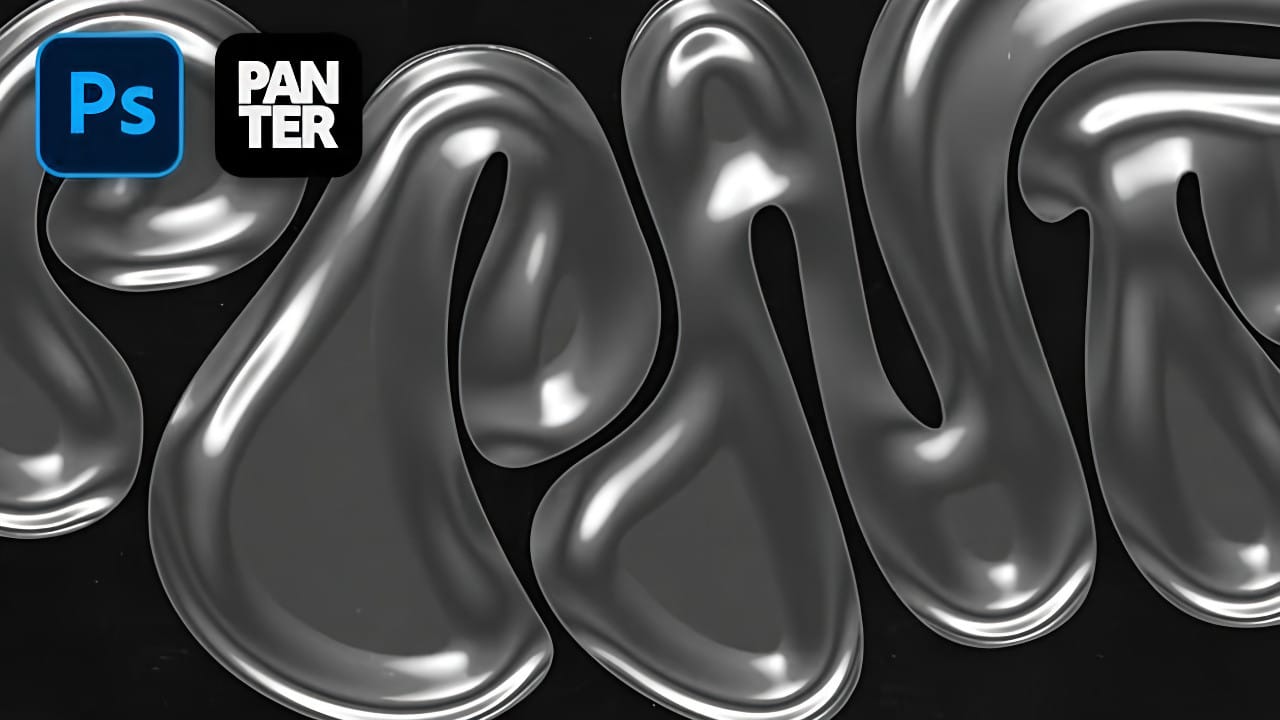
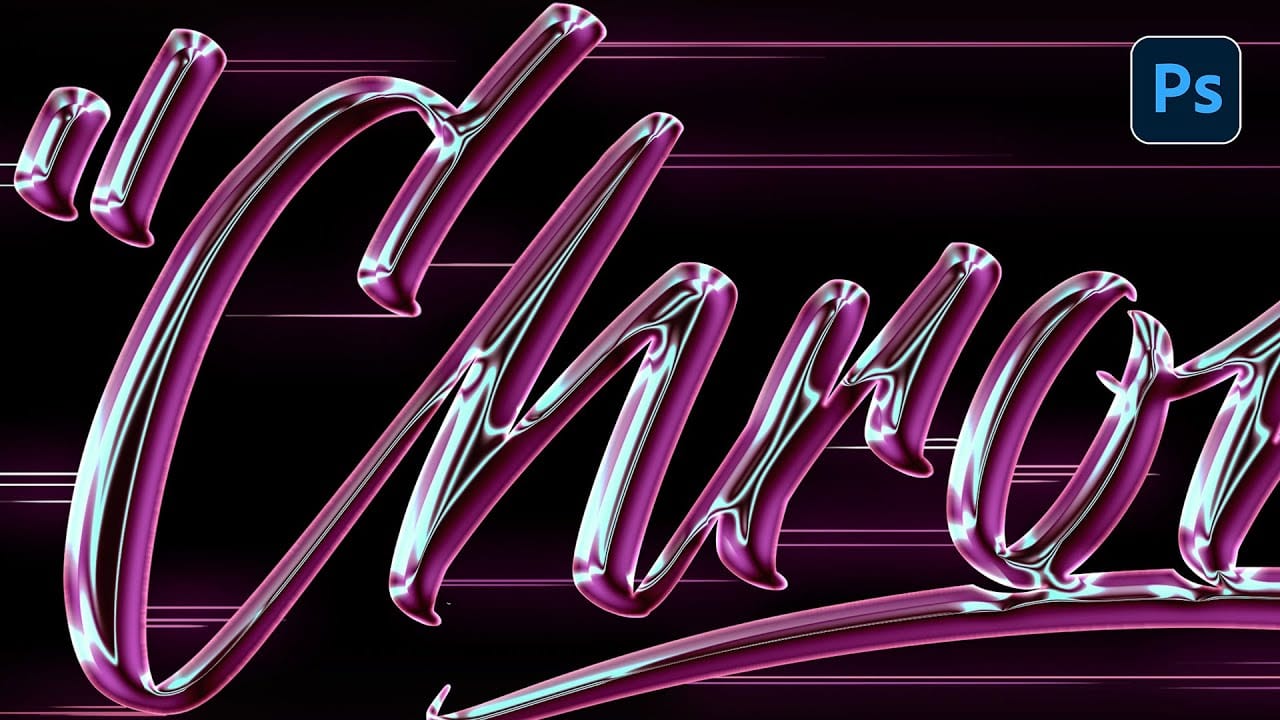
Molten metal text effects transform ordinary typography into blazing, dimensional masterpieces that appear to glow with intense heat. This technique combines strategic layer styles, textural overlays, and color grading to simulate the appearance of scorching hot metal with fiery edges and realistic surface details.
The process builds layers of metallic gradients, rust textures, and glowing ember effects that create convincing depth and heat distortion. Smart objects keep the text fully editable while preserving all the complex styling.
Watch the Video
Video by Dansky. Any links or downloads mentioned by the creator are available only on YouTube
Practical Tips
Master the molten metal effect with these essential techniques:
- Build the base metal appearance using gradient overlay with dark to light grays, then add bevel and emboss with chisel hard technique for realistic dimensional edges
- Layer multiple textures with different blending modes - use overlay for subtle surface details and color dodge for intense glowing hotspots
- Create clipping masks by grouping the text layer first, then clipping textures to the group rather than directly to styled text layers
- Apply the ripple filter to a duplicate smart object to simulate heat distortion on the lower portion while keeping the top crisp and readable
- Use blend if sliders while holding Alt to split the markers, creating smooth transitions that blend shadows and highlights naturally into underlying layers
Related Articles and Tutorials
Explore more advanced text effects and metallic surface techniques: