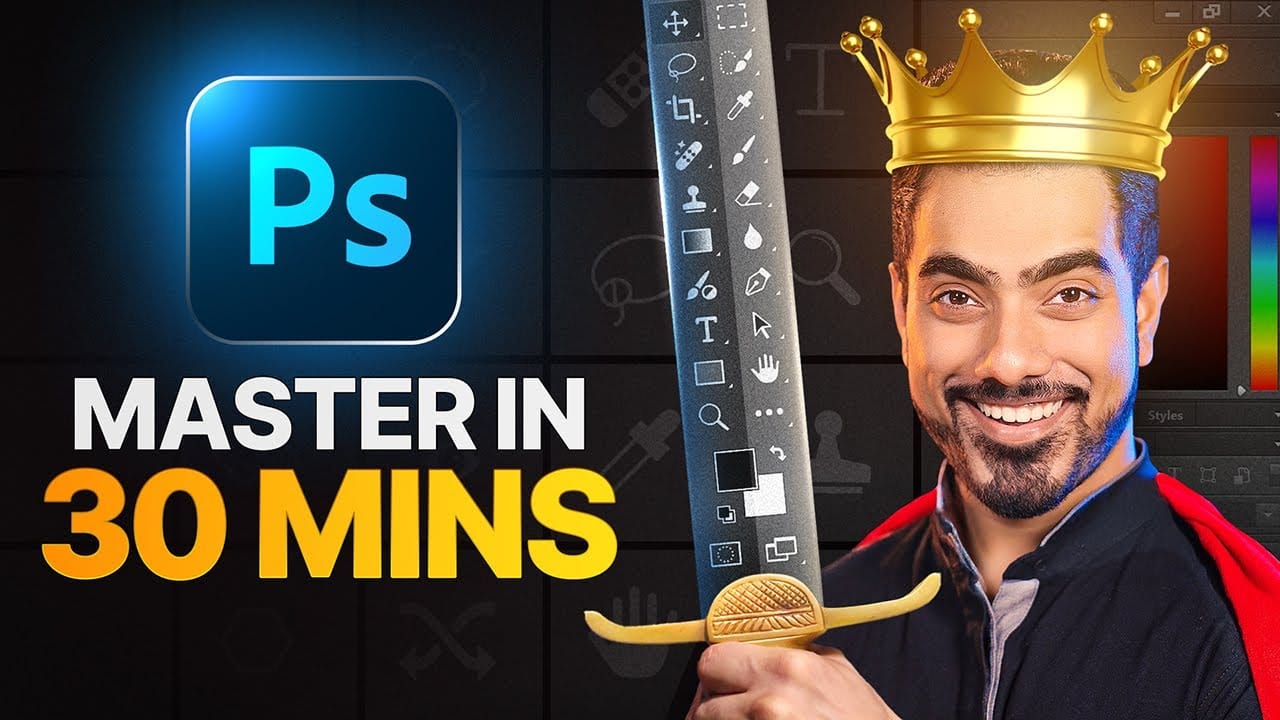
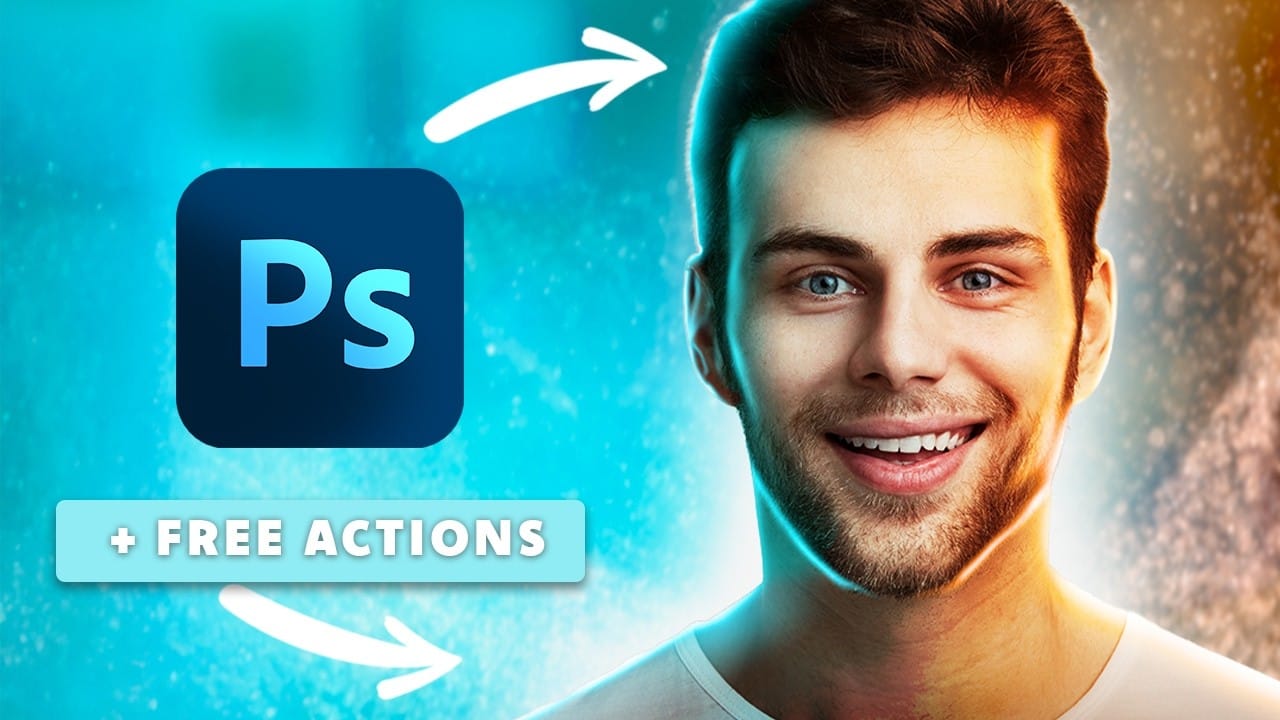
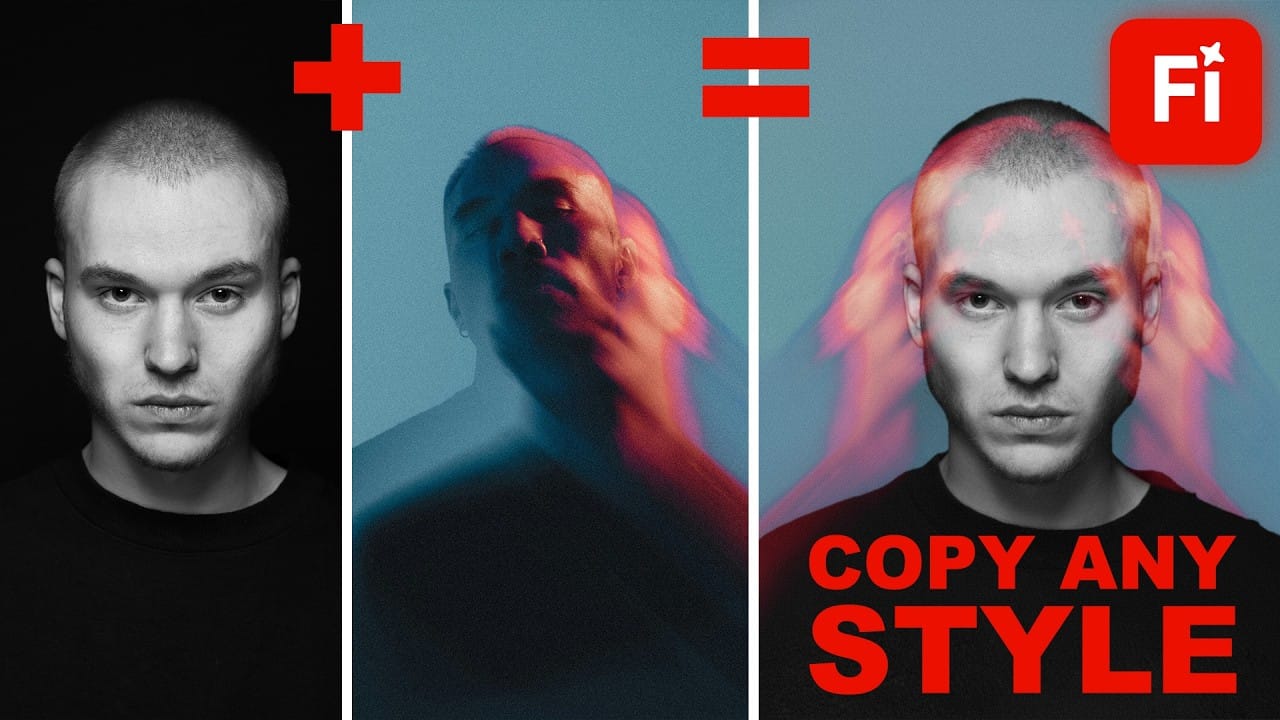
YouTube thumbnails serve as the first handshake between your content and potential viewers. A well-crafted thumbnail can mean the difference between a scroll-past and a click, directly impacting your video's success regardless of content quality.
This comprehensive workflow combines AI image generation with traditional design principles to create thumbnails that grab attention and drive clicks. The process covers everything from initial brainstorming and AI-powered image creation to advanced finishing techniques that make thumbnails pop on any screen size.
Watch the Video
Video by Nour Art. Any links or downloads mentioned by the creator are available only on YouTube
Practical Tips
These essential strategies will help you create thumbnails that achieve higher click-through rates and stand out in crowded video feeds.
- Use bright, vivid colors to create strong contrast against dark-themed interfaces - most viewers browse with dark mode enabled
- Shoot dedicated thumbnail photos instead of using blurry video screenshots for crystal-clear, professional results
- Position before-and-after elements correctly with "before" on the left and "after" on the right to match natural reading patterns
- Keep text minimal and powerful using short phrases that support your concept without overcrowding the design
- Test thumbnail readability on both phone and TV screens by placing mockups in actual interface screenshots
Related Articles and Tutorials
Explore more techniques for creating compelling visual content and mastering advanced design workflows.