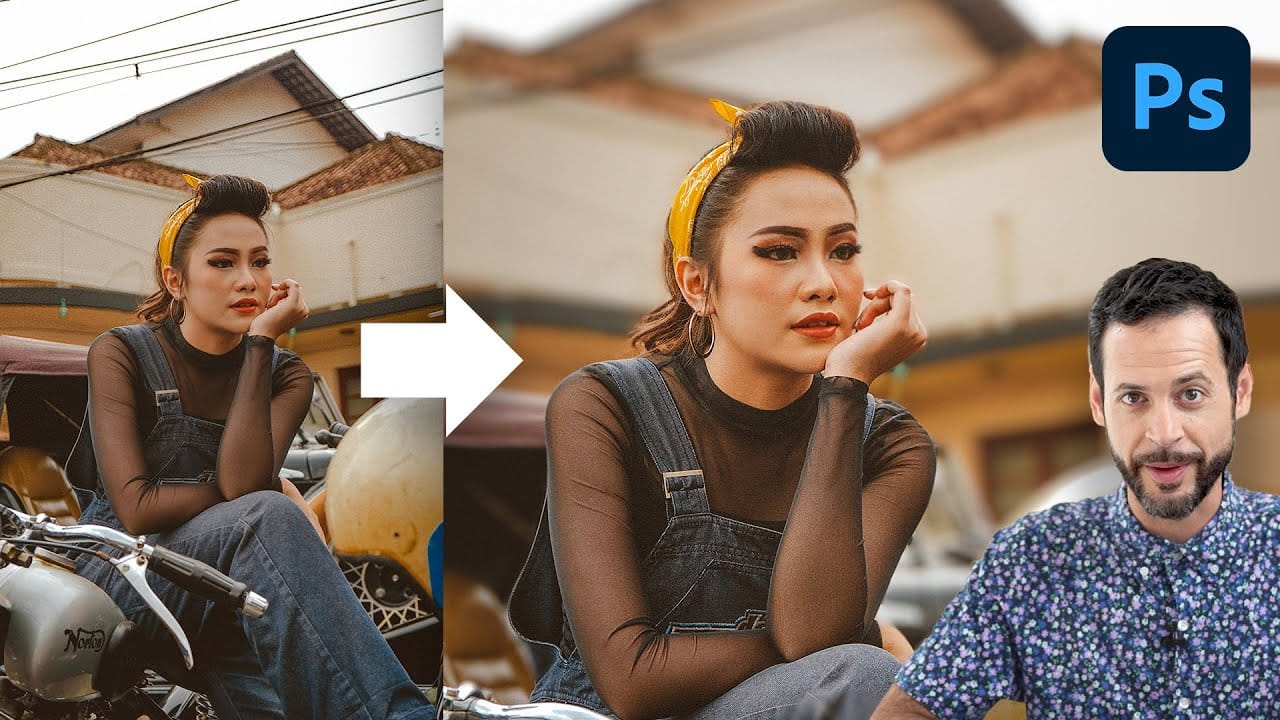
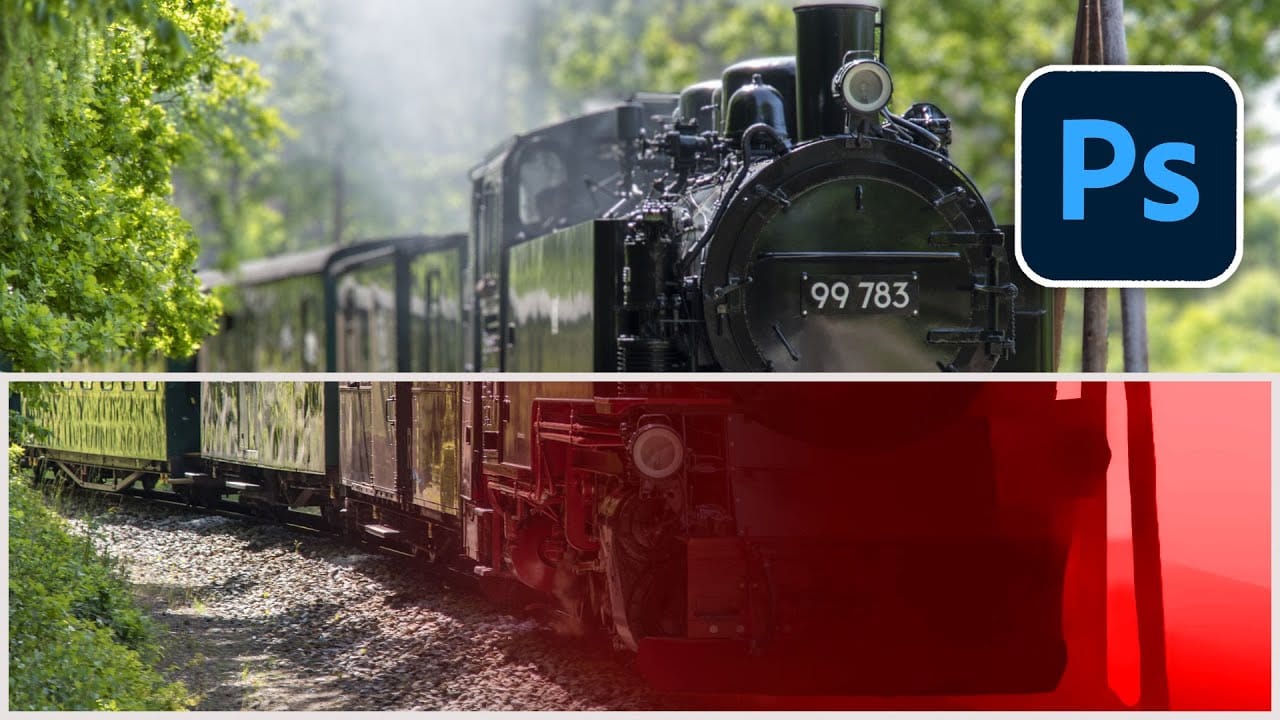
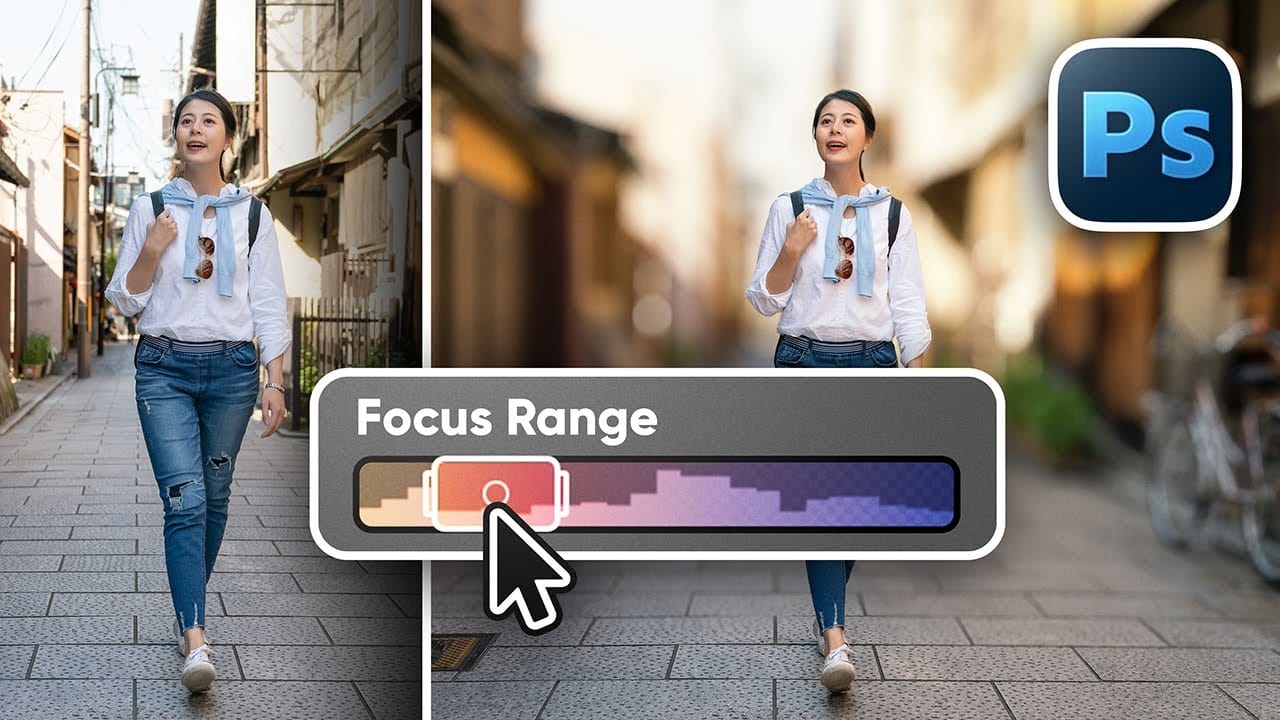
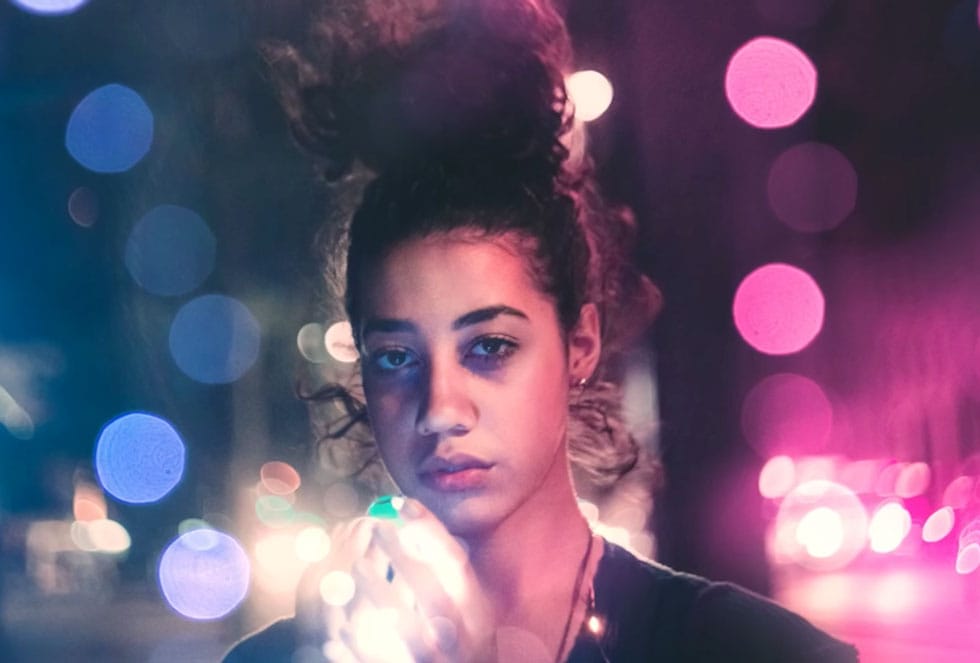
Creating professional depth of field effects can transform flat images into dynamic photographs with natural-looking focus transitions. Two powerful methods in Photoshop offer different advantages: Neural Filters provide automated depth detection with atmospheric effects like haze, while Camera Raw Filter delivers precise manual control with customizable bokeh shapes.
Both techniques work with the standard version of Photoshop and can simulate expensive camera lens effects on any photo with a wide depth of field.
Watch the Video
Video by Photoshop Arthouse. Any links or downloads mentioned by the creator are available only on YouTube
Practical Tips
These essential techniques will help you achieve realistic depth blur effects:
- Convert your image to a smart object before using Camera Raw Filter to enable non-destructive editing
- Use the depth map visualization to understand how the AI interprets distance in your photo
- Adjust the focal range by dragging the rectangle edges rather than starting over with new focal points
- Apply bokeh effects sparingly with the boost slider to maintain natural-looking blur
- Use the refinement brushes to manually correct areas where automatic detection fails
Related Articles and Tutorials
Explore more depth and blur techniques to enhance your photo editing skills: