Professional Eyebrow Retouching Techniques in Photoshop

Professional Eyebrow Retouching Techniques in Photoshop

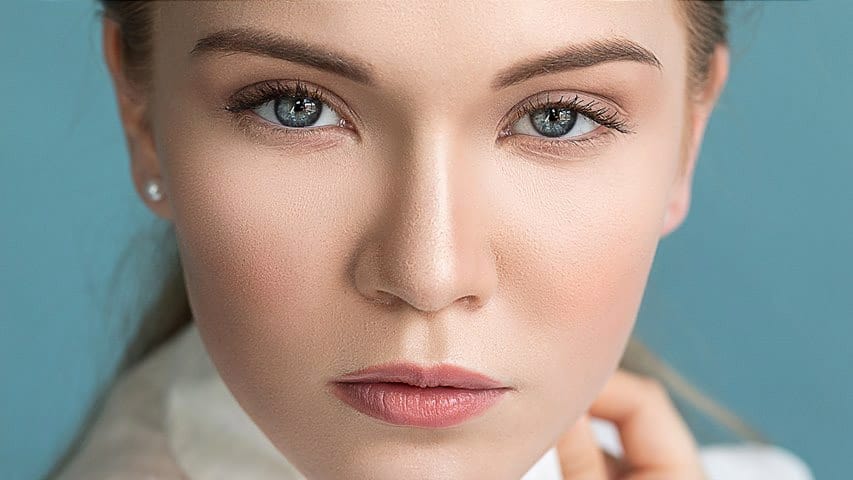
Well-shaped eyebrows frame the face and enhance natural beauty, but messy or sparse brows can distract from an otherwise perfect portrait. Professional eyebrow retouching involves more than quick fixes—it requires careful cleaning, filling gaps with hand-drawn hairs, and subtle shading to create natural-looking results.

This comprehensive approach combines cleaning techniques, realistic hair painting, and dodge-and-burn methods to transform unruly eyebrows into polished, professional-quality features that enhance the overall portrait.

Watch the Video

Video by Vera Change. Any links or downloads mentioned by the creator are available only on YouTube

Practical Tips

Master these essential techniques for creating natural-looking eyebrow retouching:

  • Use a very small spot healing brush (3-5 pixels) to remove stray hairs while preserving natural texture and avoiding damage to surrounding areas
  • Paint new hairs with single, confident strokes following the natural growth direction, making them thicker at the root and tapering toward the tip
  • Apply subtle gaussian blur (0.2 pixels) and add noise (2.5%) to hand-drawn hairs to make them appear more realistic and match existing texture
  • Create a soft light dodge-and-burn layer at 1% flow to gently even out brightness variations and create natural-looking depth throughout the brows
  • Use a graphics tablet for drawing individual hairs, as precise pen control makes creating realistic hair strokes much easier than using a mouse

Explore more professional beauty retouching techniques to enhance your portrait editing skills.
Easy Beauty Retouching in Photoshop
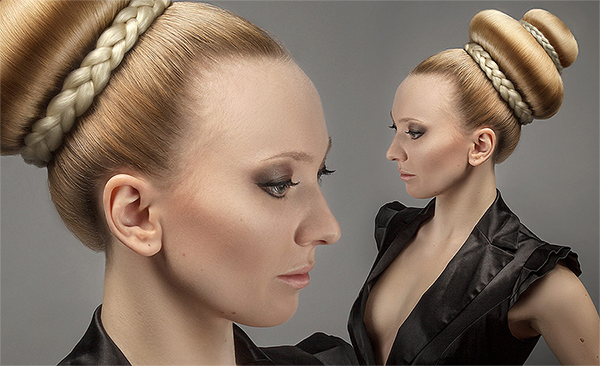
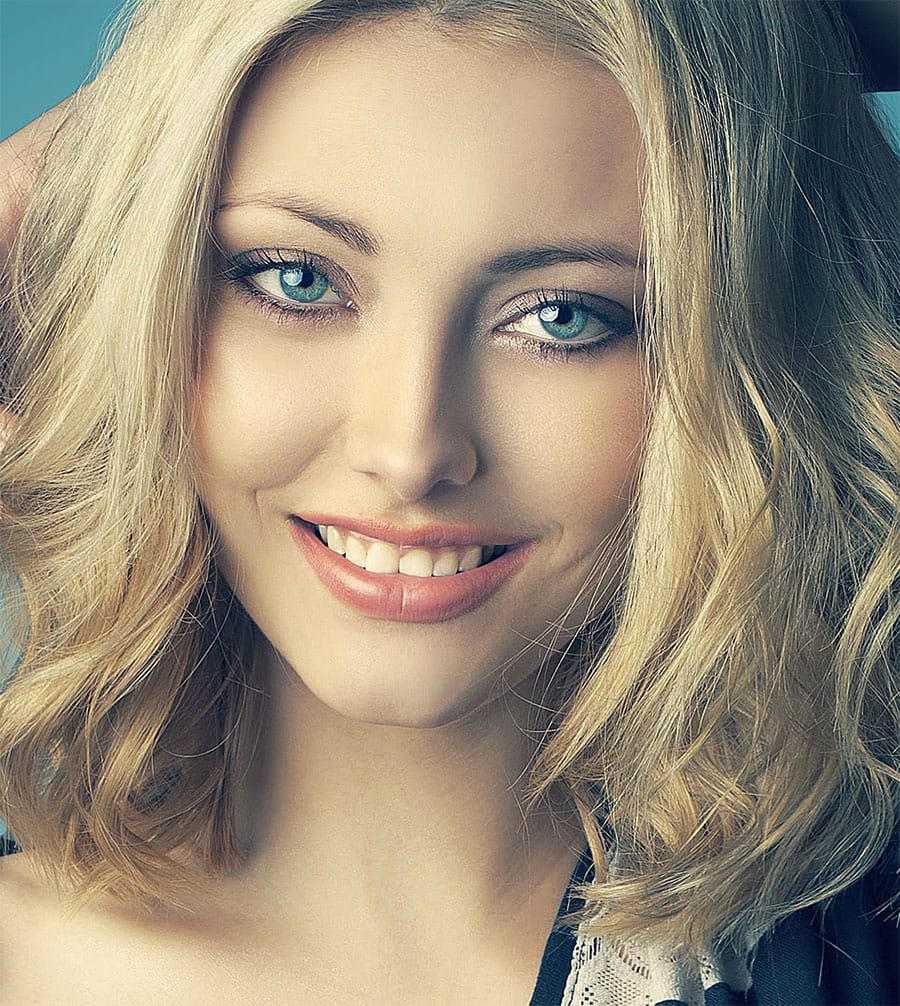
In this comprehensive Photoshop tutorial by PSD Box, you'll explore various fashion retouching techniques. Learn how to paint realistic hair, retouch skin, and much more. This tutorial is ideal for photographers looking to enhance their studio or fashion portraits, as well as anyone interested in mastering retouching skills in Photoshop. Whether you're a professional or a hobbyist, these techniques will help you create stunning, polished images. Enhance your retouching expertise and elevate th
Enhanced Beauty Retouching Techniques
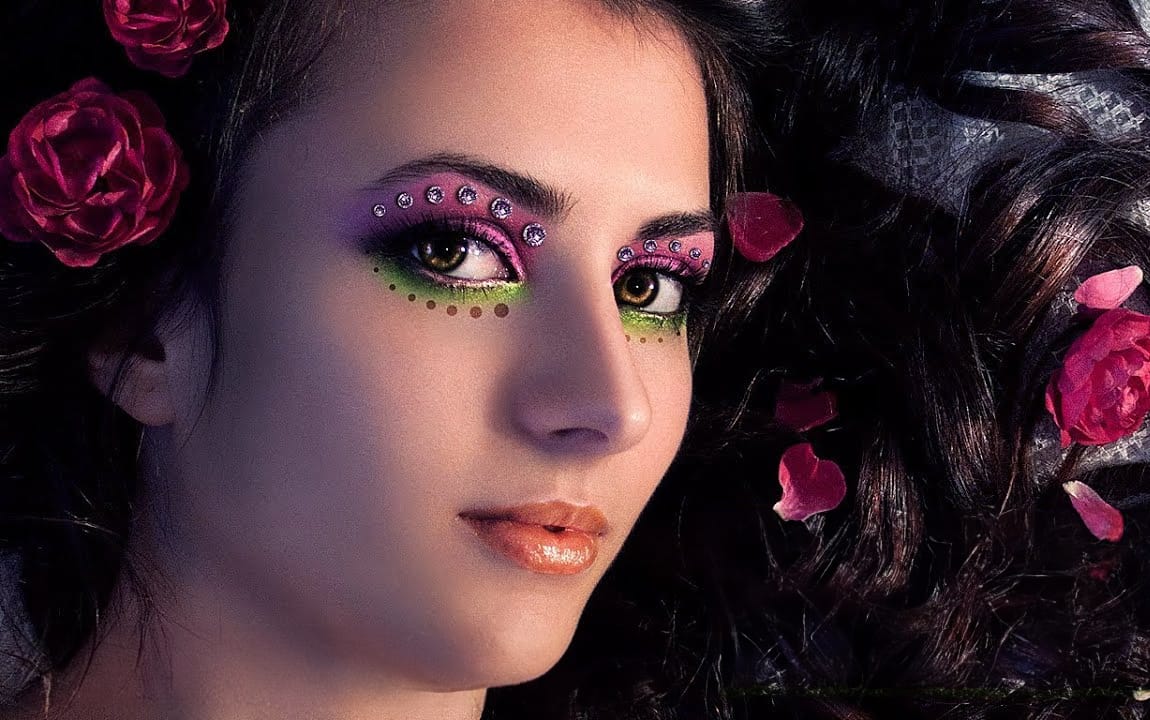
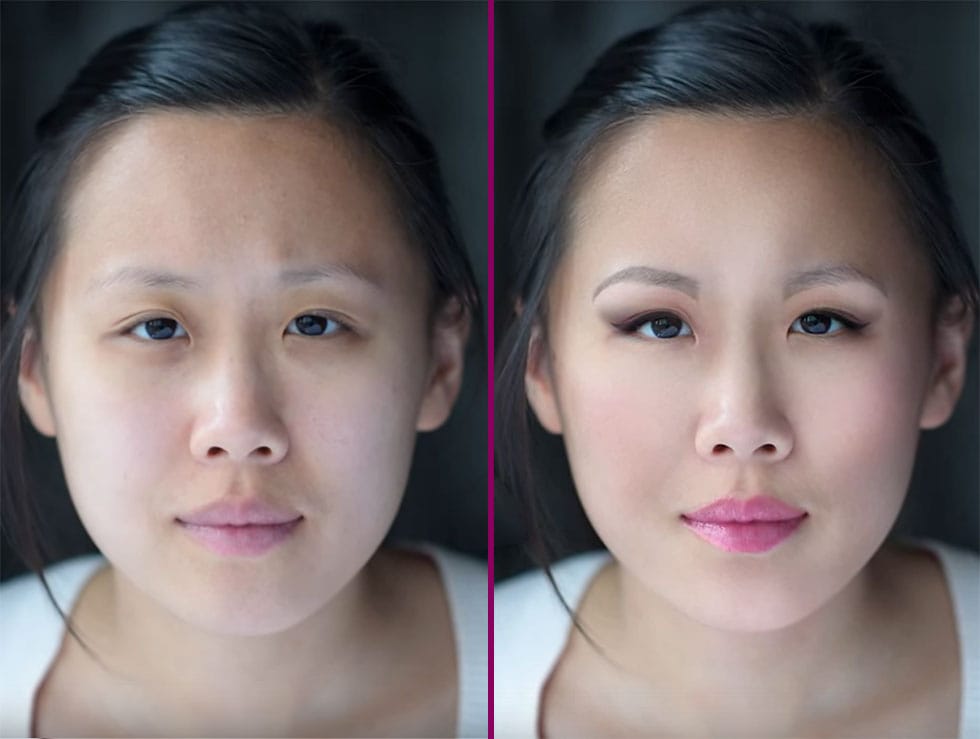
In this video tutorial by Andrei Oprinca from PSDBox, learn basic beauty retouching techniques to enhance a portrait image. You'll discover how to clear blemishes, apply makeup, and enhance features like the eyes and lips. Additionally, the tutorial goes beyond standard retouching by demonstrating how to add glamour to your portrait with eyelid jewels using stock images. Perfect for anyone looking to improve their portrait editing skills and add a touch of elegance to their images. Watch tuto
Start to finish high-end skin retouching in Photoshop
PiXimperfect's tutorial offers a comprehensive guide to high-end beauty retouching in Photoshop. The author explores the power of advanced frequency separation, a technique that enables flawless skin retouching with smooth skin and amazing texture. The tutorial takes the viewer through the complete process, starting from basic adjustments in Lightroom and then moving on to Photoshop. Viewers will learn how to enhance portraits, addressing various aspects from start to finish, and ultimately exp
Create and Shape Eyebrows in Photoshop
Well-shaped eyebrows dramatically transform facial appearance, yet many portraits suffer from sparse or poorly defined brows. This technique shows how to create custom brushes that paint individual hairs, producing natural-looking eyebrows that enhance any portrait. The method builds a reusable brush system that works for both eyebrows and eyelashes, making it valuable for consistent portrait retouching work. Watch the Video Practical Tips Master these essential techniques for creating rea
High-End Skin Retouching in Photoshop
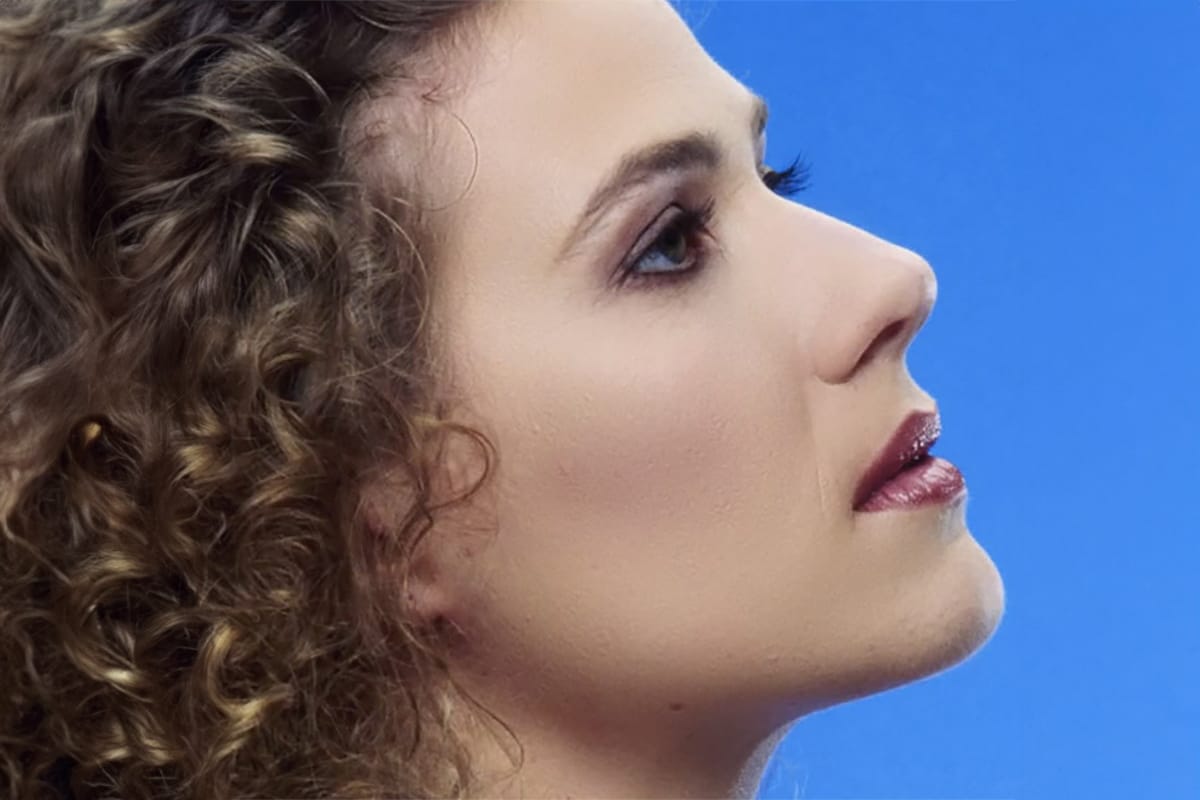
Combining the power of Frequency Separation along with manual Sampling and Painting, learn how to recreate and sculpt the skin, maintaining a beautiful skin texture, in this tutorial by PiXimperfect. Using this technique, you will not only achieve a smooth skin but also will have the control to naturally remove wrinkles, lift up the cheekbones, and renovate the whole structure of the skin with the skin texture still intact. This is an All-in-One Method whether you want to soften the skin or jus
Advanced hair retouching
In this advanced Photoshop tutorial by FX-Ray, learn professional techniques for hair retouching. The video highlights the importance of a good hair stylist and makeup artist to minimize post-production work. Key steps include using the clone stamp tool for flyaway hairs, hue/saturation adjustment layers for color correction, and the healing brush tool for adjusting hair density. Advanced techniques like frequency separation help edit hair texture without altering color. Additional tools like t
Complete Makeup Retouching in Photoshop
In the four-video tutorial series by Impossible Color, viewers can learn the basics of applying digital makeup to their photos in Photoshop. The first video teaches how to smooth out the skin without creating a fake, blurry, or plastic look, keeping the natural pores and details of the skin while removing blemishes and other imperfections. The second video in the series focuses on shaping the face with natural-looking contours and highlights without losing any of the detail. This technique is
Natural Skin Smoothing in Photoshop
Professional beauty retouching demands techniques that smooth skin while preserving natural texture. This advanced method combines inverted layers with Vivid Light blend mode to create seamless skin enhancement without the artificial "plastic" look common in over-processed images. The technique works by canceling out layer information through inversion, then selectively applying blur and sharpening filters to reconstruct realistic skin texture while eliminating blemishes and color irregularitie
Learn how to cut things out like a pro in Photoshop
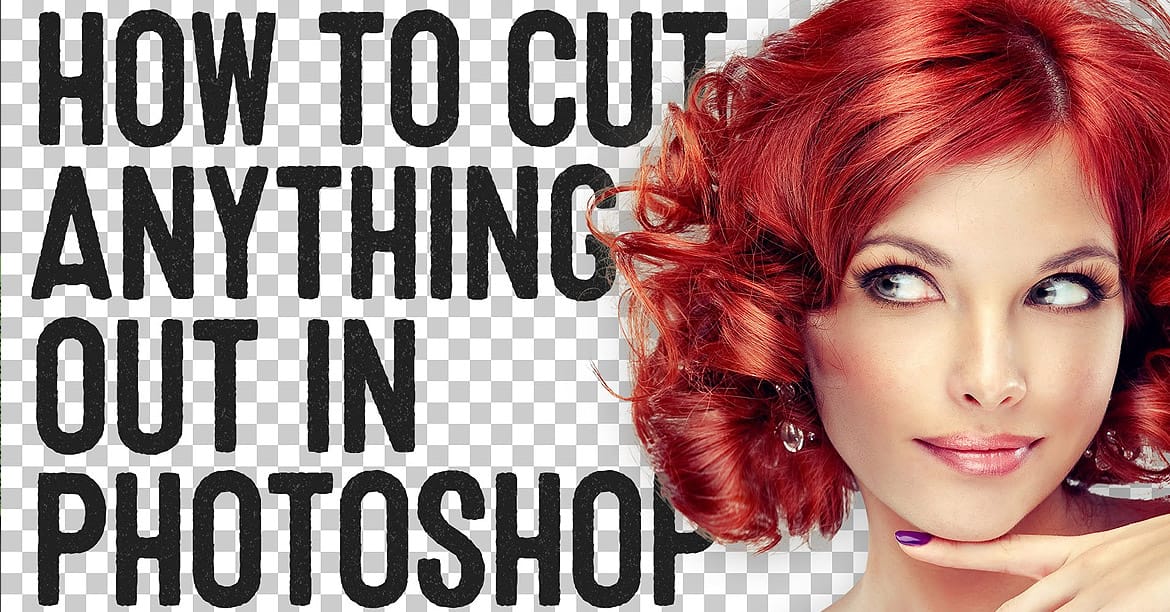
If you're using Photoshop, chances are you're going to have to clip a subject from its background and work your editing magic. As a newbie, you may have been using the eraser tool to death, making memes that you hope would impress your Facebook friends and go viral. Well, that's fine. But, ever wondered how to retouch a bad hair cut or trim a bonsai plant for a professional retouching job? This video is your answer. Watch, practice, and repeat. In no time, you'd be editing fur. Yes, fur. And wh
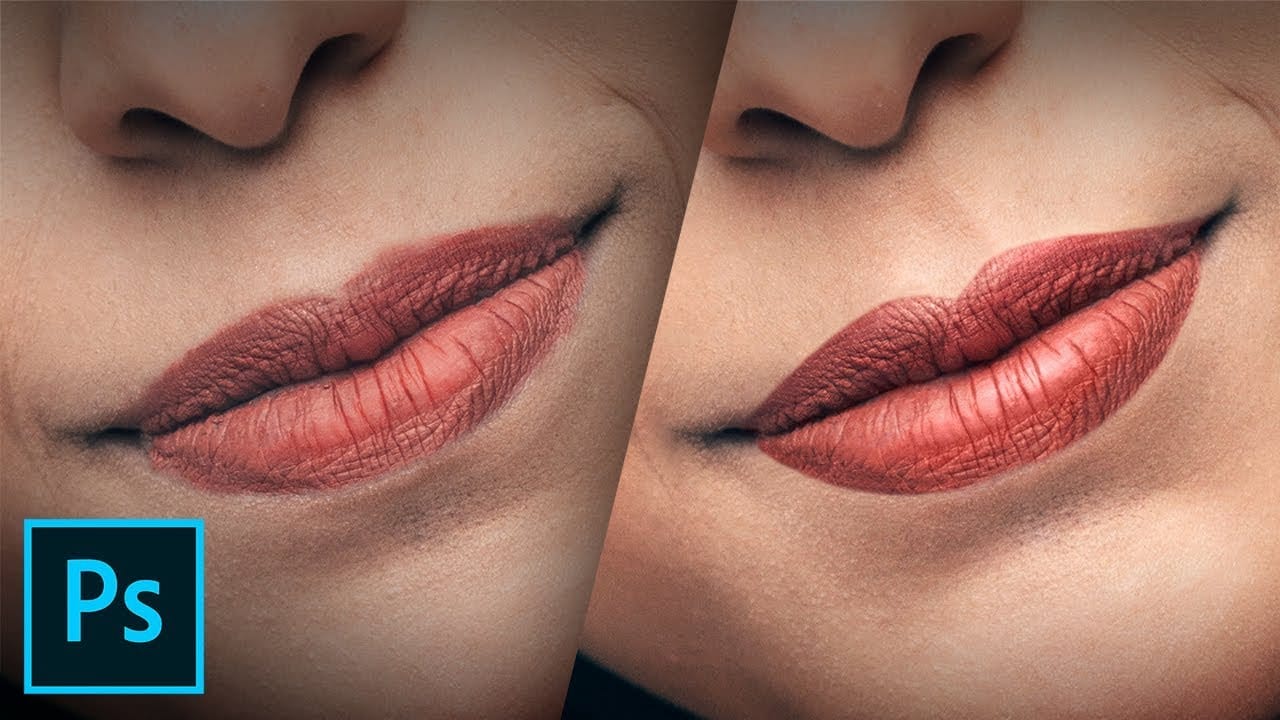
How to Create Beautiful Lips in Photoshop with Professional Techniques
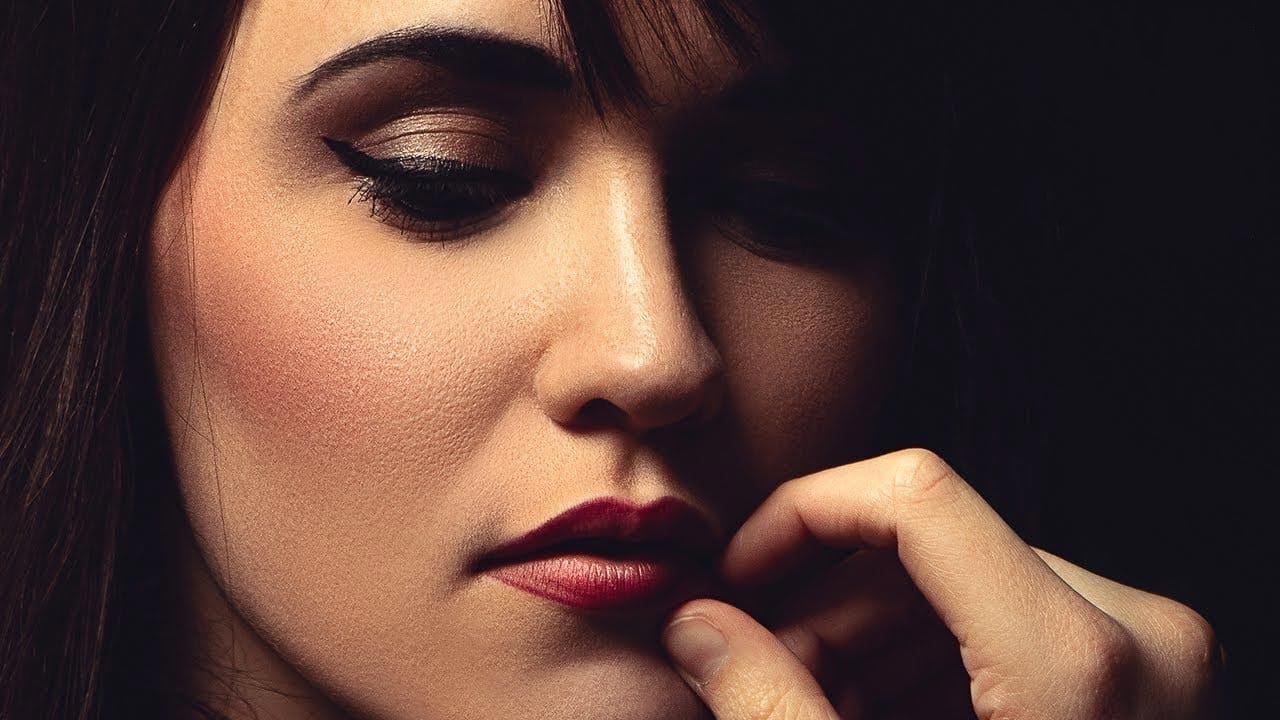
Transform ordinary lip photos into stunning, polished portraits using a proven four-step method that combines cleaning, shaping, dodging and burning, and adding strategic shine. This comprehensive approach removes distractions while enhancing natural beauty, creating lips that look clean, dimensional, and professionally retouched. The technique uses curves adjustment layers and masking to build up brightness and shadows gradually, giving you complete control over the final result while maintain

Get tutorials & freebies delivered to you.

Subscribe to the Photoshop Roadmap newsletter, a weekly roundup of new tutorials, insights and quality downloads, trusted by 6500+ readers.

You might also like

How to Create Natural Glow and Highlights Using Blend If in Photoshop

Creating natural-looking highlights and skin glow in portraits requires techniques that enhance existing light rather than adding artificial effects. The Blend If feature in Photoshop offers precise control over how highlights appear, targeting only the brightest areas of your image while preserving natural skin texture. This method works by selectively...

How to Change Lip Color in Photoshop - 5 Methods with Exact Color Matching

Changing lip color in portrait photography often requires matching specific lipstick shades or experimenting with different looks. Whether you need to match client requests or fix color inconsistencies, having multiple techniques ensures you can achieve natural-looking results. The key to realistic lip color changes lies in preserving the original highlights...

How to Add Natural-Looking Freckles in Photoshop Using Custom Brushes

Adding realistic freckles to portraits can bring warmth and character to your subjects while enhancing their natural beauty. This technique uses specialized freckle brushes combined with strategic blending modes and adjustment layers to create convincing, naturally-placed freckles that complement the skin tone and lighting. The key to success lies in...

How to Retouch Nails in Photoshop: Quick Beauty Techniques

Nail retouching doesn't need to consume hours of your editing time. Three simple techniques can handle most common nail issues: cleaning up cuticles and surrounding skin, extending nail polish edges with the clone stamp tool, and using liquify to reshape grown-out nails. These methods work on separate layers...

Professional Freckled Skin Retouching Workflow in Photoshop

Retouching freckled skin presents unique challenges that require balancing flawless enhancement with natural character preservation. This comprehensive workflow demonstrates professional techniques for cleaning, refining, and color grading portraits while ensuring freckles remain the beautiful focal point they're meant to be. Watch the Video Follow along with this complete...

Natural Makeup Enhancement in Photoshop

Beauty photography often presents challenges when makeup doesn't translate perfectly from the shoot to the final image. Environmental factors like heat, movement, and lighting can cause foundation to settle into fine lines, mascara to clump, or lip color to appear washed out in post-processing. Professional retouching techniques can...

You’ve successfully subscribed to Photoshop Roadmap
Welcome back! You’ve successfully signed in.
Great! You’ve successfully signed up.
Success! Your email is updated.
Your link has expired
Success! Check your email for magic link to sign-in.