Transform Photos into Architectural Blueprint Drawings in Photoshop

Transform Photos into Architectural Blueprint Drawings in Photoshop

Architectural blueprints represent precision and technical artistry, with their distinctive blue tones and crisp white lines creating an instantly recognizable aesthetic. This classic design language transforms ordinary building photographs into professional-looking technical drawings that capture the essence of architectural documentation.

This tutorial demonstrates how to recreate that iconic blueprint appearance using Photoshop's design tools. The process combines perspective correction, edge detection, and strategic color application to achieve authentic results.

Watch the Full Tutorial

Video by Photoshop Arthouse. Any links or downloads mentioned by the creator are available only on YouTube

Practical Tips for Creating Blueprint Effects

  • Correct perspective distortion before applying effects to ensure architectural lines appear properly vertical and horizontal
  • Use Smart Objects to maintain flexibility when adjusting filters and effects throughout the editing process
  • Apply the Find Edges filter after converting to black and white for cleaner line detection
  • Create precise borders using Inner Glow and Stroke layer styles with specific pixel measurements
  • Use the Screen blend mode when applying blue color overlays to preserve line visibility

More Tutorials About Photo Transformations

These related articles explore different approaches to creative photo manipulation and artistic effects.

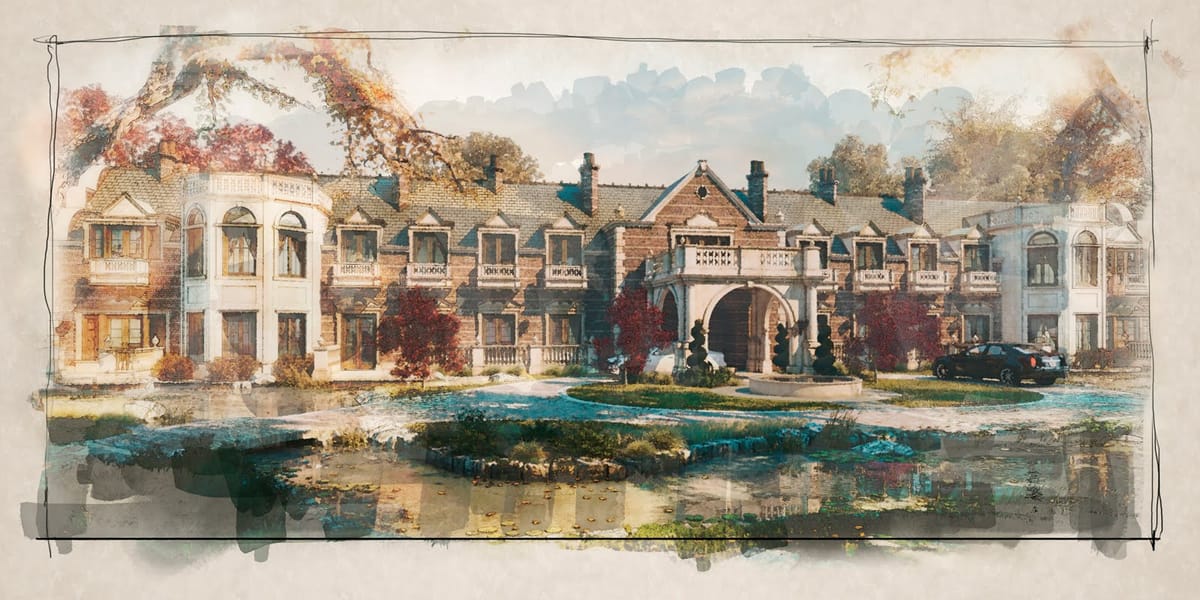
Apply a beautiful watercolor effect to an architectural rendering in Photoshop
In this tutorial you will learn how to apply a watercolor effect to an image in Photoshop. In this case, a beautiful architectural rendering was used. More
Create a Colorful Xerox Photocopy Effect in Photoshop
The distinctive look of vintage photocopying machines creates a unique aesthetic that blends sharp contrasts with colorful accents. This retro effect transforms ordinary photographs into stylized artwork reminiscent of 1980s design and underground art movements. This tutorial demonstrates how to recreate that classic xerox appearance using Photoshop’s adjustment layers, filters,
Common Real Estate Photography Mistakes That Cost You Clients
Real estate photography demands a unique balance between technical precision and marketing effectiveness. Many photographers entering this field bring solid technical skills but struggle with the specific requirements that make property images sell. Unlike other photography genres, real estate work serves a clear commercial purpose where every compositional choice directly
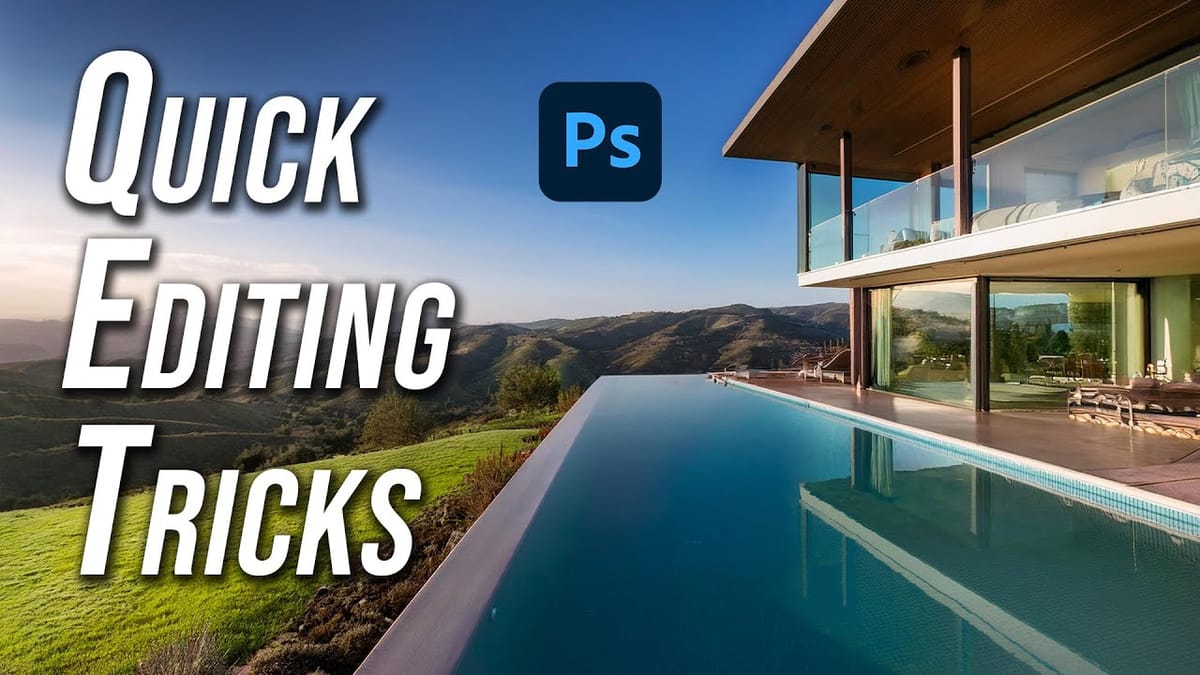
5 Hidden Photoshop Tips for Real Estate Photography Editing
Elevating real estate photography requires precision in post-production. Applying specific Photoshop techniques can dramatically improve image quality and accelerate your editing process. Many powerful features remain underutilized, yet offer significant benefits for property visuals. This tutorial highlights five key Photoshop techniques, often overlooked, that are particularly effective for real estate

Get tutorials & freebies delivered to you.

Subscribe to the Photoshop Roadmap newsletter, a weekly roundup of new tutorials, insights and quality downloads, trusted by 6500+ readers.

You might also like

Basic Photoshop techniques you really need to learn

Photoshop hasn’t changed as much as it looks. New features come and go, but the same core techniques keep showing up in real work. If you skip them, everything feels harder than it should. This post focuses on those basics, not as isolated tricks, but as skills you’ll...

How to Use Select Subject for Background Removal and Edge Refinement

Background removal becomes effortless when you know how to use the right tools. AI-powered selection can instantly isolate subjects from their backgrounds, but the real skill lies in refining those selections to create professional results. This guide covers the complete workflow from initial selection to edge refinement, plus creative techniques...

How to Wrap Text Around Any Shape in Photoshop

Creating text that flows naturally around irregular shapes transforms static layouts into dynamic, professional designs. This technique works particularly well for posters, magazine layouts, and editorial designs where text needs to integrate seamlessly with complex subjects rather than simply sitting in rigid rectangular boxes. The process combines selection tools, path...

How to Edit Text in Images Using Generative Fill

Changing text within existing images has traditionally required complex masking and reconstruction techniques. Modern AI-powered tools now make it possible to seamlessly replace words and phrases in photographs while maintaining realistic typography, lighting, and perspective that matches the original scene. This technique works particularly well for signs, storefronts, billboards, and...

How to Remove Dust and Sensor Spots Using Photoshop Tools

Dust spots and sensor particles are inevitable challenges in digital photography, appearing as dark specks that distract from otherwise clean images. Camera sensors collect dust over time, creating consistent spots that show up across multiple photos, particularly in bright sky areas or uniform backgrounds. Both Lightroom and Photoshop offer specialized...

Photoshop vs Affinity Photo: Feature Comparison and Professional Analysis

When choosing professional photo editing software, the decision often comes down to comparing features, performance, and value. This detailed comparison examines the core capabilities of both applications across noise reduction, smart selections, object removal, masking, and AI-powered tools. The analysis covers real-world scenarios that professionals encounter daily, from complex background...

You’ve successfully subscribed to Photoshop Roadmap
Welcome back! You’ve successfully signed in.
Great! You’ve successfully signed up.
Success! Your email is updated.
Your link has expired
Success! Check your email for magic link to sign-in.